
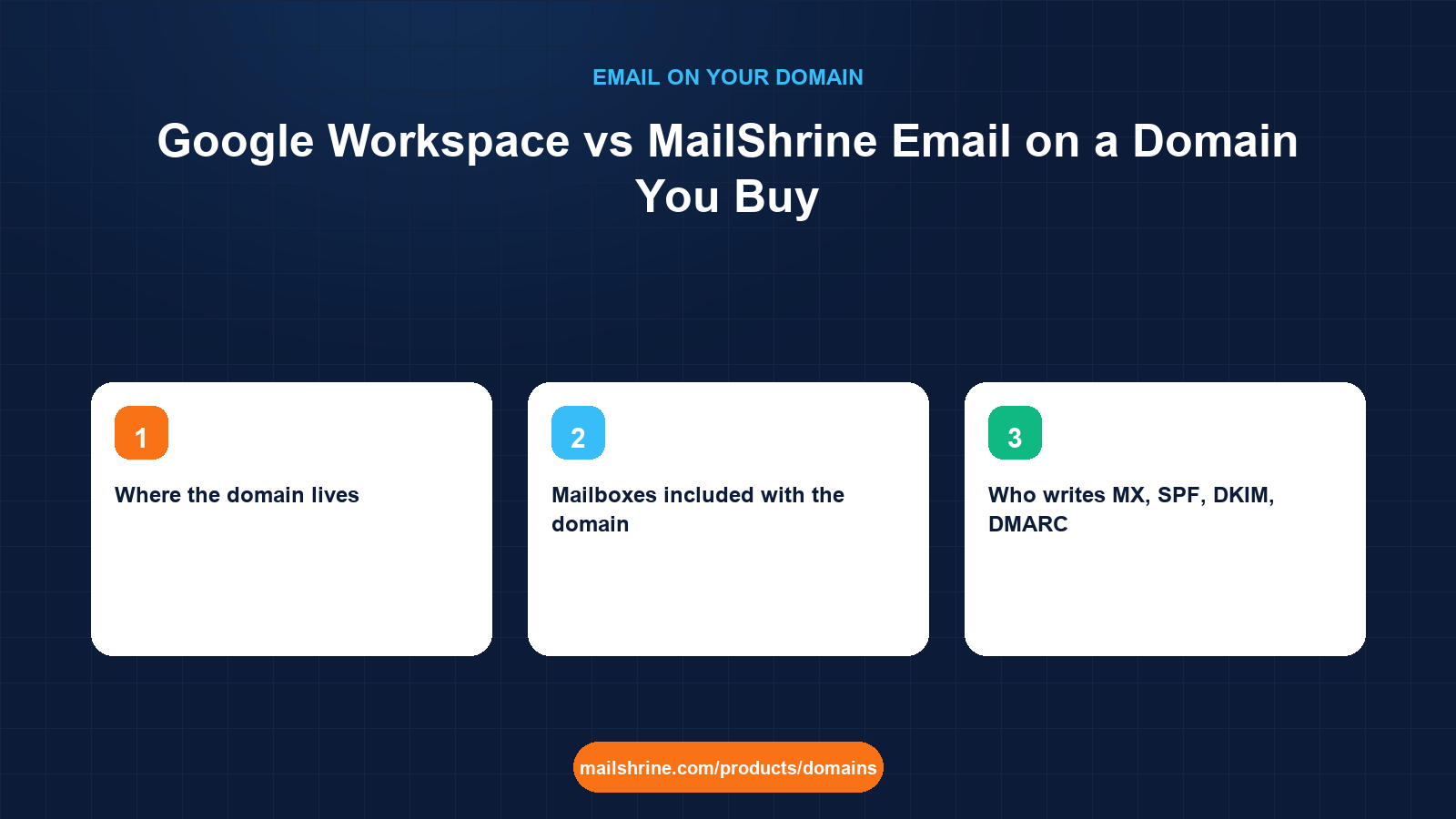
Google Workspace vs MailShrine is a comparison between two ways of putting mailboxes on a domain you own. Workspace is Google's per-user subscription that attaches Gmail, Drive, Docs and Meet to your domain, and it assumes you bought the domain somewhere else and will paste its MX and verification records into that registrar's DNS. MailShrine sells the domain and the mailboxes together, writes the records itself, and includes two mailboxes with every domain before any subscription starts.
Neither is wrong. The right choice depends on whether your team already lives in Google's apps, how many mailboxes you need, whether you want one bill or two, and how much DNS work you are willing to do yourself. This guide lays the two out honestly, including the cases where Workspace is the better answer.
MailShrine Domains is a registrar first. A domain registered here comes with MX, SPF, DKIM and DMARC written at registration and two Business Email mailboxes with webmail, calendar, drive and two-factor authentication. If you outgrow two, the Solo plan covers 5 mailboxes, Team 15 and Business 50. And if you decide on Workspace anyway, the DNS editor takes Google's records like any other.
Real-life example: Jordan's bookkeeping practice
Jordan Lee runs Maple Ledger Bookkeeping in Leslieville, Toronto, with one part-time associate. Jordan has been on a personal Gmail account for the business and is about to register mapleledger.ca. The question is simple: buy the domain and add Google Workspace for two users, or buy the domain with mailboxes included and skip the second subscription. Jordan uses Google Sheets heavily for client work but does not need Meet, and the associate works two days a week.
Jordan's goals this week:
- Understand what each option actually includes for two people.
- Know how much DNS work each requires and who is responsible when something breaks.
- Decide, and have mail working on
mapleledger.cabefore month-end invoicing.
Side by side for a two-person business
| Factor | Domain plus Google Workspace | MailShrine domain with included email |
|---|---|---|
| Where the domain lives | Any registrar; Workspace does not include one | MailShrine, with Openprovider or Dynadot as the upstream registrar |
| Mailboxes included with the domain | None; each user is a paid Workspace seat | Two, with webmail, calendar, drive, 2FA |
| Who writes MX, SPF, DKIM, DMARC | You, from Google's instructions, in the registrar's DNS editor | Written automatically at registration |
| Domain verification step | Required: a TXT record Google checks before activating | Not needed; the registrar is the mail host |
| Office apps | Gmail, Drive, Docs, Sheets, Meet, Calendar | Webmail, calendar, drive; Sheets stays usable with a free Google account |
| Bills | Two: registrar yearly, Google per user monthly or yearly | One: the domain, with optional Business Email plan |
| Growing to 6–15 people | Add seats, per user | Move to Team (15 mailboxes) |
| Admin surface | Google Admin console, separate from the registrar | One dashboard for domain, DNS and mail |
Workspace's Business Starter tier is priced per user per month, with a discount for an annual commitment, and includes 30 GB of pooled storage per user. For two people it is a modest monthly line; for fifteen it is a meaningful one. MailShrine's two included mailboxes cost nothing beyond the domain's yearly fee, typically $12.99 for a .com.
When each one wins
| Situation | Better fit | Why |
|---|---|---|
| Team collaborates in Docs and Meet all day | Workspace | The apps are the product; email is the entry point |
| One to two people who need a professional address | MailShrine included mailboxes | Zero extra subscription, zero DNS setup |
| Agency buying domains for clients | MailShrine | Each client domain arrives with working mail and privacy on |
| Company already on Workspace adding a second domain | Workspace as a secondary domain | Keep one admin console; register the domain anywhere and add the records |
| Business sending heavy marketing volume | Either, with a dedicated sending tool | Neither mailbox product is a bulk sender |
| Owner who wants domain and mail from one support desk | MailShrine | One place to ask when something breaks |
What you need before you start
| You need | Why |
|---|---|
| The domain, or its availability result | Check it in the availability checker before planning around it |
| A count of mailboxes for the next 12 months | Two included vs per-seat pricing is the biggest cost difference |
| A list of Google apps you actually use | Sheets alone works with a free Google account; Meet and shared Drives need Workspace |
| Comfort level with DNS | Workspace requires you to add at least an MX and a verification TXT yourself |
| Your payment currency | MailShrine takes USD by card or Naira via Paystack; Google bills in local currency where supported |
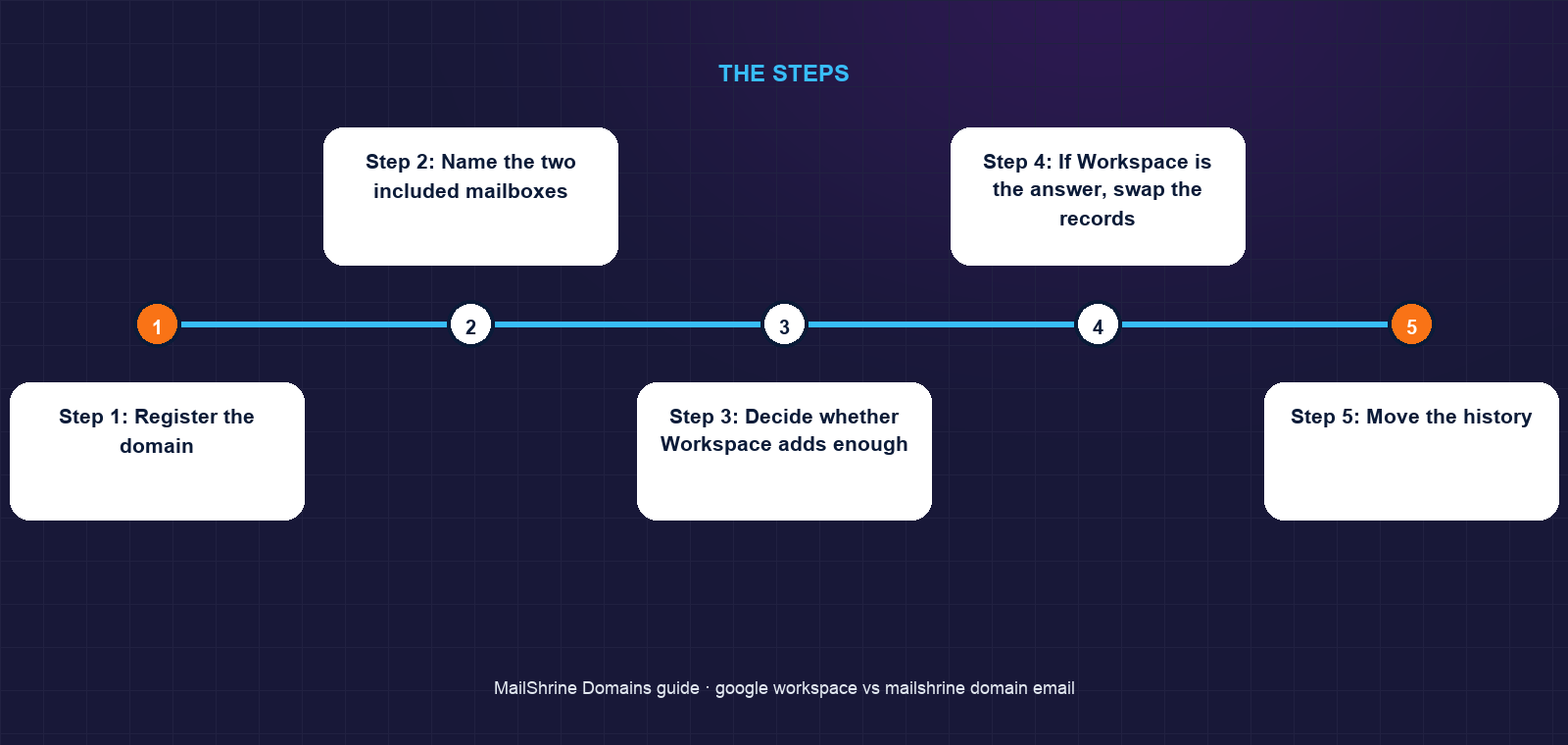
Step 1: Register the domain
Jordan searches mapleledger.ca and registers it for two years with privacy and transfer lock left on. Whether or not Workspace comes later, this step is the same, and the mail records are written as part of it.
Step 2: Name the two included mailboxes
jordan@mapleledger.ca and accounts@mapleledger.ca. Jordan enables 2FA on both. Mail is working at this point; a test from Gmail arrives in webmail within a minute.
Step 3: Decide whether Workspace adds enough
Jordan lists the Google features actually used: Sheets and Drive for client files. Both work from a free Google account, and client sharing works by email address regardless of domain. Meet is used twice a year. The associate needs one mailbox. Two included mailboxes cover it.
Step 4: If Workspace is the answer, swap the records
Had Jordan chosen Workspace, the path is: sign up with mapleledger.ca, add Google's verification TXT in the MailShrine DNS editor, wait for Google to confirm, replace the MX record with Google's, add Google's SPF include to the existing SPF record, publish Google's DKIM key under its selector, and keep the DMARC record. The included MailShrine mailboxes stop receiving once MX changes, so create the Workspace users first.
Step 5: Move the history
Jordan uses the webmail's IMAP import to pull three years of Gmail into jordan@, sets Gmail to forward to the new address, and adds an auto-reply pointing contacts to it.
Jordan's checklist
- Registered
mapleledger.cafor two years, privacy and lock onCompleted - Renamed the two included mailboxes and enabled 2FACompleted
- Listed Google apps in real use and confirmed Sheets works without WorkspaceCompleted
- Decided the two included mailboxes cover both peopleCompleted
- Imported Gmail history over IMAPNot completed
- Set Gmail forwarding and auto-replyNot completed
- Revisit in 12 months if the team grows past twoNot completed
Common mistakes
Buying Workspace for the email and never using the apps. If the team lives in Excel and Zoom, the per-seat fee buys a Gmail interface and little else.
Changing MX before Workspace users exist. Mail routes to Google the moment resolvers see the new record, and Google rejects mail for users it has not created yet.
Adding Google's SPF as a second record. One v=spf1 record per domain. Add include:_spf.google.com into the existing record.
Forgetting the domain is a separate renewal. Workspace billing does not renew the domain. Renewal reminders arrive from the registrar at 30, 7 and 1 day; keep that contact address live.
Assuming free Google accounts cannot collaborate with Workspace users. Sharing a Sheet to jordan@mapleledger.ca works from any Google account; the address does not have to be a Workspace account to receive the invitation, though editing requires signing in with a Google account linked to it.
Check your work
Whichever route you chose, the test is the same. Send from an outside Gmail account to your new address and confirm it arrives. Send from the new address back and open "Show original": SPF, DKIM and DMARC should all pass. If you went to Workspace, Google Admin should show the domain as verified and Gmail as active. If you stayed on the included mailboxes, the MailShrine dashboard should show both mailboxes with 2FA badges and the Email section marked complete.
FAQ
Can I use Google Workspace on a domain I bought from MailShrine?
Yes. Add Google's verification TXT, MX, SPF include and DKIM key in the DNS editor. The included MailShrine mailboxes stop receiving once MX points at Google, so create your Workspace users first.
Can I start on the included mailboxes and move to Workspace later?
Yes, and this is a common path. Export or IMAP-migrate the mailboxes, create the Workspace users, then switch the records. Plan it after the 60-day post-registration window if you also intend to transfer the domain anywhere.
Does Google Workspace include a domain?
No. Google stopped selling domains when Google Domains was sold to Squarespace in 2023. Workspace signup can route you to buy a domain from a partner, but it is a separate purchase and renewal.
What does MailShrine's included email lack compared with Workspace?
Google's shared Drives, Meet, and the depth of Docs and Sheets collaboration. The included mailboxes cover mail, calendar, basic drive and 2FA. If your work depends on real-time co-editing all day, Workspace earns its fee.
Which is better for deliverability?
Both authenticate properly when the records are right. Workspace's sending reputation is shared across millions of users; MailShrine writes SPF, DKIM and DMARC automatically so a new domain is never unauthenticated. Reputation on a new domain comes from behaviour either way.
Next steps
- Using Another Email Provider on a MailShrine Domain — the exact record changes if you choose Workspace or anything else.
- How Many Mailboxes Does a Small Business Need? — sizing the decision between two included and a paid plan.
- Email Aliases vs Mailboxes — how aliases let two mailboxes answer to a dozen addresses.
Citations & References
- Reference: Google Workspace: Set up MX records
- Reference: Google Workspace: Verify your domain
- Reference: Google Workspace: Compare plans and pricing
- Reference: RFC 7208: Sender Policy Framework
Written by Samira K., small-business editor. Samira compares tools by what a two-person business will actually use, not by the feature list.