
Email on your own domain means the part after the @ is a name you registered, such as kwame@mensahtailoring.com, instead of a provider's name such as gmail.com. The domain is yours for as long as you renew it, so the address survives any change of email provider, laptop or phone. A customer who saved kwame@mensahtailoring.com five years ago can still reach you even if the mailboxes behind it have moved twice.
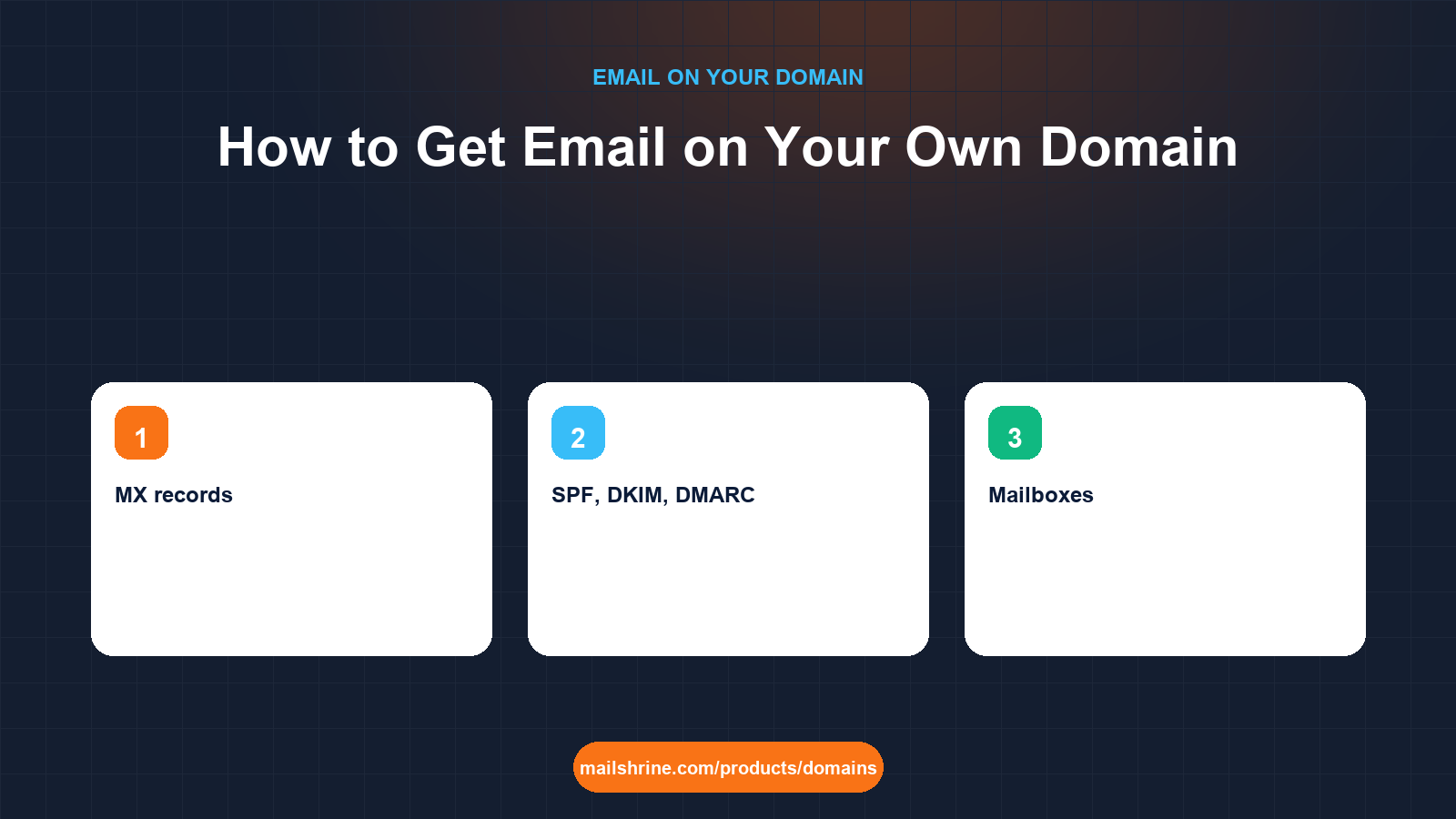
Technically it takes three things: a registered domain, a set of DNS records that tell the world's mail servers where mail for that domain should be delivered and who is allowed to send it, and a mail service that hosts the actual mailboxes. Most of the confusion people hit comes from buying those three pieces from three different companies and then having to wire them together by hand.
MailShrine Domains collapses the three into one checkout. When a domain registers, the MX, SPF, DKIM and DMARC records are written into the zone automatically, and two Business Email mailboxes with webmail, calendar, drive and two-factor authentication are created on it. If you later need more than two addresses, the Solo plan gives you 5 mailboxes, Team 15 and Business 50.
Real-life example: Kwame's tailoring brand
Kwame Mensah runs Mensah Tailoring in Osu, Accra. He makes bespoke suits for bankers and wedding parties, and for six years his business card has read mensahtailoring@gmail.com. Last month a client's finance team refused to pay an invoice sent from a free address until he "confirmed from a company email". He does not have one. He also noticed that a competitor's quotes arrive from fittings@theirbrand.com and look, in his words, "like a real company".
Kwame's goals this week:
- Own
mensahtailoring.comand getkwame@andorders@working on it before the next invoice run. - Understand enough about the DNS behind it that he is not dependent on a technician every time something changes.
- Keep his old Gmail inbox usable while customers learn the new address.
What "email on a domain" actually involves
| Piece | What it is | Who provides it for Kwame | What breaks if it is missing |
|---|---|---|---|
| Registered domain | The name mensahtailoring.com held at a registry under his details | MailShrine as registrar, Verisign as the .com registry | Nothing exists to put an @ on |
| MX records | DNS entries naming the servers that accept mail for the domain | Written automatically at registration | Mail to any address on the domain bounces |
| SPF, DKIM, DMARC | DNS entries that prove his mail is genuine | Written automatically at registration | Mail he sends lands in spam or is rejected |
| Mailboxes | Storage, webmail and the login for each address | Two included, more on a Business Email plan | Mail arrives at the server but nobody can read it |
| Mail client | Webmail, phone app or desktop program | Any IMAP/SMTP client or the MailShrine webmail | Inconvenient, not fatal |
The first piece is a yearly rental; a .com is typically $12.99 per year and can be registered for one to ten years at a time. The next three are configuration and software, and this is where buying from separate vendors costs time: a registrar that does not host mail leaves you to copy five or six records from the mail provider into the DNS editor, and a single typo in the DKIM key breaks authentication silently.
Three ways to get there
| Route | How it works | Best for | Watch out for |
|---|---|---|---|
| Registrar and mail from one provider | Buy the domain, mail records and mailboxes are created together | Small businesses that want it working today | Check you can still change nameservers or move mail later |
| Registrar plus separate mail provider | Buy the domain anywhere, subscribe to a mail suite, paste its records into DNS | Teams already committed to a specific suite | Six records to copy, propagation waits, DKIM keys that expire |
| Forwarding only | Domain forwards kwame@ to an existing free inbox | Receiving only, no budget | Replies still come from the free address, so the problem Kwame hit remains |
Forwarding deserves a warning. It solves receiving and nothing else. Every reply still leaves from Gmail, every "send as" trick has to pass Gmail's SPF rather than yours, and the finance team that rejected Kwame's invoice would reject the reply too.
What you need before you start
| You need | Why |
|---|---|
| The domain, or the result of an availability search | Run it through the availability checker first so you are not planning around a taken name |
| A list of addresses | Names of people such as kwame@, and roles such as orders@; the role addresses outlive staff |
| A recovery email and phone | Password resets and 2FA for the new mailboxes need somewhere to go that is not the new mailbox |
| Your existing inbox still open | You will forward or import from it for at least a few months |
| Ten minutes for client setup | Phone and desktop apps need the IMAP and SMTP server names once |
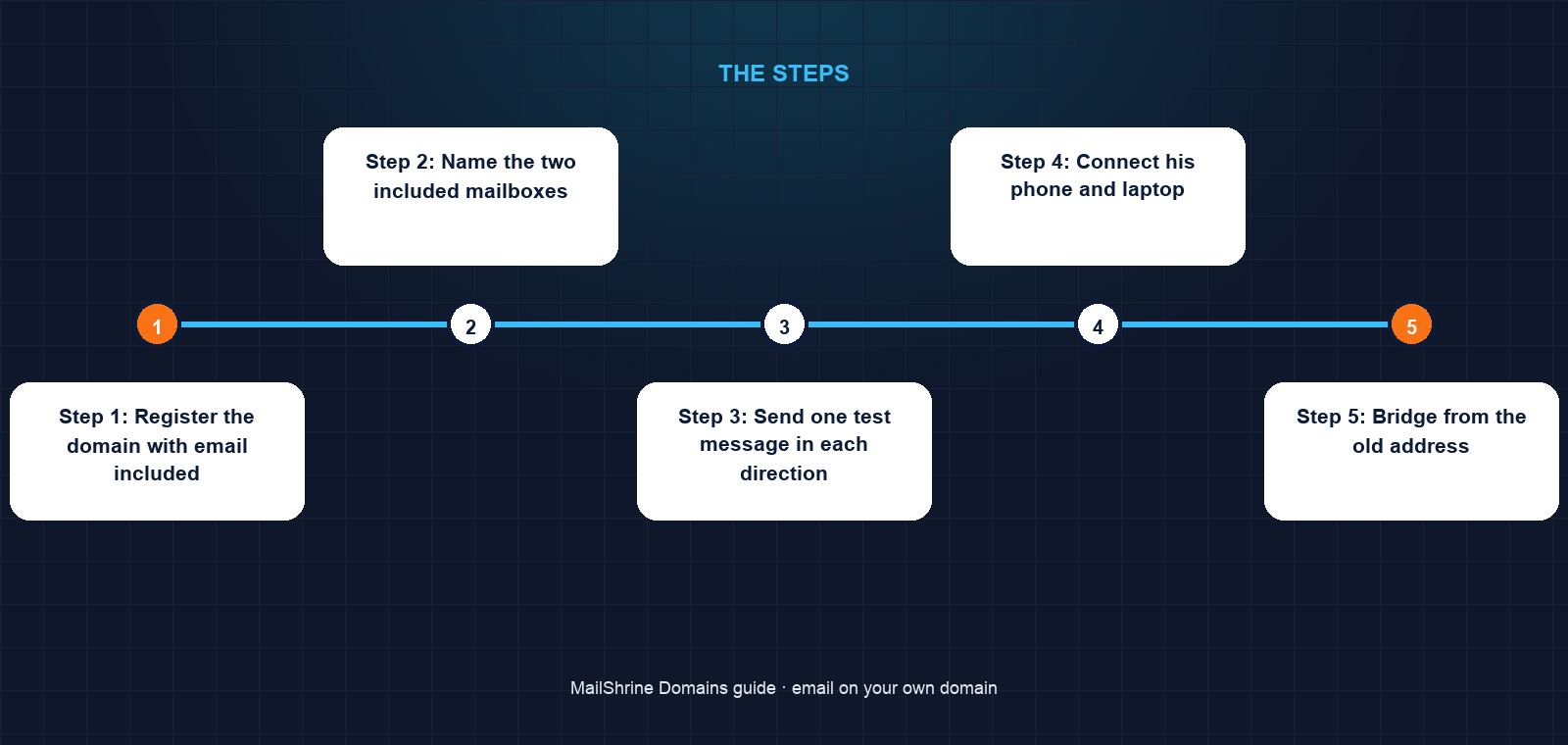
Step 1: Register the domain with email included
Search mensahtailoring.com. The result shows the first-year price and the renewal price side by side, so Kwame can see what year two costs before he commits. He picks a two-year term, leaves WHOIS privacy and transfer lock on (both free, both default) and pays. He can pay in USD by card or in Naira through Paystack if he prefers; a cedi card works for the USD charge.
Within seconds the registry has written the name under his details. MailShrine then publishes its nameservers and writes the full mail zone: an MX record pointing at its mail exchangers, an SPF TXT record authorising its sending servers, a DKIM public key under a selector subdomain, and a DMARC policy record at _dmarc.mensahtailoring.com.
Step 2: Name the two included mailboxes
The dashboard creates two mailboxes with placeholder names. Kwame renames one to kwame@ and the other to orders@. Each gets its own password and he switches on two-factor authentication for both before anything else, because a mailbox that can approve domain transfers is worth protecting from day one.
Step 3: Send one test message in each direction
From the webmail he sends a message to his personal Gmail and replies to it. Both should arrive within a minute. In Gmail he opens the received message and chooses "Show original"; it should read SPF: PASS, DKIM: PASS and DMARC: PASS. If any of the three says FAIL or NONE an hour after registration, something in the zone was edited and support can see the record history.
Step 4: Connect his phone and laptop
Any IMAP client works. The dashboard shows the incoming (IMAP, port 993, SSL) and outgoing (SMTP, port 465 or 587, TLS) server names and the username, which is the full address. He adds kwame@ to the iPhone Mail app and to Outlook on the shop computer; orders@ lives in the webmail only, so whoever is at the counter can answer it.
Step 5: Bridge from the old address
In Gmail he sets up forwarding to kwame@mensahtailoring.com and adds an auto-reply for three months: "We have moved to kwame@mensahtailoring.com; please update your records." He also imports the last two years of Gmail into the new mailbox over IMAP so quotes and measurements travel with him.
Step 6: Update everywhere the old address lived
Business cards, the shop sign, Instagram bio, the invoice template, the bank's contact record, Google Business Profile. The last one matters most: the address on his Google listing is the one a stranger finds.
Kwame's checklist
- Registered
mensahtailoring.comfor two years with privacy and lock onCompleted - Renamed the included mailboxes to
kwame@andorders@Completed - Turned on 2FA for both mailboxesCompleted
- Sent a test and confirmed SPF, DKIM and DMARC all pass in Gmail's headersCompleted
- Added
kwame@to iPhone Mail and OutlookNot completed - Set Gmail forwarding and the three-month auto-replyNot completed
- Reprinted business cards and updated Google Business ProfileNot completed
Common mistakes
Using a name address for a role. If kwame@ is also the address on the website, every enquiry stops when Kwame is on leave. Role addresses such as orders@ and hello@ go on the website; name addresses go on signatures.
Keeping the free address as the registrant contact. Renewal reminders arrive at 30, 7 and 1 day before expiry and at expiry itself, all to the registrant email. If that is a Gmail account nobody checks any more, the domain can lapse unnoticed. Switch the registrant email to the new mailbox once it is stable, and keep a second recovery address.
Editing the auto-written records "to tidy up". The SPF, DKIM and DMARC records look like noise. Deleting the TXT records or shortening the DKIM key stops mail authenticating and the first symptom is customers saying your messages went to spam.
Registering for one year to save money, then forgetting. A two- or three-year term costs the same per year, locks the renewal price and removes two chances to miss a reminder.
Forgetting the old inbox has a shelf life. Free providers close inactive accounts. Download or import everything you need before you stop logging in.
Check your work
Open the domain in the dashboard. Status should read Active, the expiry date should be two years out, and the Email section should show both mailboxes with 2FA badges. Then run the public test: send a message from kwame@ to a Gmail or Outlook.com address and open the message source. Three PASS results mean the domain, the DNS and the mailboxes are all doing their jobs. Finally, send a message to orders@ from an outside address and confirm it appears in webmail within a minute.
FAQ
Do I need a website to have email on my domain?
No. The domain and its MX records are all mail needs. Many MailShrine domains carry email for months before a website exists, and the root of the domain can stay unused or point wherever you like later.
Can I keep using Gmail's interface with my domain address?
You can forward mail in and, with Gmail's "send as" feature, send out through your domain's SMTP server. It works, but the more reliable setup is a proper mailbox on the domain and Gmail only as a forwarding source during the transition.
How many addresses do I get?
Two mailboxes are included with every MailShrine domain. The paid Business Email plans add more: Solo covers 5 mailboxes, Team 15 and Business 50. Aliases that deliver into an existing mailbox do not count as mailboxes.
What happens to my email if I move the domain to another registrar?
Nothing, as long as the new registrar keeps the same nameservers or you recreate the MX, SPF, DKIM and DMARC records there before switching. The 60-day lock after registration applies to transfers, so plan the move after that window.
Is email on my own domain more secure than a free account?
Not inherently, but it is more controllable. You decide who holds each mailbox, enforce 2FA, and can revoke a departing employee's access without losing the address. The recovery path is the domain itself rather than a provider's account-recovery form.
Next steps
- MX Records Explained — the record that routes mail to your mailbox and what its numbers mean.
- SPF, DKIM and DMARC Explained — the three records that keep your mail out of spam.
- How Many Mailboxes Does a Small Business Need? — deciding between the two included and a paid plan.
Citations & References
- Reference: RFC 5321: Simple Mail Transfer Protocol
- Reference: IANA: Root zone database
- Reference: Google: Email sender guidelines
- Reference: ICANN: Registrant rights and responsibilities
Written by Samira K., small-business editor. Samira writes for owners who want a professional address working this afternoon, not a networking course.