
Domain warm-up is the practice of starting a new domain at a very low daily sending volume and increasing it gradually, so that mailbox providers build a positive history for the domain before they see any significant traffic from it. Gmail, Microsoft and Yahoo keep a reputation score for every sending domain, and the single strongest negative signal they know is a domain with no history that suddenly sends hundreds of messages. Warm-up exists to avoid ever producing that signal.
It matters most when a new domain will carry outbound volume: recruitment outreach, client newsletters, invoices to a long customer list, transactional mail from an app. A domain that will send ten personal messages a day does not need a schedule, only patience. A domain that needs to send five hundred a day within a month absolutely does, and skipping it typically costs several weeks of spam-folder placement and a reputation that is harder to repair than to build.
MailShrine Domains gives a new domain the authentication a warm-up depends on: SPF, DKIM and DMARC are published at registration for the included Business Email mailboxes. Warm-up builds reputation; authentication is the prerequisite that lets the reputation attach to your domain rather than to whichever server happened to send.
Real-life example: Grace's recruitment agency
Grace Wanjiku runs Ridge Talent, a recruitment agency in Westlands, Nairobi, placing finance and technology staff. She has just registered ridgetalent.co.ke and moved the agency off a shared hosting mailbox. Within a month she needs the domain to send around 300 messages a day: candidate outreach, interview confirmations and a weekly roles digest to 2,000 registered candidates. Her previous domain's reputation collapsed last year after a bulk send, and she spent two months with outreach going to spam. She does not want to repeat that.
Grace's goals this week:
- Know what daily volume is safe on day one and how fast she can increase it.
- Understand which messages to send first and to whom.
- Have a way to see whether the warm-up is working before it is too late to adjust.
A warm-up schedule for a 300-a-day target
| Days | Daily volume | Who receives it | Why |
|---|---|---|---|
| 1–3 | 10–20 | Colleagues, existing clients, friendly candidates who will reply | Replies and opens from known contacts are the strongest positive signal |
| 4–7 | 30–50 | Active candidates who recently interacted | High engagement, low complaint risk |
| 8–14 | 75–120 | Candidates active in the last 90 days | Still engaged; watch bounces |
| 15–21 | 150–200 | Full active list, split across the week | First real test of the digest |
| 22–30 | 250–300 | Target volume | Hold steady; do not spike |
The numbers roughly double every few days, which is the pattern most deliverability teams use. The exact figures matter less than two rules: never more than double from one day to the next, and never a day of zero followed by a big day. Consistency is what a reputation system rewards.
Signals that build or destroy reputation
| Signal | Effect | Grace's lever |
|---|---|---|
| Recipient replies | Strongly positive | Ask the first-week recipients a question that needs an answer |
| Opens and moves to inbox from spam | Positive | Tell known contacts where to look |
| Added to contacts | Positive | Ask for it in the first-week messages |
| Hard bounces (address does not exist) | Strongly negative | Remove candidates who have not engaged in a year before day one |
| Spam complaints | Severely negative; Google's threshold is 0.3% | Only send the digest to people who signed up for it; one-click unsubscribe |
| Spam trap hits | Severe; can mean blocklisting | Never send to purchased or scraped lists |
The complaint threshold is worth remembering: Google's sender guidelines ask bulk senders to keep complaints under 0.1% and never above 0.3%. On a 2,000-person digest that is between two and six people pressing "Report spam". A stale list can hit that in a single send.
What you need before you start
| You need | Why |
|---|---|
| SPF, DKIM and DMARC passing | Reputation attaches to an authenticated domain; without it, you are warming up nothing |
| A cleaned recipient list | Hard bounces in week one undo days of progress |
| A sending tool with per-day limits | Or discipline; the schedule only works if it is followed |
| A Gmail and an Outlook.com seed address | To check placement at each stage |
| Google Postmaster Tools set up | Shows domain reputation once volume is high enough to register |
| One-click unsubscribe for the digest | Required by Google and Yahoo for bulk senders since 2024 |
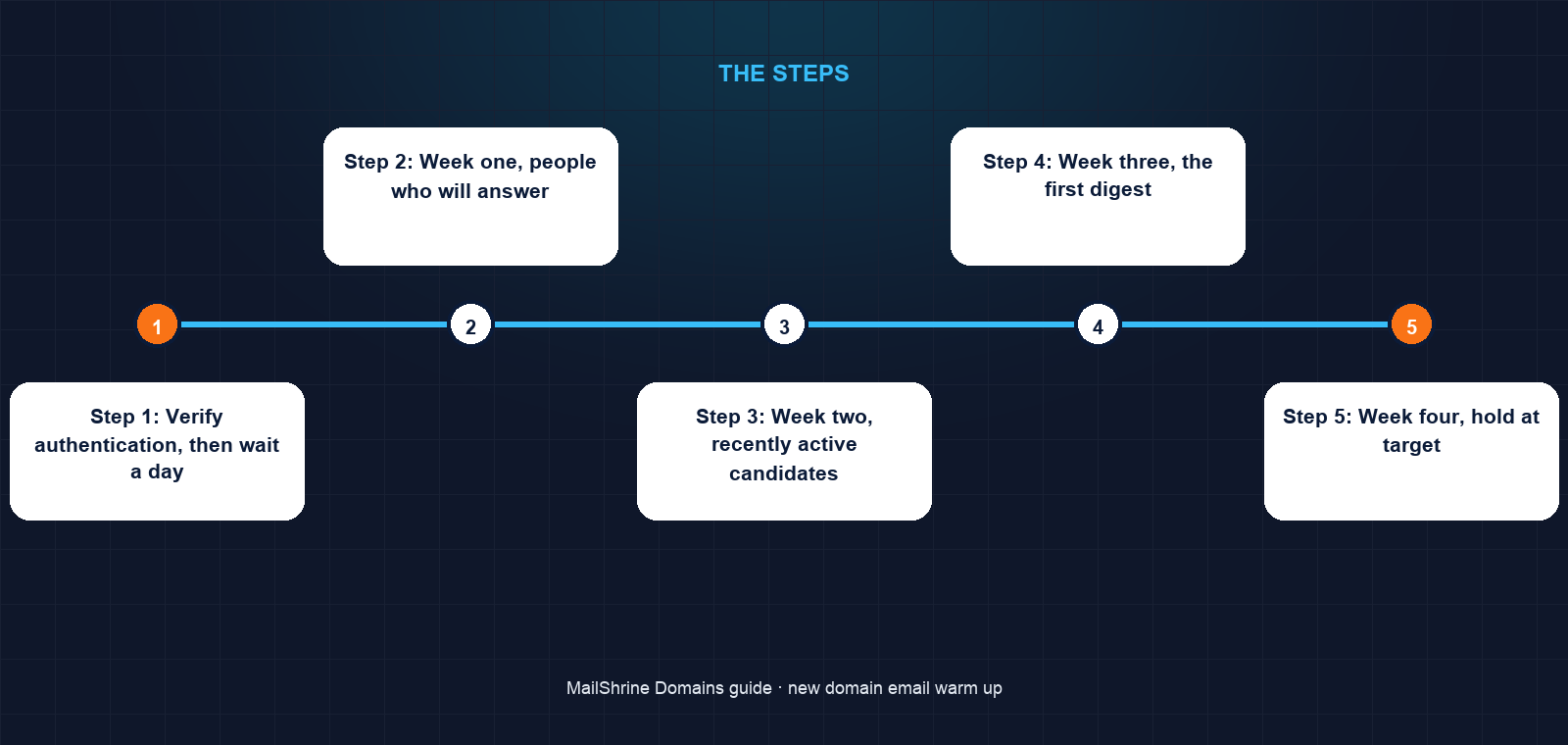
Step 1: Verify authentication, then wait a day
Grace sends one message from grace@ridgetalent.co.ke to her Gmail seed and confirms SPF, DKIM and DMARC all pass. She then sends nothing else for 24 hours, so the DNS records have fully propagated before any volume arrives.
Step 2: Week one, people who will answer
Fifteen messages a day to clients and candidates she knows personally, each ending with a question. She asks each to reply and to add her to contacts. By day three, half have replied; the domain now has a history of two-way conversation at Gmail and Microsoft.
Step 3: Week two, recently active candidates
She raises to 50, then 100 a day, sending interview confirmations and role matches to candidates who logged into the agency portal in the last month. Bounces are near zero because the list is live.
Step 4: Week three, the first digest
The weekly roles digest goes out to the 2,000 candidates split across five days, 400 a day, which is inside her ramp. It carries a visible unsubscribe link and the List-Unsubscribe header. She watches the Gmail seed: inbox. Outlook seed: inbox.
Step 5: Week four, hold at target
Outreach plus the digest brings her to about 300 a day. She holds there for a week before considering any further increase, and checks Postmaster Tools, where the domain now shows enough volume to display a reputation of "medium" trending to "high".
Step 6: Keep the pattern
Reputation decays with silence. She keeps weekday sending steady and avoids the Friday-afternoon dump that killed her last domain.
Grace's checklist
- Confirmed all three authentication results pass before sending volumeCompleted
- Removed candidates with no activity in 12 months from the listCompleted
- Sent week one only to contacts who would replyCompleted
- Added
List-Unsubscribeand a visible unsubscribe link to the digestCompleted - Split the digest across five days instead of oneNot completed
- Held at 300 a day for a full week before increasingNot completed
- Checked Postmaster Tools reputation at the end of week fourNot completed
Common mistakes
Warming up with no-reply messages. Notifications nobody answers teach the filters nothing. The first week must be conversations.
Sending to the whole old list on day one "because they know us". They know the old domain. To the filters, the new one is a stranger that just mailed 2,000 people.
Skipping days. A reputation system interprets silence followed by volume as a compromised account or a spam run. Send every weekday, even if it is only twenty.
Starting before authentication passes. Any reputation earned attaches to the sending server's IP, not to your domain, and is lost when you change providers.
Treating warm-up as done at day 30. The ramp is over; the discipline is not. A sudden 3x spike in month two produces the same alarm as day one.
Check your work
At the end of each week send your standard message to the Gmail and Outlook.com seed addresses and note placement and the authentication results. Open Google Postmaster Tools once volume registers: domain reputation should read medium or high, spam rate should be under 0.1%, and the authentication tab should show near 100% SPF and DKIM success. If reputation is low or spam rate rises, drop volume by half, send only to engaged recipients for a week, and resume the ramp from there.
FAQ
Do I need to warm up if I am only sending to a few people a day?
No formal schedule, but the same logic applies: start with people who will reply, keep content simple for a month, and avoid any sudden burst. Low-volume domains pick up reputation slowly because there is little data either way.
Is domain warm-up the same as IP warm-up?
Related but separate. IP warm-up builds the reputation of a sending server's address and matters when you have a dedicated IP. Domain warm-up builds the reputation of the domain in the From address and DKIM signature, which follows you across providers. On a shared provider, domain warm-up is the one you control.
Can an automated warm-up service do this for me?
Services that exchange messages between members' mailboxes to simulate engagement exist. Google has stated that it treats this artificial engagement as a negative signal, and some providers have suspended accounts for it. Real conversations with real contacts are the safe version.
How long until the domain is "warm"?
The initial ramp takes about 30 days at these volumes. Filters typically treat a domain as established after roughly 90 days of consistent, authenticated, low-complaint sending.
What if I need to send 10,000 a day eventually?
The same shape, stretched. Most teams take six to eight weeks to reach five figures, continue doubling every few days, and move marketing mail onto a subdomain so a bad campaign cannot damage the main domain's transactional reputation.
Next steps
- Why Your Emails Go to Spam on a New Domain — diagnosing placement problems that appear despite a careful warm-up.
- How to Set Up DMARC on a New Domain — the enforcement policy that protects the reputation you are building.
- SPF, DKIM and DMARC Explained — why reputation only sticks to an authenticated domain.
Citations & References
- Reference: Google: Email sender guidelines
- Reference: Google Postmaster Tools help
- Reference: RFC 8058: One-click functionality for List-Unsubscribe
- Reference: Microsoft: Outlook.com sender requirements
Written by Marcus T., DNS and deliverability editor. Marcus has warmed up more domains than he can count and lost exactly one to a Friday-afternoon bulk send.