
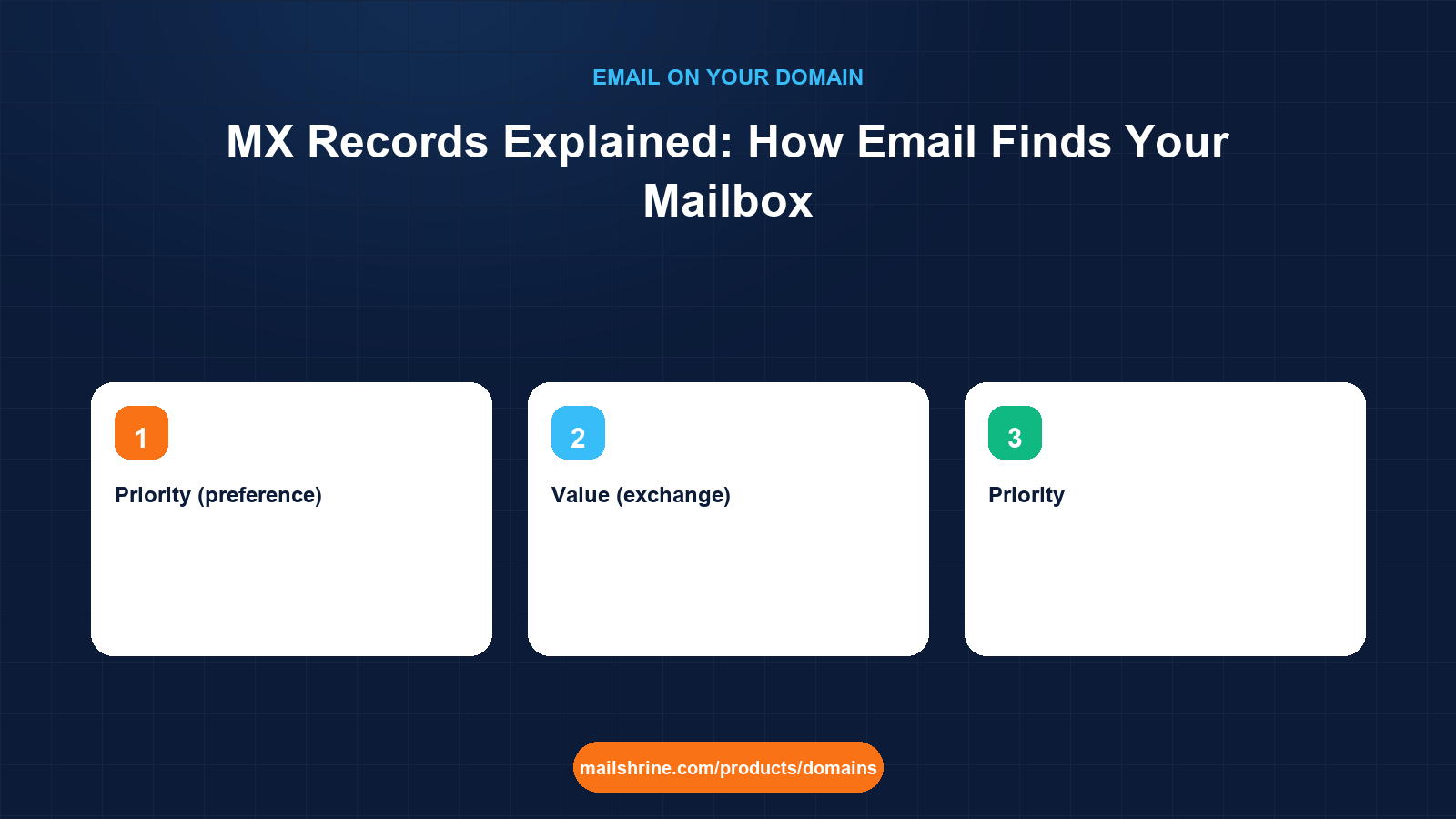
An MX record (mail exchanger record) is the line in your domain's DNS that answers one question for every mail server on the internet: where do I deliver a message addressed to anyone at this domain? When someone sends to priya@nairassociates.in, their mail server looks up the MX records for nairassociates.in, gets back one or more hostnames, connects to the one with the lowest priority number, and hands the message over. No MX record, no delivery.
That is the entire job. An MX record does not store mail, does not authenticate it and does not know anything about mailboxes. It is a signpost, and it is read by the sender's server rather than by yours, which is why a wrong MX record produces bounces at the other end rather than errors in your own inbox.
MailShrine Domains writes the MX record for you the moment a domain registers, pointing at the mail exchangers that host the two included Business Email mailboxes. If you later move mail elsewhere, the Anycast DNS record editor lets you replace it with whatever your new provider publishes.
Real-life example: Priya's accounting practice
Priya Nair runs Nair & Associates, a four-person chartered accountancy practice in Andheri, Mumbai. She registered nairassociates.in and her mail works, but a client's IT team has asked her to "confirm your MX records" before whitelisting her domain. She has opened the DNS editor, seen a line reading 10 mx1.mailshrine.com and has no idea what any of it means, or what she should change if a client ever asks her to.
Priya's goals this week:
- Understand every part of the MX line well enough to answer the IT team.
- Know what the priority numbers do and why there might be more than one record.
- Be able to check the record from outside, so she can prove to a client that it is correct.
Anatomy of an MX record
| Field | Example | What it means |
|---|---|---|
| Name (host) | nairassociates.in or @ | The domain the record applies to; @ is shorthand for the bare domain |
| Type | MX | Tells resolvers this is a mail exchanger record |
| Priority (preference) | 10 | Lower numbers are tried first; equal numbers are load-balanced |
| Value (exchange) | mx1.mailshrine.com. | A hostname, never an IP address; the trailing dot marks it as fully qualified |
| TTL | 3600 | Seconds a resolver may cache the answer before asking again |
The hostname in the value must itself resolve to an address through its own A or AAAA record. RFC 5321 forbids pointing an MX at an IP address directly, and it also forbids pointing it at a CNAME, although many servers tolerate the latter. The trailing dot matters in some editors: without it, a DNS panel may append your own domain and produce mx1.mailshrine.com.nairassociates.in, which does not exist.
Why there are usually two or more
| Priority | Hostname | Role |
|---|---|---|
| 10 | mx1.provider.com | Primary; receives nearly all mail |
| 20 | mx2.provider.com | Backup; used only if the primary refuses or times out |
| 20 | mx3.provider.com | Second backup at the same priority; senders pick between the two at random |
The sender works down the list. If mx1 is unreachable it tries the next lowest number. If two records share a number, the sender chooses one at random, which spreads load. Large providers publish five or more; Google Workspace historically published five with priorities 1, 5, 5, 10 and 10, and now recommends a single smtp.google.com at priority 1. Neither approach is better for a small domain; what matters is that every hostname listed actually accepts mail for you. A stale backup MX pointing at a server that no longer knows your domain will accept the connection and then bounce or silently drop the message.
What you need before you start
| You need | Why |
|---|---|
| Access to the domain's DNS editor | MX records live in the zone at whoever runs the nameservers, usually the registrar |
| Your mail provider's published MX values | Each provider documents exact hostnames and priorities; copy them, do not guess |
| A lookup tool | dig, nslookup or a web-based DNS checker to see what the world sees |
| Knowledge of the current TTL | Tells you how long a change takes to be seen everywhere |
| A test address outside your domain | To send to yourself after any change |
Step 1: Read the record you have
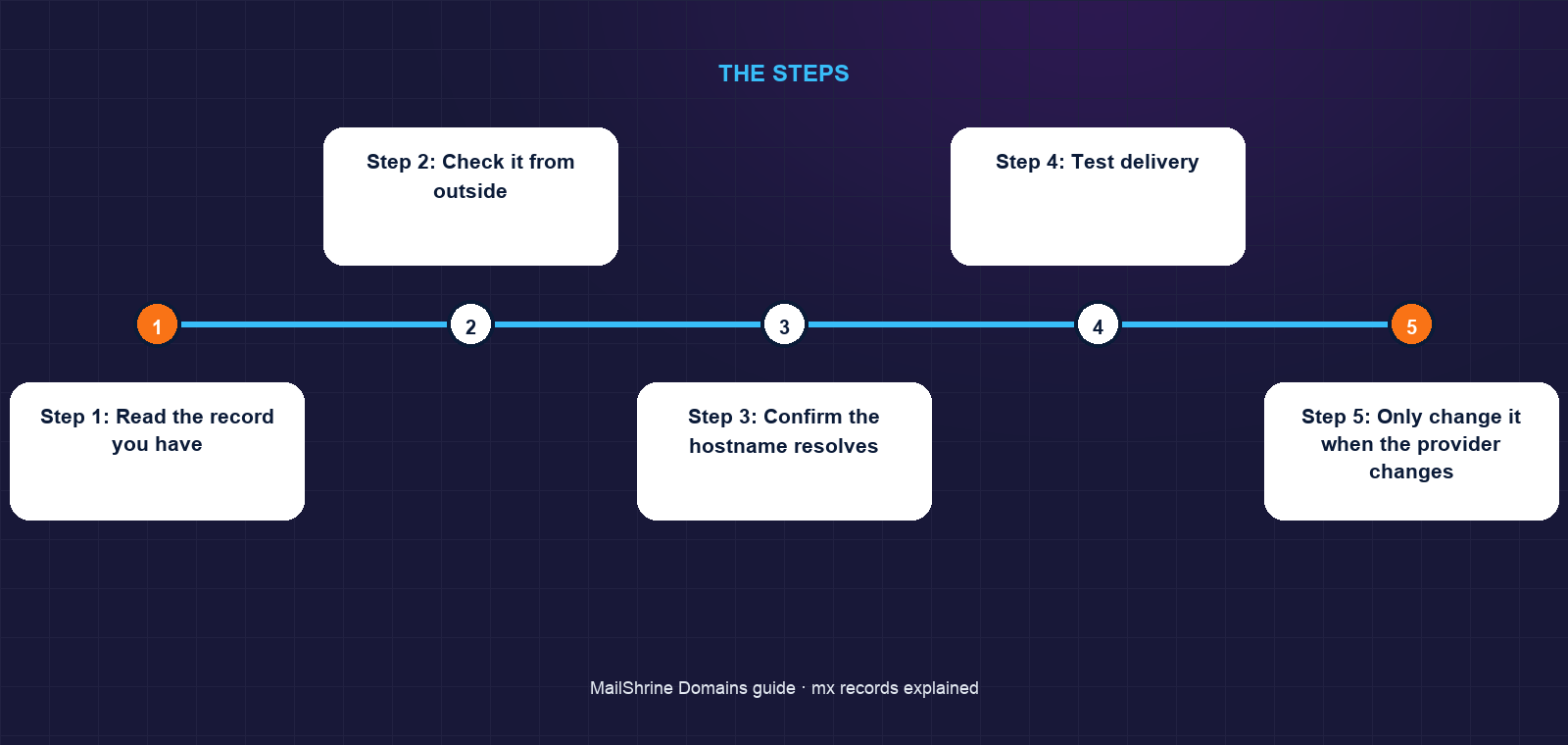
In the MailShrine dashboard open the domain, choose DNS, and filter to MX. Priya sees the record written at registration. The priority, hostname and TTL are each shown as separate fields, so there is no ambiguity about which part is which.
Step 2: Check it from outside
On a Mac or Linux terminal run dig MX nairassociates.in +short. On Windows use nslookup -type=mx nairassociates.in. The output should list exactly the hostnames shown in the dashboard. If it shows something different, either the change has not propagated yet or the domain's nameservers are not the ones you think they are; run dig NS nairassociates.in to confirm.
Step 3: Confirm the hostname resolves
Run dig A mx1.mailshrine.com +short. You should get one or more IP addresses. An MX pointing at a hostname with no A record is the most common cause of "mail sent to you bounces but your DNS looks fine".
Step 4: Test delivery
From a Gmail or Outlook.com account send a message to priya@nairassociates.in. It should arrive within a minute. If it bounces, read the bounce: "no MX or A record" means the lookup failed; "connection refused" means the hostname resolved but nothing answered on port 25; "relay access denied" means the server answered but does not host your domain.
Step 5: Only change it when the provider changes
Priya does not need to touch anything for the IT team; she sends them the dig output. If she ever moves mail to another provider, she replaces the MX records with that provider's values, waits for the old TTL to expire, then checks again with dig. During a migration keep the new provider's mailboxes created before the MX changes, or mail will arrive at a server that has nowhere to put it.
Priya's checklist
- Identified priority, hostname and TTL in the dashboard recordCompleted
- Ran
dig MXand matched the output to the dashboardCompleted - Confirmed the MX hostname has an A recordCompleted
- Sent a test from Gmail and received it in under a minuteCompleted
- Sent the
digoutput to the client's IT teamNot completed - Noted the TTL so a future provider change can be timedNot completed
Common mistakes
Pointing an MX at an IP address. Resolvers reject it or treat the number as a hostname. Always use the provider's hostname and let its A record carry the address.
Leaving a backup MX from an old provider. When a sender's first attempt at your primary times out, it falls through to the stale backup, which bounces the mail. Delete every record that does not belong to your current provider.
Changing the MX before the new mailboxes exist. Mail begins routing to the new server the moment resolvers see the change. If the account there is still being set up, messages are rejected and the sender gets a bounce they may never retry.
Forgetting the trailing dot in a raw editor. mx1.provider.com becomes mx1.provider.com.yourdomain.com in some panels. The MailShrine editor handles this, but check with dig after any edit elsewhere.
Setting a very low TTL permanently. A 300-second TTL is useful for the hour around a migration. Left in place, it means every sender re-queries your DNS constantly and a short nameserver outage becomes a mail outage.
Check your work
Run dig MX yourdomain +short and confirm every line matches your provider's documentation exactly, including priorities. Run dig A against each listed hostname and confirm an address comes back. Send one external test message and watch it arrive. If all three pass, your MX records are correct and any remaining delivery problem lies in SPF, DKIM, DMARC or the mailbox itself, not in routing.
FAQ
Can a domain have email without an MX record?
Technically yes: if no MX exists, RFC 5321 tells senders to fall back to the domain's A record and try port 25 there. In practice nobody relies on this, and many receivers treat a domain without MX as not accepting mail.
Does the MX record affect which mail I can send?
No. MX is only for receiving. Sending authorisation comes from SPF, DKIM and DMARC, which are separate TXT records. A domain can send without ever receiving and vice versa.
How long does an MX change take to work?
Up to the old record's TTL, commonly one hour, plus however long the slowest resolver takes. Lower the TTL to 300 seconds a day before a planned change, make the change, then raise it again afterwards.
Can I use one MX for the main domain and a different one for a subdomain?
Yes. Each name in DNS has its own MX set. nairassociates.in and support.nairassociates.in can route to entirely different providers, which is how many businesses run a help-desk tool on a subdomain.
What is a "null MX"?
A record of 0 . (priority zero, hostname a single dot) defined in RFC 7505. It explicitly says the domain never accepts mail, so senders bounce immediately instead of retrying for days. Use it on domains you own but do not use for email.
Next steps
- SPF, DKIM and DMARC Explained — the sending-side records that MX has nothing to do with.
- Using Another Email Provider on a MailShrine Domain — what to replace the MX with when you switch mail hosts.
- Why Your Emails Go to Spam on a New Domain — when routing works but delivery still fails.
Citations & References
- Reference: RFC 5321 section 5: Address resolution and mail handling
- Reference: RFC 7505: A "Null MX" record for domains that accept no mail
- Reference: Cloudflare Learning: What is a DNS MX record?
- Reference: Google Workspace: Set up MX records
Written by Marcus T., DNS and deliverability editor. Marcus turns DNS output into plain sentences so domain owners can prove their own setup is right.