
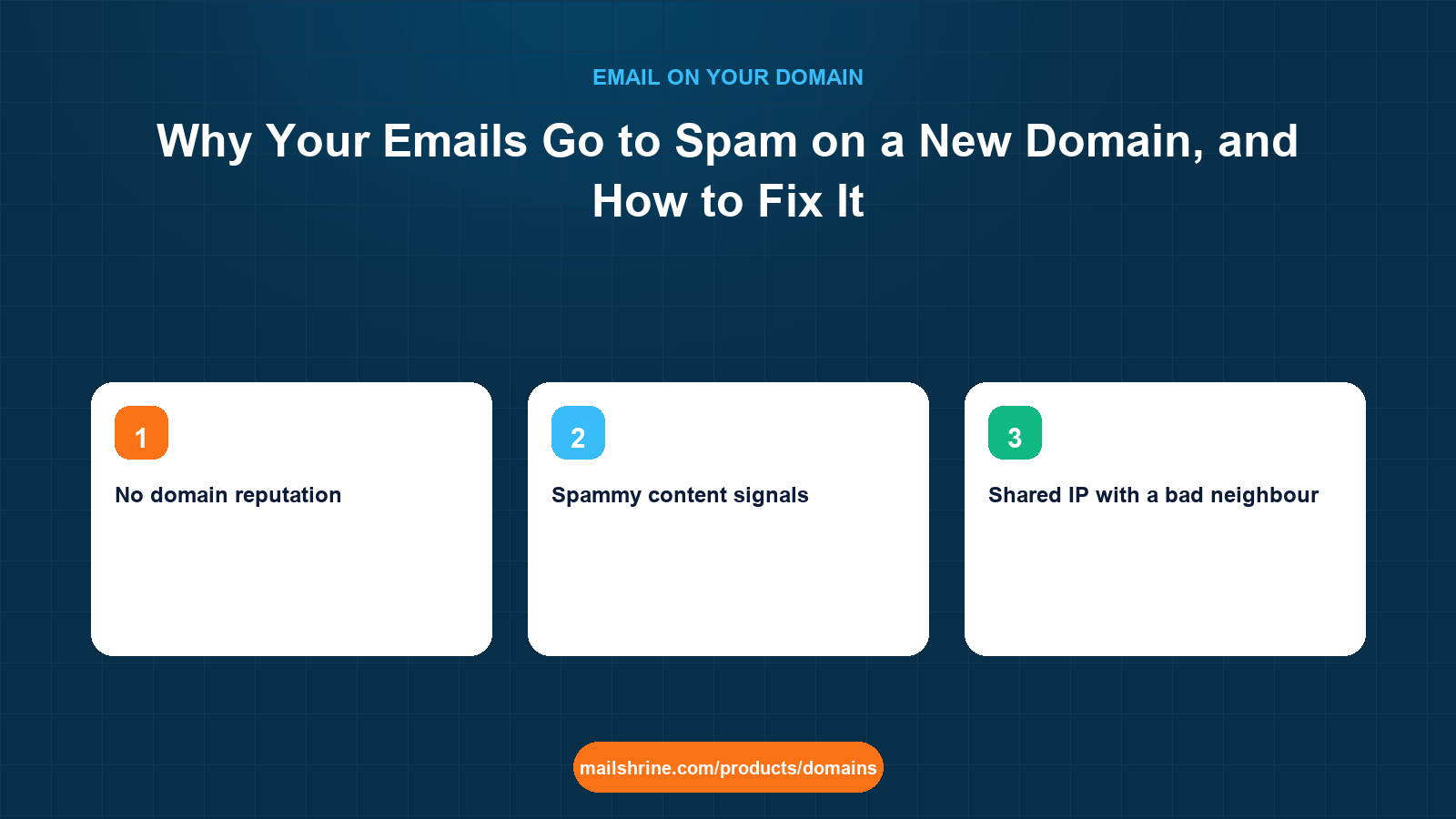
New domain spam placement is the pattern where a freshly registered domain sends perfectly legitimate mail and Gmail, Outlook or Yahoo file it under junk anyway. It happens because mailbox providers score every message on two things: whether it is authenticated (SPF, DKIM, DMARC) and whether the sending domain has a reputation. A domain registered last Tuesday has no reputation at all, and in the scoring systems "unknown" sits much closer to "bad" than to "good", because most newly registered domains that suddenly start sending are spam.
The fix is not one setting. It is confirming authentication is actually passing, removing the content and infrastructure signals that look like spam, and then building a sending history slowly enough that the filters learn you are real. Most owners who follow those three in order see inbox placement recover within two to four weeks.
MailShrine Domains removes the most common cause at the root: SPF, DKIM and DMARC are written at registration for the two included Business Email mailboxes, so a new domain is never "unauthenticated" on day one. The rest of this guide is about the other causes and how to find which one you have.
Real-life example: Tom's plumbing firm
Tom Walsh runs Walsh Heating & Plumbing in Salford, Manchester. He registered walshheating.co.uk three weeks ago and moved from a BT email address to tom@walshheating.co.uk. Since then, four customers have said his quotes "never arrived" and one found it in spam. Every quote has a PDF attached, a link to his online booking page, and a signature with his phone number and a logo image. He has not changed anything else and cannot understand why a plain business email is being treated as junk.
Tom's goals this week:
- Find out which specific signal is sending his quotes to spam.
- Fix it without having to go back to the BT address.
- Stop it happening again as the domain gets older.
The causes, from most to least common
| Cause | How to recognise it | Fix |
|---|---|---|
| Authentication failing | Gmail "Show original" shows SPF, DKIM or DMARC as FAIL, SOFTFAIL or NONE | Correct the DNS record; usually a duplicate SPF or a missing DKIM selector |
| No domain reputation | Everything passes, mail still lands in spam, domain is under 30 days old | Warm up: low volume, engaged recipients, consistent sending |
| Spammy content signals | Link shorteners, image-only body, ALL CAPS subject, mismatched link text | Plain text ratio, full URLs, descriptive subject |
| Shared IP with a bad neighbour | Mail from a cheap bulk tool, blocklist check shows the sending IP listed | Send through a reputable provider; check the IP on public blocklists |
| Recipient behaviour | Recipients never open, or mark as spam | Send to people who expect it; include a clear reason in the first line |
| Lookalike or suspicious domain name | Name resembles a known brand or contains spam-trigger words | Little to do except build history; consider the primary brand name |
The first row is the one to rule out before anything else, because it is binary and fixable in minutes. Tom's domain passes all three, so his problem is in the next rows.
What the headers tell you
| Header line | What it means for Tom |
|---|---|
spf=pass | The sending server is authorised; good |
dkim=pass header.d=walshheating.co.uk | Signed by his domain, aligned; good |
dmarc=pass | Both aligned, policy satisfied; good |
X-Spam-Status or Outlook X-Forefront-Antispam-Report with SCL:5 or higher | The receiver's content and reputation filter scored it as likely spam |
| Spam reason "This message is similar to messages identified as spam" | Content pattern match, often attachments plus links from a new domain |
Gmail shows a yellow banner with a reason inside the spam folder. For Tom it reads that the message "contains content typically used in spam". That narrows it to content and reputation, not DNS.
What you need before you start
| You need | Why |
|---|---|
| A test recipient at Gmail, one at Outlook.com | The two largest filters behave differently; test both |
| Access to "Show original" or "View message source" | To read the authentication results and spam reasons |
| Your domain's registration date | Under 30 days is the high-risk window |
| A list of everything in your standard email | Attachments, images, links, signature elements |
| Google Postmaster Tools account | Free domain reputation data once volume is high enough |
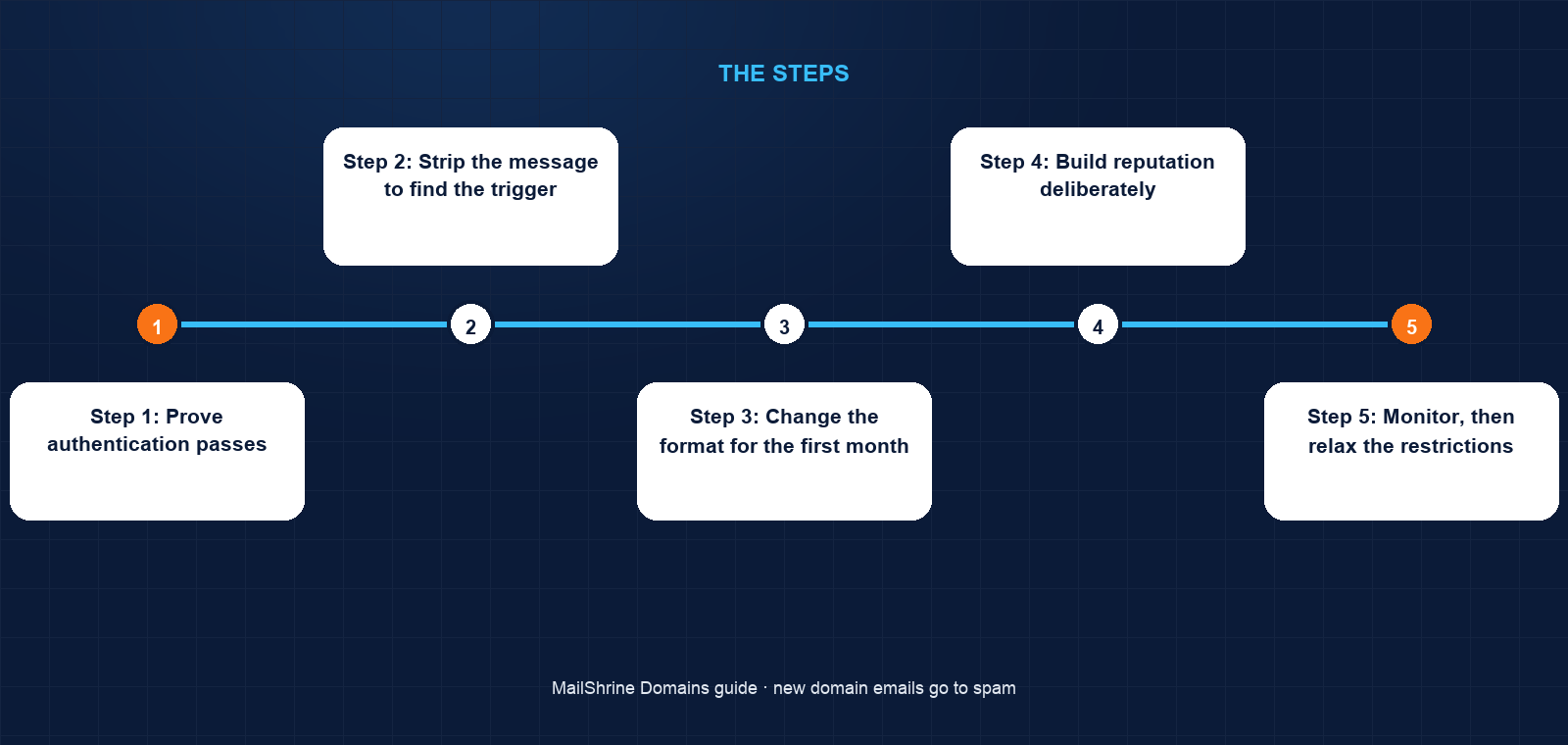
Step 1: Prove authentication passes
Tom sends a quote to his own Gmail test account and opens "Show original". All three pass. He does the same at Outlook.com and reads the Authentication-Results header. Pass again. DNS is not his problem, and he does not touch the records.
Step 2: Strip the message to find the trigger
He sends three versions of the same quote to Gmail: plain text only; text plus the PDF; text plus PDF plus the signature with logo image and booking link. The first two reach the inbox. The third goes to spam. The combination of an image, an external link and an attachment from a domain with no history is what trips the filter.
Step 3: Change the format for the first month
He replaces the logo image with text, writes the booking link as the full URL rather than hidden behind "Book here", and puts the quote total in the body so the PDF is supporting detail rather than the only content. Spam placement stops on the next ten quotes.
Step 4: Build reputation deliberately
For the next four weeks he keeps volume steady at his normal ten to fifteen quotes a day, asks every new customer to reply once (a reply is the strongest positive signal a mailbox provider sees), and asks the four customers who found him in spam to mark the message "Not spam" and add him to contacts.
Step 5: Monitor, then relax the restrictions
After thirty days he adds the logo back and watches. It stays in the inbox. The domain now has a history of authenticated, replied-to mail and the filters treat it accordingly. He registers at Google Postmaster Tools so he can see the domain reputation graph if volume ever grows.
Tom's checklist
- Confirmed SPF, DKIM and DMARC pass at Gmail and Outlook.comCompleted
- Isolated the trigger by sending stripped-down variantsCompleted
- Replaced image logo with text and un-hid the booking linkCompleted
- Put the quote total in the body, PDF as supporting detailCompleted
- Asked recent customers to reply and mark "Not spam"Not completed
- Kept volume steady for 30 daysNot completed
- Reintroduced the logo and verified placementNot completed
Common mistakes
Blaming DNS without reading headers. If the three authentication results pass, editing SPF again achieves nothing and risks breaking what works. Read the receiver's stated reason.
Sending a burst to announce the new address. Two hundred "we have a new email" messages from a one-week-old domain is exactly what a spam run looks like. Announce gradually, or from the old address.
Hiding links behind text. "Click here" pointing at a URL on a different domain is a phishing pattern. A new domain gets no benefit of the doubt.
Using a shortener in a signature. bit.ly and similar are heavily abused and many filters penalise them by default.
Giving up and going back to the free address. The reputation problem resolves with age and good behaviour. The free address never gives you a domain you own.
Check your work
Send your standard message to a Gmail and an Outlook.com address you control. Both should land in the inbox, and the headers should show all three authentication passes. In Gmail, check the message is not in Promotions either, if it is a one-to-one business message. Repeat once a week for a month and keep a note of placement. If it regresses, the cause is almost always a change in content or a jump in volume, and your notes will show which.
FAQ
How long does a new domain stay "new" to spam filters?
Most filters treat the first 30 days as high risk and gradually relax over roughly 90 days of consistent, authenticated sending. There is no fixed date; it is a function of volume and engagement, which is why a domain that sends nothing for a year is still "new" when it starts.
Does the extension affect spam placement?
Slightly. Some newer and very cheap extensions have high abuse rates and start with a worse prior. A .co.uk or .com begins neutral. It is a small factor compared with authentication and behaviour.
Will a DMARC reject policy improve my inbox placement?
Indirectly. It does not boost reputation by itself, but it stops forged mail from your domain damaging your reputation, and Google's sender guidelines treat a published DMARC policy as a baseline requirement for bulk senders.
Can I pay to be whitelisted?
Not with Gmail or Outlook.com. Deliverability vendors sell monitoring and advice, not placement. Any service promising guaranteed inbox placement for a fee is selling something else.
Should I warm up a domain if I only send twenty emails a day?
At that volume you do not need a formal warm-up schedule, but the same principles apply: consistent daily sending, real recipients who reply, and plain content for the first month.
Next steps
- Domain Warm-Up — the volume schedule for domains that need to send more than a handful a day.
- SPF, DKIM and DMARC Explained — how to read and fix the three records when one of them fails.
- How to Set Up DMARC on a New Domain — reaching an enforcing policy on a fresh domain.
Citations & References
- Reference: Google: Email sender guidelines
- Reference: Google Postmaster Tools
- Reference: Microsoft: Outlook.com postmaster
- Reference: RFC 7489: DMARC
Written by Marcus T., DNS and deliverability editor. Marcus diagnoses spam placement from headers, not hunches.