
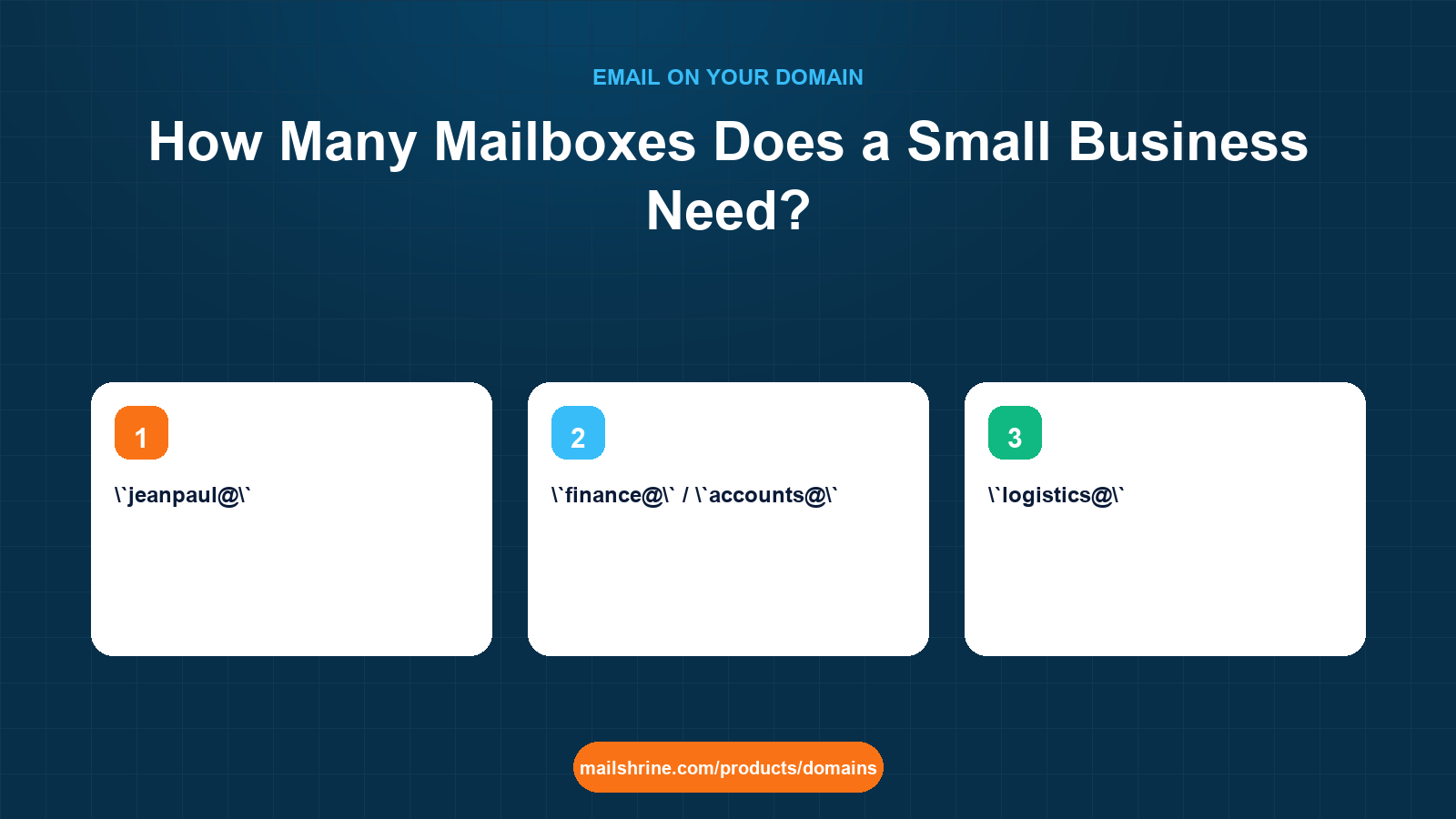
A mailbox is a separate account on your domain with its own login, password, storage and sent folder. An alias is an extra address that delivers into an existing mailbox and has none of those. The number of mailboxes a small business needs is therefore not the number of addresses it wants to publish; it is the number of people, or clearly separated functions, that need their own login and their own mail history. Most businesses under ten people need far fewer mailboxes than they think and far more aliases.
Getting the count right matters because mailboxes are what plans are priced on, and because every mailbox is a credential to protect, a password to reset and an account to close when someone leaves. Over-provisioning costs money and creates security surface; under-provisioning forces staff to share logins, which is how a departed employee keeps reading company mail.
MailShrine Domains includes two Business Email mailboxes with every domain, each with webmail, calendar, drive and two-factor authentication, and aliases on top of them. When two is not enough, the paid plans step up in three sizes: Solo with 5 mailboxes, Team with 15 and Business with 50. This guide helps you work out which step, if any, you actually need.
Real-life example: Jean-Paul's coffee exporter
Jean-Paul Habimana runs Mille Collines Coffee in Kigali, exporting green coffee to roasters in Europe and North America. The company has six people: Jean-Paul, a finance officer, two field agronomists who visit washing stations, a logistics coordinator and a part-time sales assistant. He registered millecollinescoffee.rw and currently has two mailboxes, but wants to publish sales@, logistics@, quality@, accounts@, hello@ and a personal address for each person. He is about to buy a plan sized for eleven addresses.
Jean-Paul's goals this week:
- Work out how many of the eleven addresses need to be mailboxes rather than aliases.
- Pick the smallest plan that fits, with room for one hire next year.
- Set it up so a departing staff member can be removed without losing a customer-facing address.
Mailbox or alias: the decision for each address
| Address | Who reads it | Needs own login? | Needs separate history? | Verdict |
|---|---|---|---|---|
jeanpaul@ | Jean-Paul | Yes | Yes | Mailbox |
finance@ / accounts@ | Finance officer | Yes | Yes, audit trail | Mailbox, with accounts@ as alias |
logistics@ | Logistics coordinator | Yes | Yes | Mailbox |
sales@ | Sales assistant and Jean-Paul | Shared reading | Yes | Mailbox, shared credentials via webmail, or alias to both |
quality@ | Both agronomists | Shared reading | Not critical | Alias delivering to both agronomists |
agronomist1@, agronomist2@ | Each agronomist | Yes | Yes | Two mailboxes |
hello@ | Whoever is on duty | No | No | Alias into sales@ |
Eleven addresses become six mailboxes and four aliases. A seventh mailbox for next year's hire makes seven. The two included mailboxes are not enough; the Solo plan at 5 is one short of today's need; Team at 15 fits with room for growth. That is a very different purchase from "eleven mailboxes".
Typical counts by business size
| Business | People | Mailboxes | Aliases | Plan that fits |
|---|---|---|---|---|
| Solo consultant | 1 | 1–2 (personal plus invoices@ kept separate) | hello@, info@ | Two included |
| Two-partner firm | 2 | 2 | hello@, accounts@, careers@ | Two included |
| Shop with staff rotation | 3–5 | 2–3 (owner, manager, shared orders@) | Role addresses into orders@ | Two included or Solo (5) |
| Agency or exporter | 6–12 | One per person plus 1–2 shared | Role addresses into shared mailboxes | Team (15) |
| Growing company | 15–40 | One per person plus departmental shared | Many | Business (50) |
The pattern: one mailbox per human who needs private mail, one shared mailbox per function where history must be kept together, aliases for everything else.
What you need before you start
| You need | Why |
|---|---|
| A list of every person who needs private mail | Each is a mailbox |
| A list of every function that needs a shared, auditable history | Each is a shared mailbox |
| A list of every address you want to publish | Everything not in the first two lists is an alias |
| Headcount expectation for 12 months | Pick a plan with headroom, not an exact fit |
| A policy for leavers | Who inherits a leaver's mailbox and when it is closed |
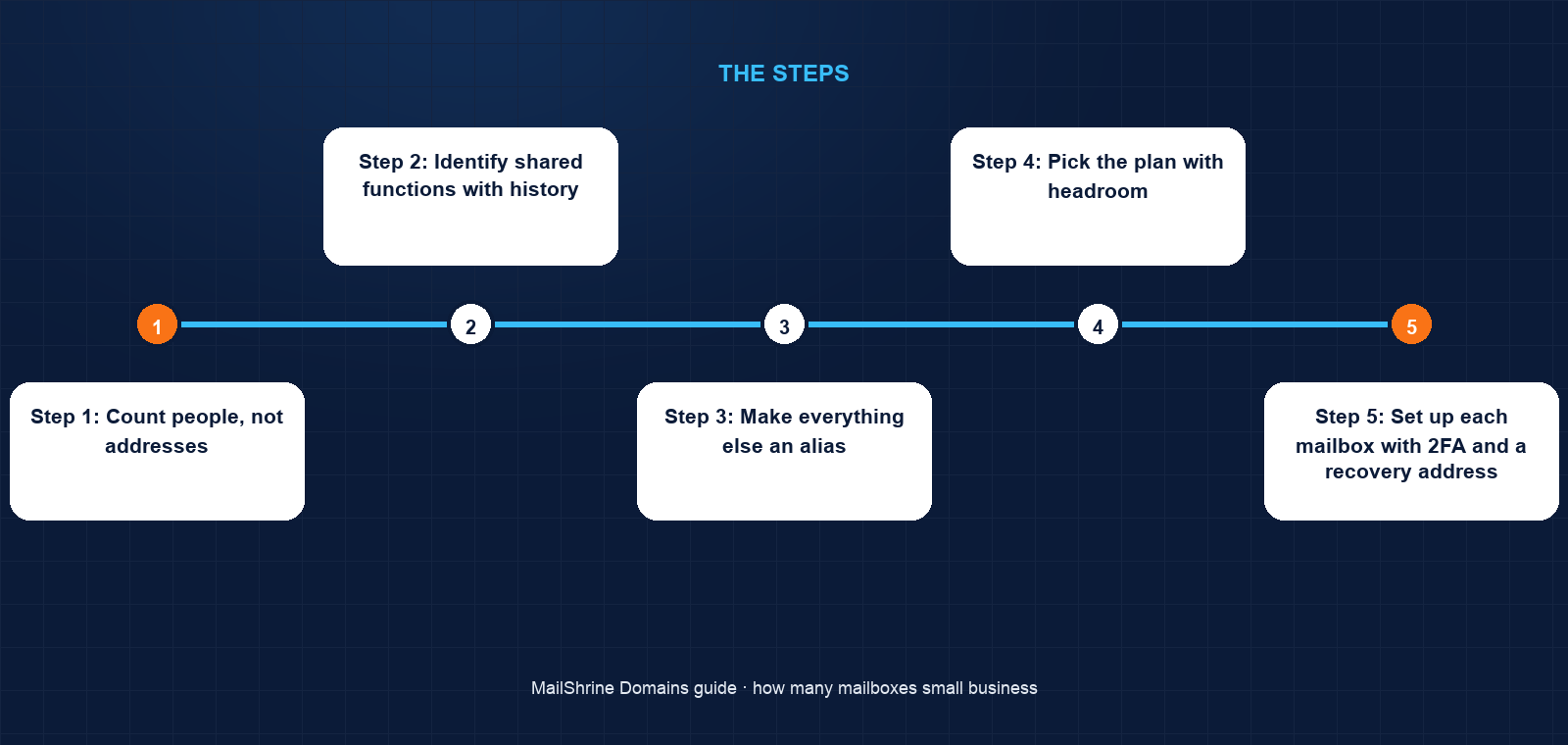
Step 1: Count people, not addresses
Jean-Paul writes six names. Each needs a login that is theirs alone, because the agronomists send quality reports from the field and the finance officer exchanges bank details. Six mailboxes.
Step 2: Identify shared functions with history
sales@ has two years of roaster correspondence that must survive any one person leaving. It becomes a seventh mailbox shared via webmail rather than an alias, so the history lives in one place.
Step 3: Make everything else an alias
hello@, info@, accounts@ and quality@ are routing conveniences. He creates them as aliases into the appropriate mailboxes. Aliases do not count against the plan.
Step 4: Pick the plan with headroom
Seven mailboxes today, likely eight next year. Team (15) is the fit. Solo (5) would force him to share logins, which is the problem he is trying to avoid.
Step 5: Set up each mailbox with 2FA and a recovery address
Every mailbox gets its own password and 2FA. The recovery address for each is Jean-Paul's own mailbox, so a locked-out agronomist in a washing station can be rescued from Kigali.
Step 6: Write the leaver procedure
When someone leaves: change the password the same day, forward to their manager for 30 days, then convert the mailbox to an alias pointing at the successor and free the slot. The customer-facing address never dies.
Jean-Paul's checklist
- Listed six people needing private mailCompleted
- Identified
sales@as a shared mailbox with historyCompleted - Converted four addresses to aliasesCompleted
- Chose Team (15) for seven mailboxes with headroomCompleted
- Created each mailbox with 2FA and his address as recoveryNot completed
- Documented the leaver procedureNot completed
- Reviewed the count at the next renewalNot completed
Common mistakes
Buying a mailbox for every address on the website. info@, hello@, support@ and contact@ are four aliases into one mailbox, not four mailboxes.
Sharing one login among staff. When someone leaves, you either change a password everyone uses or accept that they still have access. Separate mailboxes make departures clean.
Using an alias where history matters. An alias into a personal mailbox means the sales history leaves with the salesperson. Shared functions with a paper trail deserve a mailbox.
Sizing the plan exactly. Hiring one person then forces an upgrade. One or two spare slots cost little and remove the friction.
Forgetting that mailboxes are credentials. Each one needs 2FA, a recovery path and an owner. Unused mailboxes with weak passwords are how domains get used for spam.
Check your work
Open the Business Email section of the dashboard. The mailbox count should equal the number of people plus shared functions you listed, no more. Every published address should resolve: send a test to each alias and confirm it arrives in the intended mailbox. Every mailbox should show 2FA enabled. Finally, read your leaver procedure aloud and check that every customer-facing address survives any single person leaving.
FAQ
Do aliases cost anything or count toward my plan?
No. Aliases deliver into an existing mailbox and are not counted as mailboxes on any MailShrine plan. Create as many role addresses as you need.
Should the owner have a separate mailbox for invoices or admin?
Often yes. A second mailbox such as admin@ or billing@ keeps registrar, bank and supplier mail out of the daily inbox, and can be the registrant contact for the domain so renewal reminders are never buried.
Can two people share a mailbox safely?
Through webmail with a shared password, yes, for a function like sales@ or orders@. Enable 2FA with a shared authenticator and change the password when either person leaves. It is less clean than separate mailboxes but appropriate for genuinely shared functions.
What happens to a mailbox when someone leaves?
You decide. The common sequence is: change the password immediately, forward to a manager for 30 days, export anything needed, then either delete the mailbox or convert the address to an alias so external contacts still reach someone.
How do I know when to move from the two included mailboxes to a paid plan?
When a third person needs private mail, or when a shared function needs its own history. If you only need more addresses, aliases on the two included mailboxes cover it at no cost.
Next steps
- Email Aliases vs Mailboxes — the detailed differences and what each can and cannot do.
- Catch-All Email on a Domain — the alternative to naming every address, and its costs.
- How to Get Email on Your Own Domain — the setup from registration to first message.
Citations & References
- Reference: RFC 5321: Simple Mail Transfer Protocol
- Reference: RFC 2142: Mailbox names for common services, roles and functions
- Reference: NIST SP 800-63B: Digital Identity Guidelines, authentication
- Reference: Google: Email sender guidelines
Written by Samira K., small-business editor. Samira has talked more than one owner down from buying eleven mailboxes for a six-person team.