
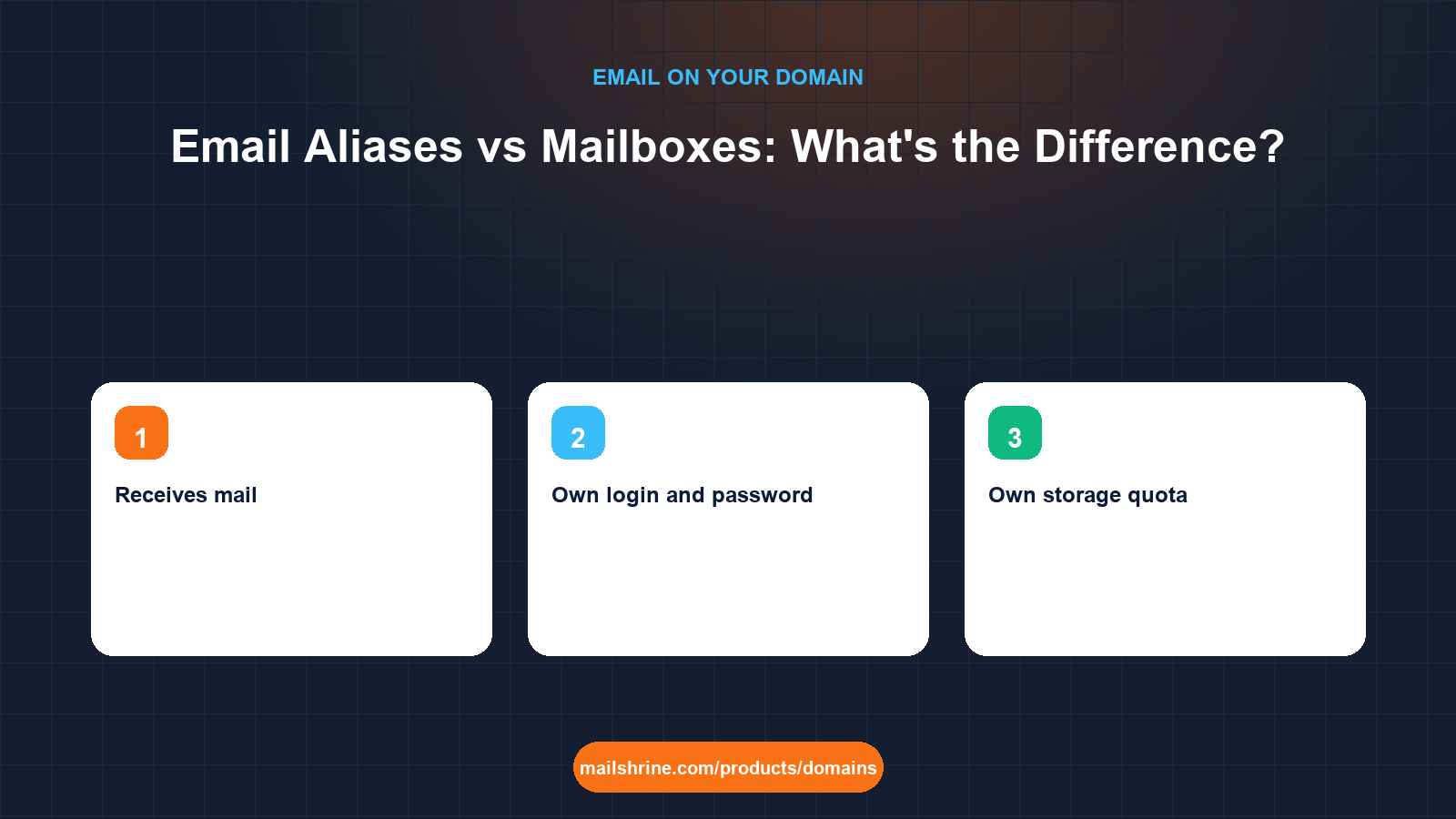
An email alias is an address that forwards into an existing mailbox: hello@alsayedlegal.com can be an alias that drops everything into fatima@alsayedlegal.com. It has no password, no storage and no sent folder of its own. A mailbox is the real account: a login, a quota, folders, a calendar, and a distinct identity that can send mail. Every alias ultimately lands in a mailbox; a mailbox can have many aliases.
The distinction decides how you structure addresses on your domain. Aliases are free and instant, and the right tool for role addresses and typo-catching. Mailboxes are what plans are priced on and what you need when a person or a function requires private access and their own history. Confusing the two leads either to paying for mailboxes nobody logs into, or to staff sharing a login because an alias cannot be opened on its own.
MailShrine Domains includes two Business Email mailboxes with every domain, each with webmail, calendar, drive and two-factor authentication, and lets you attach aliases to them without limit. Larger needs step up to Solo (5 mailboxes), Team (15) or Business (50); aliases never count toward those numbers.
Real-life example: Fatima's legal practice
Fatima Al-Sayed is a sole-practitioner solicitor in Wuse, Abuja, handling property and small-company matters. She registered alsayedlegal.com and has one mailbox, fatima@. She wants to put hello@ on her website, billing@ on invoices, conveyancing@ on property paperwork, and give her new paralegal, Musa, an address. She has been told she needs "five email accounts" and wants to know whether that is true before she pays for anything.
Fatima's goals this week:
- Understand what an alias can and cannot do compared with a mailbox.
- Set up the four public addresses without buying four mailboxes.
- Give Musa an address in a way that keeps client confidentiality intact.
The differences that matter
| Capability | Alias | Mailbox |
|---|---|---|
| Receives mail | Yes, into the target mailbox | Yes |
| Own login and password | No | Yes |
| Own storage quota | No; uses the target's | Yes |
| Own folders, sent items, calendar | No | Yes |
| Can send mail as this address | Usually yes, as a "send-as" identity from the target mailbox | Yes, natively |
| Separate 2FA | No; protected by the target's | Yes |
| Can be given to a different person later | Yes, by re-pointing it | Yes, by changing the password |
| Counted on the plan | No | Yes |
| Appears in a directory or as a calendar invitee | No | Yes |
| Can be a shared inbox for a team | Only by delivering to several mailboxes | Yes, through shared credentials |
The row that trips people is "send as". Most hosts let a mailbox owner send with an alias in the From line, so fatima@ can reply as billing@. Receivers see billing@ and SPF, DKIM and DMARC all pass because the domain is the same. What an alias cannot do is be opened independently by someone who does not have the target mailbox's password.
Fatima's addresses, sorted
| Address | Purpose | Who reads it | Alias or mailbox | Why |
|---|---|---|---|---|
fatima@ | Her correspondence | Fatima only | Mailbox (existing) | Private, own history |
hello@ | Website enquiries | Fatima | Alias into fatima@ | Routing only |
billing@ | Invoices and payment queries | Fatima | Alias into fatima@, send-as enabled | Replies should come from billing@ |
conveyancing@ | Property matters | Fatima and Musa | Alias into both mailboxes | Both need to see it |
musa@ | Paralegal's correspondence | Musa only | Mailbox (second included) | Private, confidentiality |
Five addresses, two mailboxes, both included with the domain. The "five accounts" advice would have cost her a paid plan for no benefit.
What you need before you start
| You need | Why |
|---|---|
| A list of addresses with the person who reads each | The reader determines mailbox or alias |
| Confidentiality requirements | In a legal practice, Musa must not read Fatima's client mail; separate mailboxes enforce that |
| Which addresses you reply from | Those need send-as configured on the target mailbox |
| A naming rule | Lower-case, no dots or hyphens unless the brand uses them; consistency prevents typos |
| The dashboard open | Aliases and send-as identities are set in the Business Email settings |
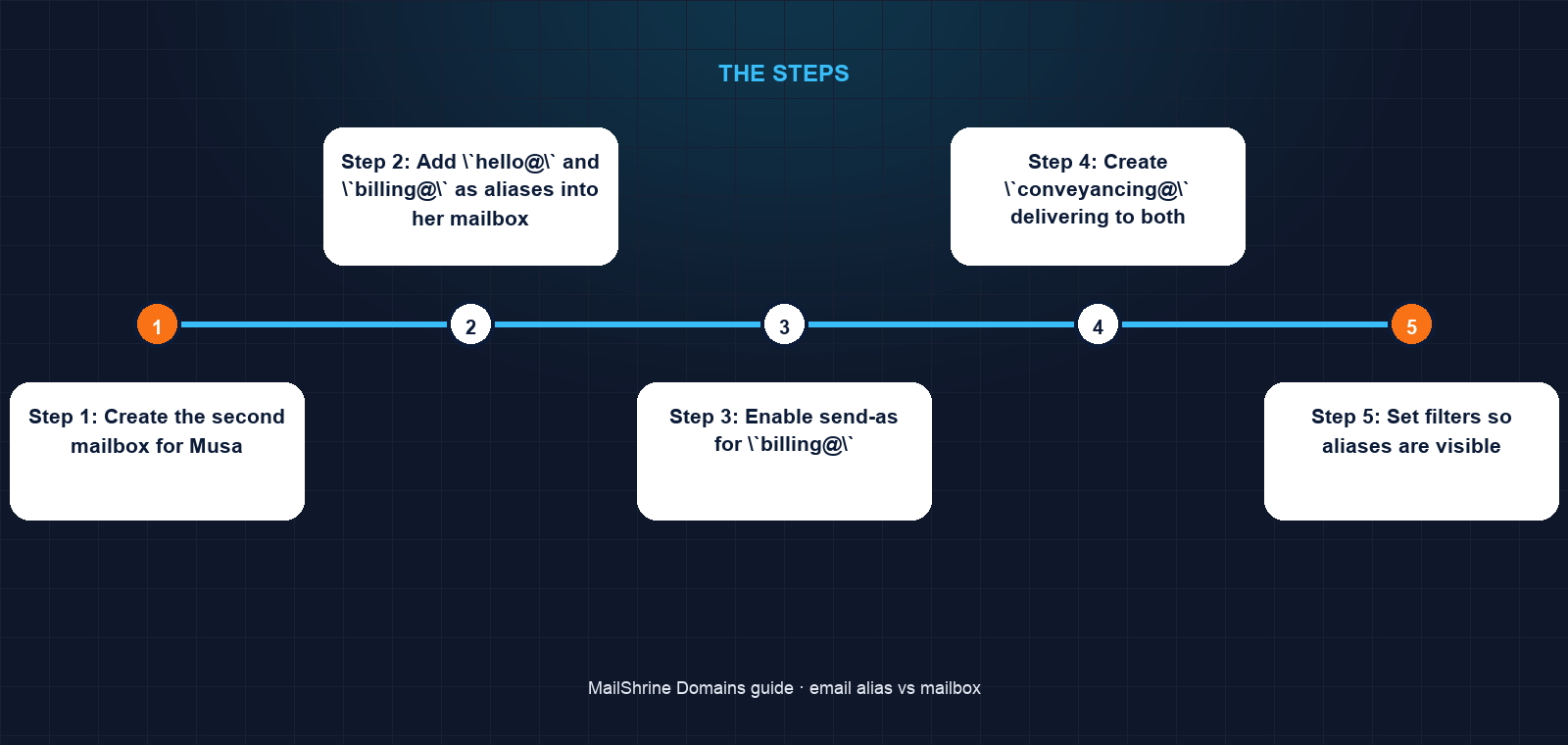
Step 1: Create the second mailbox for Musa
Fatima renames the second included mailbox to musa@alsayedlegal.com, sets a temporary password for him to change, and requires 2FA at first login. Musa can now read only his own mail.
Step 2: Add `hello@` and `billing@` as aliases into her mailbox
In the Business Email settings she adds both aliases targeting fatima@. They receive instantly; no DNS change is involved because the MX record already routes the whole domain to the mail host.
Step 3: Enable send-as for `billing@`
She adds billing@ as a sending identity on her mailbox, so invoice replies carry billing@ in the From line. A test to Gmail shows the From address as billing@ with SPF, DKIM and DMARC passing, because the mail still leaves through the domain's authorised server.
Step 4: Create `conveyancing@` delivering to both
The alias targets both fatima@ and musa@. Either can reply; each reply is in the sender's own sent folder, and each knows the other has seen the original. For a two-person team this is simpler than a third shared mailbox.
Step 5: Set filters so aliases are visible
In webmail she creates a rule: mail addressed to billing@ goes into a Billing folder, hello@ into Enquiries. The To header carries the alias, so the rule is reliable.
Step 6: Publish and test
Website gets hello@, invoices get billing@, property forms get conveyancing@. She sends a test to each from an outside account and checks where it lands.
Fatima's checklist
- Renamed the second included mailbox to
musa@with 2FA requiredCompleted - Created
hello@andbilling@as aliases intofatima@Completed - Enabled send-as for
billing@and confirmed authentication passesCompleted - Created
conveyancing@delivering to both mailboxesCompleted - Added webmail folder rules for each aliasNot completed
- Updated the website, invoice template and property formsNot completed
- Sent a test to each address from an outside accountNot completed
Common mistakes
Buying a mailbox for every public address. Role addresses are aliases. A mailbox is for a person or a shared function that needs its own login and history.
Using an alias where confidentiality matters. If Musa needed to read conveyancing@ but must never see fatima@, the alias must deliver to his mailbox, not require him to log into hers.
Replying from the wrong identity. Without send-as, a reply to a billing@ enquiry leaves as fatima@, and the client's thread splits. Configure the identity before publishing the alias.
Expecting an alias to have its own storage or calendar. It does not. If an address needs a calendar that can be invited to meetings, it needs a mailbox.
Confusing an alias with a forwarder to another domain. An alias stays inside the domain and keeps authentication intact. Forwarding to an external address passes through another provider and often breaks SPF for the onward hop.
Check your work
In the dashboard, the mailbox count should equal the number of people who need private mail. Every alias should list its target mailbox. Send a test to each alias from Gmail and confirm it arrives in the right mailbox and folder. Reply from the mailbox choosing the alias identity, and open "Show original" at Gmail: the From address should be the alias and all three authentication results should pass. If the From shows the mailbox address instead, send-as is not configured.
FAQ
Can I send mail from an alias?
Yes, if your host supports send-as identities, which MailShrine's webmail and standard IMAP clients do. The message leaves through the same authorised server, so SPF, DKIM and DMARC pass and the recipient sees the alias as the sender.
Does an alias have its own password?
No. It inherits all security from the mailbox it delivers into. That is why an alias is unsuitable for anyone who should not have full access to that mailbox.
Can one alias deliver to several mailboxes?
Yes. This is sometimes called a distribution address or group. Each target mailbox receives a copy, and any of them can reply.
Can I convert an alias into a mailbox later, or the reverse?
Yes. Delete the alias and create a mailbox with the same address, or the other way round. Mail continues to route because the MX record covers the whole domain; only the destination inside the mail host changes.
Do aliases help with spam?
Indirectly. If you give each service a unique alias (shopname@, newsletter@), you can see which one leaked when spam arrives, and delete just that alias. This is the same idea as a catch-all but without accepting mail for every possible address.
Next steps
- How Many Mailboxes Does a Small Business Need? — sizing mailboxes and plans once you have sorted aliases from mailboxes.
- Catch-All Email on a Domain — the alternative to naming every alias, and why most businesses should not use it.
- How to Get Email on Your Own Domain — the registration-to-inbox setup that aliases sit on top of.
Citations & References
- Reference: RFC 5321 section 3.9: Mailing lists and aliases
- Reference: RFC 2142: Mailbox names for common services, roles and functions
- Reference: RFC 7489: DMARC
- Reference: Google Workspace: Add or remove email aliases
Written by Samira K., small-business editor. Samira sorts addresses into aliases and mailboxes before anyone pays for a plan.