
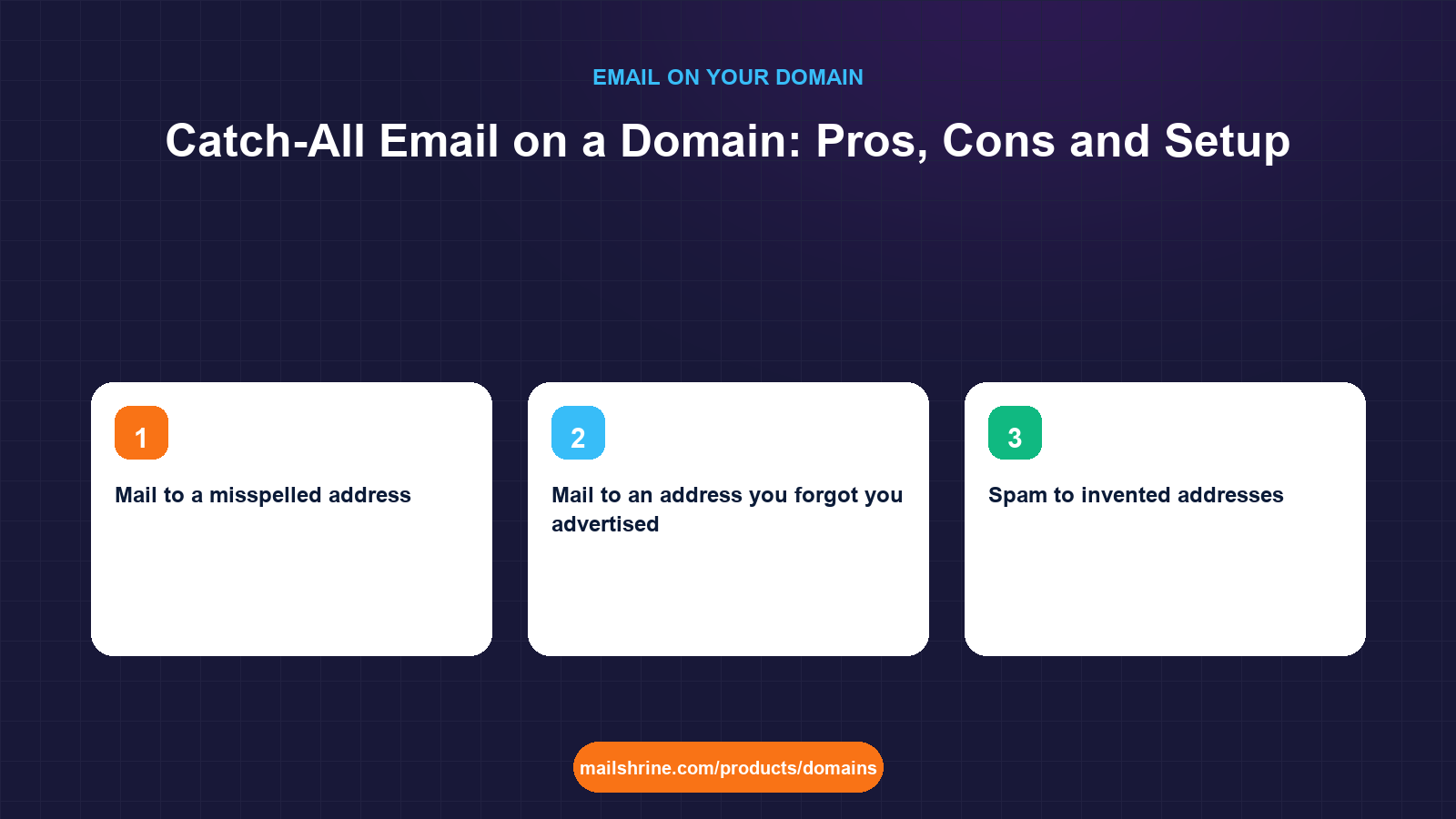
A catch-all email address is a rule at your mail host that accepts every message sent to your domain, whatever appears before the @, and delivers it to one mailbox. With a catch-all on reyesevents.com, mail to sofia@, bookings@, sofai@ (a typo) and randomword@ all arrive. Without one, mail to any address that does not exist is rejected with a bounce.
It sounds like free insurance against lost mail, and for a tiny business it sometimes is. It also means your domain accepts mail for infinite addresses, which spammers discover quickly, and it hides a class of problems (misspelled addresses on your own materials) that a bounce would have exposed. The decision is a trade-off between never missing a message and never being able to say "that address does not exist".
MailShrine Domains registers the domain and provides two Business Email mailboxes with the MX, SPF, DKIM and DMARC records written for you. Whether a catch-all is switched on is a mailbox-host setting, not a DNS record, so this guide covers both the decision and where the switch lives, and what to do instead if you decide against it.
Real-life example: Sofia's event company
Sofia Reyes runs Reyes Events in East Austin, planning weddings and corporate dinners. She registered reyesevents.com and uses sofia@ and hello@. Over two years she has handed out events@, bookings@ and info@ on various flyers and vendor forms without ever creating them. Last week a venue said they had emailed a contract to bookings@reyesevents.com and it bounced. She is considering a catch-all so nothing bounces again, but a photographer friend warned her that his catch-all inbox gets two hundred junk messages a day.
Sofia's goals this week:
- Understand exactly what a catch-all would and would not solve for her.
- Decide between a catch-all and simply creating the addresses she has already handed out.
- Set up whichever she chooses so the venue's contract can be resent today.
Catch-all versus explicit addresses
| Factor | Catch-all | Named aliases to a mailbox | Bounce unknown addresses |
|---|---|---|---|
| Mail to a misspelled address | Delivered | Bounced unless you added the misspelling as an alias | Bounced |
| Mail to an address you forgot you advertised | Delivered | Bounced | Bounced |
| Spam to invented addresses | All delivered | Rejected | Rejected |
| Dictionary attacks (thousands of guessed addresses) | All accepted, inbox flooded | Rejected at the door | Rejected |
| Knowing which address a sender used | Visible in To header, but easy to miss | Clear; each alias is deliberate | Not applicable |
| Spam filter effect | Receiving mail for non-existent users is a weak negative signal | Neutral | Neutral |
| Setup effort | One switch | One alias per address | None |
The middle column is what most small businesses actually want. Sofia has used five addresses. Creating five aliases into her two mailboxes takes four minutes and catches everything she has ever advertised without accepting mail for the other infinite possibilities.
Where catch-all makes sense
| Situation | Verdict | Reason |
|---|---|---|
| Solo owner who has handed out many ad-hoc addresses over years | Reasonable, with strong filtering | Cost of a missed message exceeds the junk |
Domain used for sign-ups with unique addresses per service (netflix@, bank@) | Good fit | Reveals which service leaked your address |
| Business with staff, where sender mistakes should be surfaced | Avoid | A bounce tells the sender to fix the address |
| Domain already receiving spam | Avoid | A catch-all multiplies it |
| Shared mailbox with a team monitoring it | Avoid | Nobody owns the noise |
What you need before you start
| You need | Why |
|---|---|
| A list of every address you have ever published | Flyers, vendor forms, social bios, old invoices |
| Your mail host's alias or catch-all setting | At MailShrine this is in the Business Email mailbox settings, not DNS |
| A decision on the destination mailbox | Catch-all mail should land somewhere that is read but is not your primary inbox |
| Spam filtering turned up on that mailbox | If you go catch-all, this is non-negotiable |
| A plan to review in 30 days | To see whether the catch-all is catching anything that matters |
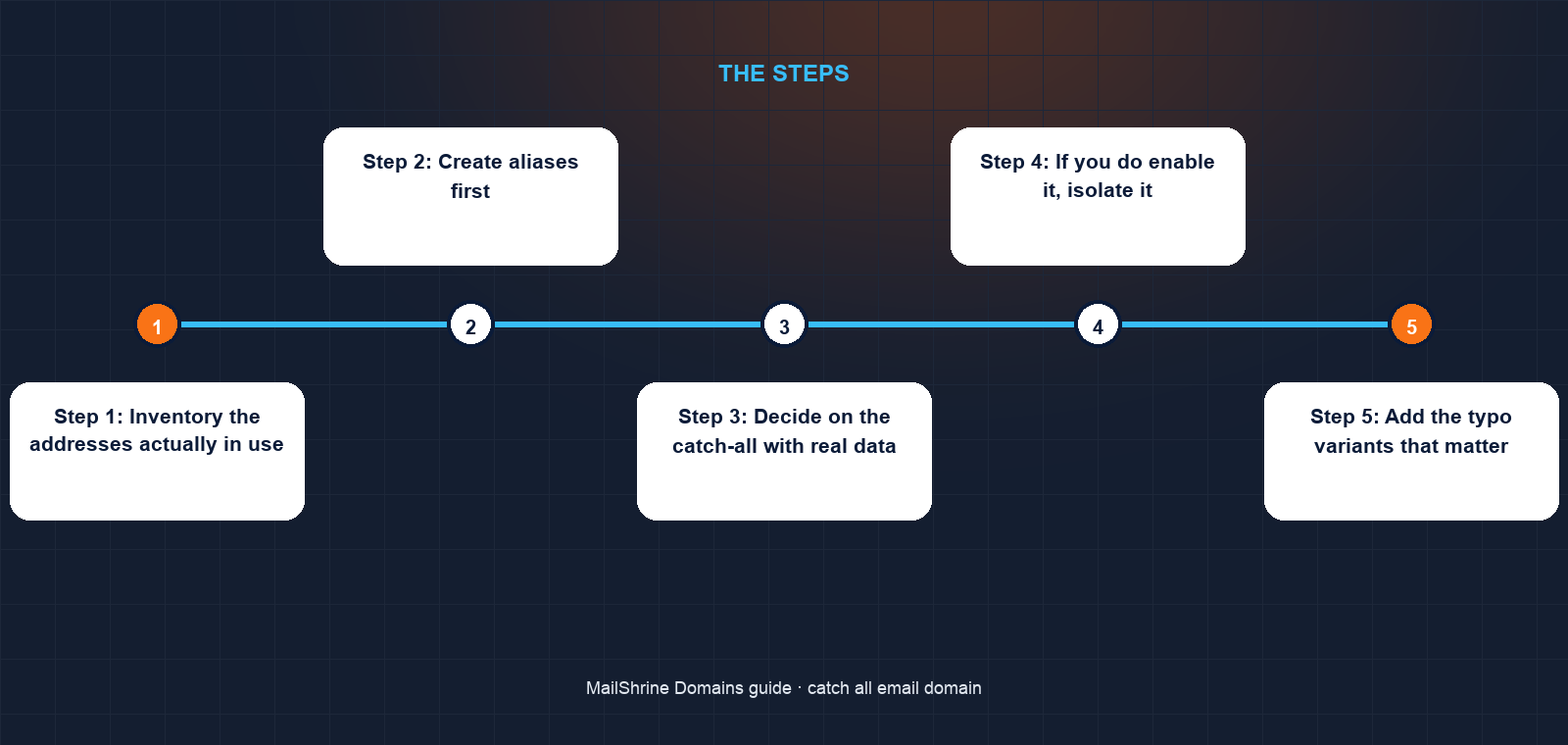
Step 1: Inventory the addresses actually in use
Sofia searches her sent mail, flyers folder and vendor portals. Five addresses: sofia@, hello@, events@, bookings@, info@. Two exist. Three were never created.
Step 2: Create aliases first
In the Business Email settings she adds events@, bookings@ and info@ as aliases delivering into hello@. The venue can resend the contract now; it will arrive. Aliases do not count against her two mailboxes.
Step 3: Decide on the catch-all with real data
She looks at her bounce history: in two years, the venue's message is the only one she knows of, and it was to an address she had advertised, now covered. The photographer's two hundred junk messages a day are a daily cost for an unknown benefit. She decides against the catch-all.
Step 4: If you do enable it, isolate it
Had she chosen it, the right setup is a dedicated destination (a third mailbox on a paid plan, or hello@ with aggressive filtering) rather than sofia@, so her personal inbox is not the dumping ground. A rule moving catch-all mail (To header not matching any real alias) into a folder keeps it reviewable without being intrusive.
Step 5: Add the typo variants that matter
One cheap compromise: she adds sophia@ and sofia.reyes@ as aliases, covering the misspellings she actually sees, without opening the domain to everything.
Step 6: Review in a month
She checks whether any further bounces were reported. None. The alias set is the final configuration.
Sofia's checklist
- Listed every address ever published for the domainCompleted
- Created
events@,bookings@andinfo@as aliases intohello@Completed - Asked the venue to resend the contractCompleted
- Decided against a catch-all based on bounce historyCompleted
- Added the two common misspellings as aliasesNot completed
- Set a reminder to review bounces in 30 daysNot completed
- Updated flyers so only
hello@andbookings@appear going forwardNot completed
Common mistakes
Pointing the catch-all at your primary mailbox. Every dictionary-attack message lands next to client mail. Use a separate destination or a filtered folder.
Using catch-all instead of fixing published addresses. The catch-all masks the fact that your flyer says booking@ while your signature says bookings@. Fix the materials; the inconsistency confuses customers regardless.
Confusing catch-all with a DNS wildcard. A wildcard MX record (*.reyesevents.com) routes mail for any subdomain. A catch-all accepts any local part. They are different settings and the wildcard is almost never what you want.
Assuming catch-all helps with sending. It is purely inbound. You cannot send from an address that does not exist as a mailbox or alias.
Forgetting it when enabling DMARC reports or verification. Some services require you to receive mail at a specific address to verify. With a catch-all you may pass verification without realising which address was used, and lose it later when you turn the catch-all off.
Check your work
Send three test messages from an outside account: one to a real alias (bookings@), one to a deliberate typo (bookngs@), one to a random word. If you chose aliases, the first arrives and the other two bounce with "recipient not found" within a minute. If you chose a catch-all, all three arrive at the catch-all destination and none at your primary inbox. Either outcome is correct for the choice you made; a mix means a rule is misconfigured.
FAQ
Does a catch-all hurt deliverability of mail I send?
Not directly. Receiving providers do not inspect your inbound rules. Indirectly, a catch-all inbox full of spam makes it easy to miss a real bounce or a DMARC report that would have warned you about a sending problem.
Can I have a catch-all and specific mailboxes at the same time?
Yes. Named mailboxes and aliases take priority; the catch-all only receives mail for addresses that match nothing else. This is the standard arrangement.
Is a catch-all a DNS setting?
No. DNS, via the MX record, only says which server receives mail for the domain. Whether that server accepts unknown addresses is configured at the mail host. On MailShrine it lives in the Business Email settings.
Why do email verification tools flag my domain as "catch-all"?
Marketers verify addresses by asking your server whether a random one exists. A catch-all says yes to everything, so they cannot tell real from fake and mark the domain "accept-all". It can mean fewer cold-outreach messages, which some owners consider a benefit.
Will a catch-all stop legitimate mail from being lost forever?
It stops bounces, which is not the same thing. A message that lands in a flooded catch-all folder and is never read is as lost as one that bounced, and the sender has no idea.
Next steps
- Email Aliases vs Mailboxes — the alias approach in detail, and when an address deserves its own mailbox.
- How Many Mailboxes Does a Small Business Need? — sizing mailboxes, aliases and role addresses.
- MX Records Explained — what DNS does and does not decide about inbound mail.
Citations & References
- Reference: RFC 5321 section 3.3: Mail transactions and recipient handling
- Reference: RFC 5321 section 5.1: Locating the target host
- Reference: Microsoft 365: Accepted domains and catch-all behaviour
- Reference: Google: Email sender guidelines
Written by Daniel O., security editor. Daniel weighs convenience against exposure, and a catch-all is the textbook case of both.