
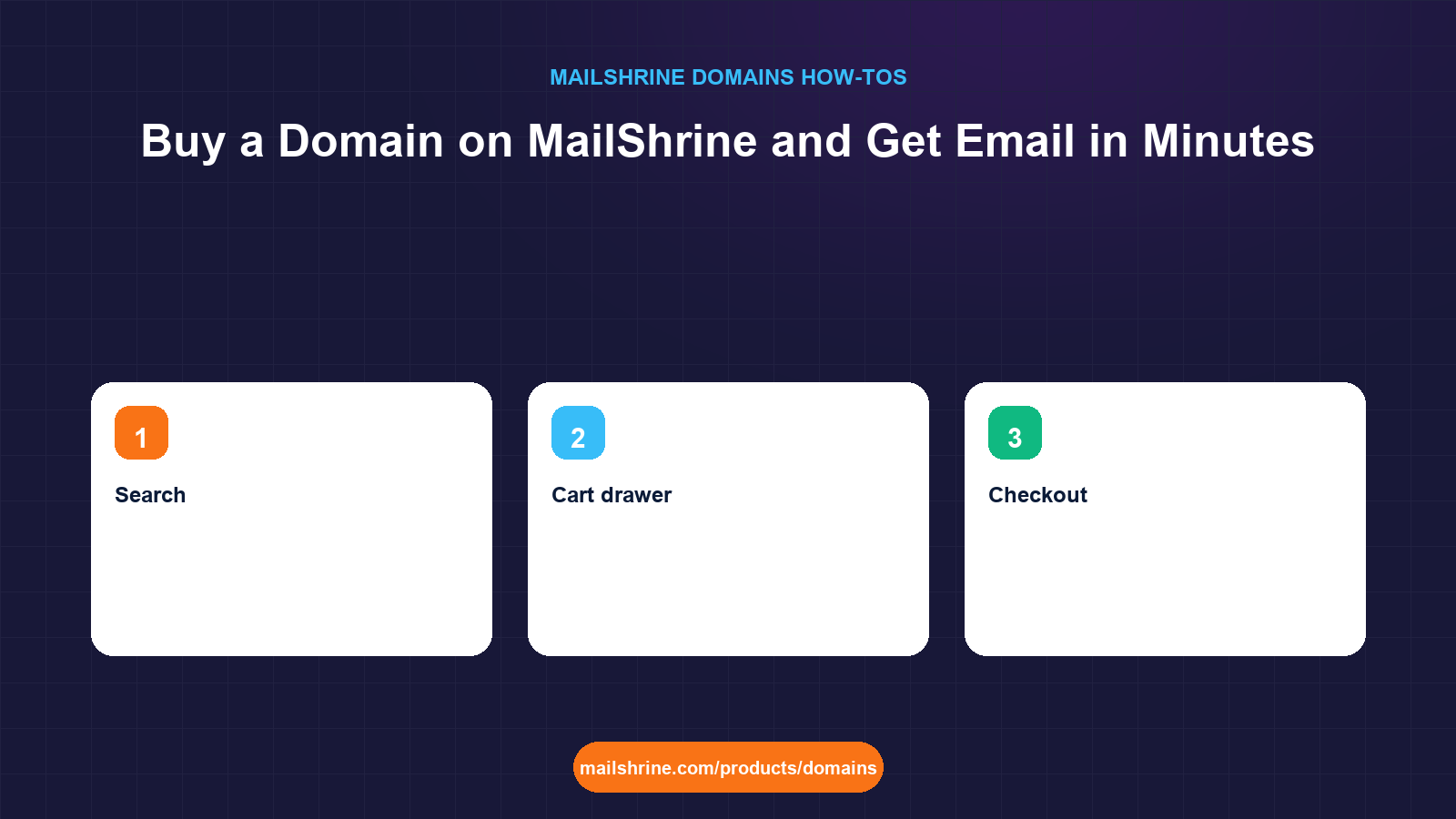
Buying a domain on MailShrine is a five-screen job: search a name, pick a term, decide whether you want more than the two free mailboxes, pay, and open your dashboard. There is no separate "set up email" project afterwards, because the mail records (MX, SPF, DKIM and DMARC) are written into the zone at the moment the registry confirms the name. The part most people get wrong is not the clicking. It is choosing the term, reading the renewal price, and knowing which of the dashboard switches to leave alone.
This guide walks the exact flow on the live site, from the search box on the public page to the first message sent from your new address, and explains what each option costs you later if you choose it carelessly.
MailShrine Domains is an ICANN-channel registrar that routes registrations to Openprovider or Dynadot depending on the extension, covers 150+ extensions, and shows the first-year promo and the renewal price side by side before you add anything to the cart. Every domain ships with WHOIS privacy and transfer lock on, Anycast DNS, and two business mailboxes from Business Email.
Real-life example: Kwame's bakery
Kwame Mensah runs Osu Crumbs, a bakery with one shop in Accra and a growing wholesale list of cafés. His orders arrive on WhatsApp and a Yahoo address, and two café owners have told him they nearly ignored his invoice because the sender looked unofficial. He wants orders@osucrumbs.com by the end of the day, and he does not want to learn what an MX record is.
Kwame's goals this afternoon:
- Find out in one search whether
osucrumbs.comis free and what it will cost in year one and year two. - Pay once, in a currency his bank will not block, and have the name registered to the bakery rather than to his personal Gmail.
- Send an invoice from
orders@osucrumbs.combefore the shop closes at 6 pm.
The five screens, and what each one decides
| Screen | Where it lives | What you decide there | What it is hard to change later |
|---|---|---|---|
| Search | /products/domains | Which name and extension | The name itself; typos cannot be corrected after registration |
| Cart drawer | Slides in from the search results | Term (1 to 10 years), optional Business Email plan | The term can only be extended, never shortened or refunded |
| Checkout | Stripe (card, USD) or Paystack (Naira) | Payment method and registrant details | Registrant organisation; changing it later is a change of owner |
| Order confirmation | /dashboard/domains → Orders tab | Nothing; you watch the status move from Pending to Active | Nothing |
| My domains | /dashboard/domains → My domains tab | DNS, nameservers, lock, privacy, DNSSEC, email provider, renewal | Everything here is reversible |
The search results matter more than they look. Each result shows two prices: the first-year price (sometimes a promo) and the renewal price. A .com typically shows $12.99 for both. Some newer extensions show a $2 or $3 first year with a $30 renewal, which is fine for a one-year experiment and expensive for a bakery that plans to exist in five years.
What the cart drawer is really asking
The drawer that opens when you click Add has two controls, and both have a long tail.
Term. The slider runs from 1 to 10 years. Registries allow a maximum of 10 years on a name at any time, so a 10-year purchase today means you cannot add more years until time has passed. Longer terms lock in today's renewal price for every year you prepay and mean fewer renewal emails to ignore. Shorter terms keep cash in the business. Kwame picks 2 years: enough to stop worrying, cheap enough not to hurt.
Business Email plan. Every domain includes 2 free mailboxes with webmail, calendar, drive and 2FA. If you need more, the drawer offers Solo (5 mailboxes), Team (15) and Business (50). You can leave this at the free tier and upgrade from the dashboard later, so there is no reason to guess high at checkout. Kwame needs orders@ and kwame@, so the free tier is exactly right.
What you need before you start
| You need | Why |
|---|---|
| The name typed correctly, twice | Registration is instant and the registry will not undo a typo. Read it aloud before paying. |
| A card (USD via Stripe) or a Naira payment method (Paystack) | Payment is captured before the create command goes to the registry, so a failed charge leaves nothing half done. |
| Real registrant details for the business | ICANN requires accurate contact data. Use the business name as organisation so the domain is not legally tied to one employee. |
| An email address you check | The order receipt, the mailbox-ready notice and all future renewal reminders go here. |
| 10 minutes | Registration takes seconds; DNS for the new mailboxes is usable within minutes. |
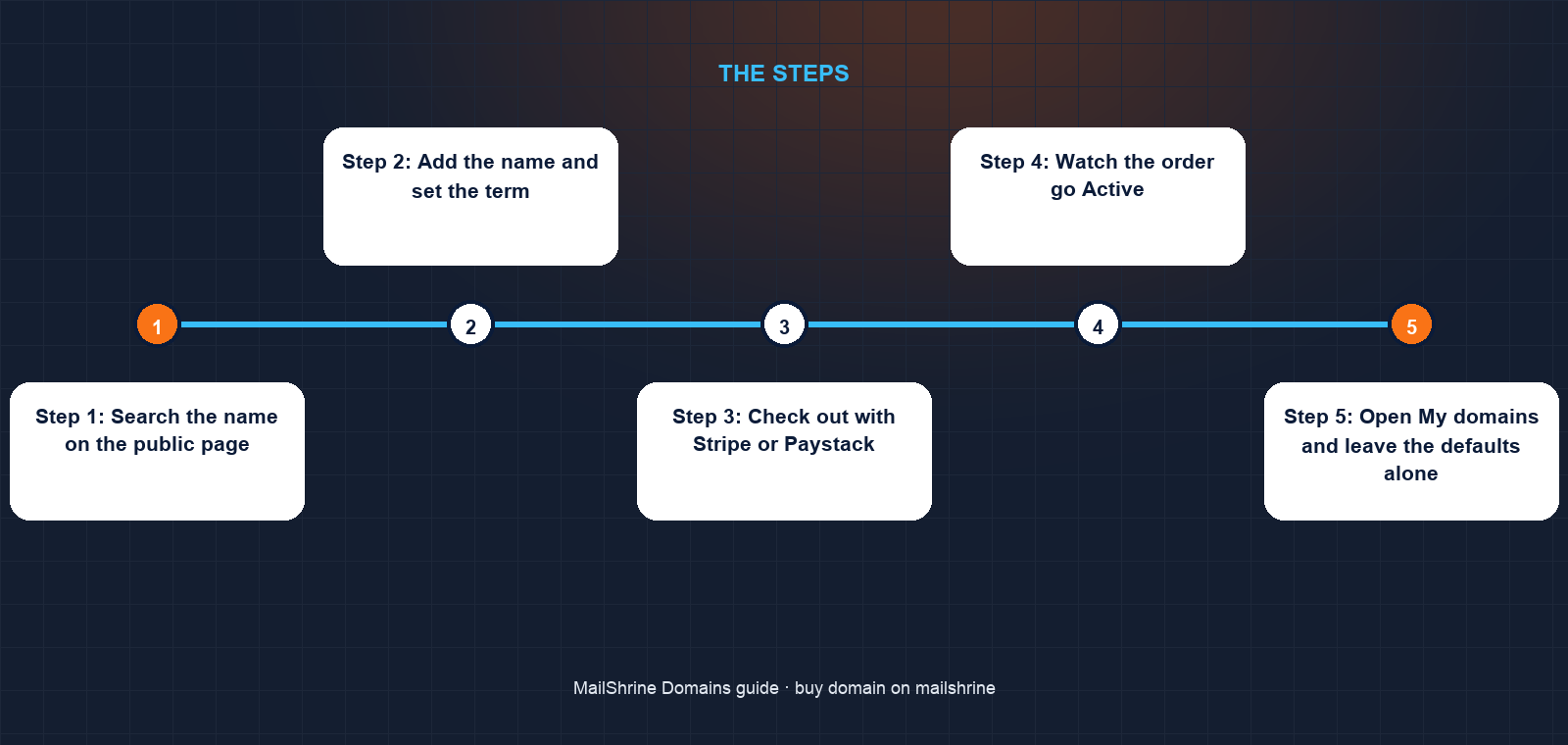
Step 1: Search the name on the public page
Go to /products/domains and type the name without the extension, for example osucrumbs. Results list the extensions that are available with both prices, and mark taken names. If a taken name is listed on the aftermarket, you may see a Buy Now price up to a cap; those are resales, and the renewal price afterwards is the normal registry price. If you want to check several spellings quickly, the availability checker does the same lookup without the cart.
Step 2: Add the name and set the term
Click Add on the extension you want. The cart drawer opens on the right. Move the term to the number of years you want, and watch the total update; the total is the first-year price plus the renewal price multiplied by the remaining years. Leave the Business Email plan on the free tier unless you already know you need more than two mailboxes.
Step 3: Check out with Stripe or Paystack
Click Checkout. Choose Card to pay in USD through Stripe, or Paystack to pay in Naira. Fill in the registrant details: name, organisation, address, phone and email. Kwame enters Osu Crumbs as the organisation and his own name as the contact. The order appears in the Orders tab with status Pending while payment confirms and the registry create runs. If payment fails, the order stays Pending and nothing is registered.
Step 4: Watch the order go Active
Open /dashboard/domains and click Orders. A normal .com registration moves to Active within a minute. The system has done four things in that minute: re-checked availability, sent the create command to the registry, published nameservers, and written the DNS zone including MX, SPF, DKIM and DMARC.
Step 5: Open My domains and leave the defaults alone
Click My domains and open your name. You will see WHOIS privacy on, transfer lock on, auto-renew on, the DNS editor already populated with mail records, and an expiry date in the year you paid up to. Do not turn anything off today. The one thing to do here is open Business Email, rename the default mailbox to the address you want, and send a test message.
Step 6: Send the first email
Log in to webmail with the new mailbox, send a message to your old address, and reply to it. Both directions working means the MX record and the outbound records are live. Kwame sends his first invoice from orders@osucrumbs.com at 4:40 pm.
Kwame's checklist
- Confirmed
osucrumbs.comwas free and both prices were $12.99Completed - Chose a 2-year term so the next renewal is in two yearsCompleted
- Left the Business Email plan on the free tierCompleted
- Entered Osu Crumbs as the registrant organisationCompleted
- Paid in Naira through PaystackCompleted
- Renamed the default mailbox to
orders@Not completed - Added the new address to the invoice template and WhatsApp business profileNot completed
Common mistakes
Picking the cheapest first-year extension. A $2.99 first year on an unfamiliar extension can renew at $30 or more. Read the second price on the card, not the first.
Buying a 10-year term for a name you have not tested. Ten years is the registry maximum and cannot be refunded. Buy 1 or 2 years, use the name for a few months, then extend from the renew button.
Using a personal email as the registrant contact. Renewal reminders and transfer approvals go to that address. If the employee leaves, the domain goes with the inbox. Use a shared business address.
Turning off transfer lock or WHOIS privacy on day one. Both are free and both protect you. Lock only needs to come off the day you actually transfer away.
Adding a paid mailbox plan "just in case". The two free mailboxes cover most small businesses, and the upgrade button is in the dashboard whenever you need it.
Check your work
Open /dashboard/domains → My domains → your name. You should see status Active, an expiry date matching the term you bought, privacy and lock on, and MX, SPF, DKIM and DMARC in the DNS editor. In Business Email you should have two mailboxes, one of which you have renamed. A test email sent from webmail should arrive in your old inbox within a minute. If the order is still Pending after ten minutes, open the Orders tab and check whether the payment confirmed.
FAQ
How long does it take from payment to a working mailbox?
Registration itself completes in seconds for .com, .net, .org and most generic extensions. The DNS zone is written at the same time. Mailboxes are usually sending and receiving within a few minutes of the order going Active.
Can I buy a domain without the mailboxes?
The two mailboxes are included with every domain, and you are not required to use them. You can point MX to another provider at any time from the email provider switch in My domains.
Do I have to pay in US dollars?
No. Checkout offers Stripe for card payments in USD and Paystack for payments in Naira. The domain, the renewal price, and the dashboard are identical whichever you choose.
What if the name is taken?
The result card marks it as taken. If the holder has listed it for sale, a Buy Now price appears up to a cap and you can purchase it like any other item in the cart. Otherwise try the alternative extensions shown, or search a different spelling.
Can I change the term after buying?
You can only add years. Open the domain in My domains and click Renew, where you choose 1 to 10 additional years up to the registry maximum of 10 years total. You cannot shorten a term or get a refund for unused years.
Next steps
- Add DNS Records in the MailShrine Dashboard — connect your website or verify your domain with Google and Meta.
- Pay for a Domain in Naira with Paystack — what the Paystack flow looks like and how renewals are charged.
- Registrant Details: What We Ask For and Why — how to fill in the owner fields so the domain belongs to the business.
Citations & References
- Reference: ICANN: Registrant rights and responsibilities
- Reference: ICANN: Registrar Accreditation Agreement
- Reference: RFC 5321: Simple Mail Transfer Protocol (MX lookup)
- Reference: Verisign: .com registry
Written by Samira K., small-business editor. Samira writes for owners who want the name and the inbox working the same afternoon, with no detour through DNS.