
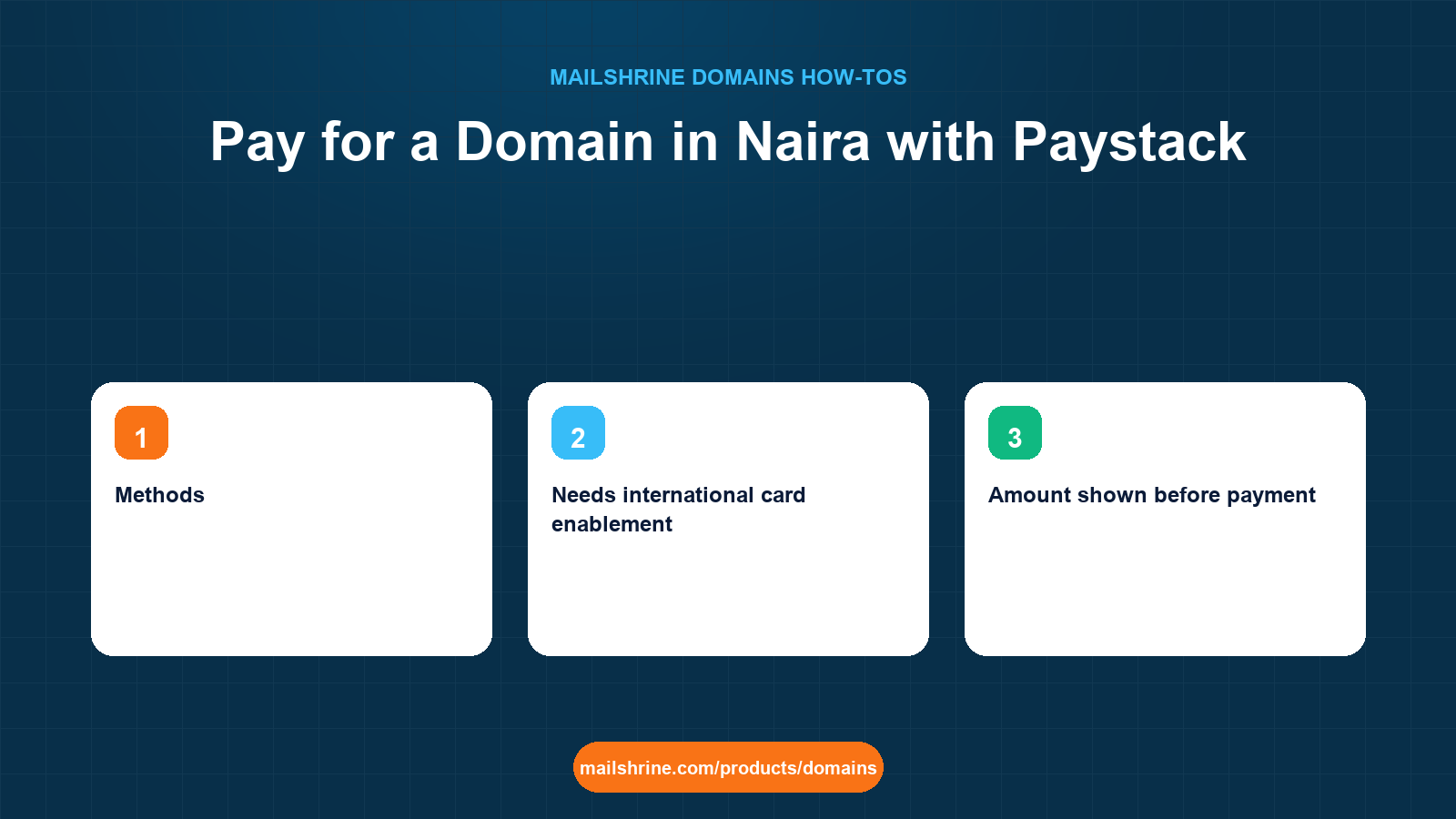
Paying for a domain in Naira on MailShrine means choosing Paystack instead of Stripe at checkout. The domain, the term, the renewal price and the dashboard are identical; only the currency and the payment rail change. Paystack lets you pay with a Nigerian debit card, a bank transfer to a one-time account number, USSD, or a bank account directly, and none of those require a dollar card or a bank that allows international transactions. Renewals can use the same Paystack authorisation, so auto-renew keeps working in Naira too.
This guide walks the Paystack path from the cart drawer to the Orders tab, explains how the Naira amount is derived from the dollar price, what happens if a bank transfer takes longer than the checkout page waits, and how to keep auto-renew healthy when your card is reissued.
MailShrine Domains prices every extension in USD, with a .com typically at $12.99 a year, and offers Naira payment through Paystack at checkout. The two included Business Email mailboxes, WHOIS privacy, transfer lock and DNS are the same regardless of how you pay.
Real-life example: Chidi's logistics firm
Chidi Eze runs a dispatch and logistics company in Lagos. He has tried to register ezedispatch.com twice at foreign registrars and both times his Naira card was declined for an international dollar charge. He wants the name, he wants dispatch@ezedispatch.com for drivers and customers, and he wants to pay the way he pays for everything else: with a bank transfer or a local card.
Chidi's goals today:
- Register
ezedispatch.comfor 2 years and pay in Naira without a dollar card. - Know what the Naira total will be before he clicks pay, and whether it will change at renewal.
- Make sure renewals do not fail in two years because of the same card problem.
Stripe vs Paystack at checkout
| Stripe | Paystack | |
|---|---|---|
| Currency charged | USD | Naira (NGN) |
| Methods | Visa, Mastercard and other international cards | Nigerian debit cards (Verve, Visa, Mastercard), bank transfer, USSD, direct bank debit |
| Needs international card enablement | Yes | No |
| Amount shown before payment | USD price from the search result | Naira amount converted at checkout, shown before you confirm |
| Auto-renew supported | Yes, saved card | Yes, saved card authorisation; bank transfer and USSD payments are one-off |
| Receipt | Stripe receipt plus MailShrine order | Paystack receipt plus MailShrine order |
The Naira figure is calculated when you reach checkout and displayed before you confirm. It is the USD price at a current rate, so the Naira total at renewal in two years will reflect the rate on that day, even though the USD renewal price is the one you saw at purchase. That is the one way Naira payment differs from paying in dollars: the dollar price is fixed by the registry; the Naira equivalent floats with the exchange rate.
How a Paystack payment completes
Paystack returns a result to MailShrine in one of two ways. Card and USSD payments confirm within seconds, and the order moves straight from Pending to Active. Bank transfers to the one-time account number can take anywhere from seconds to several minutes depending on the sending bank. The checkout page waits, but if you close it early the payment still completes: Paystack notifies MailShrine when the transfer lands, the order is marked Paid, and registration runs. Nothing is registered until payment confirms, and nothing is charged twice if you reload.
If a payment fails or is abandoned, the order stays Pending in the Orders tab and the domain is not held for you. Someone else can register it in the meantime, so complete the payment in one sitting where you can.
What you need before you start
| You need | Why |
|---|---|
| A Nigerian debit card, or a bank app for transfers or USSD | Paystack accepts any of these; no international enablement needed |
| Enough balance for the Naira total shown at checkout | The amount includes the full term, so a 2-year .com is roughly twice $12.99 converted |
| The domain name typed correctly | Payment triggers registration; the registry will not undo a typo |
| Real registrant details for the business | ICANN requires accurate contact data regardless of payment method |
| For auto-renew: a card, not a transfer | Only card payments create a reusable authorisation; transfers and USSD are one-off |
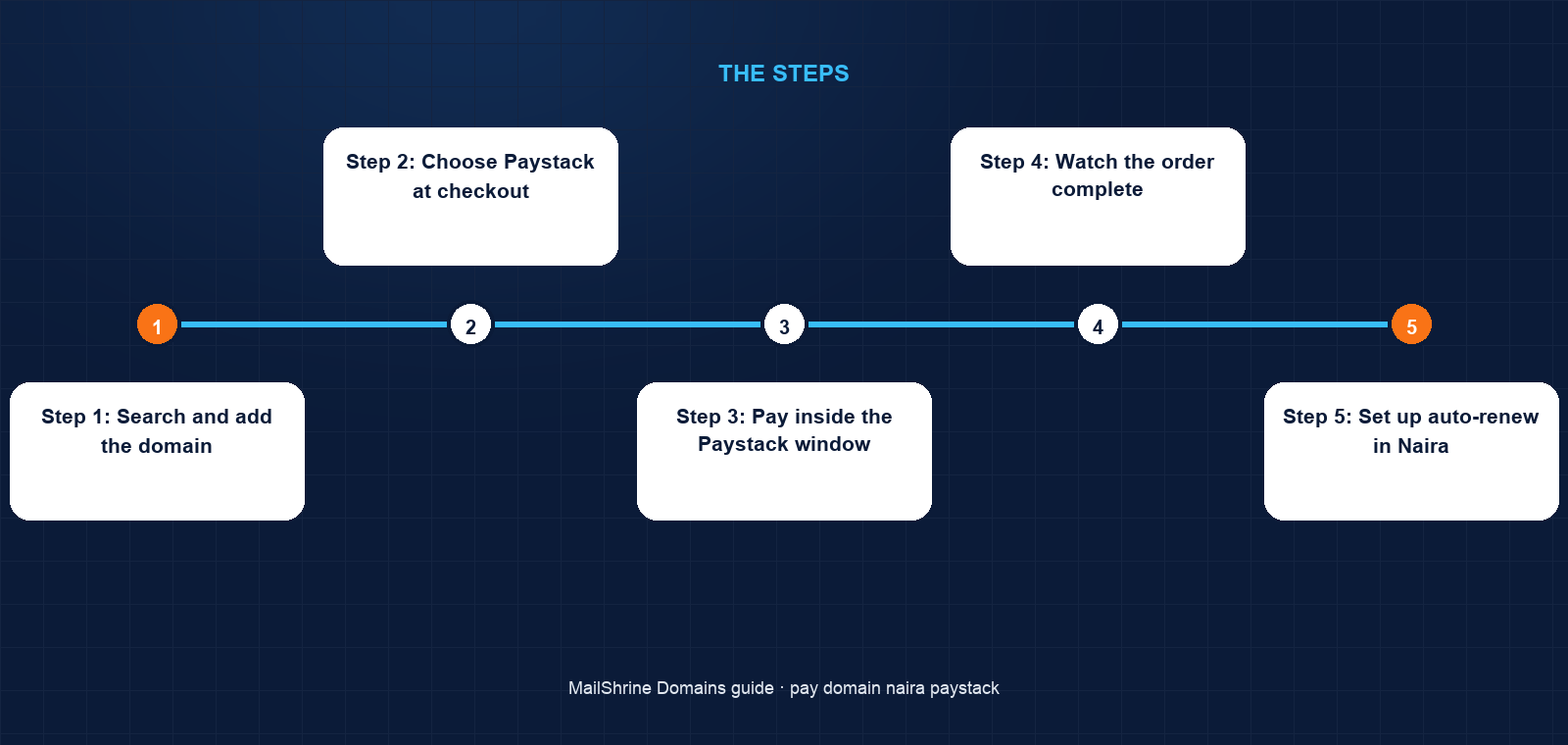
Step 1: Search and add the domain
On /products/domains type ezedispatch and click Add on the .com result. The cart drawer shows the USD prices. Set the term to 2 years and leave the Business Email plan on the free tier.
Step 2: Choose Paystack at checkout
Click Checkout. Under payment method, choose Paystack. The page recalculates and shows the Naira total for the full term. Fill in the registrant details with the company as organisation and an email that someone at the firm reads.
Step 3: Pay inside the Paystack window
Click Pay. The Paystack window opens with tabs for Card, Bank transfer, USSD and Bank. For a card, enter the card details and complete the bank's OTP step. For a transfer, Paystack shows a one-time account number and the exact amount; send it from your bank app and return to the window. For USSD, dial the code shown. Do not close the window until Paystack confirms.
Step 4: Watch the order complete
Return to /dashboard/domains → Orders. The order shows Pending while payment confirms, then Active once registration finishes. For a card payment that is usually under a minute. For a transfer it depends on the sending bank; if it is still Pending after fifteen minutes and your bank shows the transfer as successful, open a support ticket with the Paystack reference.
Step 5: Set up auto-renew in Naira
Open the domain under My domains. Auto-renew is on by default. If you paid by card, the Paystack authorisation is saved and will be charged in Naira on the expiry date. If you paid by transfer or USSD, there is nothing to charge; add a card in billing settings so auto-renew has a method, or plan to renew manually when the 30-day reminder arrives.
Chidi's checklist
- Added
ezedispatch.comwith a 2-year termCompleted - Selected Paystack and read the Naira total before payingCompleted
- Paid by bank transfer to the one-time account numberCompleted
- Watched the order go Active in the Orders tabCompleted
- Added a debit card in billing settings so auto-renew has something to chargeNot completed
- Renamed the default mailbox to
dispatch@and shared it with the drivers' group chatNot completed
Common mistakes
Trying the dollar card first and then switching. A declined Stripe attempt does not hold the domain. Go straight to Paystack if your card is not enabled for international charges.
Expecting the Naira total to match a rate you looked up. The checkout rate is the one applied, and it includes conversion; the dollar price is the fixed figure. Read the Naira total on the page before confirming.
Paying by transfer and assuming auto-renew will work. Transfers cannot be repeated automatically. Add a card afterwards, or watch for the 30-day reminder.
Closing the Paystack window mid-transfer and paying again. The first transfer still completes and the order is paid once; a second payment creates a second order. Wait for the window, or check the Orders tab before retrying.
Letting a reissued card break auto-renew. When your bank replaces a card, the saved authorisation stops working. Update the card in billing settings as soon as you receive the new one; the 30-day reminder is your prompt if you forget.
Check your work
The Orders tab should show the order as Active with a Paystack reference. Your bank app should show one debit for the Naira total you saw at checkout. Under My domains the domain should show status Active, an expiry two years out, privacy and lock on, and MX, SPF, DKIM and DMARC in the DNS editor. In billing settings you should see a saved card if you want auto-renew to work; if you paid by transfer, that list will be empty until you add one.
FAQ
Is a domain more expensive when I pay in Naira?
The USD price is the same whichever method you choose. The Naira amount is that price converted at checkout, and you see it before confirming. There is no separate Naira price list.
Can I pay for renewals in Naira too?
Yes. If a Paystack card authorisation is saved, auto-renew charges it in Naira on the expiry date. Manual renewals from My domains also offer Paystack.
My bank transfer went through but the order is still Pending. What now?
Give it fifteen minutes; some banks settle slowly. If your bank shows success and the order is still Pending, open a support ticket with the Paystack transaction reference from your bank's narration or Paystack receipt.
Does Paystack work outside Nigeria?
On MailShrine, Paystack checkout is offered in Naira for Nigerian cards and bank transfers. If you are outside Nigeria, choose USD and pay by card through Stripe; the domain, mailboxes and renewal price are identical either way.
Will I get a receipt for my accounts?
Yes, two: a Paystack receipt by email at the moment of payment, and the MailShrine order in the Orders tab, which shows the domain, term, USD price and the Naira amount charged.
Next steps
- Buy a Domain on MailShrine and Get Email in Minutes — the full purchase flow this payment path sits inside.
- Renewals, Reminders and Grace Periods on MailShrine — what the 30, 7 and 1-day reminders mean and how auto-renew charges.
- Registrant Details: What We Ask For and Why — the owner fields you fill in at checkout.
Citations & References
- Reference: Paystack: Payment channels
- Reference: Paystack: Verify a transaction
- Reference: ICANN: Registrant rights and responsibilities
- Reference: Stripe: Supported card brands
Written by Samira K., small-business editor. Samira writes for owners who want the name and the inbox working the same afternoon, paid for the way they already pay for everything else.