
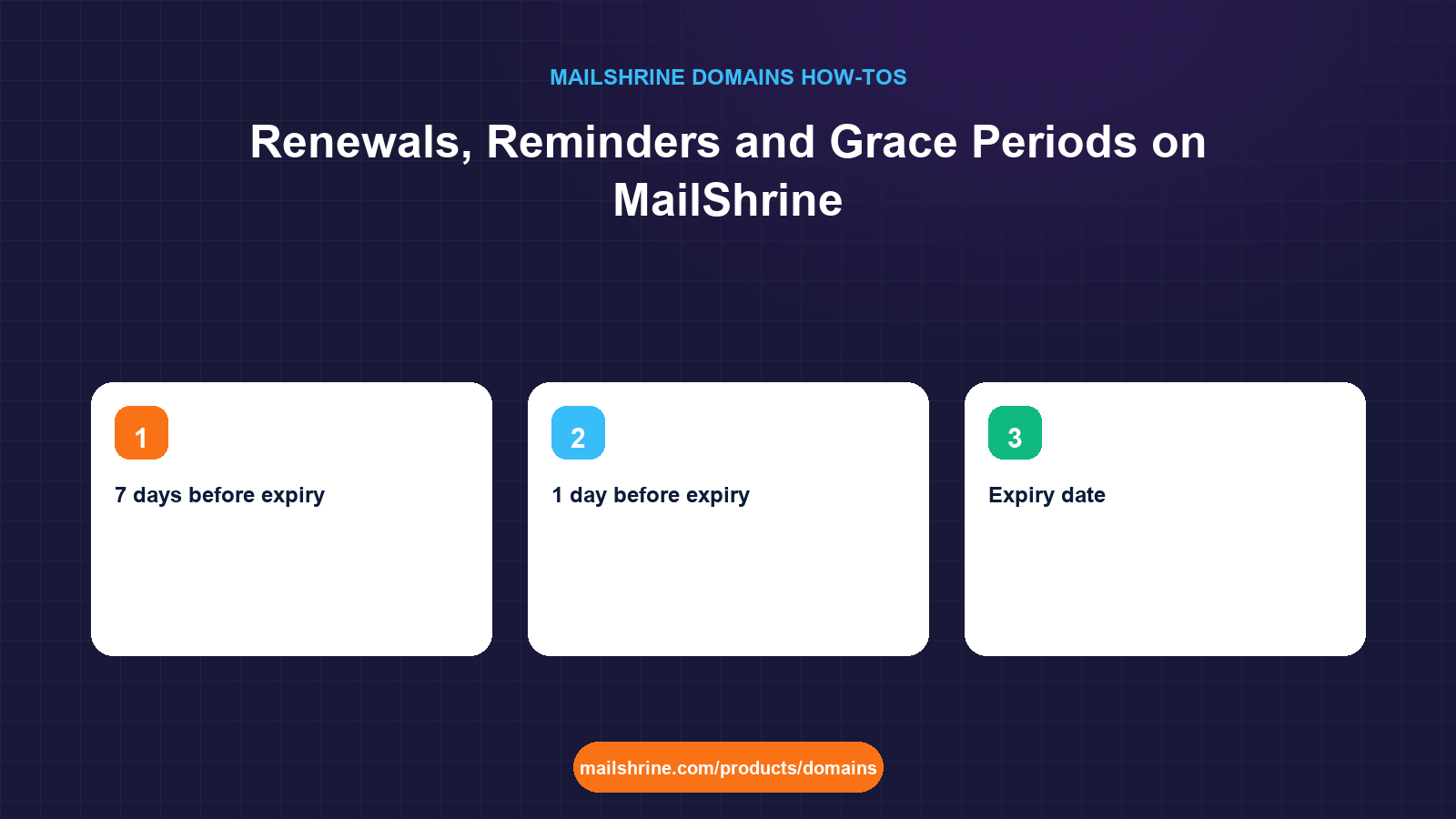
Renewing a domain on MailShrine adds between 1 and 10 years to the expiry date, at the renewal price you were shown before you first bought the name. Most people never do it by hand, because auto-renew is on by default and charges the card or Paystack method on file on the expiry date. The parts worth understanding are the ones that only matter when something goes wrong: the four reminder emails, what happens on the day the domain expires with auto-renew off or a failed payment, and the registry grace period in which an expired name can still be renewed at the normal price.
This guide lays out the whole timeline from 30 days before expiry to the day the registry deletes the name, and shows where in the dashboard each control lives.
MailShrine Domains shows the renewal price next to the first-year price on every search result, so the figure on the renewal invoice is the one you saw at purchase. Renewals keep WHOIS privacy, transfer lock, DNS and the two Business Email mailboxes exactly as they were.
Real-life example: Amara's school
Amara Mwangi runs a tutoring centre in Nairobi with a domain, mwangitutors.co.ke, that was bought during a busy term two years ago. The card used then has since been replaced. She received an email saying the domain renews in 30 days and wants to know whether it will actually renew, what happens if it does not, and whether she should pay for several years now so this does not come up every year.
Amara's goals this week:
- Confirm the payment method on file is current so auto-renew succeeds.
- Understand the four reminders and the grace period in case the charge fails anyway.
- Decide between keeping yearly auto-renew and paying for a longer term up front.
The renewal timeline
| When | What MailShrine does | What you can do | Price |
|---|---|---|---|
| 30 days before expiry | Reminder email to the registrant | Renew manually for 1 to 10 years, update card, or leave auto-renew to run | Renewal price |
| 7 days before expiry | Second reminder | Same | Renewal price |
| 1 day before expiry | Third reminder | Same | Renewal price |
| Expiry date | Auto-renew charges the method on file; if off or failed, a fourth email says the domain has expired | Renew manually | Renewal price |
| Registry grace period (typically up to 30 to 45 days for gTLDs) | Domain status shows Expired; DNS may be suspended so website and email stop | Renew at the normal price from My domains | Renewal price |
| Redemption period (typically 30 days for gTLDs) | Domain is removed from your dashboard's active list and held by the registry | Restore through support | Registry restore fee plus renewal |
| Pending delete (5 days) | Nothing can be done | Wait | None |
| Deletion | Name returns to the pool and anyone can register it | Register again if still free | First-year price |
The grace period lengths are registry policy, not MailShrine's. For .com and .net, Verisign's auto-renew grace period is 45 days; many other gTLDs use 30; ccTLDs vary from zero to 90 days. The dashboard shows the exact date your grace period ends for your extension.
Auto-renew, and why it still fails sometimes
Auto-renew means MailShrine attempts the renewal charge on the expiry date using the saved Stripe card or Paystack authorisation. It fails for predictable reasons: the card expired, the bank declined a foreign-currency charge, or the Paystack authorisation was revoked. When it fails you get the expiry email, the domain enters the grace period, and nothing is lost yet; renewing manually inside the grace period costs the normal renewal price.
You can turn auto-renew off per domain from My domains. That is appropriate for a name you intend to drop. It is not a way to save money on a name you want to keep, because the price is identical either way and the only difference is who remembers.
What you need before you start
| You need | Why |
|---|---|
| A current card or Paystack method on file | Auto-renew charges this on the expiry date; an expired card is the most common cause of a lapsed domain |
| The registrant email in an inbox someone reads | All four reminders and the expiry notice go there, not to the login email if they differ |
| A decision on term | Renewing for 2 to 10 years means fewer reminders and a locked price; the registry caps the total at 10 years from today |
| The grace period end date for your extension | Shown in My domains; after it, restoring costs the registry's redemption fee |
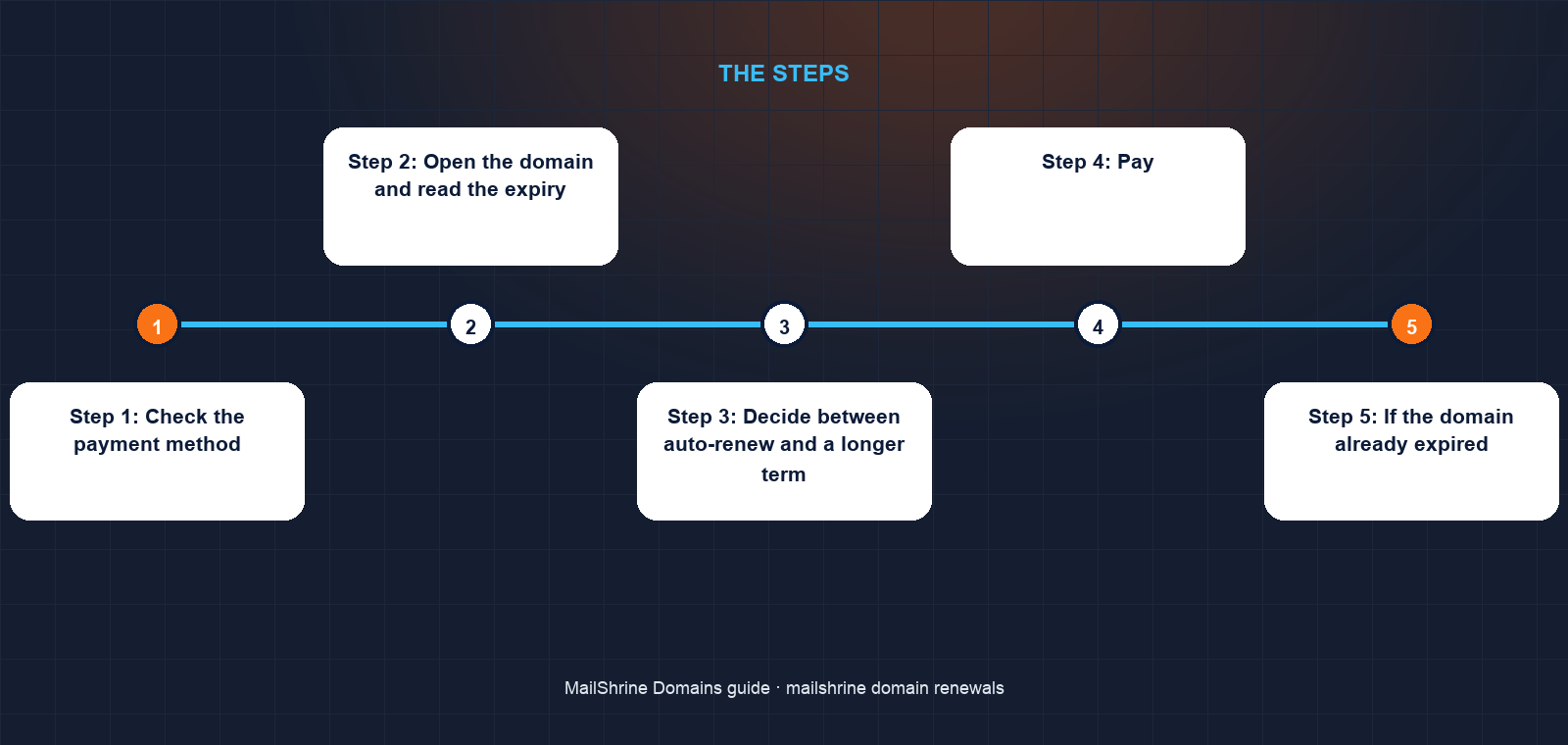
Step 1: Check the payment method
Go to /dashboard/domains and open billing settings. Confirm the card's expiry month is in the future, or that the Paystack authorisation is still active. Replace it if not. Amara's old card is listed, so she adds the new one and removes the old.
Step 2: Open the domain and read the expiry
Click My domains and open mwangitutors.co.ke. The header shows the expiry date, the auto-renew toggle and a Renew button. Note the grace period end date shown beneath the expiry.
Step 3: Decide between auto-renew and a longer term
If you want to be done with reminders, click Renew and choose a number of years. The selector allows 1 to 10, limited so that the total registration never exceeds 10 years from today. The total is the renewal price multiplied by the years. Amara chooses 3 years, which moves her expiry three years out and keeps auto-renew on for whatever comes after.
Step 4: Pay
Choose Stripe (USD) or Paystack (Naira or Kenyan shilling, depending on your Paystack setup) and confirm. The Orders tab shows a Renewal order that moves to Complete within a minute, and the expiry date in My domains updates immediately.
Step 5: If the domain already expired
If you are reading this after the expiry email, the Renew button still works during the grace period at the normal price. Click it, pick the term, pay. DNS and email resume within minutes of the renewal completing. If the dashboard shows the domain in redemption instead, open a support ticket from the dashboard; restoration is possible for about 30 days but carries the registry's redemption fee on top of the renewal.
Amara's checklist
- Replaced the expired card in billing settingsCompleted
- Confirmed the registrant email is the centre's shared inbox, not a former admin's addressCompleted
- Read the expiry and grace period end dates on the domain pageCompleted
- Renewed for 3 years at the renewal price shown at purchaseCompleted
- Left auto-renew on so the name renews itself after the 3 yearsNot completed
- Added the new expiry date to the centre's calendar as a backupNot completed
Common mistakes
Assuming the first reminder means something is wrong. The 30-day email goes to every domain holder, including those with auto-renew on and a valid card. It is a notice, not a warning.
Turning auto-renew off to avoid a charge you expect to make anyway. The price is the same. Off only makes sense for a domain you are deliberately letting go.
Letting the registrant email be a mailbox nobody checks. The reminders, the expiry notice and the grace period warnings all go there. If the only person who read it left the company, the domain can expire silently.
Waiting out the grace period. Renewal inside grace costs the normal price. Once the registry moves the name to redemption, the restore fee is typically several times the yearly price.
Buying 10 years for a name you might rebrand away from. Prepaid years are not refundable. Renew 2 or 3 years at a time unless the name is permanent.
Check your work
In My domains the domain should show status Active, an expiry date in the year you paid up to, auto-renew on (unless you chose otherwise), and a current payment method in billing. The Orders tab should list the renewal as Complete. A dig +short MX for the domain should return your mail exchangers, confirming DNS was never suspended or has resumed. Put the expiry date in a calendar as well; two reminders are better than one.
FAQ
When exactly is the card charged for auto-renew?
On the expiry date. If the charge fails, the domain enters the registry grace period and you receive an expiry email. You can renew manually at the normal price throughout the grace period.
Can I renew early?
Yes, at any time, for 1 to 10 years, as long as the total registration does not exceed 10 years from today. Years are added to the current expiry, so renewing early never wastes time you already paid for.
Does the renewal price change?
Renewal is charged at the renewal price shown when you searched the name. Registries occasionally raise wholesale prices, and when that happens the new price is shown in the dashboard before your next renewal date.
What happens to my email if the domain expires?
During the grace period the registry or registrar may suspend DNS, which stops both website and email until you renew. Renewing restores the same records; nothing is deleted from the zone or the mailboxes.
I missed the grace period. Is the domain gone?
Not yet. Most gTLDs then hold the name in a roughly 30-day redemption period during which the original registrant can restore it through their registrar for the registry's restore fee plus a renewal. After redemption there are 5 days of pending delete, then the name is released.
Next steps
- Pay for a Domain in Naira with Paystack — how renewals are charged when your method on file is Paystack.
- Registrant Details: What We Ask For and Why — why reminders go to the registrant email and how to change it.
- Get Your Auth Code and Transfer Out of MailShrine — what to do about expiry if you are moving the domain elsewhere.
Citations & References
- Reference: ICANN: Expired Registration Recovery Policy
- Reference: ICANN: Domain name lifecycle (gTLD)
- Reference: Verisign: .com registry
- Reference: ICANN: EPP status codes (autoRenewPeriod, redemptionPeriod, pendingDelete)
Written by Isabelle R., domains editor. Isabelle explains how names, DNS and registrars fit together so owners know exactly what they are paying for and when.