
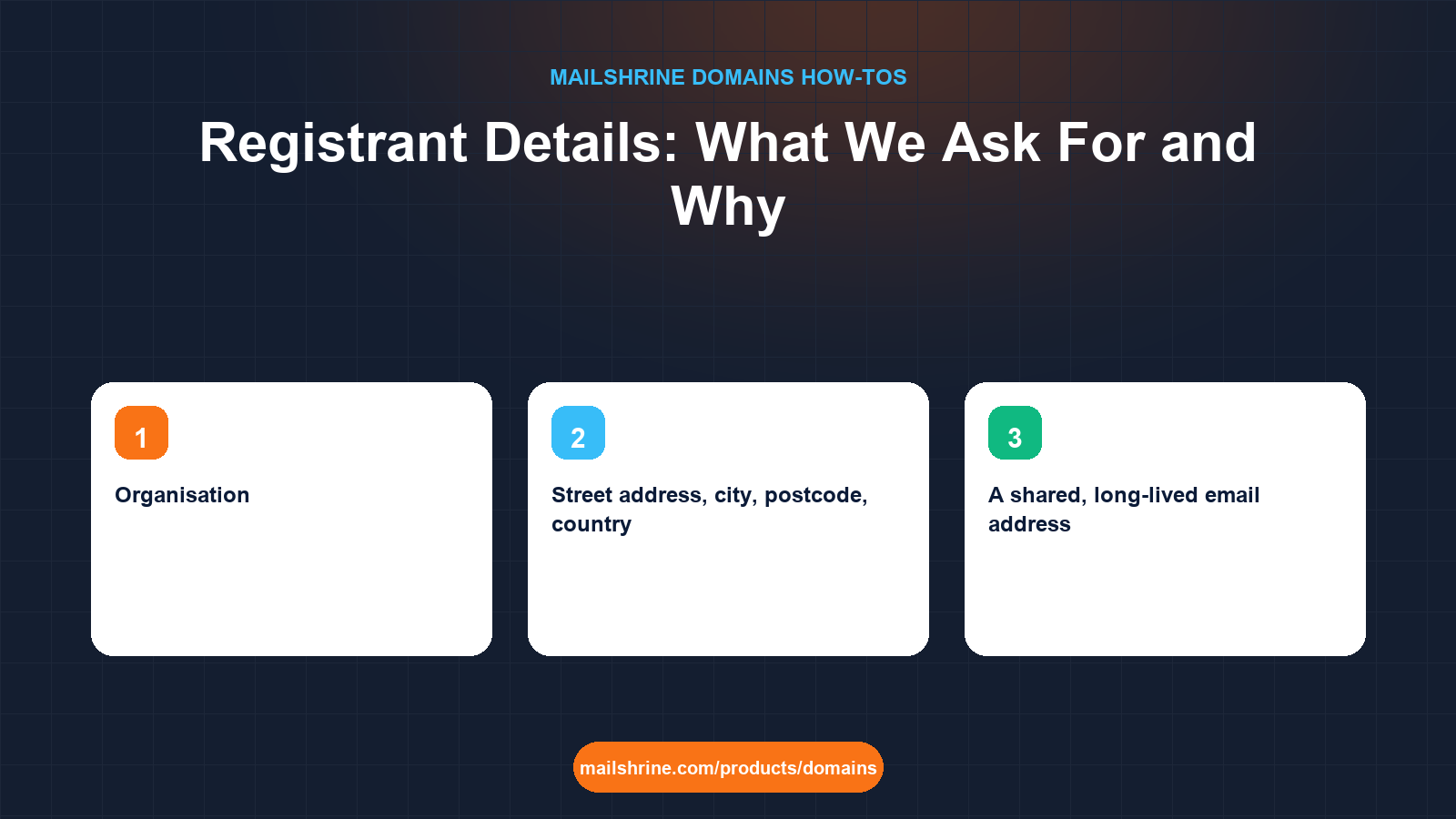
Registrant details are the name, organisation, postal address, phone number and email address that a registrar must collect for every domain and pass to the registry. ICANN's Registrar Accreditation Agreement requires them to be accurate, requires the registrar to verify the email or phone within 15 days, and allows a domain to be suspended if the data is found to be false and not corrected. On MailShrine you fill them in once at checkout and they are reused for every later domain, but what you type decides who legally holds the name, where transfer approvals go, and who can recover the domain if your account is ever lost.
This guide explains each field, how WHOIS privacy hides them from public lookups without changing what the registry holds, the difference between the registrant email and your login email, and how to change the details later without triggering a 60-day transfer lock by accident.
MailShrine Domains switches WHOIS privacy on for free by default, so the details you enter are stored at the registry and shown to the public only as a privacy proxy. Your two Business Email mailboxes on the domain can serve as the registrant email once the domain is live.
Real-life example: Fatou's cooperative
Fatou Diallo is the coordinator of a textile cooperative in Dakar with eleven members. She is registering teranga-textiles.com on behalf of the group and has three questions at the checkout form: should the registrant be her or the cooperative, what happens if she steps down next year, and does putting the cooperative's address online invite spam and visitors?
Fatou's goals this morning:
- Register the domain so it belongs to the cooperative, not to her personally.
- Set the registrant email so transfer approvals and renewal reminders reach the group, not one person.
- Understand what the public will see with privacy on, and what changing details later involves.
The fields, what they are for, and what happens if they are wrong
| Field | What the registry uses it for | Public with privacy on? | If wrong |
|---|---|---|---|
| Registrant name | The legal holder of the domain, alongside organisation | No, shows a proxy | Disputes over ownership are decided by this field |
| Organisation | When filled, the organisation is the holder and the name is its contact | No | An empty field makes the individual the owner |
| Transfer approvals, ICANN verification, renewal reminders, abuse contact | No, shows a forwarding or proxy address | A dead inbox can lose you a transfer approval or let a domain expire unnoticed | |
| Phone | Backup verification, abuse contact | No | Verification may fall back to this if the email bounces |
| Street address, city, postcode, country | ICANN accuracy requirement; some ccTLDs restrict by country | No, shows the proxy's address | Inaccurate data can lead to suspension after an ICANN compliance notice |
The organisation field is the one that decides Fatou's first question. With Organisation set to the cooperative's name, the cooperative is the registrant and Fatou is its named contact. If she steps down, the contact name changes but the holder does not. With Organisation blank, Fatou personally owns the domain and handing it to the cooperative later is a change of registrant, which is a transfer of ownership.
WHOIS privacy: what it hides and what it does not
Since 2018, ICANN's Temporary Specification and later policy following GDPR mean most registrars redact personal data in public WHOIS and RDAP responses by default. MailShrine goes further and applies a privacy proxy to every domain for free. A public RDAP lookup for teranga-textiles.com shows the proxy's name and address and a forwarding email. The registry and MailShrine still hold Fatou's real details; law enforcement and UDRP panels can obtain them through the proper process, and MailShrine still sends registry notices to the real email.
Privacy does not change who owns the domain and does not stop transfer approval emails. What it can do, at some registrars, is break forwarding of those approvals; MailShrine's forwarding delivers them to the real registrant email, and the dashboard shows the message in the domain's activity as a second channel.
What you need before you start
| You need | Why |
|---|---|
| The legal name of the organisation that should own the domain | This goes in Organisation and makes the entity, not a person, the registrant |
| A shared, long-lived email address | Transfer approvals and renewal reminders go here; a role address such as admin@ outlives any one coordinator |
| A real postal address and phone | Required by the Registrar Accreditation Agreement; checked against the country for some ccTLDs |
| Access to that email within 15 days | ICANN requires the registrar to verify it; an unverified email can suspend the domain |
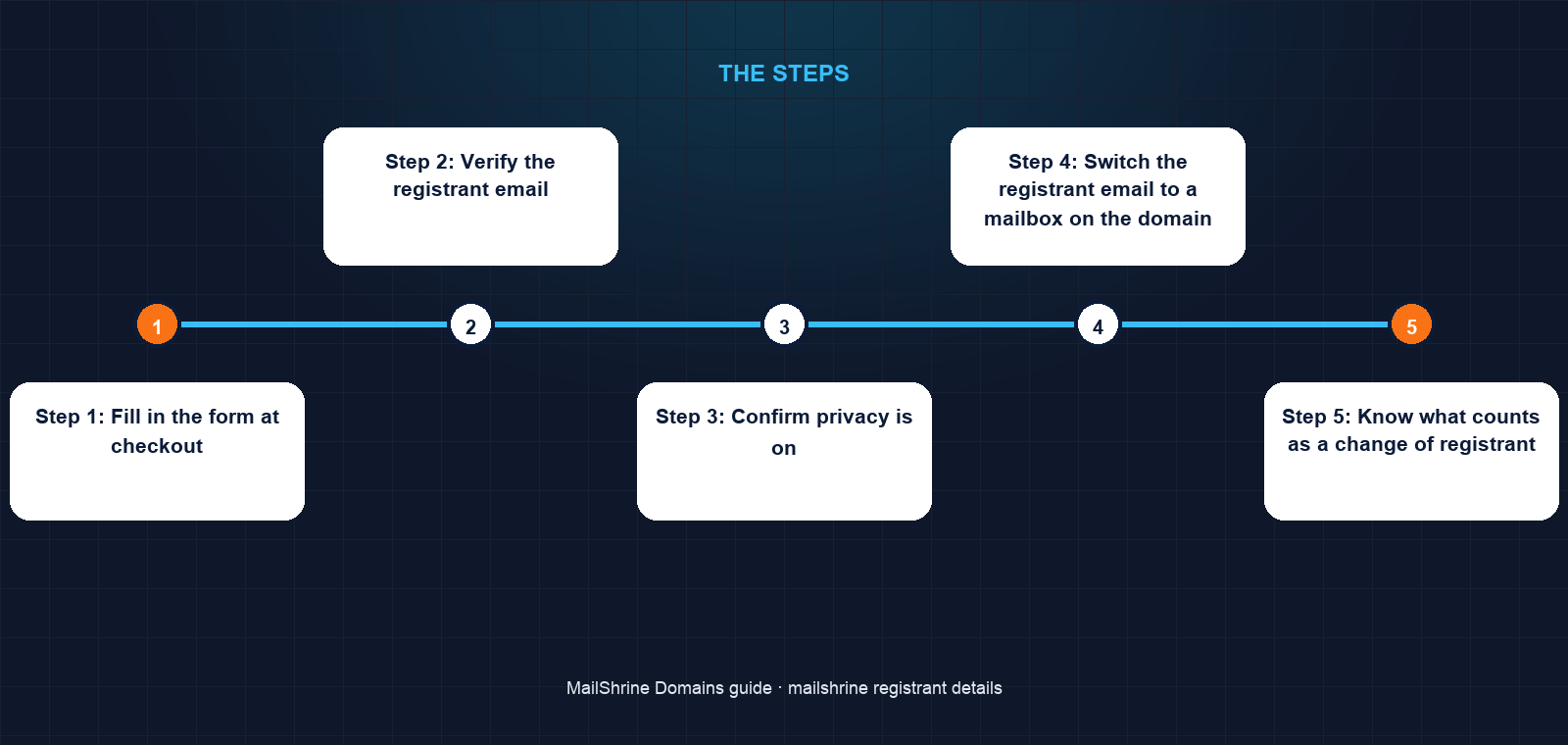
Step 1: Fill in the form at checkout
When you reach checkout on /products/domains, the registrant form appears beneath the payment options. Enter the cooperative's legal name in Organisation, Fatou's name as the contact, the cooperative's address and phone, and a shared email. Fatou uses the cooperative's existing shared Gmail for now, intending to switch it to admin@teranga-textiles.com once the mailbox exists.
Step 2: Verify the registrant email
Within minutes of registration, the registrant email receives a verification message. Click the link within 15 days. If it is not clicked, the registrar is required to suspend the domain until it is, so do this on the day.
Step 3: Confirm privacy is on
Open /dashboard/domains → My domains → the domain. WHOIS privacy shows On. Run a public RDAP lookup at lookup.icann.org and confirm the result shows the proxy, not the cooperative's address.
Step 4: Switch the registrant email to a mailbox on the domain
Once the two mailboxes are live, rename one to admin@teranga-textiles.com, then edit the registrant details and change the email. Changing only the email, phone or address does not trigger ICANN's change-of-registrant process. Make sure the new address is in a mailbox more than one person can open.
Step 5: Know what counts as a change of registrant
Changing the registrant name or organisation is a change of registrant under ICANN's Transfer Policy. Both the old and new registrant must confirm by email, and the registrar may apply a 60-day lock on transfers to another registrar afterwards. Do this only when ownership genuinely changes, such as a sale or a restructuring, and not to fix a typo without reading the confirmation emails first.
Fatou's checklist
- Entered the cooperative's legal name in Organisation so the group is the registrantCompleted
- Used a shared email, not her personal one, as the registrant emailCompleted
- Clicked the ICANN verification link the same dayCompleted
- Confirmed RDAP shows the privacy proxy, not the cooperative's addressCompleted
- Renamed a mailbox to
admin@and switched the registrant email to itNot completed - Recorded in the cooperative's minutes that the domain is a group asset and where the login livesNot completed
Common mistakes
Leaving Organisation blank for a company domain. The individual then owns the domain. If they leave, the company needs their cooperation to take it over. Fill in the organisation at registration.
Using the login email as the registrant email without thinking. They can be the same, but the registrant email is the one the registry and other registrars contact. If your login is a personal address, set the registrant email to a role address instead.
Ignoring the verification email. ICANN requires verification within 15 days of registration or of a change to the email. A domain with an unverified contact can be suspended, which takes website and email down.
Turning privacy off because "we have nothing to hide". With privacy off, the cooperative's address and phone are in every RDAP lookup, which is how renewal scam letters and spam lists are built.
Changing the registrant name to fix a typo. A name change is processed as a change of registrant with confirmation emails and a possible 60-day transfer lock. Contact support for a correction instead.
Check your work
Under My domains the registrant section should show the organisation as holder, a shared email, and WHOIS privacy On. The verification should show as complete. An RDAP lookup should show the proxy. Send a test message to the registrant email and confirm more than one person can read it. If you plan to transfer the domain anywhere in the next two months, do not make a registrant name or organisation change now.
FAQ
Who owns the domain: the person or the organisation?
If Organisation is filled in, the organisation is the registrant and the named person is its contact. If it is blank, the named person is the registrant. Dispute panels and registrars treat the registrant field as the owner.
Can I use a PO box or a virtual office address?
The requirement is that the data is accurate and that you can be reached there. A PO box the organisation actually uses is fine. Some country-code extensions require a physical address in the country; the checkout form tells you when that applies.
Does WHOIS privacy hide my details from MailShrine or the registry?
No. Both hold the real details, as ICANN requires. Privacy hides them from the public RDAP and WHOIS services and replaces them with a proxy.
What happens if I change the registrant email?
The new address receives a verification message that must be confirmed within 15 days. Reminders and transfer approvals then go to the new address. Changing only the email does not count as a change of registrant.
What if the registrant leaves the company and we cannot reach them?
If Organisation was filled in, the company is the registrant and can update the contact from the account. If it was blank, the company must either get the former employee to confirm a change of registrant or go through the registrar's documented ownership-dispute process.
Next steps
- Buy a Domain on MailShrine and Get Email in Minutes — the checkout where the registrant form appears.
- Renewals, Reminders and Grace Periods on MailShrine — why reminders go to the registrant email and what happens if nobody reads them.
- Get Your Auth Code and Transfer Out of MailShrine — why transfer approvals depend on the registrant email being live.
Citations & References
- Reference: ICANN: WHOIS Accuracy Program Specification (RAA 2013)
- Reference: ICANN: Transfer Policy (change of registrant)
- Reference: ICANN: Temporary Specification for gTLD Registration Data
- Reference: ICANN: RDAP lookup
Written by Daniel O., security editor. Daniel covers the contact data, locks and approvals that decide who controls a domain, and how to set them so the business, not a person, holds the keys.