
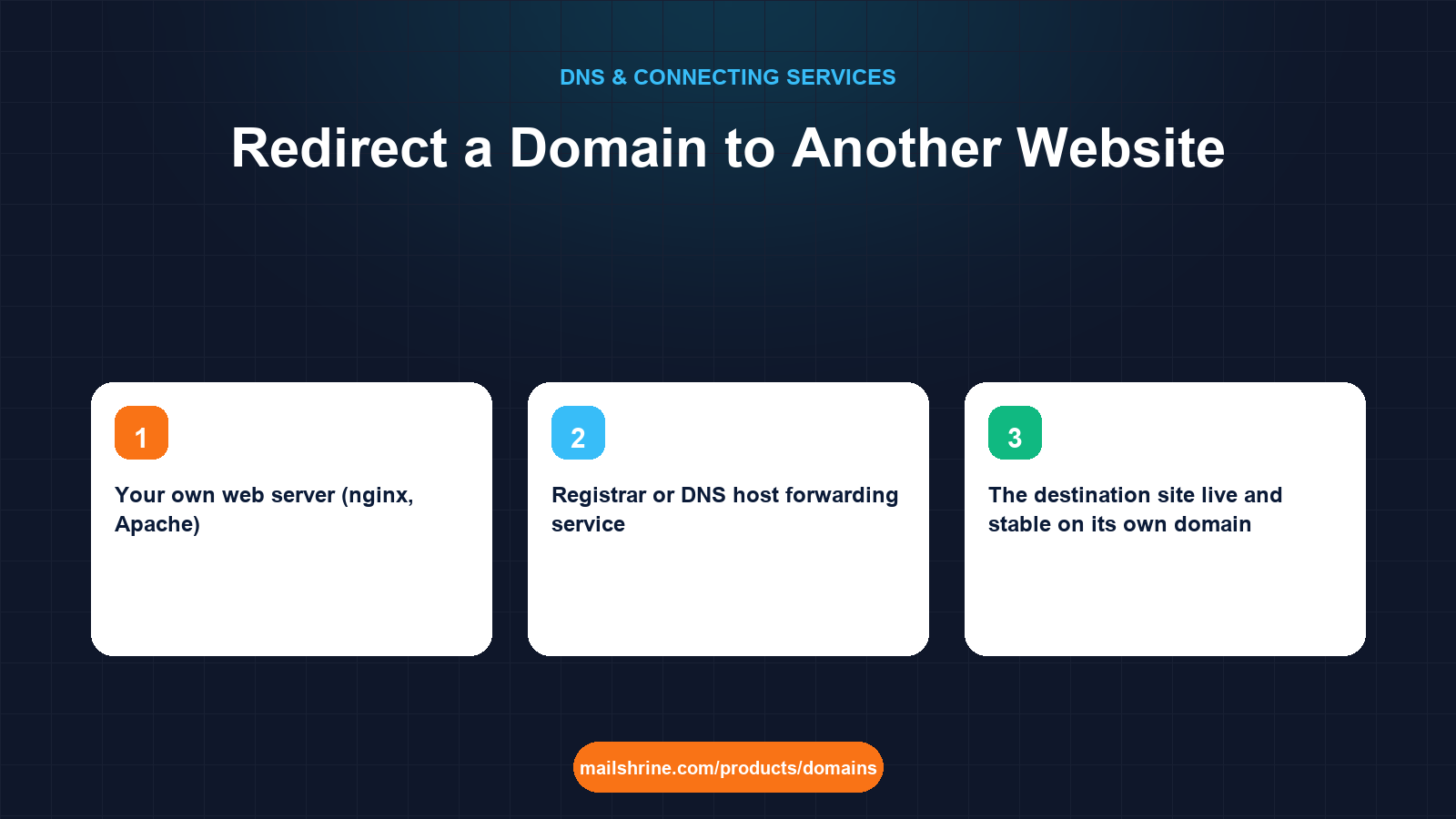
A domain redirect sends anyone who visits one domain to a page on a different one. Someone types habimanaconsult.rw, and their browser lands on habimana.com. DNS alone cannot do this. DNS answers "what address is this name?"; it does not answer "where should this visitor go instead?". A redirect needs an HTTP server at the first domain that replies with a status code (301 for permanent, 302 for temporary) and a Location header naming the destination. The DNS job is only to point the first domain at whatever server will send that reply.
That server can be a redirect service, a line in your own web server's configuration, a setting in your site builder, or a worker at a CDN. Which one you choose depends on where the destination site lives and whether you need HTTPS on the old name.
MailShrine Domains holds the domain and its DNS. You point the A record at your chosen redirect server, while the MX records for Business Email stay in place so a redirected domain can still receive mail.
Real-life example: Jean-Paul's consultancy
Jean-Paul Habimana runs a management consultancy in Kigali. He registered habimanaconsult.rw first, built his site there, then bought habimana.com on MailShrine when he started winning clients abroad. The site now lives on habimana.com. Old business cards, a Google Business Profile and three years of search results still point at the .rw name, and he still receives email at both. He wants every .rw visitor to arrive at the matching page on .com, without losing the mail.
Jean-Paul's goals:
- Redirect the whole
.rwdomain, including deep links, to.com. - Keep receiving mail at both domains.
- Preserve search ranking by using the right redirect type.
Ways to redirect, compared
| Method | Where the redirect is served | HTTPS on the old domain | Deep links preserved | Best when |
|---|---|---|---|---|
| Your own web server (nginx, Apache) | The server hosting the destination site | Yes, if you issue a certificate for the old name | Yes | You control the destination server |
| Site builder's domain settings (Shopify, Squarespace, Wix, WordPress.com) | The builder | Yes, automatically | Usually root only | Destination site lives on a builder |
CDN redirect rule (Cloudflare Redirect Rules, Netlify _redirects, Vercel redirects) | The CDN edge | Yes | Yes | Destination already behind that CDN |
| Registrar or DNS host forwarding service | A small redirect server the provider runs | Sometimes | Often root only | Quick, no destination access |
The first three keep the path. A visitor to habimanaconsult.rw/services/strategy arrives at habimana.com/services/strategy. Forwarding services and builder root redirects often drop the path and send everyone to the home page, which loses old deep links and the ranking attached to them.
301 or 302, and why it matters for search
A 301 Moved Permanently tells browsers and search engines the move is final. Google consolidates ranking signals from the old URL onto the new one and, over weeks, replaces the old address in results. A 302 Found says the move is temporary; search engines keep indexing the old URL. For a rebrand or a consolidation, use 301. Use 302 only for genuinely short-lived redirects such as a campaign page.
A 308 is the modern equivalent of 301 that also preserves the request method; for ordinary page visits it behaves identically.
What you need before you start
| You need | Why |
|---|---|
| The destination site live and stable on its own domain | Redirecting to a site that is still changing produces redirect chains. |
| Access to whatever will serve the redirect | Web server config, builder settings or CDN rules. |
| A certificate for the old domain, or a service that issues one | Browsers that request https:// on the old name need a valid certificate before they will follow the redirect. |
| The MailShrine DNS editor | To point the old domain's A record at the redirect server. |
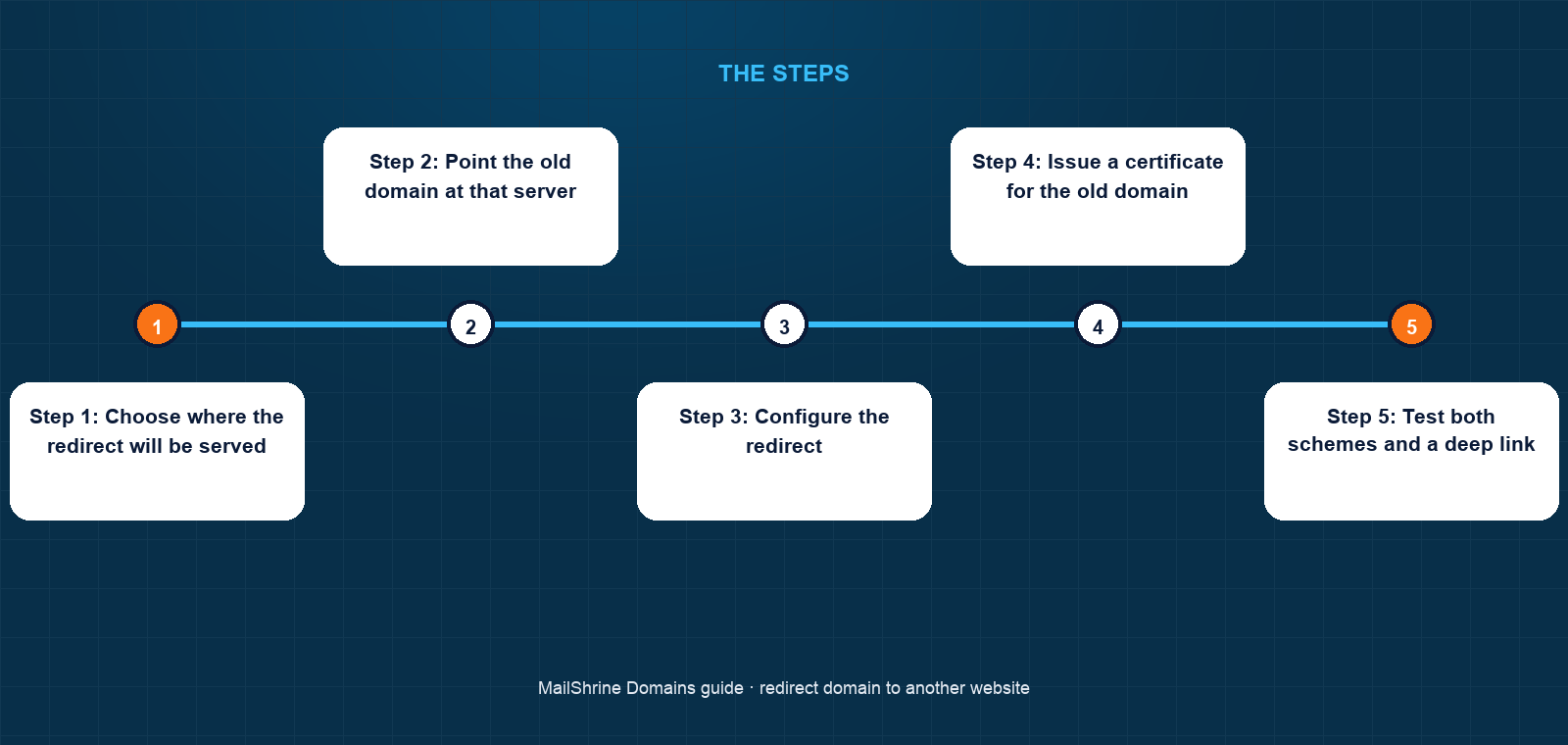
Step 1: Choose where the redirect will be served
Jean-Paul's .com site runs on a VPS with nginx, so the simplest path is to add a server block for the .rw names on the same machine.
Step 2: Point the old domain at that server
At MailShrine, set the A record on @ for habimanaconsult.rw to the VPS IP. Add www as an A record or CNAME to the same place. Leave MX, SPF, DKIM and DMARC untouched; the domain keeps receiving mail.
Step 3: Configure the redirect
In nginx, a server block that listens for habimanaconsult.rw and www.habimanaconsult.rw and returns 301 https://habimana.com$request_uri preserves the path. In Apache the equivalent is a Redirect permanent / directive or a RewriteRule with [R=301,L]. On a builder, add the old domain in Domains and mark the new one as primary. On Cloudflare, create a Redirect Rule matching the old hostname with a dynamic target that keeps the path.
Step 4: Issue a certificate for the old domain
Run your certificate tool for habimanaconsult.rw and www so that https:// requests are answered before redirecting. Builders and CDNs do this automatically once DNS points at them.
Step 5: Test both schemes and a deep link
Visit http://habimanaconsult.rw, https://habimanaconsult.rw, https://www.habimanaconsult.rw/services/strategy. Each should arrive at the matching habimana.com URL in one hop.
Step 6: Tell Google
In Search Console, use the Change of Address tool from the .rw property to the .com property. It speeds up the transfer of ranking signals and clears the old URLs from results faster.
Jean-Paul's checklist
- Confirmed the
.comsite is final and stableCompleted - Pointed
habimanaconsult.rwA records at the nginx serverCompleted - Added a 301 server block that preserves the request pathCompleted
- Issued a certificate for the
.rwnamesCompleted - Tested http, https, www and a deep link, all landing in one hopNot completed
- Submitted Change of Address in Search ConsoleNot completed
Common mistakes
Expecting a CNAME to redirect. A CNAME aliases a name to another name; the browser still shows the original domain and the destination server must be configured to serve it. Only an HTTP response redirects.
Redirecting without a certificate on the old domain. Visitors who type or follow an https:// link to the old name see a certificate error before the redirect can happen.
Using 302 for a permanent move. Search engines keep the old URLs indexed and ranking does not consolidate.
Dropping the path. Sending every old URL to the new home page breaks bookmarks and loses the ranking each page had earned.
Deleting MX records on the redirected domain. Mail to the old addresses bounces. A redirect affects only web traffic; keep the mail records if you still want the mail.
Check your work
Run curl -I https://habimanaconsult.rw/services/strategy. The response should be 301 (or 308) with a Location header of https://habimana.com/services/strategy. Repeat with http:// and with www. Then run dig MX habimanaconsult.rw +short and confirm the mail exchangers are still present. One hop, correct path, mail intact: the redirect is complete.
FAQ
Can I redirect a domain using only DNS?
No. DNS maps names to addresses. A redirect is an HTTP response, so something must serve a web request on the old domain and reply with a 301. DNS only points the domain at that something.
Will redirecting my old domain hurt my SEO?
A 301 redirect that preserves paths is Google's recommended way to move a site. Rankings transfer over a few weeks. Dropping paths or using 302 does cause loss.
Can I still receive email on a redirected domain?
Yes. Redirects affect only web traffic. Leave the MX, SPF, DKIM and DMARC records in place and mail continues to arrive.
How long should I keep the redirect?
Google recommends at least a year. In practice, as long as you own the old domain. Business cards and inbound links live longer than you expect.
Do I need HTTPS on the domain I am redirecting from?
Yes, if anyone will visit it over https://, which includes most search results and modern browsers that default to HTTPS. Issue a certificate or use a service that does it for you.
Next steps
- www vs Non-www: Which Should Be Your Main Domain? — the redirect every site needs between its own two names.
- Free SSL for Your Domain: How HTTPS Works With DNS — getting a certificate on the old domain.
- Point a Domain to a Server IP Address (A Record) — pointing the old domain at the redirect server.
Citations & References
- Reference: Google Search Central: Redirects and Google Search
- Reference: Google Search Central: Site moves with URL changes
- Reference: RFC 9110: HTTP Semantics, section 15.4 Redirection 3xx
- Reference: Cloudflare Docs: Redirect Rules
Written by Isabelle R., domains editor. Isabelle has consolidated more than one brand onto a single domain and still keeps the old ones redirecting a decade later.