
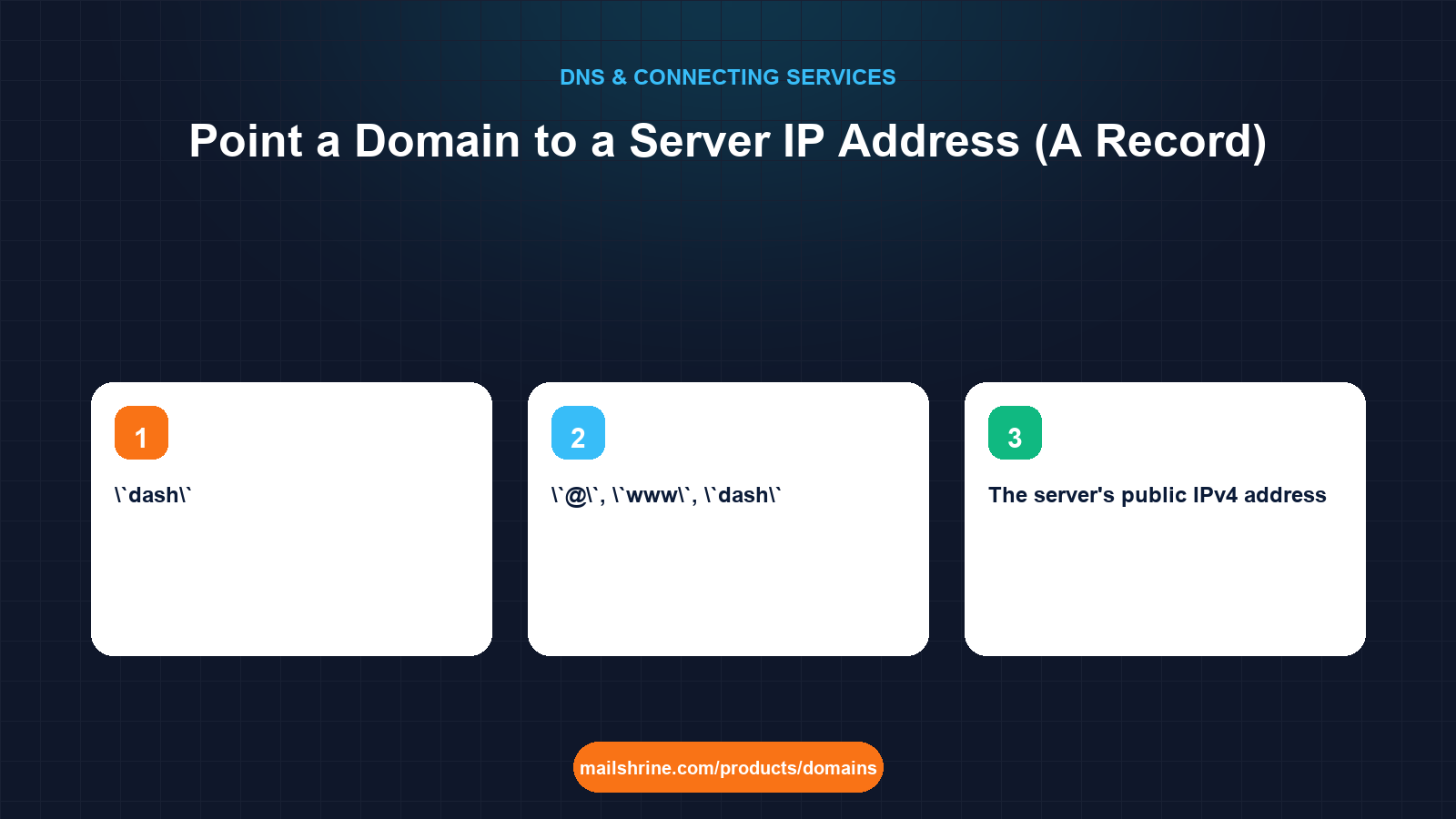
Pointing a domain to an IP address is the most direct thing DNS does. You publish an A record whose value is the IPv4 address of your server, and from then on anyone who resolves your name gets that address and connects to it. No platform, no alias, no middle layer. If you rent a VPS, a dedicated server or a cloud instance, this is how your domain finds it. Add an AAAA record alongside it if the server also has an IPv6 address.
The record itself takes thirty seconds. The parts people get wrong are around it: pointing the apex and www separately, publishing an IPv6 address the server does not actually listen on, and forgetting that the server needs to be told which domain it is answering for.
MailShrine Domains lets you add A and AAAA records on any hostname in the Anycast DNS editor, with the email records already present and untouched. Your Business Email mailboxes are unaffected because mail never consults the A record on your apex.
Real-life example: Jason's self-hosted app
Jason Reyes runs a small analytics consultancy in Austin and self-hosts a dashboard for clients on a $12-a-month VPS. The provider gave him an IPv4 address, 203.0.113.88, and an IPv6 address, 2001:db8:88::1. He registered reyesdata.com on MailShrine for the consultancy's email and wants dash.reyesdata.com to reach the VPS, with the bare domain and www serving a landing page on the same server. He has nginx installed and a certificate tool ready, but nothing resolves yet.
Jason's goals:
- Point
reyesdata.com,wwwanddashat the VPS. - Publish IPv6 only if it will actually work.
- Get HTTPS issued without the certificate tool failing on a DNS error.
The records Jason needs
| Name | Type | Value | Why |
|---|---|---|---|
@ | A | 203.0.113.88 | Bare domain reaches the server |
www | A | 203.0.113.88 | Same server; an A record here avoids CNAME chains |
dash | A | 203.0.113.88 | The dashboard subdomain |
@, www, dash | AAAA | 2001:db8:88::1 | Only if nginx is bound to the IPv6 address and the firewall allows port 443 |
Three A records with the same value is normal and clear. Jason could instead make www and dash CNAMEs to reyesdata.com, but then a change of server means editing one record instead of three, at the cost of one extra lookup for every visitor. For a single server either is fine.
A record versus CNAME: when to use the IP
Use an A record when:
- You control the server and know its IP will not change without you knowing.
- The target is the bare domain, where a CNAME is not allowed.
- You want the fewest lookups between visitor and server.
Use a CNAME when a provider gives you a hostname instead of an IP, because they reserve the right to move the address behind it. Cloud load balancers and site builders fall in that group. A VPS does not.
Watch for dynamic IPs. Home connections and some cheap cloud instances change address on reboot. A domain pointed at a dynamic IP breaks the next time it changes unless you run a dynamic DNS updater. Pay for a static address if the server matters.
What you need before you start
| You need | Why |
|---|---|
| The server's public IPv4 address | The A record value. From the VPS provider's panel, or curl -4 ifconfig.me on the server. |
| The IPv6 address, if any, and confirmation the server listens on it | Publishing an AAAA that does not answer makes dual-stack visitors wait and retry. |
| A web server configured with the domain as its server name | nginx or Apache must know reyesdata.com and dash.reyesdata.com to serve the right site. |
| Ports 80 and 443 open on the firewall | Needed for HTTP, HTTPS and the Let's Encrypt HTTP-01 challenge. |
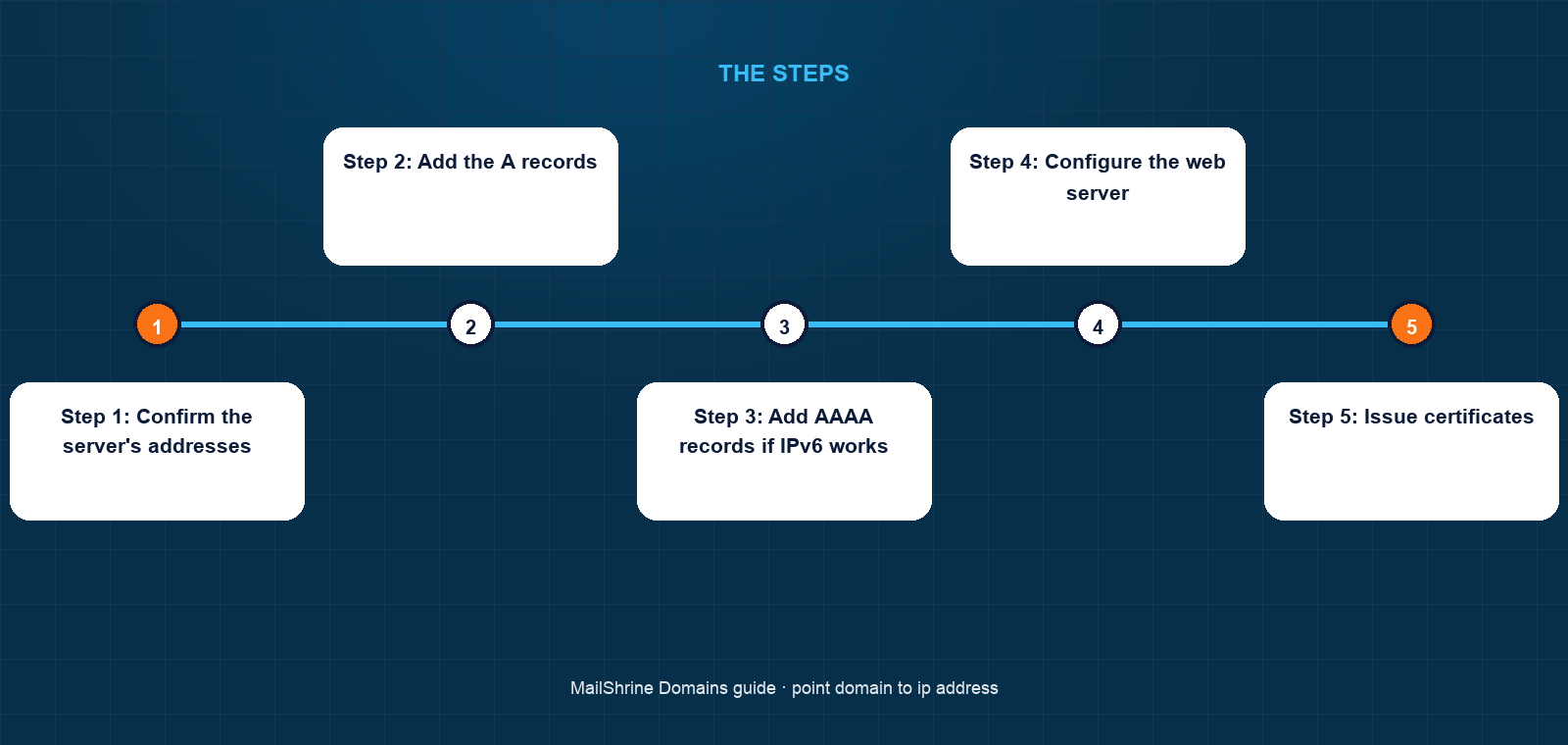
Step 1: Confirm the server's addresses
On the VPS run curl -4 ifconfig.me and curl -6 ifconfig.me. If the second command fails, the server does not have working IPv6 and you should skip AAAA records.
Step 2: Add the A records
In the MailShrine DNS editor, add A records for @, www and dash, all with 203.0.113.88. If a parking A record exists on @, edit it instead of adding a second. Leave TTL at the default 3600; lower it to 300 only if you expect to move servers soon.
Step 3: Add AAAA records if IPv6 works
Add AAAA records on the same three names with 2001:db8:88::1. Then test from an IPv6-capable network, or with curl -6 https://reyesdata.com from another machine.
Step 4: Configure the web server
Set server_name reyesdata.com www.reyesdata.com; for the landing site and server_name dash.reyesdata.com; for the dashboard. Reload nginx. Until DNS resolves you can test with curl -H "Host: dash.reyesdata.com" http://203.0.113.88.
Step 5: Issue certificates
Once dig A dash.reyesdata.com +short returns the server IP from a public resolver, run your certificate tool (for example certbot with the nginx plugin). Let's Encrypt's HTTP-01 challenge connects to the IP your A record publishes, so the record must be live first. If you published AAAA, Let's Encrypt will prefer IPv6 and fail if the server does not answer on it.
Step 6: Verify from outside
Load all three hostnames from a phone on mobile data. Your own network may have cached the earlier empty answer.
Jason's checklist
- Confirmed IPv4 and IPv6 both answer with
curlCompleted - Added A records for
@,wwwanddashCompleted - Added matching AAAA records after confirming IPv6 worksCompleted
- Set nginx server names for both sitesCompleted
- Issued certificates once DNS resolved publiclyNot completed
- Confirmed
jason@reyesdata.comstill receives mailNot completed
Common mistakes
Publishing an AAAA record the server does not answer on. Browsers and Let's Encrypt try IPv6 first. The site appears slow or the certificate request fails with a connection timeout.
Pointing the domain before configuring the web server. Visitors get the host's default page or a 404 because nginx has no site for that name.
Using a private or internal IP. 10.x, 172.16.x and 192.168.x addresses are not routable on the internet. Use the public address the provider assigned.
Forgetting www. The bare domain works and www returns nothing, which looks like the site is down to half your visitors.
Pointing at a dynamic IP. Works until the next reboot. Buy a static address or run a dynamic DNS client.
Check your work
Run dig A reyesdata.com +short, dig A www.reyesdata.com +short and dig A dash.reyesdata.com +short; all three should print the server IP. If you added IPv6, dig AAAA dash.reyesdata.com +short should print the IPv6 address and curl -6 -I https://dash.reyesdata.com should return a 200. Then dig MX reyesdata.com +short to confirm email records survived.
FAQ
What is the difference between an A record and an AAAA record?
An A record carries a 32-bit IPv4 address such as 203.0.113.88. An AAAA record carries a 128-bit IPv6 address such as 2001:db8:88::1. Publish both only if the server is reachable on both.
Can I point my domain to an IP address and still keep email elsewhere?
Yes. The A record on your apex is used by browsers. Mail servers use the MX record, which stays pointed at your email provider.
How many A records can one name have?
As many as you like. Resolvers return them all and clients pick one, which provides crude round-robin load balancing but no health checking.
Do I need a static IP?
For anything you want to stay reachable, yes. Dynamic addresses change on reboot and your A record becomes stale.
Why does my certificate tool say DNS problem or connection refused?
Either the A record has not propagated to the resolver Let's Encrypt uses, or port 80 is blocked, or an AAAA record points at an address the server does not listen on. Check all three.
Next steps
- How to Point a Domain to a Website (Any Host) — when the host gives you a hostname rather than an IP.
- DNS Records Explained: A, AAAA, CNAME, MX, TXT, SRV, NS — the full record vocabulary.
- TTL in DNS: What It Means and What to Set — lowering TTL before a server move.
Citations & References
- Reference: RFC 1035: Domain Names, Implementation and Specification
- Reference: RFC 3596: DNS Extensions to Support IP Version 6
- Reference: Let's Encrypt: Challenge Types
- Reference: Cloudflare Learning: What is a DNS AAAA record?
Written by Marcus T., DNS and deliverability editor. Marcus has debugged more half-working AAAA records than he cares to admit and now checks curl -6 before anything else.