
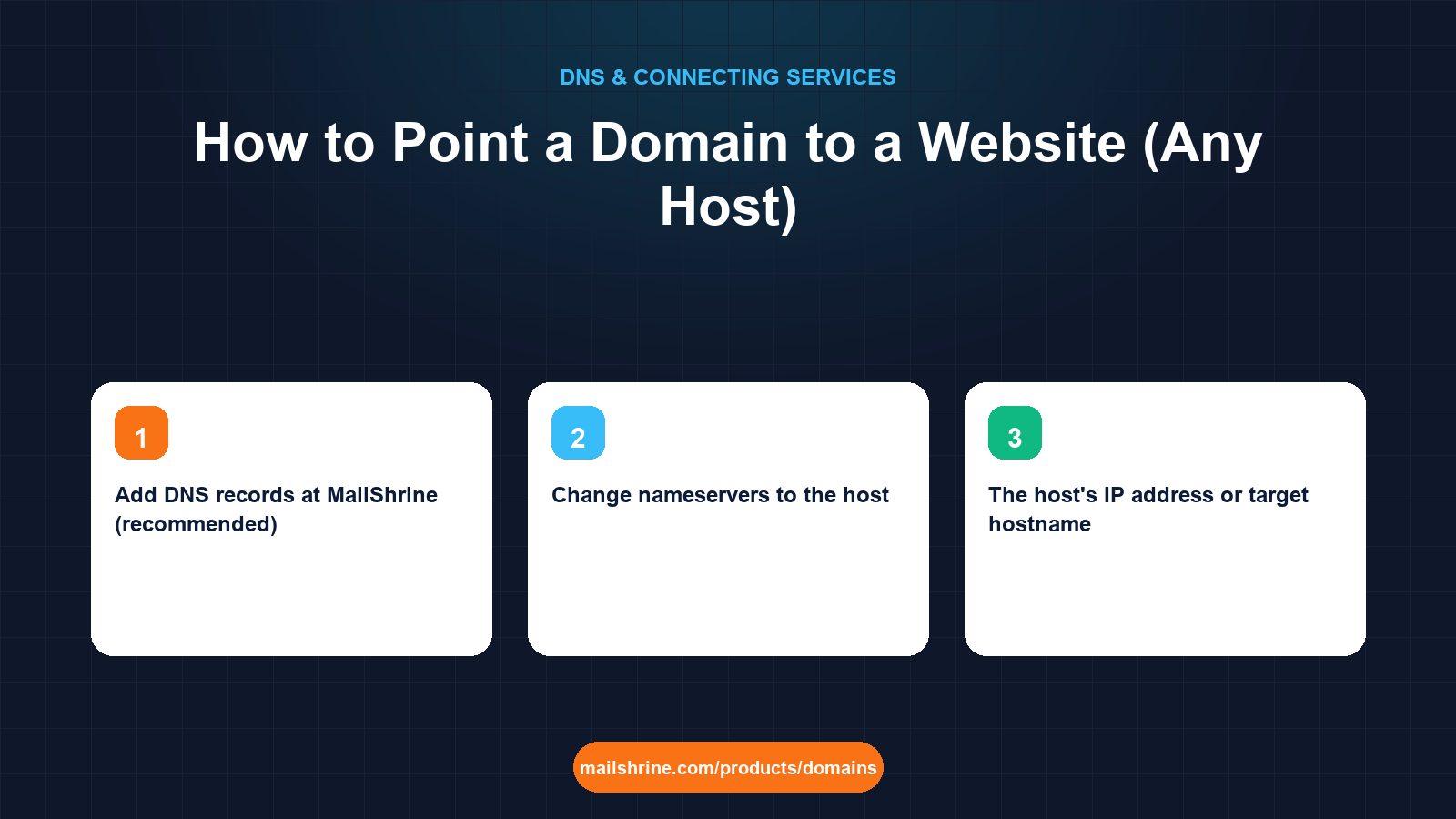
Pointing a domain to a website means publishing DNS records that send browsers asking for your name to the server where your pages live. The domain stays at your registrar. The website stays at your host. Two records connect them: an A record on the bare domain that carries the host's IP address, and a CNAME on www that aliases to the host's name. Everything else about the domain, including email, stays exactly where it was.
Hosts describe this in their own words ("connect a custom domain", "add an external domain", "map your domain") but underneath they all hand you the same two or three values. Once you can recognise them, the host does not matter.
MailShrine Domains gives you a full DNS editor on Anycast nameservers, so you add the host's records next to the email records we already wrote. Your Business Email mailboxes keep working while the website goes live, because MX and A records are independent.
Real-life example: Priya's yoga studio
Priya Nair runs a yoga studio in Mumbai with a growing online class schedule. She bought nairyoga.com on MailShrine for the email first, and her web designer has now finished a site on a shared hosting plan. The host's control panel says "Add your domain and update your DNS", then shows an IP address and a hostname. Priya does not want to move the domain to the host, and she does not want the priya@nairyoga.com address she has printed on flyers to stop working.
Priya's goals:
- Make
nairyoga.comandwww.nairyoga.comboth load the new site. - Keep email untouched.
- Do it tonight, and know how long before students in other cities see it.
Two ways to connect, and which to pick
| Method | What changes | Email impact | When to use it |
|---|---|---|---|
| Add DNS records at MailShrine (recommended) | Two or three records in your zone | None, MX stays | Any host that gives you an IP or a hostname |
| Change nameservers to the host | The entire zone moves to the host's DNS | Email records must be re-created at the host | Only if the host requires its own DNS, such as some site builders |
The first method is almost always right. The second is what hosts push because it is simpler for them, but it hands them your email DNS too. If a host will only work with its own nameservers, copy every MX, SPF, DKIM and DMARC record into their panel before you switch.
What the host gives you, decoded
Hosts publish one of three things. Match it to the record:
- An IPv4 address such as
203.0.113.45→ A record on@. - An IPv6 address such as
2001:db8:4::45→ AAAA record on@. Optional; add it only if the host lists one. - A hostname such as
sites.examplehost.comorpriya.examplehost.net→ CNAME onwww. For the bare domain, use the IP they also give you, or their ALIAS/ANAME option if the panel offers one.
Some hosts also ask for a TXT verification record before they will serve your domain. It proves to them you control the DNS. Add it alongside the others; it does not conflict.
What you need before you start
| You need | Why |
|---|---|
| The host's IP address or target hostname | This is the value of your A or CNAME record. Copy from their "custom domain" screen. |
| Your domain added in the host's panel | Most servers only answer for domains they have been told about. Do this before DNS or you will see a default page. |
| Access to the MailShrine DNS editor | Your nameservers point here unless you changed them. |
| Fifteen minutes and a second browser or phone | For checking from outside your own cache. |
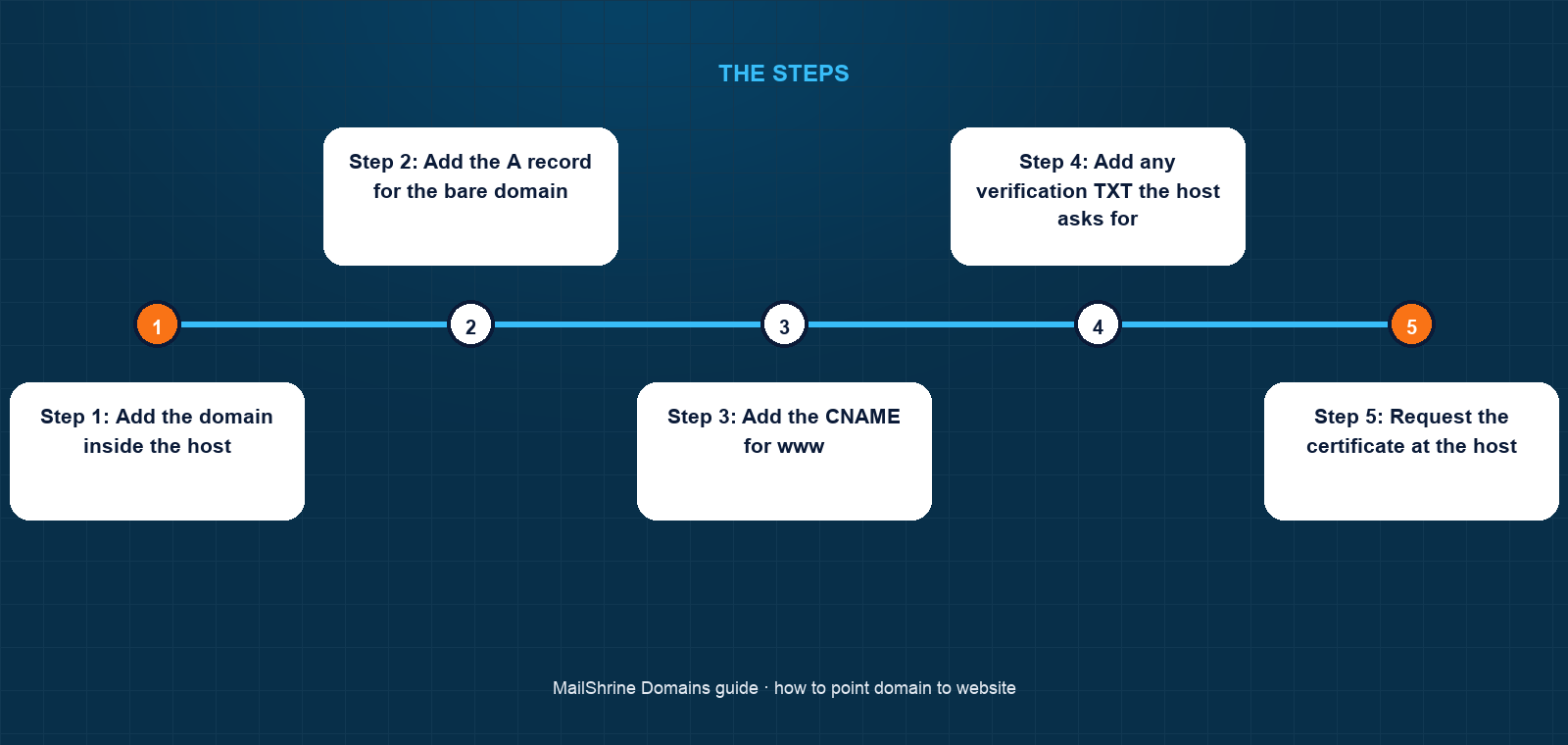
Step 1: Add the domain inside the host
In the hosting control panel, find "Domains", "Custom domain" or "Addon domain" and add nairyoga.com and www.nairyoga.com. The host now expects traffic for both and will usually display the DNS values you need on the same screen.
Step 2: Add the A record for the bare domain
In the MailShrine DNS editor, create an A record. Name: @. Value: the host's IPv4 address. TTL: leave the default. If an A record already exists on @ (for example a parking page), edit it rather than adding a second one.
Step 3: Add the CNAME for www
Create a CNAME record. Name: www. Value: the hostname the host gave you, for example sites.examplehost.com. If the host only gave you an IP, make www an A record with the same IP instead.
Step 4: Add any verification TXT the host asks for
Name and value exactly as shown. Hosts often check for this within a minute.
Step 5: Request the certificate at the host
Most hosts issue a free HTTPS certificate automatically once they can see your DNS pointing at them. If there is a button, press it after the records have been live for a few minutes.
Step 6: Test from somewhere that has never visited
Load https://nairyoga.com on mobile data, or use an online checker from another country. Your own laptop may show the old page for up to the previous TTL.
Priya's checklist
- Added
nairyoga.comandwwwin the host's domain settingsCompleted - Created A record on
@with the host's IPCompleted - Created CNAME on
wwwto the host's aliasCompleted - Left MX, SPF, DKIM and DMARC untouchedCompleted
- Waited for the host to issue HTTPSNot completed
- Sent a test email to
priya@nairyoga.comto confirm mail still arrivesNot completed
Common mistakes
Changing nameservers when you only needed two records. This moves email DNS to the host. If the host did not copy your MX records, mail stops within the hour.
Adding a CNAME on the bare domain. Most strict DNS servers will reject it or let it silently override MX. The apex takes an A record.
Forgetting to add the domain on the host's side. DNS is correct but the server shows "site not found" because it has no site configured for that name.
Leaving two A records on @ by accident. The parking IP and the new IP get served in rotation, so the site works for half of visitors.
Testing only from the computer you used to set it up. Your resolver cached the old answer; the record is fine.
Check your work
Run dig A nairyoga.com +short and dig CNAME www.nairyoga.com +short. The first should print the host's IP, the second the host's alias name. Then run dig MX nairyoga.com +short and confirm the MailShrine mail exchangers are still listed. If all three return what you expect, the configuration is complete and anything left is caching time.
FAQ
Do I have to transfer my domain to the host to use it?
No. A transfer changes who manages the registration. Pointing only changes DNS. Keep the domain where you bought it and add records.
Will pointing my domain to a website break my email?
Not if you add A and CNAME records. Email uses MX records, which are separate. It only breaks if you change nameservers and the new DNS has no MX entries.
How long until the website loads on the new domain?
Authoritative servers update in seconds. Visitors see the change as their resolvers' caches expire, typically within an hour at MailShrine's default 3600-second TTL, and almost always within 24 hours worldwide.
My host gave me a hostname but no IP. How do I point the bare domain?
Use the ALIAS or ANAME record type if your DNS editor offers one; it behaves like a CNAME but is allowed at the apex. Otherwise ask the host for an IP, or redirect the bare domain to www.
Can I point one domain at two different websites?
Not the same hostname. You can send nairyoga.com to one site and shop.nairyoga.com to another by giving each subdomain its own record.
Next steps
- Point a Domain to a Server IP Address (A Record) — the bare-IP case for VPS and dedicated servers.
- What Is DNS Propagation and How Long Does It Take? — why some visitors see the old site.
- www vs Non-www: Which Should Be Your Main Domain? — decide which version redirects to the other.
Citations & References
- Reference: RFC 1912: Common DNS Operational and Configuration Errors
- Reference: Cloudflare Learning: What is a DNS A record?
- Reference: Cloudflare Learning: What is a DNS CNAME record?
- Reference: ICANN: Registrant rights and responsibilities
Written by Samira K., small-business editor. Samira writes for owners who need the website live tonight and the email still working tomorrow.