
DNS propagation is the period after you change a DNS record during which some of the internet still answers with the old value. It is not a broadcast. Nothing is being pushed anywhere. Your authoritative nameservers start serving the new record within seconds; what takes time is every recursive resolver in the world (your ISP's, Google's 8.8.8.8, Cloudflare's 1.1.1.1, your office router's) throwing away the copy it cached earlier. Each one does that on its own schedule, set by the TTL that was on the old record.
That is why "24 to 48 hours" is both the standard answer and almost always wrong. For a record with a 3600-second TTL, nearly everyone sees the change within an hour. For a nameserver change, the parent registry's TTL of 48 hours for .com NS records is what the long estimate is really describing.
MailShrine Domains serves your zone on Anycast nameservers with a default TTL of 3600 seconds, so most record edits are visible worldwide inside an hour. Your Business Email is unaffected by website changes because MX records have their own cache lifetime and nobody is editing them.
Real-life example: Wanjiru's bakery
Wanjiru Kamau runs a bakery in Nairobi with an online ordering page. Last night she pointed kamaubakes.co.ke from an old host to a new one by changing the A record at MailShrine. This morning her phone shows the new site, her laptop on the shop Wi-Fi shows the old one, and a customer in Mombasa says the order page "looks different again". She searched the problem and found three guides each promising a different number of hours.
Wanjiru's goals:
- Understand why three devices see three different things.
- Know when it is safe to switch off the old host.
- Make the next change faster.
Who caches what, and for how long
| Cache layer | Example | Honours | Typical wait |
|---|---|---|---|
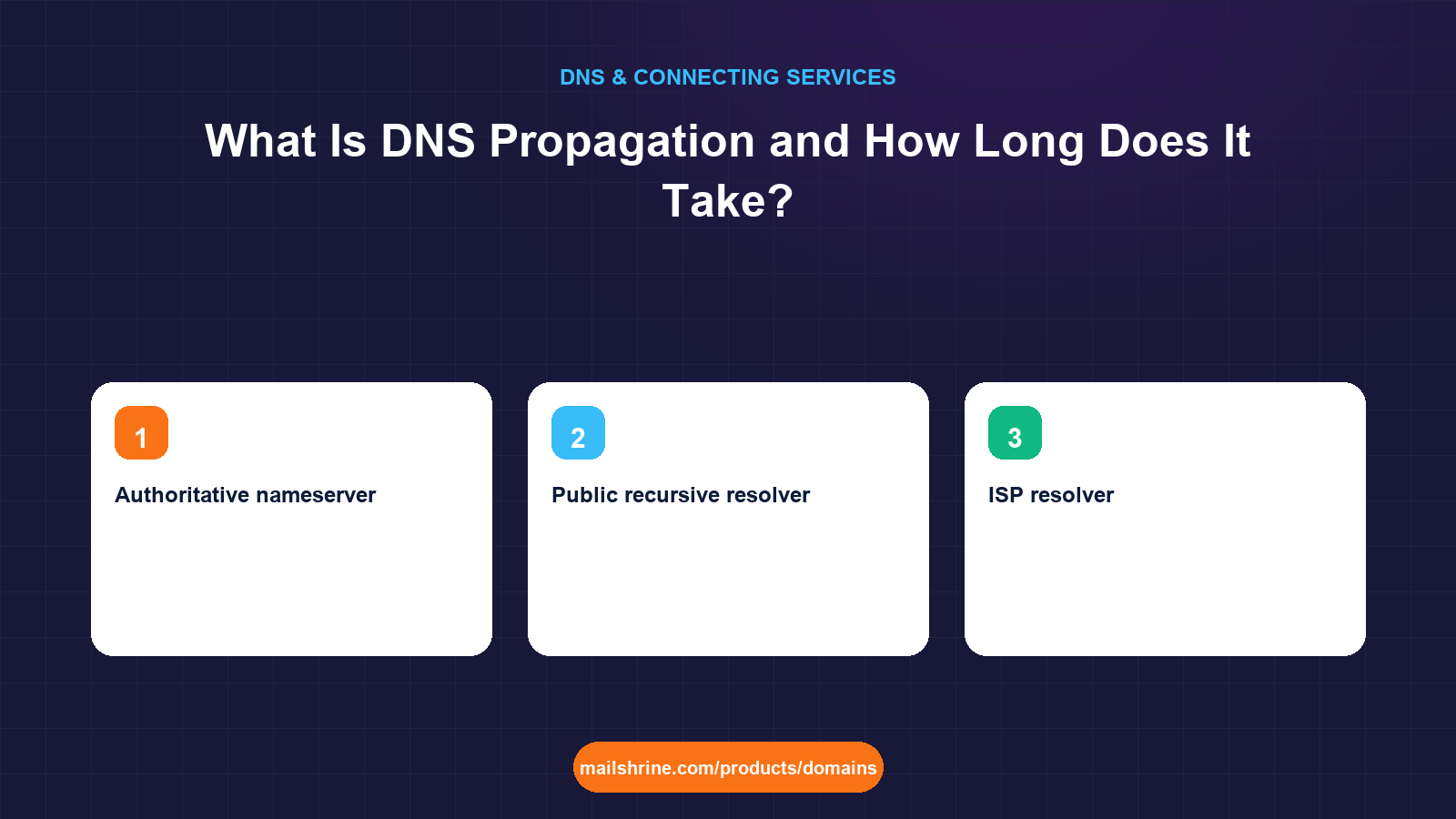
| Authoritative nameserver | MailShrine Anycast DNS | Updates immediately | Seconds |
| Public recursive resolver | 8.8.8.8, 1.1.1.1, 9.9.9.9 | TTL on the old record | Up to the old TTL, often less |
| ISP resolver | Safaricom, Spectrum, BT | TTL, though some clamp to a minimum or maximum | Up to the old TTL; some extend it |
| Office or home router | The DNS forwarder in a Wi-Fi router | TTL, sometimes buggy | Until reboot in the worst case |
| Operating system | Windows, macOS, Linux resolver cache | TTL, capped by the OS | Minutes; flushable |
| Browser | Chrome, Firefox, Safari internal cache | Short, usually around a minute | About a minute |
Wanjiru's phone on mobile data asked a resolver that had never cached the old answer, so it got the new one. The shop router cached yesterday's A record with a 3600-second TTL and still has minutes left. The Mombasa customer's ISP resolver sits somewhere in between.
The honest timings
- A, AAAA, CNAME, TXT record edits with a 3600 TTL: nearly universal within 1 hour. Most resolvers see it in 10 to 30 minutes.
- The same edits with a 300 TTL set the day before: 5 to 10 minutes.
- MX record changes: governed by the TTL exactly like any record, but mail servers also retry failed deliveries for up to 72 hours, so a brief overlap rarely loses mail.
- Nameserver changes: the
.com,.netand most other registries publish NS records for your domain with a 2-day (172800-second) TTL. Resolvers that recently asked the registry where your zone lives keep that answer up to 48 hours. This is the origin of the famous number. - A brand-new record on a name that never existed: fast, because there is nothing to expire, except where a resolver cached a negative answer ("this name does not exist"). Negative caching is capped by the SOA minimum field, which is typically 300 to 3600 seconds.
What you need before you start
| You need | Why |
|---|---|
| The TTL that was on the record before you changed it | That number, not the new TTL, is your maximum wait. |
A lookup tool: dig, nslookup or a web checker | To see what the authoritative server says versus what your resolver says. |
| The old service still running | Switch it off only after propagation finishes. |
| Patience measured in minutes, not days | For ordinary records. |
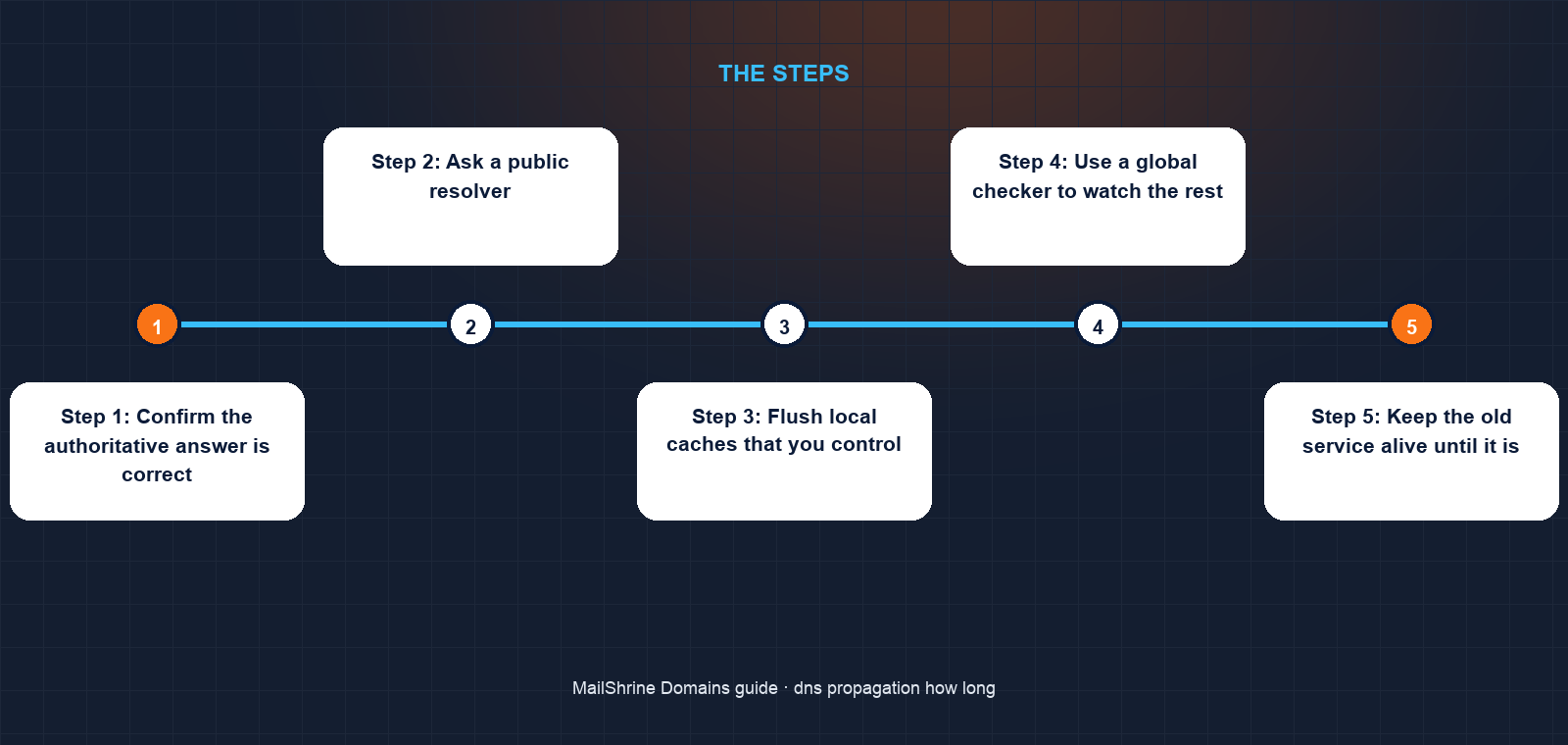
Step 1: Confirm the authoritative answer is correct
Ask MailShrine's nameservers directly: dig A kamaubakes.co.ke @ns1.mailshrine.com +short (substitute the nameserver shown in your dashboard). If this returns the new IP, your change is live at the source and everything else is caching.
Step 2: Ask a public resolver
dig A kamaubakes.co.ke @1.1.1.1 +short and @8.8.8.8. If they already show the new value, most of the world does too. If not, note the TTL in the full dig output; that is how many seconds that resolver will keep the old answer.
Step 3: Flush local caches that you control
- macOS:
sudo dscacheutil -flushcache; sudo killall -HUP mDNSResponder - Windows:
ipconfig /flushdns - Linux with systemd-resolved:
resolvectl flush-caches - Chrome: visit
chrome://net-internals/#dnsand click Clear host cache.
Restart the office router if it is the culprit.
Step 4: Use a global checker to watch the rest
Sites such as whatsmydns.net or dnschecker.org query dozens of resolvers around the world and show which have updated. When the map is uniform, propagation is finished.
Step 5: Keep the old service alive until it is
Leave the old host up at least until the old TTL has fully elapsed since the change, and ideally a few hours longer. For nameserver changes, wait 48 hours.
Step 6: Lower TTL before the next change
A day before your next migration, set the record's TTL to 300. Wait for the old TTL to expire so resolvers pick up the short value. Then change the record; the switch will complete in minutes. Raise the TTL back afterwards.
Wanjiru's checklist
- Confirmed MailShrine's nameservers return the new IPCompleted
- Confirmed
1.1.1.1and8.8.8.8return the new IPCompleted - Flushed the laptop cache and restarted the shop routerCompleted
- Watched a global checker until every location agreedNot completed
- Switched off the old host only after the old TTL fully elapsedNot completed
- Set TTL to 300 a day before the next moveNot completed
Common mistakes
Waiting 48 hours for a simple A record change. The old TTL is the real limit. If it was 3600, you are done in an hour.
Changing the TTL and the value at the same time. Resolvers that cached the old record keep both the old value and the old TTL. The new TTL only helps the change after this one.
Turning off the old server immediately. Visitors whose resolvers still hold the old IP get connection errors until their cache expires.
Trusting your own browser as the test. It shows the cached result from your network. Test from a different network or a global checker.
Blaming propagation for a wrong record. If the authoritative server itself returns the wrong value, no amount of waiting fixes it.
Check your work
Compare three lookups: the authoritative server, a public resolver and your own machine. When all three agree with the value you intended, propagation is complete for you. When a global checker shows every location matching, it is complete for everyone. If the authoritative server disagrees with what you typed, fix the record; that is not a propagation problem.
FAQ
Does DNS propagation really take 24 to 48 hours?
Only for nameserver changes, where the registry publishes NS records with a 48-hour TTL. Ordinary record edits are limited by the old record's own TTL, typically one hour or less.
Can I speed up DNS propagation?
Not after the fact. Before a change you can lower the TTL to 300 seconds and wait for the old value to expire; then the change itself completes in minutes.
Why does my site work on my phone but not my computer?
Your phone's mobile network resolver had not cached the old answer. Your computer's network has. Flush the local cache or wait for the TTL.
Will I lose email during an MX record change?
Rarely. Sending servers retry failed deliveries for up to 72 hours, far longer than any TTL, so mail arriving during the overlap is delivered once the new record is seen.
Is there a way to force resolvers to refresh?
No. Recursive resolvers are independent and honour the TTL they received. Some, such as Google and Cloudflare, offer a public cache-flush page for individual names, which can help those two but not your ISP.
Next steps
- TTL in DNS: What It Means and What to Set — the number that controls every wait described here.
- Nameservers Explained: When to Change Them and When Not To — why NS changes are the slow case.
- How to Point a Domain to a Website (Any Host) — the change most people are waiting on.
Citations & References
- Reference: RFC 1034: Domain Names, Concepts and Facilities
- Reference: RFC 2308: Negative Caching of DNS Queries
- Reference: Cloudflare Learning: What is DNS propagation?
- Reference: Google Public DNS: Flush Cache
Written by Marcus T., DNS and deliverability editor. Marcus has never once seen a 3600-second record take two days, and would like the phrase retired.