
Nameservers are the servers that hold your domain's zone and answer every DNS question about it. When a resolver wants to know the address of adeyemistudio.com, it asks the .com registry which nameservers are authoritative, and the registry replies with the two to four hostnames your registrar published, such as ns1.mailshrine.com and ns2.mailshrine.com. The resolver then asks one of those for the actual record. Change the nameservers and you have moved the entire zone, every A, MX and TXT record, to a different company's servers in a single edit.
That makes a nameserver change the most powerful and the most dangerous thing in a domain dashboard. It is the right tool when you genuinely want a different DNS provider. It is the wrong tool when a host or site builder just needs two records and offers to "manage your DNS" to save you the trouble.
MailShrine Domains registers your domain with MailShrine's Anycast nameservers and writes the email records for Business Email into that zone. You can keep those nameservers and add any record a third party asks for, or point the NS records elsewhere if you prefer another DNS host. The guide below explains which to do.
Real-life example: Femi's agency
Femi Adeyemi runs a branding agency in Lagos and manages about fifteen client domains alongside his own adeyemistudio.com. Every month a client forwards him an email from a web host saying "please update your nameservers to ours". Half the time Femi does it and the client's email breaks a few hours later. He wants a rule he can apply to every request without re-reading the host's instructions each time.
Femi's goals:
- Know the difference between changing nameservers and adding records.
- Decide once which DNS host should run each client's zone.
- Move a zone without an outage when he does need to.
Change nameservers or add records?
| The request says | What they need | Right action |
|---|---|---|
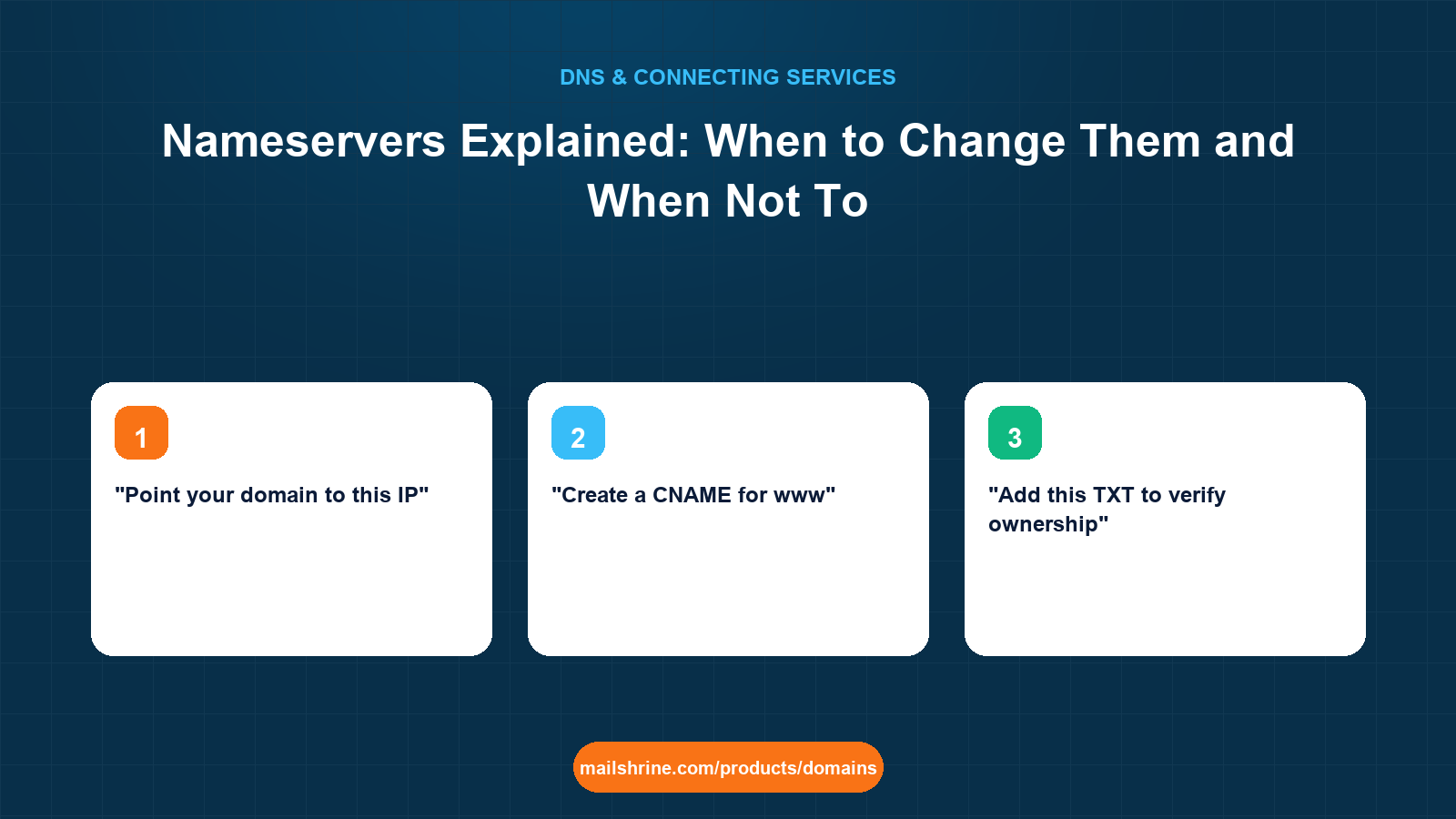
| "Point your domain to this IP" | An A record | Add a record at the current DNS host |
| "Create a CNAME for www" | A CNAME | Add a record |
| "Add this TXT to verify ownership" | A TXT record | Add a record |
| "Update your nameservers to ns1.host.com" | Control of the whole zone | Only if you have decided they should run your DNS; otherwise ask for the records |
| "Our platform requires our nameservers" | Full zone, non-negotiable (some CDNs, Cloudflare on free plans) | Change nameservers, but copy every email record first |
The rule Femi settles on: add records unless the platform literally cannot work without its own nameservers. Hosts almost never fall into that category. Cloudflare's free plan and a few DDoS-protection services do.
What actually happens when you change nameservers
- You edit the NS set at the registrar. MailShrine sends the change to the registry (Verisign for
.com) over EPP. - The registry updates the delegation it publishes for your domain. Those parent NS records carry a 48-hour TTL at most large registries.
- Resolvers that previously learned the old nameservers keep asking them until the cached delegation expires.
- Resolvers that ask fresh get the new nameservers and whatever zone those servers hold.
Step 4 is the trap. If the new nameservers hold an empty zone, or one with the host's website records but no MX, every resolver that updates starts returning "no mail server here" for your domain. Mail bounces. The old nameservers are still serving a complete zone to the resolvers that have not updated yet, so the failure looks random.
Glue records are one more detail. If your nameservers are inside your own domain (ns1.adeyemistudio.com), the registry must also hold their IP addresses, otherwise resolvers cannot find the nameserver to ask about the nameserver. Most people use a provider's nameservers and never meet glue.
What you need before you start
| You need | Why |
|---|---|
| A complete export of the current zone | Every record. Screenshot or download it. This is what you will re-create at the new host. |
| An account at the new DNS host with the zone already built | Build first, switch second. The new nameservers must answer correctly before the registry points at them. |
| The new nameserver hostnames, exactly | Usually two to four, such as ns1.example-dns.com. |
| Time to wait up to 48 hours before decommissioning the old zone | Resolvers hold old delegations for the parent TTL. |
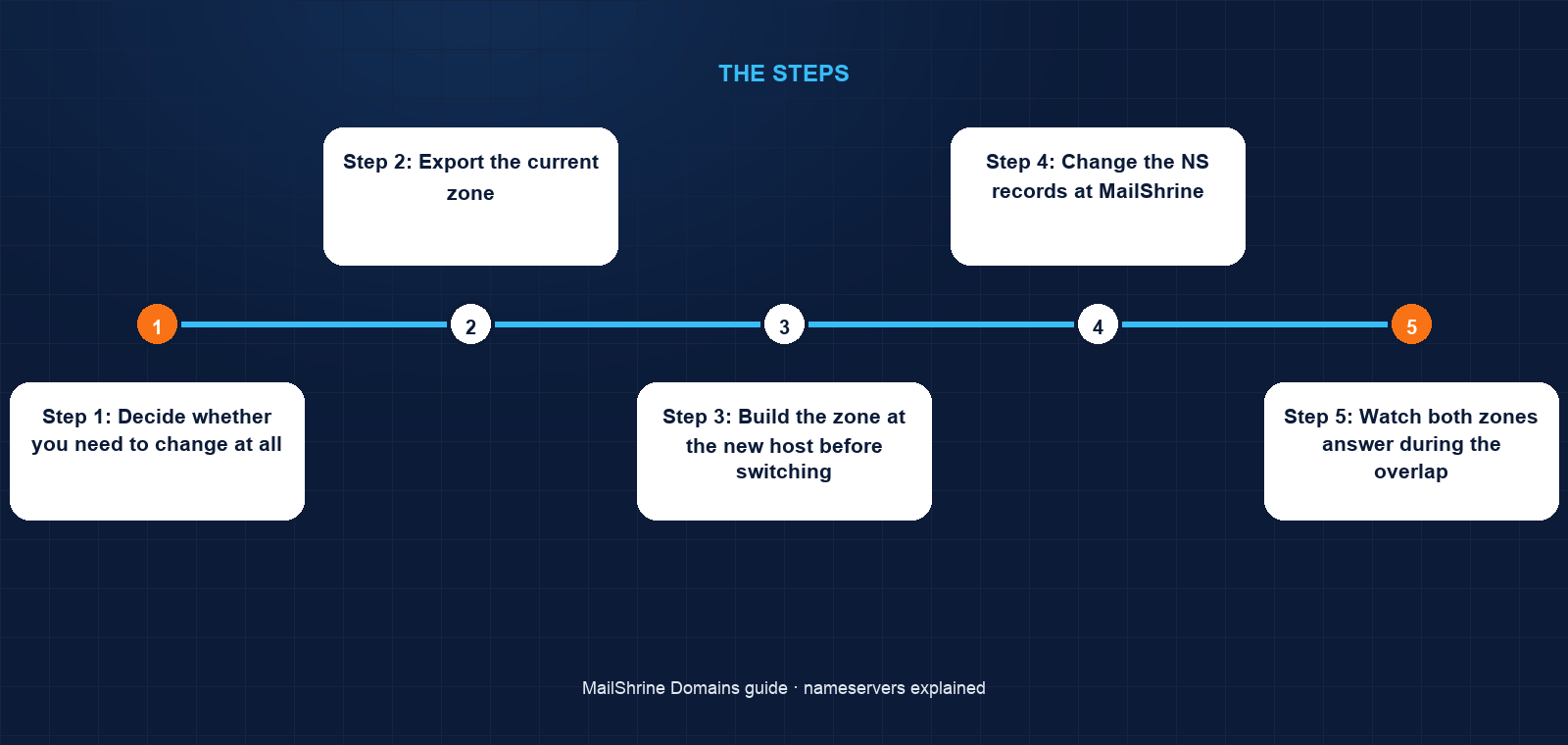
Step 1: Decide whether you need to change at all
Reread the request. If it names an IP, a CNAME target or a TXT value, add a record and stop. Only continue if the service cannot function without controlling your DNS.
Step 2: Export the current zone
In the MailShrine DNS editor, record every entry: name, type, value, priority for MX, TTL. Pay particular attention to _dmarc, every _domainkey selector, the SPF TXT and the MX set.
Step 3: Build the zone at the new host before switching
Add the domain at the new DNS provider and re-create every record from Step 2. Then query the new nameservers directly: dig MX adeyemistudio.com @ns1.newhost.com +short. If MX records come back correctly, the new zone is ready.
Step 4: Change the NS records at MailShrine
Open the domain, find Nameservers, replace MailShrine's with the new host's. Save. MailShrine pushes the change to the registry within minutes.
Step 5: Watch both zones answer during the overlap
For up to 48 hours some resolvers use each set. Because both zones are complete, visitors and mail senders see no difference. Do not edit records during this window unless you edit both zones.
Step 6: Make the new host the only place you edit
After 48 hours, confirm with dig NS adeyemistudio.com +short from a public resolver that only the new nameservers are returned. From now on, every record request from any service is handled at the new host.
Femi's checklist
- Classified each client's request as "record" or "nameserver"Completed
- Exported the full zone for the one client that genuinely needs a CDN's nameserversCompleted
- Re-created MX, SPF, DKIM, DMARC and all website records at the CDN before switchingCompleted
- Verified the new nameservers return correct MX before changing NSCompleted
- Changed NS at MailShrine and noted the timeNot completed
- Rechecked after 48 hours and told the client where DNS now livesNot completed
Common mistakes
Changing nameservers because the host's instructions listed it first. You moved email DNS to a zone that has no email records. Ask for the A and CNAME values instead.
Switching before the new zone is built. The registry points resolvers at empty nameservers. Site and mail disappear for anyone whose resolver updates early.
Forgetting DKIM selectors. They look like random strings under _domainkey and are easy to skip during a copy. Outbound mail starts failing authentication.
Editing only one zone during the 48-hour overlap. Half the world sees one answer, half sees another. Edit both or wait.
Deleting the old zone the same day. Resolvers holding the old delegation still ask the old servers. Keep the old zone for two days.
Check your work
Run dig NS adeyemistudio.com +short against 1.1.1.1 and 8.8.8.8. Both should list only the intended nameservers. Then run dig MX adeyemistudio.com +short and dig A adeyemistudio.com +short and compare the answers to your export; they should be identical. Send yourself an email from an external address and confirm it arrives. Three matches and a delivered message mean the move is complete.
FAQ
What is the difference between a registrar and a nameserver?
The registrar holds your registration and tells the registry which nameservers are authoritative. The nameservers hold the records themselves. They can be the same company, as with MailShrine, or different ones.
Does changing nameservers transfer my domain?
No. Registration stays with your registrar. Only the location of the DNS zone changes. A transfer is a separate process involving an auth code.
How many nameservers should a domain have?
At least two, as RFC 1034 requires for redundancy. Providers commonly give two to four. All of them should hold identical copies of the zone.
Do I lose my MailShrine email if I change nameservers?
Only if you do not re-create the MX, SPF, DKIM and DMARC records at the new DNS host. Copy them first and the mailboxes keep working.
How long does a nameserver change take to take effect?
Up to 48 hours for every resolver worldwide, because registries publish delegation records with a two-day TTL. Many resolvers update within a few hours.
Next steps
- What Is DNS Propagation and How Long Does It Take? — why the 48-hour figure belongs to NS changes.
- DNS Records Explained: A, AAAA, CNAME, MX, TXT, SRV, NS — the records you must copy before switching.
- How to Point a Domain to a Website (Any Host) — the record-based alternative hosts rarely lead with.
Citations & References
- Reference: RFC 1034: Domain Names, Concepts and Facilities
- Reference: IANA: Root Zone Management
- Reference: Cloudflare Learning: What is a DNS nameserver?
- Reference: ICANN: Registrar Accreditation Agreement
Written by Elena V., migrations editor. Elena has moved zones between every major DNS host and always builds the new one before touching the old.