
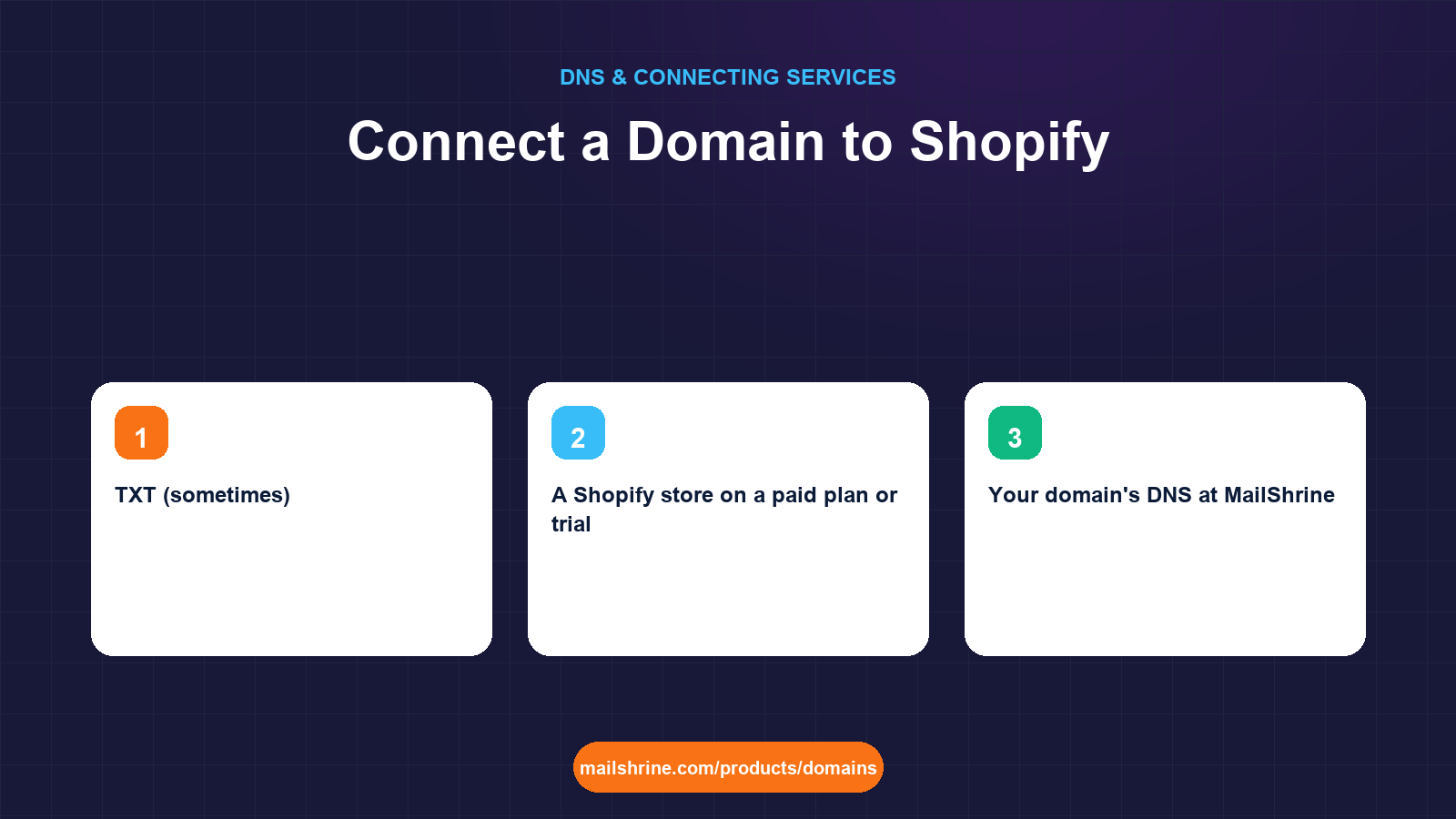
Connecting a domain to Shopify means keeping the domain at your registrar and adding two DNS records that send shoppers to Shopify's servers: an A record on the bare domain pointing at Shopify's IP, 23.227.38.65, and a CNAME on www pointing at shops.myshopify.com. Shopify calls this a "third-party domain" to distinguish it from one bought inside Shopify. The store, checkout and HTTPS certificate all keep working the same way; only the address in the browser changes.
The reason to connect rather than transfer is simple. Shopify sells domains but does not host email. If your mail lives on the domain already, connecting lets the store go live without touching a single MX record.
MailShrine Domains keeps your domain, your DNS and your two free Business Email mailboxes in one place. You add Shopify's records in the MailShrine DNS editor and your orders@ address keeps receiving while the storefront switches over.
Real-life example: Amara's textile store
Amara Diallo sells hand-dyed fabrics from Dakar and has just moved her catalogue from Instagram DMs to a Shopify store at diallo-textiles.myshopify.com. Her domain diallotextiles.com is registered on MailShrine and already runs amara@diallotextiles.com. Shopify's dashboard offers to "transfer your domain" or "connect existing domain". She wants the second, and she wants to understand what Shopify's instructions actually do before she follows them.
Amara's goals:
- Make
diallotextiles.comopen the Shopify store with HTTPS working. - Keep her email exactly as it is.
- Set
wwwor non-www as the primary so customers always land on one address.
Shopify's required records
| Record | Name | Value | Purpose |
|---|---|---|---|
| A | @ | 23.227.38.65 | Sends diallotextiles.com to Shopify's edge |
| CNAME | www | shops.myshopify.com | Sends www.diallotextiles.com to the same place |
| TXT (sometimes) | @ or a given host | shopify-verification=... | Only if Shopify asks you to verify ownership first |
The IP 23.227.38.65 has been Shopify's documented address for third-party domains for years, but always copy it from the Domains page in your own Shopify admin rather than from a blog post, including this one. Shopify also publishes a second verification path for some stores: a TXT record it shows you under "Connect existing domain". If your admin shows one, add it.
Connect versus transfer
Shopify offers both and the words are easy to confuse.
- Connect leaves the registration and DNS where they are. You add records. Takes minutes. Reversible by deleting two records.
- Transfer moves the registration to Shopify. It needs the domain to be older than 60 days, unlocked, with an auth code, and ICANN's rules give the process up to 5 days. Shopify then manages DNS, and you must re-enter every email record there. Shopify does not provide mailboxes.
For a store that already has email on the domain, connect. Transfer only if you have decided Shopify should be your registrar for everything.
What Shopify does once it sees your records
Shopify's verification step is a DNS lookup from its own resolvers. When the A record on @ and the CNAME on www both return Shopify's values, three things happen without further input. Shopify binds the hostname to your store so its edge servers route the request to your theme instead of a "store not found" page. It requests a TLS certificate from Let's Encrypt for both names, which is why the status reads "SSL pending" for a while. And it begins serving the checkout on your domain, so customers never see the .myshopify.com address during payment. The .myshopify.com name keeps resolving as a permanent redirect to the primary domain, so links shared before the switch still arrive.
What you need before you start
| You need | Why |
|---|---|
| A Shopify store on a paid plan or trial | Custom domains are enabled in Settings → Domains. |
| Your domain's DNS at MailShrine | Confirm the nameservers are MailShrine's before you edit. |
| The exact values from Shopify's Domains page | Shopify shows them when you click "Connect existing domain" and then "Connect manually". |
| A decision on the primary address | Shopify redirects the other to it automatically. |
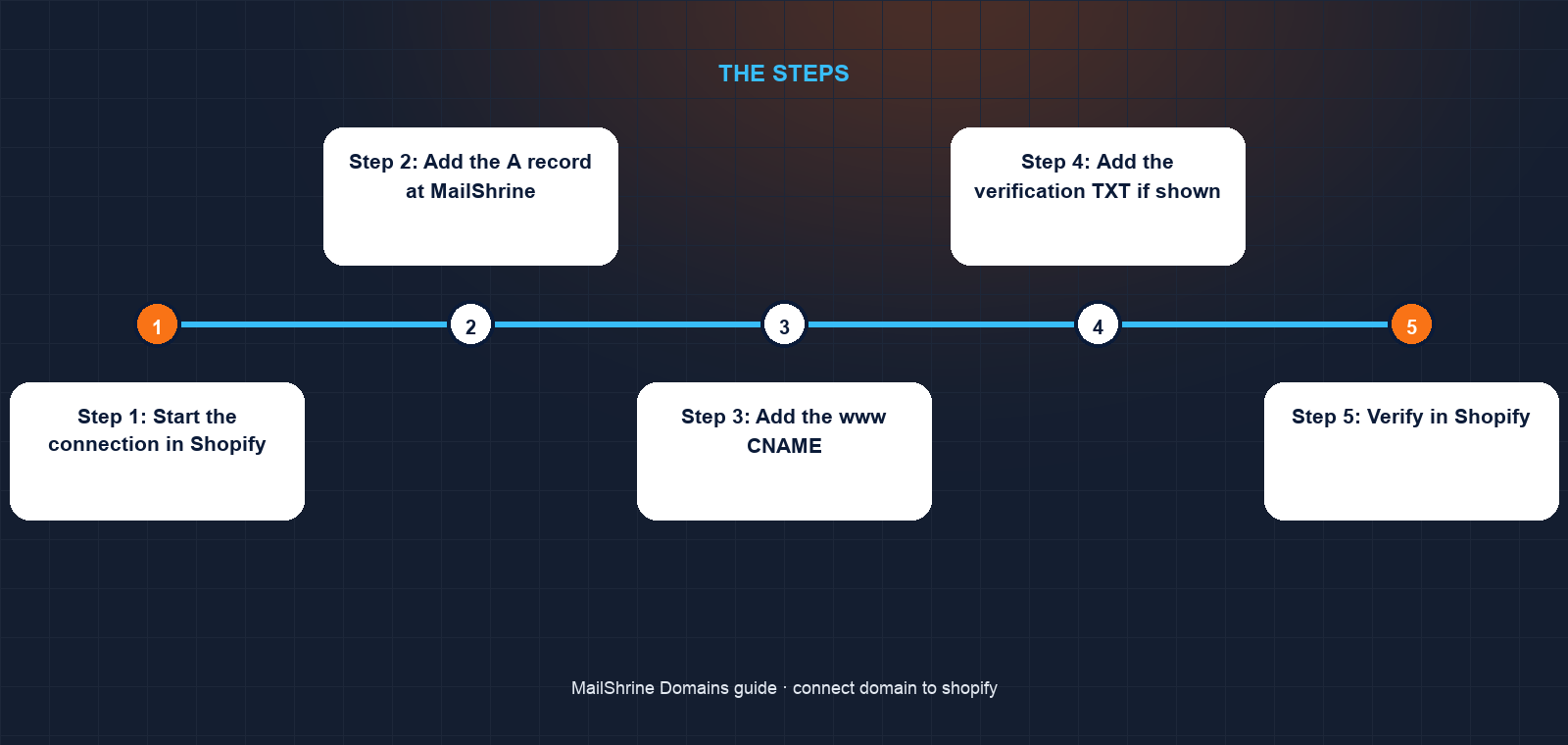
Step 1: Start the connection in Shopify
In Shopify admin, go to Settings → Domains → Connect existing domain. Type diallotextiles.com. Shopify will try to detect your registrar; when it does not recognise MailShrine, choose Connect manually. It then lists the A and CNAME values and, if required, a TXT verification record.
Step 2: Add the A record at MailShrine
Open the domain in the MailShrine dashboard and go to DNS. If an A record on @ already exists (a parking page, say), edit its value to 23.227.38.65. If not, add one. Leave the TTL at its default.
Step 3: Add the www CNAME
Add a CNAME with name www and value shops.myshopify.com. If a www A record exists from an earlier setup, delete that one first; a name cannot carry both an A and a CNAME.
Step 4: Add the verification TXT if shown
Only if Shopify's screen displayed one. Name and value exactly as shown.
Step 5: Verify in Shopify
Back in Shopify, click Verify connection. If DNS has reached Shopify's resolvers, the domain shows as connected and Shopify starts issuing the free HTTPS certificate. The status can read "SSL pending" for up to 48 hours, though it usually clears within the hour.
Step 6: Set the primary domain
Under Settings → Domains, choose whether diallotextiles.com or www.diallotextiles.com is primary. Shopify 301-redirects the other, and it also redirects the .myshopify.com address so old links keep working.
Amara's checklist
- Opened Settings → Domains → Connect existing domain → Connect manuallyCompleted
- A record on
@set to23.227.38.65Completed - CNAME on
wwwset toshops.myshopify.comCompleted - MX, SPF, DKIM, DMARC left as written by MailShrineCompleted
- Clicked Verify connection and confirmed "Connected"Not completed
- Set
diallotextiles.comas primary, confirmedwwwredirectsNot completed
Common mistakes
Choosing "Transfer" because it is listed first. This begins a registrar transfer, not a DNS connection, and it takes days instead of minutes. Click "Connect existing domain".
Changing nameservers to Shopify. Shopify does not ask for this. If you do it, your email records vanish from the live zone.
Leaving an old CNAME on www pointing at a site builder. Shopify's verification fails because www resolves to the wrong place. Delete the old record before adding the new one.
Panicking at "SSL pending". Shopify requests a certificate after it sees your DNS. Give it an hour before escalating.
Letting a TTL of 86400 slow the switch. If you had set a long TTL earlier, lower it to 300 a day before the change so the old parking page stops showing quickly.
Check your work
Run dig A diallotextiles.com +short; it should return 23.227.38.65. Run dig CNAME www.diallotextiles.com +short; it should return shops.myshopify.com.. Then open the domain in a private browser window: you should see the store with a padlock. Send a message to your own address on the domain and confirm it arrives. Four passes mean the connection is done.
FAQ
Does connecting a domain to Shopify affect my email?
No. Shopify's instructions touch only A and CNAME records. Your MX, SPF, DKIM and DMARC records at MailShrine stay in place and mail keeps flowing.
Why does Shopify use a single IP address instead of a hostname for the root domain?
The bare domain cannot carry a CNAME without breaking other records, so Shopify publishes a stable anycast IP for it. The www host uses a CNAME because it can.
Can I connect more than one domain to the same Shopify store?
Yes. Shopify allows up to 20 domains per store. One is primary; the others redirect to it. Each needs its own A and CNAME records.
How long does Shopify take to show the store on my domain?
Typically 15 minutes to an hour after you add the records. Shopify's own documentation allows up to 48 hours for DNS and certificate issuance.
Should I buy my domain from Shopify instead?
Shopify sells domains but does not provide email on them. If you want you@yourstore.com, register at a registrar that includes mailboxes and connect it.
Next steps
- How to Point a Domain to a Website (Any Host) — the general version of this guide.
- Connect a Domain to Wix or Squarespace — the same pattern for other site builders.
- www vs Non-www: Which Should Be Your Main Domain? — picking the primary address.
Citations & References
- Reference: Shopify Help Center: Connecting a third-party domain to Shopify
- Reference: Shopify Help Center: Domains overview
- Reference: ICANN: Transfer Policy
- Reference: RFC 1912: Common DNS Operational and Configuration Errors
Written by Samira K., small-business editor. Samira has connected more storefronts to more registrars than she would like to count, and still reads the host's instructions twice.