
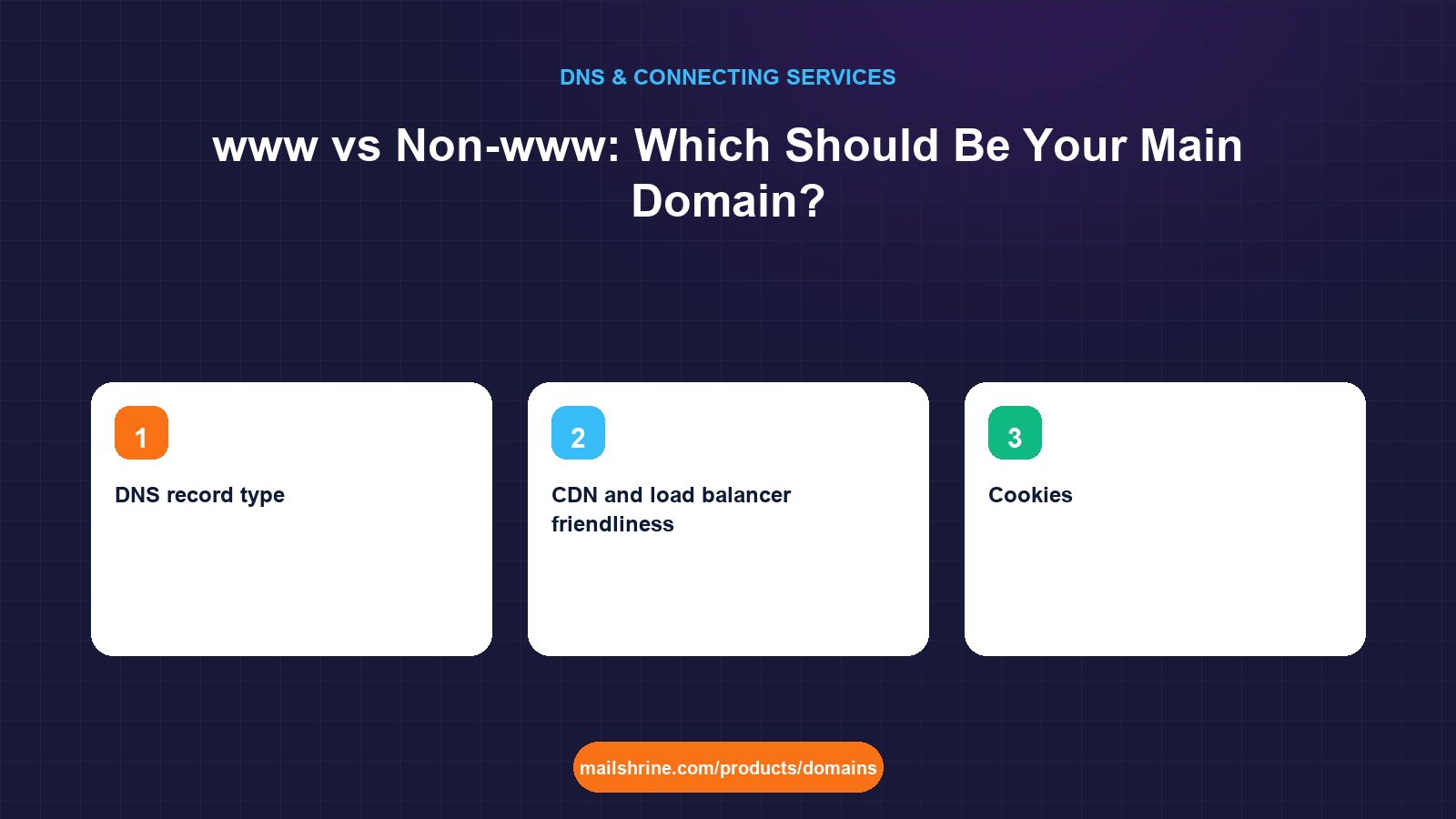
www versus non-www is the choice between www.oseiadvisory.com and oseiadvisory.com as the address your site is known by. Technically they are two different hostnames. www is a subdomain like any other, and the bare name is the zone apex. Both can point at the same server, but search engines, analytics tools and certificates treat them as separate places unless you pick one as canonical and redirect the other to it. The decision has no effect on ranking; Google is explicit that it has no preference. It does have real effects on DNS flexibility and cookie behaviour, and those are the grounds to decide on.
The one thing that is not optional is choosing. A site that answers on both names without a redirect splits its links, its analytics and its indexing between two copies.
MailShrine Domains lets you publish both names in the Anycast DNS editor, an A record on the apex and a CNAME or A on www, so whichever you choose as canonical, the other resolves and can redirect. Email for Business Email is unaffected; mail uses the apex MX record regardless of which web name you prefer.
Real-life example: Daniel's advisory firm
Daniel Osei runs a financial advisory firm in Accra. He registered oseiadvisory.com on MailShrine and his developer asked a question he could not answer: "Do you want the site on www or not?" His business cards already say oseiadvisory.com. The developer mentioned something about CDNs preferring www. Daniel wants a decision he can defend and a setup where either address a client types ends up in the same place.
Daniel's goals:
- Pick one canonical name for good reasons, not habit.
- Make the other name redirect with a 301.
- Keep both names working over HTTPS.
The real differences
| Consideration | www.oseiadvisory.com | oseiadvisory.com |
|---|---|---|
| DNS record type | CNAME allowed, so the host can change IPs without you | Must be A/AAAA (or ALIAS if the DNS host supports it); CNAME forbidden at the apex |
| CDN and load balancer friendliness | High; CNAME to the provider's hostname | Needs a static IP or ALIAS flattening |
| Cookies | Scoped to www unless set wider; subdomains like app are not affected | Cookies set on the apex are sent to every subdomain, including app and static |
| Typing and branding | Longer; feels traditional | Shorter; matches how people say it |
| SEO | No difference | No difference |
| Unaffected | Unaffected |
The CNAME point is the one that matters operationally. If the site runs behind a CDN or a platform that gives you a hostname rather than an IP, www can follow it automatically while the apex needs an IP that the platform promises to keep stable. MailShrine's DNS supports A records on the apex, and many platforms publish a stable anycast IP for exactly this purpose, so the apex is still workable; it is simply less flexible.
How to decide
- Choose
wwwif the site sits behind a CDN that only offers a hostname, if you run or plan subdomains such asapp.that should not receive the main site's cookies, or if the platform (some site builders, Netlify) recommends it. - Choose non-www if the name is a brand people say aloud, your platform publishes a stable apex IP (Shopify, GitHub Pages, Vercel, most VPS hosts), and you have no cookie-sensitive subdomains.
Daniel's cards say the bare name, his site runs on a host with a stable IP, and he has no subdomains. He chooses non-www.
What you need before you start
| You need | Why |
|---|---|
| Both hostnames published in DNS | The non-canonical one must resolve or visitors who type it get an error instead of a redirect. |
| A server or platform that can issue a 301 | The redirect is an HTTP response, not a DNS feature. |
| Certificates covering both names | Browsers check the certificate before following a redirect. Most platforms issue both automatically. |
| A decision | Written down, so the developer, the analytics setup and the sitemap all agree. |
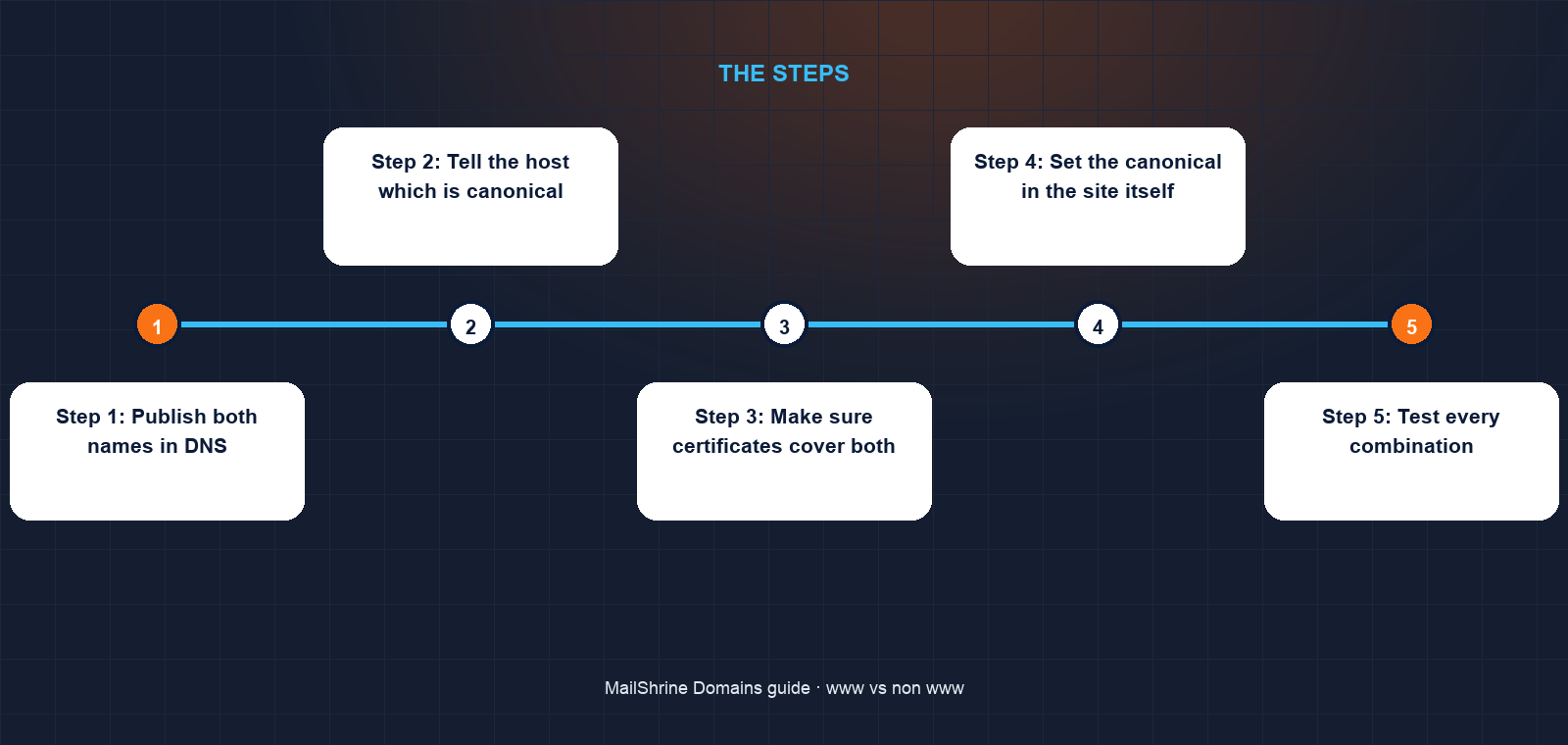
Step 1: Publish both names in DNS
At MailShrine, add an A record on @ with the host's IP. Add www as a CNAME to the host's hostname, or as an A record to the same IP if no hostname is offered.
Step 2: Tell the host which is canonical
On a builder (Shopify, Squarespace, Wix, WordPress.com), set the primary domain in its Domains settings; it redirects the other automatically. On a VPS, add a server block for the non-canonical name that returns 301 https://oseiadvisory.com$request_uri.
Step 3: Make sure certificates cover both
Platforms issue certificates for every domain you add. On your own server, request one certificate listing both names, or two separate ones, so https://www.oseiadvisory.com is valid before it redirects.
Step 4: Set the canonical in the site itself
Add <link rel="canonical"> tags using the chosen name, generate the sitemap with that name, and configure the CMS's site URL to match. Search Console properties should use the canonical name, though a Domain property covers both.
Step 5: Test every combination
Visit http://www., https://www., http:// bare and https:// bare. All four should end at https://oseiadvisory.com in at most one redirect hop (two if HTTP first upgrades to HTTPS).
Daniel's checklist
- Decided on non-www and wrote it in the project notesCompleted
- Published A record on
@andwwwpointing at the hostCompleted - Set a 301 from
wwwto the bare domain at the hostCompleted - Confirmed the certificate covers both namesCompleted
- Updated canonical tags and sitemap to the bare nameNot completed
- Tested all four URL combinations in a private windowNot completed
Common mistakes
Answering on both names with no redirect. Links, analytics and indexed pages split between two copies of the site. Pick one and 301 the other.
Dropping the non-canonical name from DNS. Visitors who type www get "server not found" instead of a redirect. Both must resolve.
Redirecting before the certificate is issued. https://www shows a certificate error and never reaches the redirect. Issue first, redirect second.
Changing your mind after launch. Switching canonical names later means a second round of 301s and a few weeks of search turbulence. Decide once.
Thinking it affects email. Mail uses MX records on the apex. Neither web choice touches it.
Check your work
Run curl -I https://www.oseiadvisory.com; expect a 301 with Location: https://oseiadvisory.com/. Run curl -I https://oseiadvisory.com; expect a 200. Run both with http:// and expect redirects to the HTTPS canonical. View the home page source and confirm the canonical tag matches. Four requests, one destination.
FAQ
Is www or non-www better for SEO?
Neither. Google states it has no preference. What matters is choosing one and redirecting the other so signals are not split.
Why do some big sites still use www?
Flexibility. www can be a CNAME to a CDN, and cookies on www do not leak to other subdomains. Those are engineering reasons, not ranking ones.
Can I use a CNAME on my bare domain to avoid the problem?
Standard DNS forbids a CNAME at the apex because it would hide the MX and TXT records there. Some DNS hosts offer ALIAS or ANAME records that flatten a hostname into an IP at query time, which achieves the same effect.
Do I need separate SSL certificates for www and non-www?
You need both names covered. A single certificate can list both as Subject Alternative Names, and most platforms issue that automatically when you add both domains.
Does the www choice affect my email addresses?
No. Email is routed by MX records on the bare domain. daniel@oseiadvisory.com works the same whichever web name you pick.
Next steps
- Redirect a Domain to Another Website — the mechanics of the 301 you will use.
- DNS Records Explained: A, AAAA, CNAME, MX, TXT, SRV, NS — why the apex cannot be a CNAME.
- Free SSL for Your Domain: How HTTPS Works With DNS — covering both names with one certificate.
Citations & References
- Reference: Google Search Central: Consolidate duplicate URLs with canonicals
- Reference: RFC 1034: Domain Names, Concepts and Facilities
- Reference: Cloudflare Learning: What is a DNS CNAME record?
- Reference: RFC 6265: HTTP State Management Mechanism (cookies)
Written by Isabelle R., domains editor. Isabelle has no preference between www and non-www either, but a strong one about redirecting whichever you did not pick.