
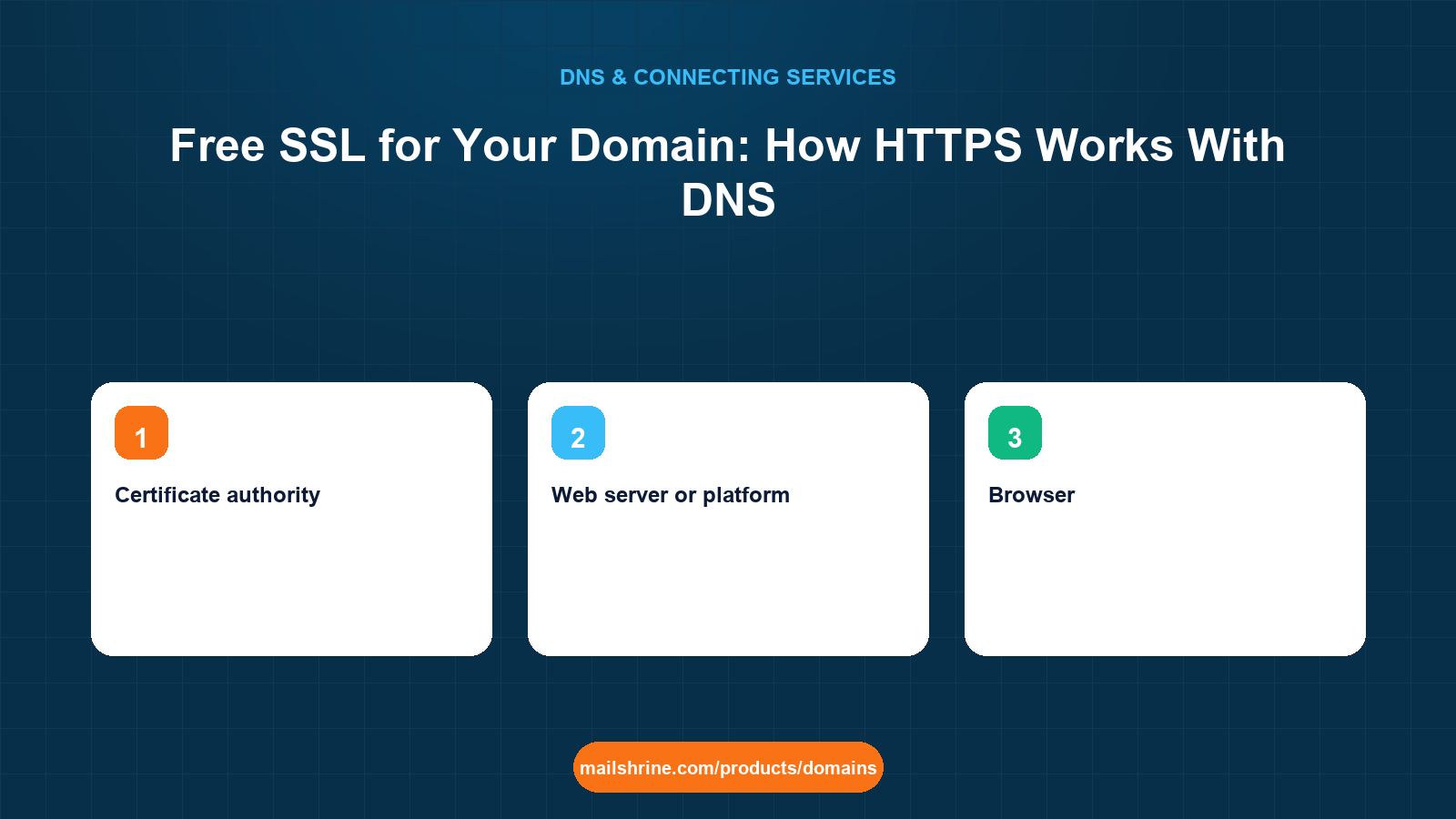
Free SSL for a domain means a TLS certificate issued at no charge by a public certificate authority, most often Let's Encrypt, that lets your site serve https:// with a padlock. The certificate is not something a registrar sells you and it is not stored in DNS. It is issued to whoever can prove control of the domain, installed on the web server that answers for it, and renewed every 90 days. DNS is involved in exactly two ways: the certificate authority looks up your domain to find the server it must challenge, and one of the challenge methods is itself a DNS record.
Understanding that split, registrar holds the name, DNS points at the server, server holds the certificate, explains why "my domain has no SSL" is almost always a hosting question and why nearly every modern host answers it for free.
MailShrine Domains is the registrar and DNS provider in that chain. We do not issue certificates; your host or CDN does, and MailShrine's DNS editor supports the A, CNAME, TXT and CAA records they rely on. Business Email mailboxes are served over TLS by MailShrine's own mail servers and need nothing from you.
Real-life example: Olivia's shop
Olivia Marsh runs a homeware shop in Manchester with an online store on a small VPS and a domain, marshhome.co.uk, registered on MailShrine. Her browser shows "Not secure" on the shop and a customer has emailed to say they will not enter card details. A hosting company quoted her £60 a year for "an SSL certificate for your domain". She wants to know whether that is necessary, what free actually covers, and what she has to do in her DNS.
Olivia's goals:
- Get a padlock on
marshhome.co.ukandwwwwithout paying yearly. - Understand what the certificate authority checks so renewals do not fail.
- Know what, if anything, to change in DNS.
Who does what
| Layer | Who | What it provides | Does Olivia pay? |
|---|---|---|---|
| Registrar and DNS | MailShrine | The name, and records pointing at the server | The domain fee only |
| Certificate authority | Let's Encrypt (or ZeroSSL, Google Trust Services, a CDN's CA) | Signs a certificate for names you prove you control | No |
| Web server or platform | Her VPS, or a host, builder or CDN | Requests, installs, renews and serves the certificate | Included with hosting on nearly every platform |
| Browser | Visitor | Checks the certificate chain and shows the padlock | No |
The £60 product is a paid certificate from a commercial authority. Browsers treat it identically to a free one. Paid certificates still exist for organisation validation (the company name in the certificate details), for multi-year management convenience, or for warranties, none of which a shop needs for a padlock.
How the certificate authority proves you control the domain
Let's Encrypt and its peers use the ACME protocol with two common challenges:
- HTTP-01. The CA asks your server to publish a specific file at
http://marshhome.co.uk/.well-known/acme-challenge/<token>. It resolves your A (and AAAA) record, connects on port 80, and checks the file. Requires DNS pointing at the server and port 80 open. Cannot issue wildcard certificates. - DNS-01. The CA asks you to publish a TXT record at
_acme-challenge.marshhome.co.ukwith a given value. It queries DNS and checks the value. Works even when the server is not reachable on port 80, and is the only method for wildcards such as*.marshhome.co.uk.
Most hosts and platforms use HTTP-01 automatically. DNS-01 is what you reach for when you run your own tooling or need a wildcard, and it means a tool must be able to write TXT records in your zone, by API or by hand every 90 days.
What you need before you start
| You need | Why |
|---|---|
| DNS A (and AAAA, if used) records pointing at the server | The CA resolves the name to find who to challenge. A wrong AAAA fails the challenge. |
| Port 80 open on the server, for HTTP-01 | The challenge arrives over plain HTTP before any certificate exists. |
| A web server or platform with ACME built in | certbot, Caddy, nginx with acme.sh, or any host that offers "free SSL". |
| Optionally, a CAA record | Restricts which authorities may issue for your domain. |
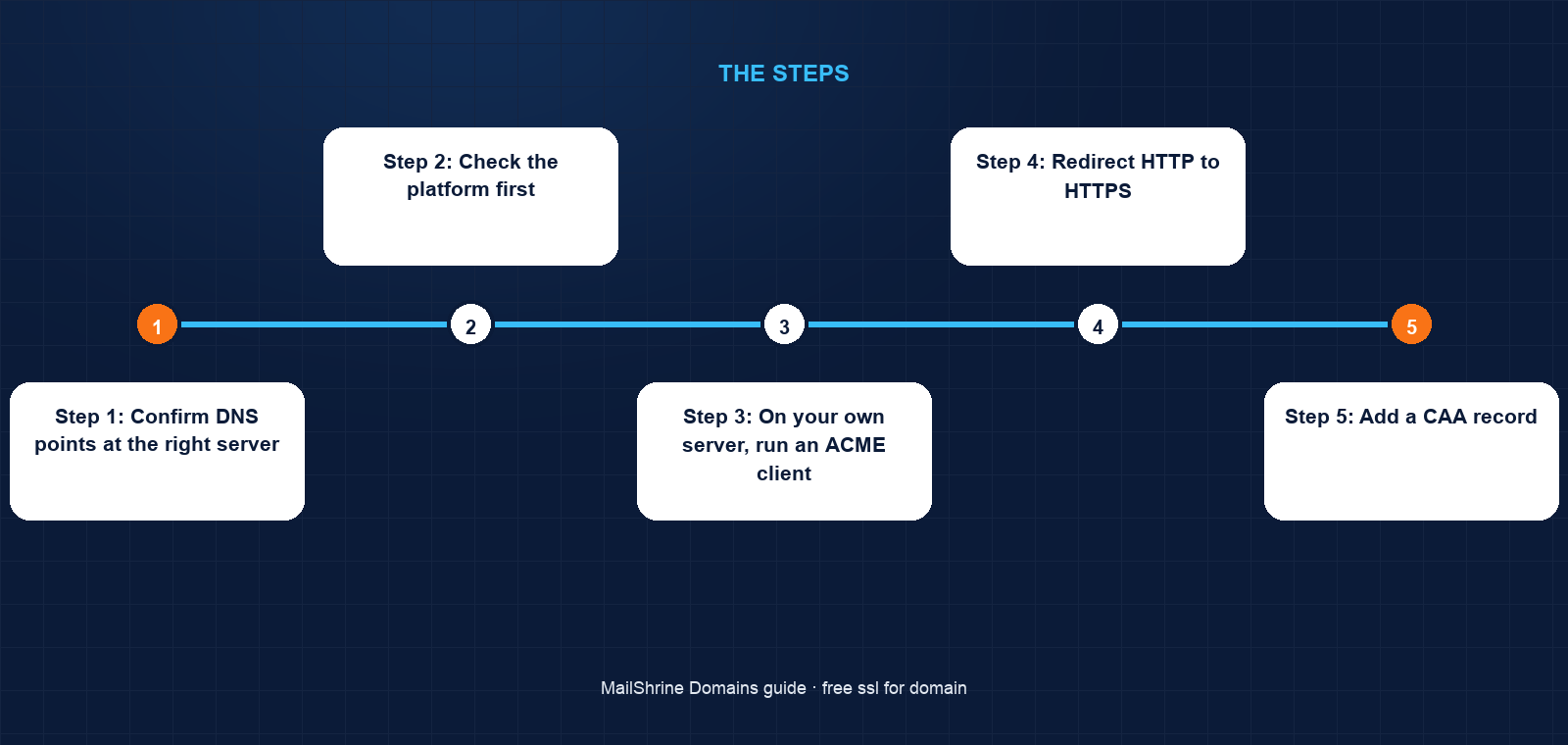
Step 1: Confirm DNS points at the right server
Run dig A marshhome.co.uk +short and dig AAAA marshhome.co.uk +short. The A record should be the VPS IP. If an AAAA record exists, the server must actually answer on that IPv6 address, because the CA will prefer it.
Step 2: Check the platform first
If the site is on a host, builder or CDN, look for "SSL" or "HTTPS" in its domain settings. Shopify, Squarespace, Wix, WordPress.com, GitHub Pages, Vercel, Netlify and most shared hosts issue free certificates automatically once DNS resolves to them. Press the button if there is one and skip to Step 5.
Step 3: On your own server, run an ACME client
With certbot on an nginx VPS: sudo certbot --nginx -d marshhome.co.uk -d www.marshhome.co.uk. certbot completes the HTTP-01 challenge, installs the certificate, configures nginx for HTTPS and sets up automatic renewal. Caddy does all of this with no command at all.
Step 4: Redirect HTTP to HTTPS
certbot offers to add the redirect. Accept it, so http:// requests upgrade to https:// with a 301.
Step 5: Add a CAA record
In the MailShrine DNS editor, add a CAA record on @: flags 0, tag issue, value letsencrypt.org. This tells every other certificate authority to refuse issuance for your domain, which is cheap protection against mis-issuance. If your platform uses a different CA, use its name instead or add several CAA records.
Step 6: Verify and note the renewal date
Load https://marshhome.co.uk and click the padlock to see the issuer and expiry. Let's Encrypt certificates expire after 90 days; the client renews at 60. Put a reminder at 75 days to confirm renewal happened the first time.
Olivia's checklist
- Confirmed A record points at the VPS and no stray AAAA existsCompleted
- Opened port 80 on the firewall for the challengeCompleted
- Ran certbot for both the bare domain and
wwwCompleted - Enabled the HTTP to HTTPS redirectCompleted
- Added a CAA record allowing only letsencrypt.orgNot completed
- Set a 75-day reminder to confirm the first automatic renewalNot completed
Common mistakes
Paying for a certificate when the host includes one. Nearly every platform issues free certificates. The paid version adds nothing to the padlock.
Running the challenge before DNS resolves. The CA cannot find the server, or finds the old one. Point DNS first, wait for propagation, then request.
Publishing an AAAA record the server does not listen on. Let's Encrypt tries IPv6 first and the challenge times out. Remove the AAAA or make the server answer on it.
Forgetting www. A certificate for the bare domain only produces an error on https://www. Include both names in one request.
Assuming the certificate lives in DNS. DNS points at the server; the server holds the certificate. Changing registrars or DNS hosts does not move or break it.
Check your work
Run curl -I https://marshhome.co.uk and curl -I https://www.marshhome.co.uk; both should return 200 or a 301 to the canonical name with no certificate warning. Run curl -I http://marshhome.co.uk and expect a 301 to HTTPS. Run dig CAA marshhome.co.uk +short and expect your CAA entry. Finally, echo | openssl s_client -connect marshhome.co.uk:443 -servername marshhome.co.uk 2>/dev/null | openssl x509 -noout -dates prints the validity window; the end date should be about 90 days out.
FAQ
Does my domain registrar give me an SSL certificate?
No. Registrars sell names and host DNS. Certificates are issued by certificate authorities and installed on web servers. MailShrine does not issue certificates; your host or CDN does, usually free.
Is a free Let's Encrypt certificate as secure as a paid one?
Yes. The encryption is identical and browsers trust both the same way. Paid certificates add organisation details or warranties, not stronger security.
Why does my certificate expire every 90 days?
Let's Encrypt issues short-lived certificates to limit the damage of a compromised key and to force automation. ACME clients renew automatically at around 60 days.
Do I need SSL for my email on the domain?
Your mail provider handles TLS on its own servers. MailShrine's mail servers serve webmail and mail protocols over TLS already; the certificate on your website is separate.
What is a CAA record and do I need one?
A CAA record names the certificate authorities permitted to issue for your domain. It is optional but recommended; it blocks accidental or malicious issuance by any other authority.
Next steps
- How to Point a Domain to a Website (Any Host) — DNS must resolve before any certificate can issue.
- www vs Non-www: Which Should Be Your Main Domain? — covering both names in one certificate.
- Point a Domain to a Server IP Address (A Record) — the A and AAAA records the CA follows.
Citations & References
- Reference: Let's Encrypt: How It Works
- Reference: Let's Encrypt: Challenge Types
- Reference: RFC 8555: Automatic Certificate Management Environment (ACME)
- Reference: RFC 8659: DNS Certification Authority Authorization (CAA) Resource Record
Written by Daniel O., security editor. Daniel has not paid for a domain-validated certificate since 2016 and adds a CAA record to every zone he touches.