
Selling a domain name means transferring the registration of a name you hold to a buyer in exchange for payment, with the registry record updated to show the new registrant. Unlike selling a physical object, there is no moment where both parties hold the goods at once. One side has to move first, and that is where almost every domain sale fraud happens: a buyer pays and the seller disappears, or a seller pushes the domain and the "payment" turns out to be a reversed card charge or a forged wire confirmation. Escrow exists to solve exactly that problem, and for any sale above a few hundred dollars it is not optional.
This guide covers the whole path: where to list, how to set a price that sells, how a transaction actually moves through escrow, and the two mechanics for handing over the name, a registrar push within the same registrar or an auth-code transfer to the buyer's registrar. It also covers what to do before any of that so the sale cannot be unwound by a lock, an expiry or a trademark claim.
MailShrine Domains keeps transfer lock on by default and lets you switch it off the day a sale closes, releases the auth code from the dashboard, and shows aftermarket names with Buy Now pricing so you can see what comparable names are listed for before you set your own.
Real-life example: Lukas's old startup name
Lukas Brandt is a product designer in Berlin. His 2021 startup, Nordlicht Analytics, folded, but he still holds nordlicht.io, renewed for two more years. A Norwegian company has emailed asking to buy it and proposed paying by bank transfer "once the domain is in our account". Lukas wants to sell, has settled on a price around $3,500 after researching comparable sales, and wants to make sure he does not hand over the name and then wait for money that never comes.
Lukas's goals this week:
- Choose between selling directly to this buyer and listing on a marketplace.
- Run the payment through escrow so neither side has to trust the other.
- Transfer the domain correctly and prove the sale is complete.
Where to sell
| Channel | How it works | Fee | Best for |
|---|---|---|---|
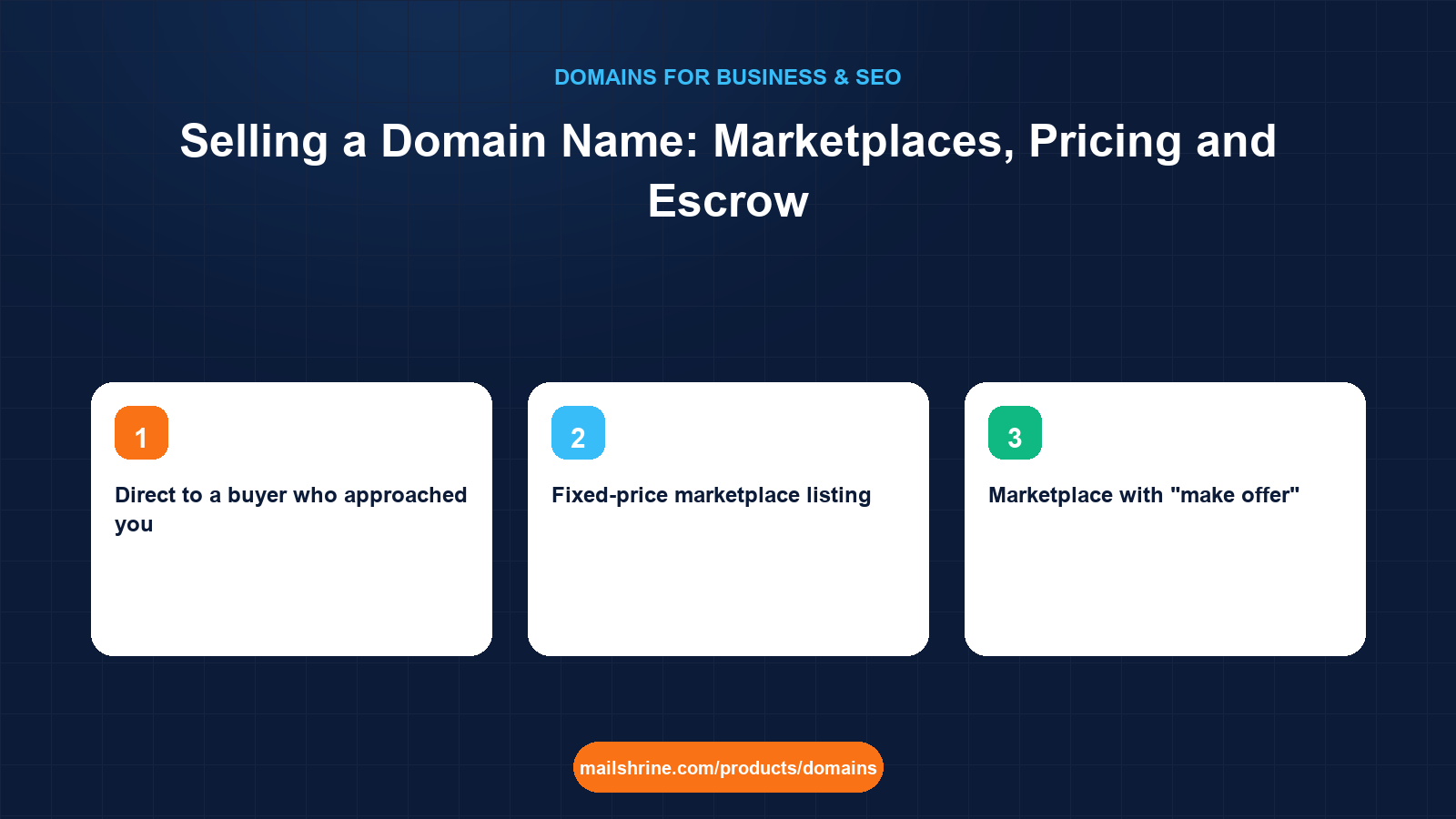
| Direct to a buyer who approached you | Negotiate by email, settle through an escrow service you choose | Escrow fee only, typically 1–3% split or paid by one side | Names with an obvious strategic buyer, like Lukas's |
| Fixed-price marketplace listing | List at a Buy Now price; the marketplace handles payment and transfer | Commission, commonly 10–20% | Brandable names with many potential buyers |
| Marketplace with "make offer" | Buyers submit offers, you accept or counter | Same commission range | Names where you are unsure of the price |
| Auction | Set a reserve, buyers bid over a fixed window | Commission plus sometimes a listing fee | Short, generic, in-demand names |
| Broker | A broker finds buyers and negotiates for you | 10–20% commission, sometimes a retainer | Premium names expected to sell for five figures or more |
| For-sale landing page on the domain itself | Replace the parked page with "This domain is for sale" and a contact form | Free | Catching the buyer who types the name in |
Many sellers do two at once: a marketplace listing for discovery and a for-sale page on the name. Lukas has a live buyer, so a direct sale through escrow is cheaper and faster.
How escrow protects both sides
| Stage | Who acts | What happens |
|---|---|---|
| 1. Agree terms | Both | Price, currency, who pays the escrow fee, and the transfer method are written down |
| 2. Open the transaction | Seller or buyer | Both parties register with the escrow service and confirm the terms |
| 3. Buyer funds escrow | Buyer | Payment goes to the escrow service, not the seller; escrow confirms funds have cleared |
| 4. Seller transfers the domain | Seller | Lock off, auth code released, or push to the buyer's account at the same registrar |
| 5. Buyer confirms receipt | Buyer | Escrow may also verify via RDAP that the registrant has changed |
| 6. Escrow releases payment | Escrow | Seller is paid; the transaction closes |
The key is step 3: the seller does not move the domain until a licensed third party confirms the money is real and cleared. Card chargebacks and fake wire receipts cannot touch it. Choose an escrow service licensed for the purpose; Escrow.com is the one most marketplaces use and is licensed in the US.
What you need before you start
| You need | Why |
|---|---|
| At least a year left on the registration | Buyers walk away from a name near expiry; renew first. |
| Registration older than 60 days with no recent registrant change | ICANN rules block transfers to another registrar within 60 days of registration or a change of registrant. |
| A trademark check | A name infringing a registered mark can be seized from the buyer through UDRP, which will come back to you. |
| Your asking price and your floor | Decided before negotiation, from comparable sales. |
| Access to the registrant email on file | Transfer approvals and auth codes go there. |
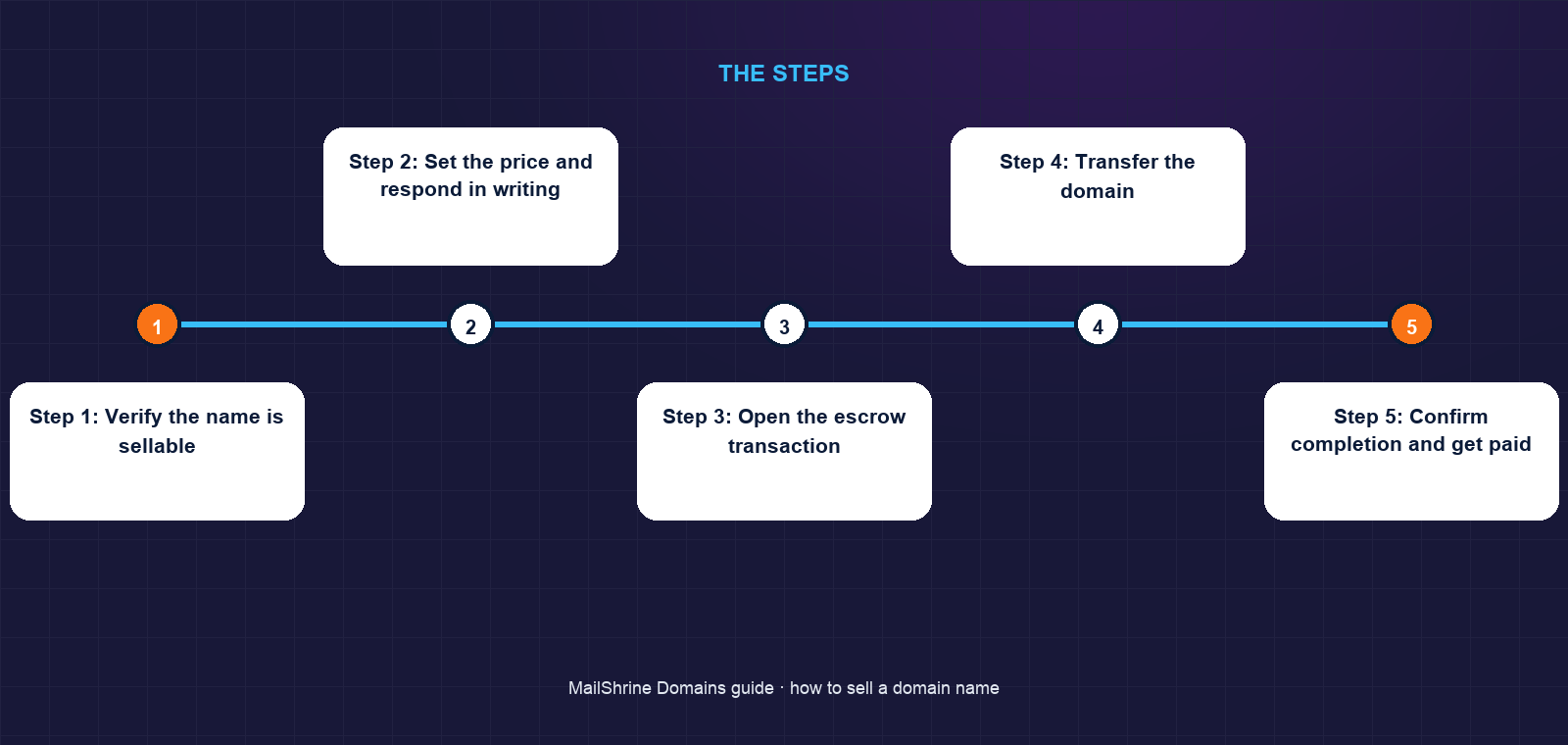
Step 1: Verify the name is sellable
Run an RDAP lookup on your own name. Confirm the registrant details are yours and current, the expiry is more than a year out, and there was no registrant change in the last 60 days. Search trademark registers in the buyer's country and yours for the word. Lukas found no "Nordlicht" mark in Norway or the EU for software.
Step 2: Set the price and respond in writing
State the price, the currency, and that the sale will run through a named escrow service with the fee split or paid by the buyer. Decline any proposal to pay after transfer or to use a payment method you have not heard of. A serious buyer accepts escrow without argument.
Step 3: Open the escrow transaction
Create the transaction with the domain name, price and inspection period. Both parties verify their identity with the escrow service. Wait for the escrow service to confirm that the buyer's funds have been received and cleared. Do not act on screenshots or emails from the buyer.
Step 4: Transfer the domain
There are two mechanics. If the buyer uses the same registrar, a push moves the domain into their account in minutes with no auth code. If they use a different registrar, turn off transfer lock in your MailShrine dashboard, copy the auth code, and give it to the buyer. They start the transfer at their registrar; you approve the confirmation sent to your registrant email; the losing registrar has up to 5 days to release under ICANN's transfer policy, and most release within hours.
Step 5: Confirm completion and get paid
Once the buyer confirms receipt, or escrow verifies via RDAP that the registrant has changed, the escrow service releases your funds. Keep the transaction record and the RDAP snapshot as proof of sale.
Step 6: Clean up
Remove the domain from any sites, mail clients or DNS you still control. Make sure no mailboxes on the name hold accounts you still need, since the buyer will soon be able to receive password resets sent to it.
Lukas's checklist
- Confirmed via RDAP: expiry 23 months out, no registrant change in 60 daysCompleted
- Searched Norwegian and EUIPO trademark registers; no conflictCompleted
- Replied with $3,500, escrow via Escrow.com, buyer pays the feeCompleted
- Opened the escrow transaction and waited for cleared-funds confirmationCompleted
- Turned off lock, released the auth code, approved the transfer emailNot completed
- Moved his two remaining accounts off
lukas@nordlicht.iobefore the transfer completedNot completed
Common mistakes
Transferring before escrow confirms funds. This is the entire fraud. A convincing wire confirmation PDF costs nothing to forge. Only the escrow service's own dashboard counts.
Using a payment service that allows chargebacks. Card payments and some wallets can be reversed for months. Escrow or a cleared bank transfer into escrow are the only safe routes.
Selling a name near expiry. Buyers see the date in RDAP and either walk away or wait for it to drop.
Forgetting what is tied to the domain. The buyer inherits every email address on the name. Any account registered to you@thatdomain becomes theirs to reset.
Ignoring the 60-day lock. If you recently changed your registrant details, the name may be blocked from transferring to another registrar. A push within the same registrar still works.
Check your work
Before transfer: RDAP shows you as registrant, expiry over a year out, and the escrow dashboard shows funds cleared. After transfer: RDAP shows the buyer as registrant at their registrar, the escrow transaction shows released, and the money is in your account. In MailShrine the domain should no longer appear in your dashboard, or, after a push, should show the buyer's account as owner.
FAQ
How much does escrow cost for a domain sale?
Licensed escrow services typically charge around 1–3% of the sale price depending on the amount, with a minimum fee for small sales. Who pays is negotiable; buyers often cover it for a direct sale.
Can I sell a domain I registered last month?
You can agree the sale, but ICANN's transfer policy blocks a transfer to another registrar within 60 days of registration. A push to the buyer's account at the same registrar is still possible.
Do I have to pay tax on the sale?
In most countries, yes, as a capital gain or business income depending on your situation. Keep the escrow record and the original registration cost as documentation and ask a local accountant.
What if the buyer wants to pay through a marketplace instead?
That is fine. Marketplaces run their own escrow and take a commission. The protection is the same; the fee is higher but the buyer may trust it more.
Should I turn off WHOIS privacy to look legitimate?
No. Serious buyers verify ownership by asking you to change a DNS TXT record or through escrow's RDAP check, not by reading WHOIS. Keep privacy on until the sale closes.
Next steps
- How to Value a Domain Name (Appraisal Basics) — setting the price before you negotiate.
- Parking a Domain: What It Means and Whether to Do It — what to put on the name while it is listed.
- Domain Portfolio Management for Agencies — keeping names renewing while you wait for a buyer.
Citations & References
- Reference: ICANN: Transfer Policy
- Reference: ICANN: Uniform Domain-Name Dispute-Resolution Policy
- Reference: Escrow.com: Domain name escrow
- Reference: ICANN: Registration Data Access Protocol (RDAP)
Written by Daniel O., security editor. Daniel covers the ways domains and mailboxes get stolen, hijacked or lost, and the habits that stop it.