
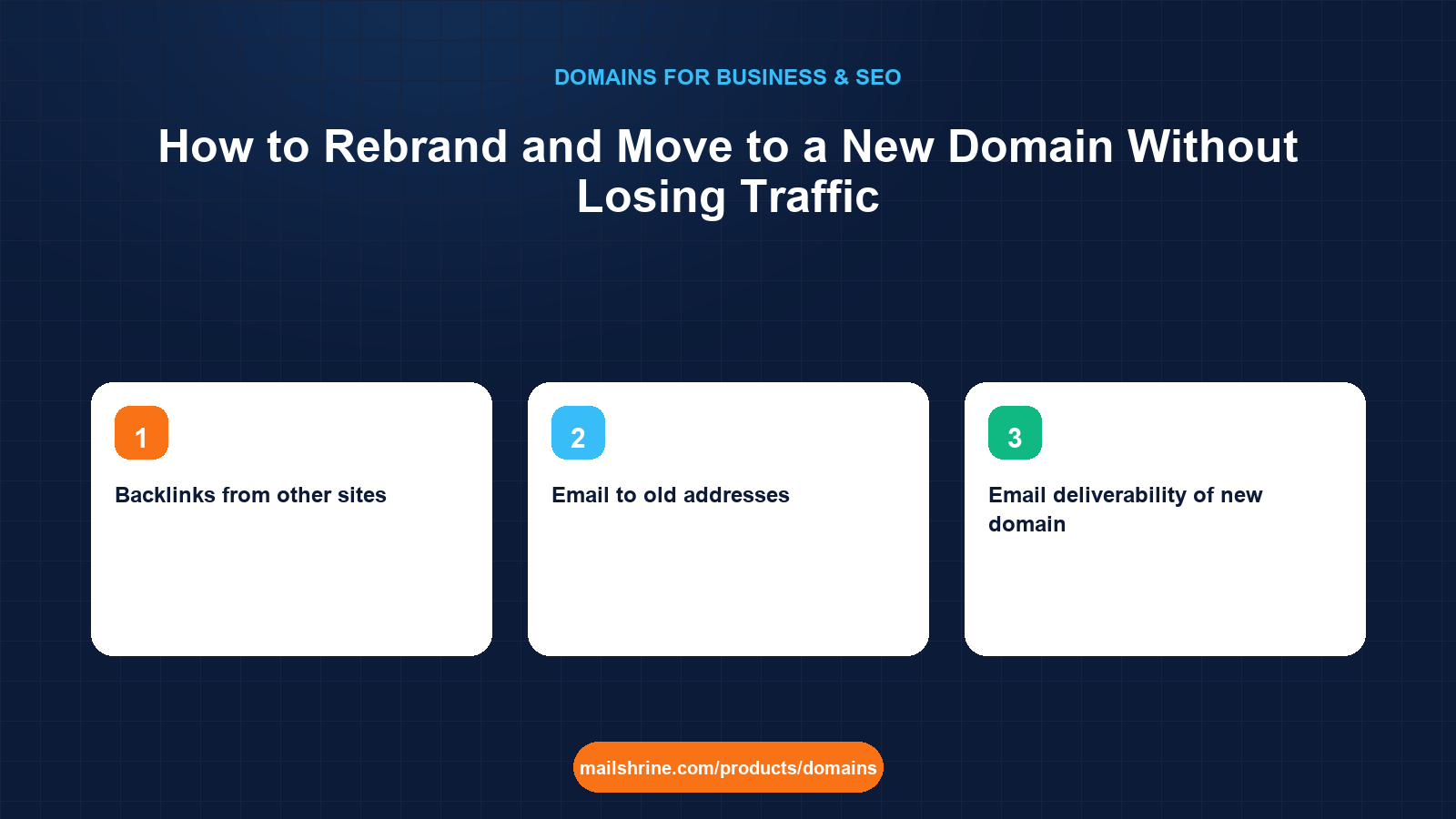
A domain migration is the process of moving a website and its email from one domain name to another while telling search engines, customers and mail servers that the old address and the new one are the same business. Done properly, Google's documentation says most sites see rankings settle within a few weeks to a few months. Done badly, with missing redirects, a dropped old domain, or email that stops authenticating, the same move can cost a year of traffic and a flood of bounced mail.
The method is not complicated, but it is unforgiving about order. You register the new name first, build the site there, map every old URL to a new one, redirect permanently, tell Google through Search Console, and keep the old domain renewing for years. This guide walks that order with the email side included, because a rebrand that breaks hello@ loses customers faster than a ranking dip ever will.
MailShrine Domains is built for this sequence. Register the new name with the same registrant details, keep the old one renewing in the same dashboard, and let the mail DNS for the new domain be written automatically so your Business Email mailboxes can receive on both names during the overlap.
Real-life example: Priya's studio
Priya Raghavan founded a yoga studio in Toronto as Lotus Flow six years ago on lotusflowyoga.ca. After a trademark dispute with a studio in another province, she is rebranding to Stillwater and has registered stillwater.studio. The site ranks on page one for "yoga classes Leslieville", she has 3,000 newsletter subscribers, and every student has her old email address saved.
Priya's goals for the move:
- Keep the local rankings that fill her Tuesday classes.
- Make sure email to the old address keeps arriving for at least two years.
- Switch every public mention over without a day of downtime.
What moves, what breaks, and what protects it
| Asset | What breaks if you ignore it | What protects it |
|---|---|---|
| Rankings for existing pages | Google sees 404s on the old domain and drops the pages | 301 redirects, page to page, kept live for at least a year |
| Backlinks from other sites | Links point at the old name forever | The same redirects pass most link value through |
| Email to old addresses | Messages bounce the day the old MX disappears | Keep MX on the old domain, forward to new mailboxes |
| Email deliverability of new domain | A brand-new sending domain has no reputation | SPF, DKIM and DMARC on day one, warm up volume gradually |
| Direct traffic and bookmarks | Customers type the old name and get nothing | Keep the old domain registered and redirecting |
| Local listings and maps | Business profile shows the old site and gets flagged | Update the profile the same day as the switch |
| Saved logins and third-party integrations | Payment processors and booking tools reject the new origin | Update allowed domains in each tool before launch |
The redirect map
A redirect map is a two-column list: every URL on the old domain, and the URL on the new one it should go to. Google's site-move documentation is explicit that page-to-page redirects preserve rankings far better than sending everything to the new homepage.
| Old URL | New URL | Type |
|---|---|---|
lotusflowyoga.ca/ | stillwater.studio/ | 301 |
lotusflowyoga.ca/schedule | stillwater.studio/schedule | 301 |
lotusflowyoga.ca/classes/vinyasa | stillwater.studio/classes/vinyasa | 301 |
lotusflowyoga.ca/blog/why-breathe | stillwater.studio/journal/why-breathe | 301 |
lotusflowyoga.ca/old-promo-2021 | stillwater.studio/schedule | 301 (nearest equivalent) |
Export the old site's URLs from Search Console's Pages report and your sitemap, then fill in the right column. Priya's site had 84 URLs; the map took an afternoon.
What you need before you start
| You need | Why |
|---|---|
| The new domain registered, with the same registrant details | Same ownership makes the Search Console change-of-address tool work cleanly. |
| The old domain renewed for at least 2 more years | Redirects only work while you own the name; a dropped old domain goes to a squatter who inherits your links. |
| Search Console access to both domains | The Change of Address tool requires both properties verified. |
| A complete URL inventory of the old site | The redirect map depends on it. |
| A list of every place the old domain appears | Social profiles, Google Business Profile, invoices, booking tools, printed material. |
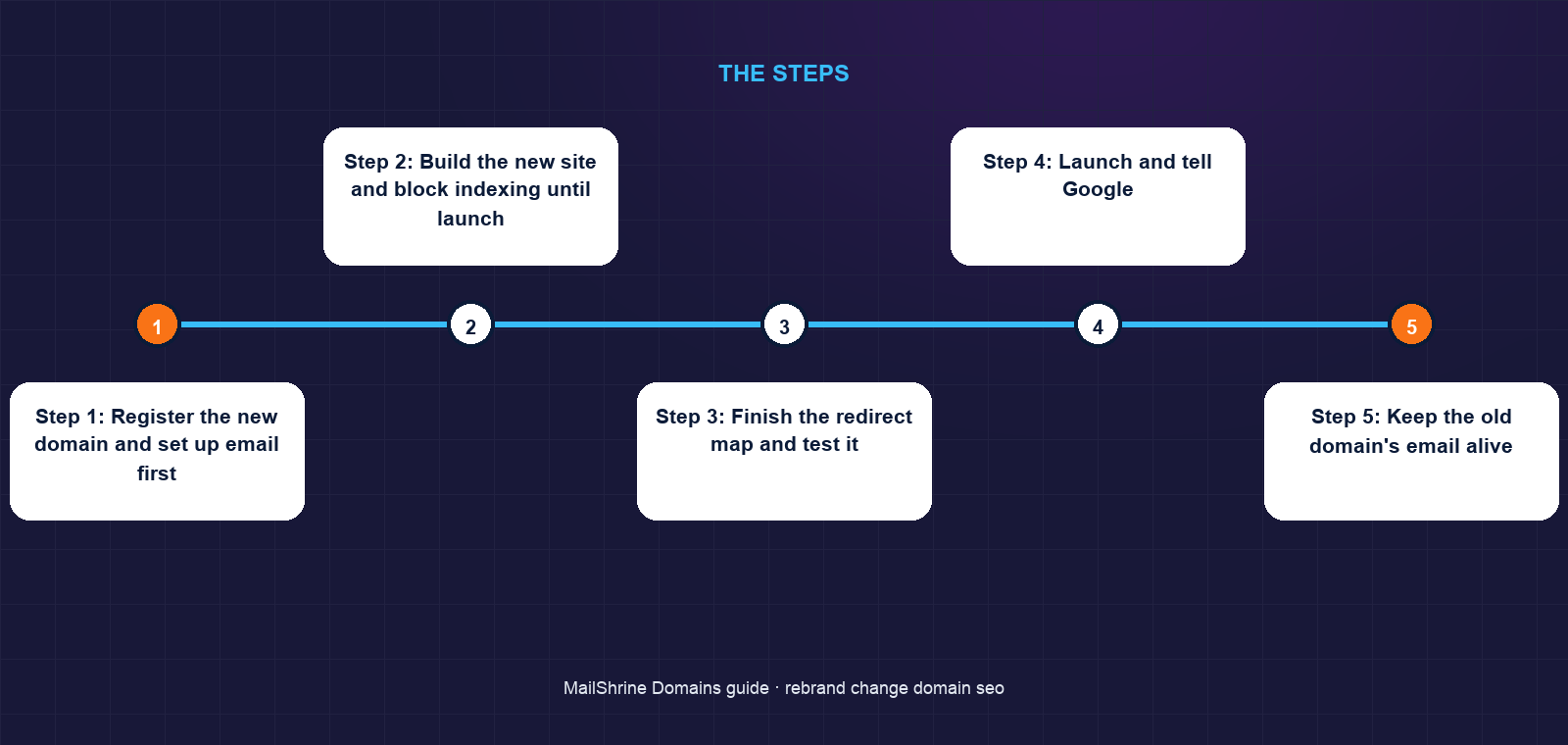
Step 1: Register the new domain and set up email first
Register the new name on MailShrine for the same term as the old one, with privacy and lock on. The mail DNS (MX, SPF, DKIM, DMARC) is written at registration, so create the new mailboxes immediately and start sending low volumes from them to build reputation before the public switch.
Step 2: Build the new site and block indexing until launch
Put the full site on the new domain but keep it noindexed or behind a password while you test. Check every page renders, every internal link uses the new domain, and the sitemap lists only new URLs.
Step 3: Finish the redirect map and test it
Implement 301 redirects on the old domain's web host, page to page. Test with a crawler or a simple script that requests each old URL and checks that it returns a 301 to the right new URL in one hop. Chains (old to new to newer) leak value and slow crawling.
Step 4: Launch and tell Google
Remove the noindex, submit the new sitemap in Search Console, then open the old domain's property and use the Change of Address tool to point it at the new one. Google's guidance says to keep the redirects in place for at least a year; longer is safer.
Step 5: Keep the old domain's email alive
Do not remove the old MX records. Either keep the old mailboxes and forward them to the new ones, or point the old MX at your new mail service with aliases for every old address. Set an auto-reply on old addresses telling senders the new one. Priya plans to keep this running for two years.
Step 6: Update every external mention
Change the website on your Google Business Profile, social accounts, directory listings, payment processor, booking tool and email signature on launch day. Then email your subscribers from the new domain explaining the rename, which also helps the new sending domain earn reputation from engaged recipients.
Step 7: Monitor for ninety days
Watch Search Console on both properties. Impressions should fall on the old domain and rise on the new one over several weeks. Fix any crawl errors on the old domain that show 404s instead of redirects. Check your DMARC reports to confirm no mail is failing authentication on either name.
Priya's checklist
- Registered
stillwater.studiofor 3 years with the same registrant detailsCompleted - Renewed
lotusflowyoga.cafor 3 years so the redirects outlive the moveCompleted - Exported 84 old URLs and mapped each to a new oneCompleted
- Created new mailboxes and sent from them for two weeks before launchCompleted
- Used Change of Address in Search Console on launch dayNot completed
- Updated Google Business Profile, Instagram and the booking tool the same morningNot completed
Common mistakes
Letting the old domain expire. Every backlink you ever earned now points at whoever registers the name next, and that person inherits your reputation. Keep it renewing for as long as the business exists.
Redirecting everything to the homepage. Google treats a mass homepage redirect as a soft 404. Page-to-page redirects are what preserve rankings.
Switching email in one cut. Students, suppliers and payment providers all have the old address saved. Run both for at least a year.
Forgetting SPF, DKIM and DMARC on the new domain. A new sending domain with no authentication lands in spam at exactly the moment you need every announcement read. MailShrine writes those records at registration; verify they are live before you send.
Moving the domain and redesigning the site at the same time. If traffic drops, you will not know which change caused it. Google recommends separating the two.
Check your work
Request ten old URLs in a browser and confirm each lands on its mapped new URL with the new domain in the address bar, in a single redirect. In Search Console, the old property should show the change-of-address notice and the new property should show the sitemap as processed. Send a test email to an old address and confirm it arrives in a new mailbox. In MailShrine, both domains should read Active with expiry dates years out and privacy and lock on.
FAQ
How long does it take for rankings to recover after a domain change?
Google says a medium-sized site typically takes a few weeks to be fully reprocessed; larger sites can take months. Page-to-page 301 redirects and a Change of Address submission shorten the window.
Do 301 redirects pass all the link value?
Google has stated that 301 redirects no longer lose PageRank. In practice the recovery is close to complete when the redirects are page to page and the content on the new URL matches.
How long should I keep the old domain?
As long as the business exists, if you can afford the renewal. At minimum keep redirects live for a year, as Google recommends, and keep the email forwarding for two.
Can I change domain and keep the same Search Console history?
The Change of Address tool links the two properties, but each keeps its own data. Keep both verified so you can watch traffic move from one to the other.
Should I change domain and redesign at once?
No. Google advises making one change at a time so you can attribute any traffic drop. Move the domain with the site unchanged, wait until rankings stabilise, then redesign.
Next steps
- Do Domain Names Affect SEO? What Google Actually Says — choose the new name with rankings in mind.
- Should You Buy Multiple Domain Extensions for Your Brand? — lock down the new brand's variants before you announce.
- Domain Portfolio Management for Agencies — keep the old and new names renewing together.
Citations & References
- Reference: Google Search Central: Site moves with URL changes
- Reference: Google Search Console Help: Change of Address tool
- Reference: Google Search Central: Redirects and Google Search
- Reference: RFC 7489: Domain-based Message Authentication, Reporting, and Conformance (DMARC)
Written by Elena V., migrations editor. Elena has moved hundreds of domains and mailboxes between providers and writes the checklists she wishes she had been given.