
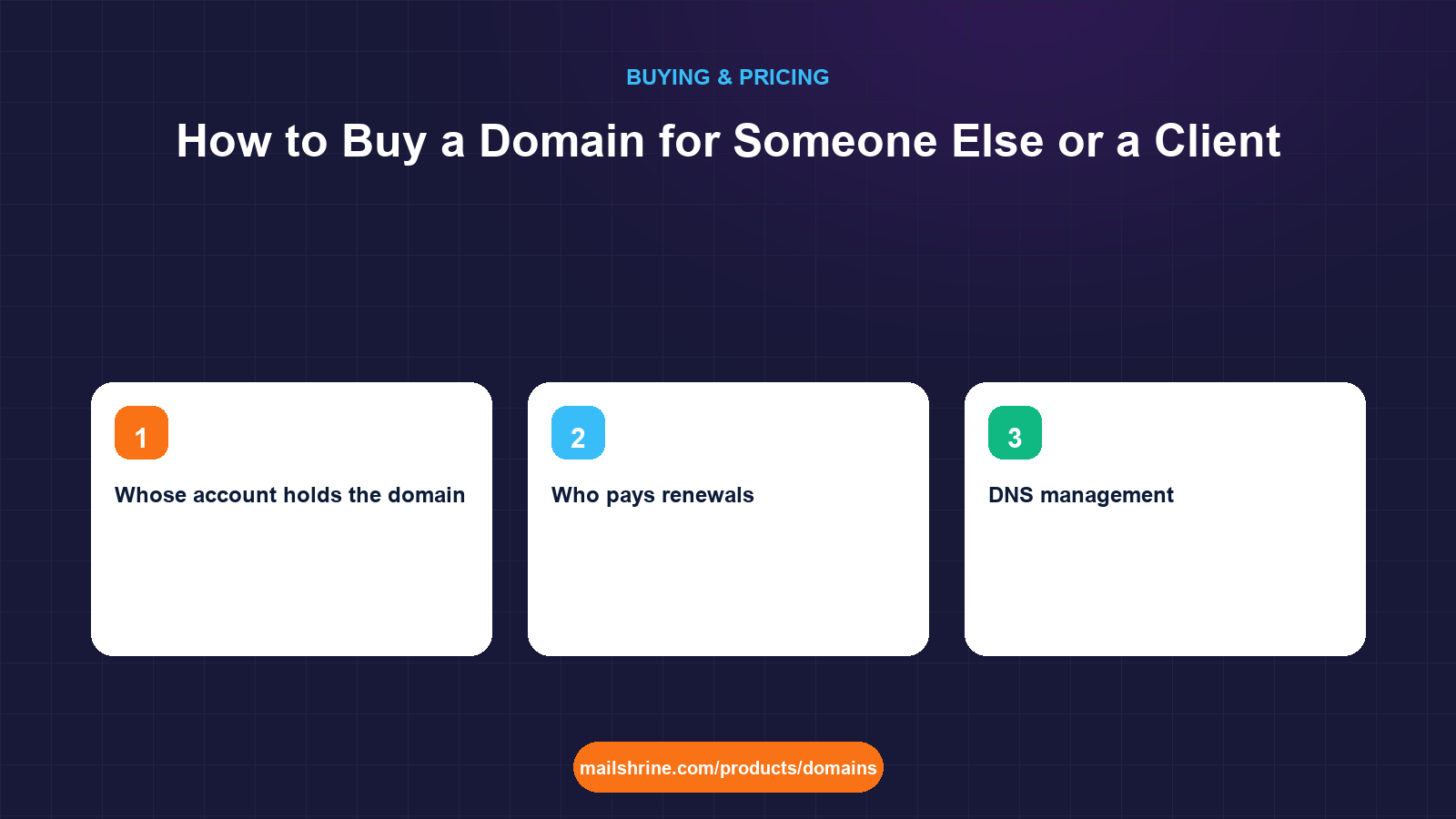
When you buy a domain for someone else, the registrant must be them, not you. The registrant is the legal holder of the name under ICANN's rules; whoever is named there can renew it, transfer it, sell it or let it lapse, and whoever is not named there can do none of those things without their cooperation. Agencies, freelancers and helpful relatives get this wrong constantly, and the result years later is a business that cannot move its own website because the developer who registered the domain has vanished, or a domain held hostage during a billing dispute.
The second trap is the change-of-registrant lock. If you register in your own name intending to "transfer it over later", that later change triggers a 60-day transfer lock under ICANN's Transfer Policy and an approval email to both old and new registrant. It is not hard, but it is slower and more fragile than doing it right the first time.
MailShrine Domains lets you enter the client's details as registrant at checkout, with WHOIS privacy on by default so those details are not public. Email DNS is written at registration, two Business Email mailboxes come with the name, and the auth code is available from the dashboard when the client wants to move or you want to hand over.
Real-life example: Sofia's agency
Sofia Marchetti runs Marchetti Studio, a four-person web and brand agency in Dublin. She is launching sites for three clients this quarter: a dental practice, a cycling shop and a non-profit. All three have asked her to "sort out the domain". She has previously registered client domains in the agency's account to keep things simple, and a former client is currently refusing to pay a final invoice while asking for their domain. She wants a process that never puts her in that position again.
Sofia's goals this week:
- Register three domains so that each client is the legal holder from day one.
- Keep enough access to manage DNS and launch the sites without owning the names.
- Hand over the former client's domain cleanly and get out of the hostage situation.
Two ways to buy for someone else
| Client owns the account | Agency registers with client as registrant | |
|---|---|---|
| Who is the registrant | Client | Client |
| Whose account holds the domain | Client's | Agency's |
| Who pays renewals | Client's card | Agency's card, re-billed |
| DNS management | Agency works with client's permission, or client grants access | Agency directly |
| Handover later | Nothing to do | Move to the client's account; change of registrant may trigger a 60-day lock if details change |
| Risk if the relationship ends badly | None; client already holds everything | Client must request auth code and transfer; agency controls timing |
| Best for | Any client who will exist longer than the agency relationship | Short launches where the agency pays and the client is hands-off |
The first column is the right default. Sofia sets up a 15-minute call with each client, has them create an account with their own email and card, register the domain, and give the studio what it needs for DNS. The agency's name appears nowhere in the registration.
The three roles, and who should fill each
| Role | What it controls | Who should hold it |
|---|---|---|
| Registrant | Legal holder; renew, transfer, sell, delete | The client, as a person or a company |
| Account holder | Login, billing card, auth code, lock switch | The client, ideally; the agency only with a written handover plan |
| Technical manager | DNS records, nameservers, email records | The agency during the project; the client or their IT afterwards |
ICANN's registrant data rules also apply here. The registrant's name, address and email must be accurate; registering a client's domain with the agency's address "for convenience" is a WHOIS accuracy problem as well as an ownership one. The registrant email receives renewal reminders and transfer approvals, so it must be an address the client reads.
What you need before you start
| You need | Why |
|---|---|
| The client's legal name and address | Accurate registrant data is mandatory; use the company name where one exists |
| A client email address that will outlast the project | Not the agency's, not a staff member who may leave |
| A payment method decision | Client's card is simplest; the agency paying creates a dependency |
| A written note of who holds what | One paragraph in the contract prevents the hostage scenario |
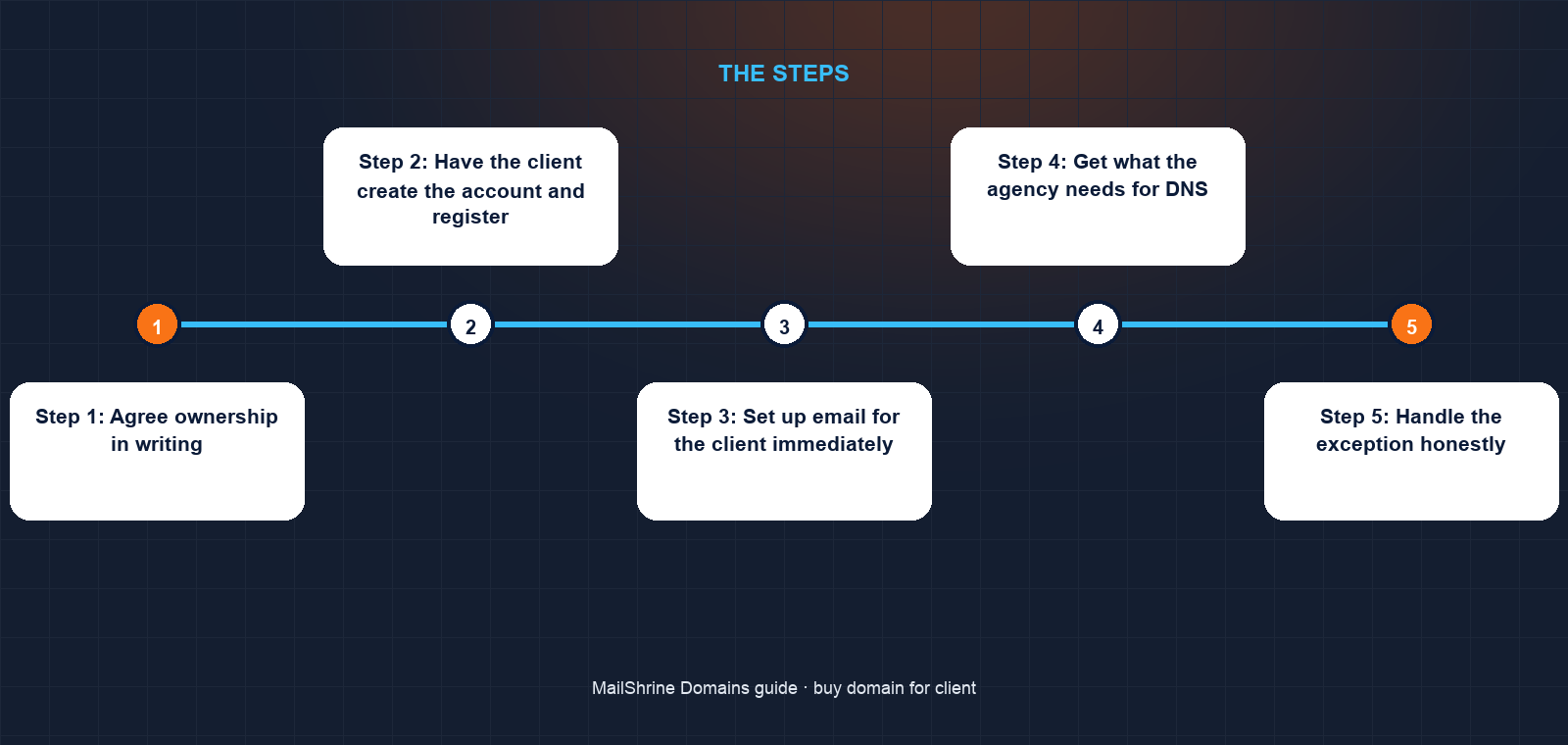
Step 1: Agree ownership in writing
Sofia adds one clause to her contract: the client is the registrant and account holder of any domain, the studio manages DNS during the engagement, and the studio will not register client domains in its own name. This costs nothing and settles every future argument.
Step 2: Have the client create the account and register
On the call, the dental practice's owner creates a MailShrine account with the practice's email, searches the name with the availability checker, enters the practice as registrant, and pays for two years. Privacy and lock are on. The 60-day post-registration lock starts now, which is irrelevant because nobody intends to move it.
Step 3: Set up email for the client immediately
MX, SPF, DKIM and DMARC are written at registration. The owner renames the default mailbox to reception@ and creates drkelly@. The practice has working professional email before the website exists, and it belongs to them.
Step 4: Get what the agency needs for DNS
For the launch, the studio needs to add A and CNAME records for the site and a few TXT records for verification. The client can add them from the editor while Sofia dictates, or grant the studio access in whatever way the client is comfortable with. Sofia documents every record she asks for so the client can audit later.
Step 5: Handle the exception honestly
The non-profit's board cannot sign up before the launch date. Sofia registers the domain in the studio's account with the non-profit as registrant and its chair's email as the contact, pays on the studio card, and schedules the handover for the week after launch. Because the registrant details do not change at handover, no change-of-registrant lock is triggered; only the account changes.
Step 6: Hand over the former client's domain
For the hostage case, Sofia unlocks the domain, sends the auth code to the former client's registrant email, and lets them transfer it to their own account or registrar. Holding a domain to enforce an invoice is a dispute the registrant will win, and it damages the studio's name more than the invoice is worth. The invoice is pursued separately.
Sofia's checklist
- Added the ownership clause to the standard contractCompleted
- Dental practice and cycling shop registered in their own accounts, with the client as registrantCompleted
- Non-profit registered with the non-profit as registrant, handover scheduled post-launchCompleted
- Sent the former client its auth code and unlocked the domainCompleted
- Document every DNS record added for each client in the project handover fileNot completed
- Confirm each client's renewal reminders go to an address they readNot completed
Common mistakes
Registering in the agency's name "to keep it simple". It is simple until the relationship ends. The client cannot renew, transfer or prove ownership without you.
Using the agency's email as the registrant contact. Renewal reminders and transfer approvals go there. When the engagement ends, the client is cut off from their own domain's notices.
Changing the registrant casually at handover. A change of registrant triggers a 60-day transfer lock unless the registrar offers an opt-out, and requires approval from both parties. Get the registrant right at registration so handover only moves the account.
Paying renewals on the agency card indefinitely. One expired card at the agency can take down a client's email. Move billing to the client as soon as practical.
Withholding a domain over an unpaid invoice. The registrant has the legal right to the name. Release it and pursue the invoice; the alternative ends with a complaint to the registrar or ICANN that you will lose.
Check your work
For each client domain, open the registration details and confirm the registrant name and address are the client's and the registrant email is one they read. Check the renewal card belongs to the client or that a handover date is written down. Finally, confirm the client can log in and see the auth code request themselves. If any of those is false, you still own a domain you should not.
FAQ
Can I buy a domain as a gift for someone?
Yes. Enter the recipient as registrant and use their email as the contact. If you want it to be a surprise, register it with your details and change the registrant afterwards, accepting the 60-day transfer lock that follows the change.
Who legally owns a domain I registered for a client?
The registrant named in the record. If you entered the client, they own it even though it sits in your account. If you entered yourself, you own it, and the client has only whatever your contract gives them.
How do I transfer a domain to a client later?
If the registrant is already the client, move the domain to their account by having them transfer it in with the auth code; no registrant change is involved. If the registrant is you, change the registrant first, which triggers approval emails and a 60-day lock.
Can I keep managing DNS after handover?
Yes, if the client grants you access or adds records on your instruction. Managing DNS does not require owning the domain, and keeping the two separate is exactly the point.
What if the client does not want to deal with any of it?
Register with the client as registrant and their email as contact, pay on your card for the project period, and put the handover date in the contract. Hands-off is fine; absent from the record is not.
Next steps
- How to Buy a Domain Name: Step by Step — the purchase flow your client will walk through.
- How Many Years Should You Register a Domain For? — picking a term for a client's brand.
- Buying a Domain Name That Is Already Owned — when the client's name is taken.
Citations & References
- Reference: ICANN: Transfer Policy (change of registrant)
- Reference: ICANN: Registrant rights and responsibilities
- Reference: ICANN: WHOIS Accuracy Program Specification
- Reference: RFC 5733: EPP Contact Mapping
Written by Elena V., migrations editor. Elena writes about moving domains, mailboxes and DNS between people and providers without anything going dark.