
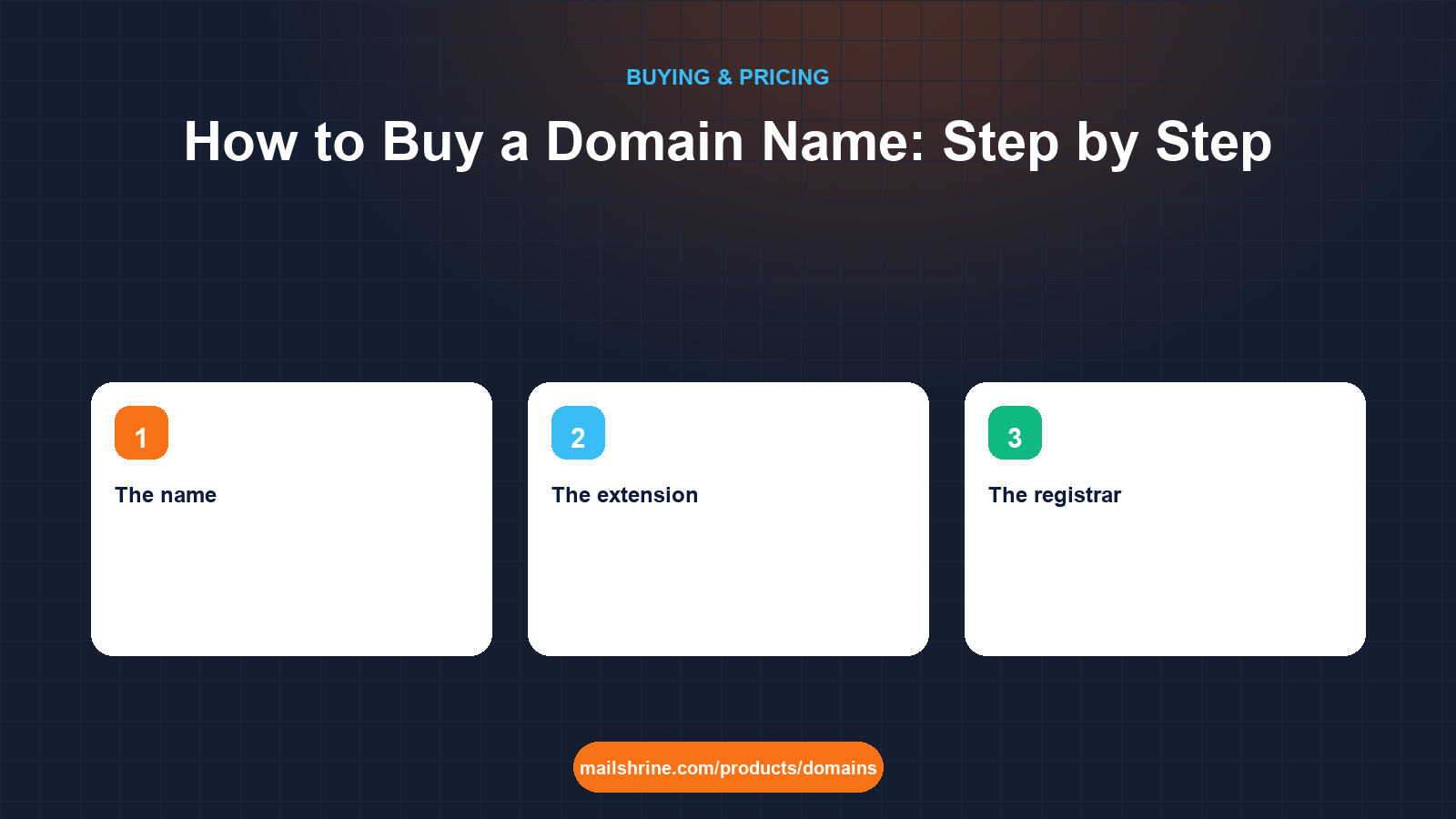
Buying a domain name takes about ten minutes and six decisions: the name, the extension, the registrar, the term, the registrant details, and what to switch on at checkout. Get those six right and the name is yours for as long as you keep renewing, with email and a website able to hang off it whenever you are ready. Get them wrong and you will be unpicking a bad extension, a hidden renewal price or a registrant email you no longer control for years.
This guide walks through the purchase in the order the decisions actually arrive, with the registry rules that sit behind each one: ICANN's accuracy requirement for registrant data, the 1 to 10 year term limit, the 60-day transfer lock that starts the moment you buy, and the difference between the first-year price and the renewal that follows it.
MailShrine Domains is an ICANN-accredited route to 150+ extensions through Openprovider and Dynadot. Every search result shows the first-year promo and the renewal price, WHOIS privacy and transfer lock are on by default at no cost, email DNS is written the moment the name registers, and two Business Email mailboxes come with it. You can pay by card in USD or in Naira through Paystack.
Real-life example: Liam's heating business
Liam Fraser is a gas engineer in Manchester who has just taken on his first employee and wants to stop quoting from a Hotmail address. He wants fraserheating.co.uk or fraserheating.com, he is not sure which, and he has never bought a domain. He has a van, a logo, and about twenty minutes before his next job.
Liam's goals this week:
- Buy a name his customers can spell after hearing it once over the phone.
- Get
liam@andbookings@working on it the same day, without a web developer. - Not get stung by a renewal price or an add-on he did not understand.
The six decisions, in order
| Decision | What it affects | Liam's call |
|---|---|---|
| The name | Memorability, spelling over the phone, trademark risk | fraserheating, one word, no hyphens |
| The extension | Trust in your market, price, who can register it | .co.uk for a UK trade; .com if the .co.uk is taken |
| The registrar | Renewal price, included extras, DNS tools, ease of leaving | One that shows both prices and includes privacy |
| The term | How long the price is locked and how often you can forget to renew | 2 years to start |
| Registrant details | Who legally holds the name; where renewal and transfer emails go | Liam personally, with an address he will keep |
| Checkout switches | Privacy, lock, auto-renew, email | All on |
What you need before you start
| You need | Why |
|---|---|
| Two or three name ideas | The first one is taken more often than not |
| A legal name and postal address | ICANN requires accurate registrant data; a false address can get the domain suspended |
| An email address you will still control in five years | Renewal reminders and transfer approvals go here, so not a work address at an employer you may leave |
| A payment card, or a Paystack-linked bank account for Naira | Payment is captured before the registry is asked to create the name |
| Ten minutes | Registration itself takes seconds; the decisions take the time |
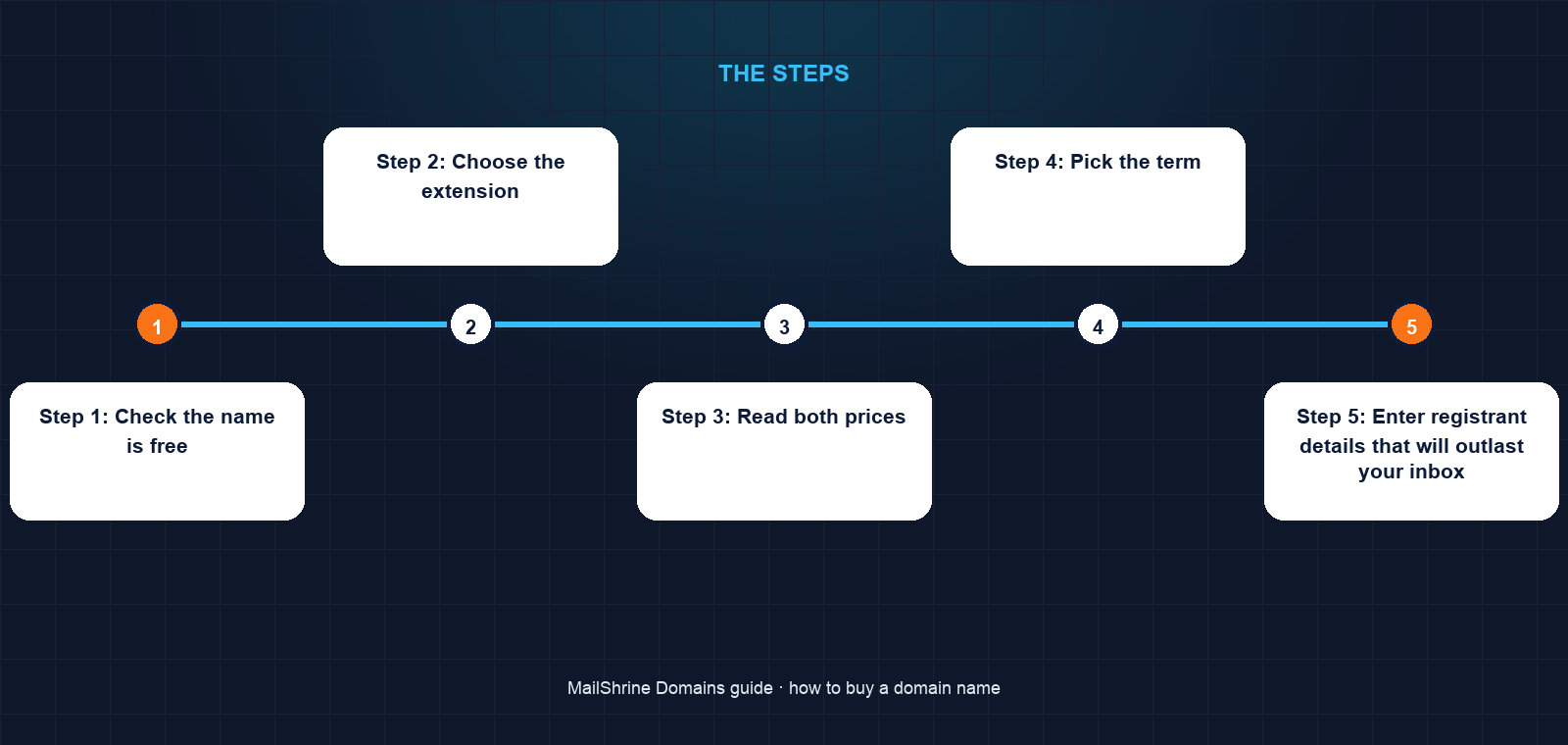
Step 1: Check the name is free
Type the name into the availability checker. It queries the registry for each extension in real time. Three results are possible: available at the normal price, premium (available, but the registry has priced it higher every year), or taken. If fraserheating.co.uk is taken, the checker shows the alternatives in one list so Liam can see the .com and .uk without searching again.
A taken name sometimes shows as for sale on the aftermarket with a Buy Now price. That is a different purchase with a different price, covered in a sibling guide.
Step 2: Choose the extension
For a local trade in the UK, .co.uk says "we are here" and is priced flat with no first-year games, which is why Liam leads with it. A .com is the global default and costs about $12.99. Avoid buying three extensions on day one; buy the one that goes on the van, and add others only if a competitor forces you to.
Step 3: Read both prices
Before Liam adds the name to the basket, he looks at the two numbers on the result: first-year and renewal. If a registrar shows only one number, the renewal is hidden and will be higher. On MailShrine both appear on the card and again on the checkout screen.
Step 4: Pick the term
Domains can be registered for 1 to 10 years. Liam picks two: long enough that the price is locked and nothing expires during a busy winter, short enough that he is not paying ahead for a name he might outgrow. He can extend later; any renewal can add years up to the 10-year cap.
Step 5: Enter registrant details that will outlast your inbox
The registrant is the legal holder. Liam enters his own name, the business name, and his home address rather than a rented workshop he might leave. The contact email is a personal address he has had for a decade. With WHOIS privacy on, none of this is public; the registrar publishes proxy details and forwards legitimate contact.
Step 6: Check the switches at checkout
Four switches matter. WHOIS privacy: on. Transfer lock: on, it stops anyone moving the domain with a stolen auth code. Auto-renew: on, with the card kept current; reminders still arrive at 30, 7 and 1 day. Email: MailShrine writes MX, SPF, DKIM and DMARC automatically, so there is nothing to switch, but confirm the two included mailboxes are shown.
Step 7: Pay and wait for Active
Payment is captured first, availability is checked a second time, and the registrar sends a create command to the registry over EPP. For .com and .co.uk the registry answers in seconds. The dashboard moves from "Registering" to Active, and a few minutes later liam@fraserheating.co.uk can send and receive. The 60-day transfer lock begins now; Liam cannot move the name to another registrar until mid-December, which is fine because he has no reason to.
Liam's checklist
- Checked
fraserheating.co.ukand.comin one searchCompleted - Compared first-year and renewal price before adding to basketCompleted
- Registered for 2 years with privacy, lock and auto-renew onCompleted
- Used a personal email as registrant contact, not the old Hotmail he plans to closeCompleted
- Rename the default mailbox to
liam@and createbookings@Not completed - Put the new address on the van livery and the quote templateNot completed
Common mistakes
Buying the first available spelling. frasersheating, fraser-heating and fraserheatingltd all send customers to the wrong place. If the clean spelling is taken, change the name, not the spelling.
Using a work or temporary email as registrant contact. When that inbox closes, renewal notices and transfer approvals vanish with it. Use an address you will keep.
Registering in a web developer's name. If the agency holds the registrant record, they hold the domain. You should be the registrant; they can be a technical contact.
Turning off privacy to "look more legitimate". Public WHOIS data mostly attracts spam and fake renewal letters. Privacy does not affect your rights or your email.
Expecting to transfer the next week. The 60-day lock after registration is an ICANN rule, not a registrar choice. Pick the registrar you want to stay with.
Check your work
An hour after payment, open the domain in the dashboard. You should see Active, an expiry date two years out, privacy and lock showing on, and email setup complete. Send a test message from liam@fraserheating.co.uk to a Gmail address and check it lands in the inbox, not spam; the SPF, DKIM and DMARC records written at registration are what make that happen.
FAQ
Do I need a website to buy a domain?
No. A domain is a name in a registry database and works for email on its own. You can point it at a website in minutes whenever you build one, by adding an A or CNAME record in the DNS editor.
Can I buy a domain for someone else?
Yes, but put them as the registrant, not you. The registrant is the legal holder, and changing it later triggers a new 60-day transfer lock and an approval email to both parties.
How long until the domain works?
Registration at the registry takes seconds for most extensions. Email on MailShrine is live within minutes because the DNS records are written at registration. A new website pointed at the name is usually reachable within an hour as resolvers pick up the records.
Can I get a refund if I make a mistake?
Registries have a short Add Grace Period, five days for .com, in which a registrar can delete a new registration for credit. Policies vary by registrar and extension, so check before you buy rather than after; a typo in the name is the most common reason to need it.
Is a .co.uk as good as a .com?
For a business serving UK customers, yes, and it signals locality. If you plan to sell abroad, the .com travels better. Many businesses hold both and redirect one to the other.
Next steps
- How Much Does a Domain Name Cost? — price ranges by extension before you search.
- How Many Years Should You Register a Domain For? — choosing the term.
- Can You Buy a Domain Without Hosting? — what works on a name with no website.
Citations & References
- Reference: ICANN: Registrant rights and responsibilities
- Reference: ICANN: Transfer Policy (60-day lock)
- Reference: Nominet: .UK registration rules
- Reference: RFC 5730: Extensible Provisioning Protocol (EPP)
Written by Isabelle R., domains editor. Isabelle explains how names, DNS and registrars fit together so first-time buyers know exactly what they are paying for.