
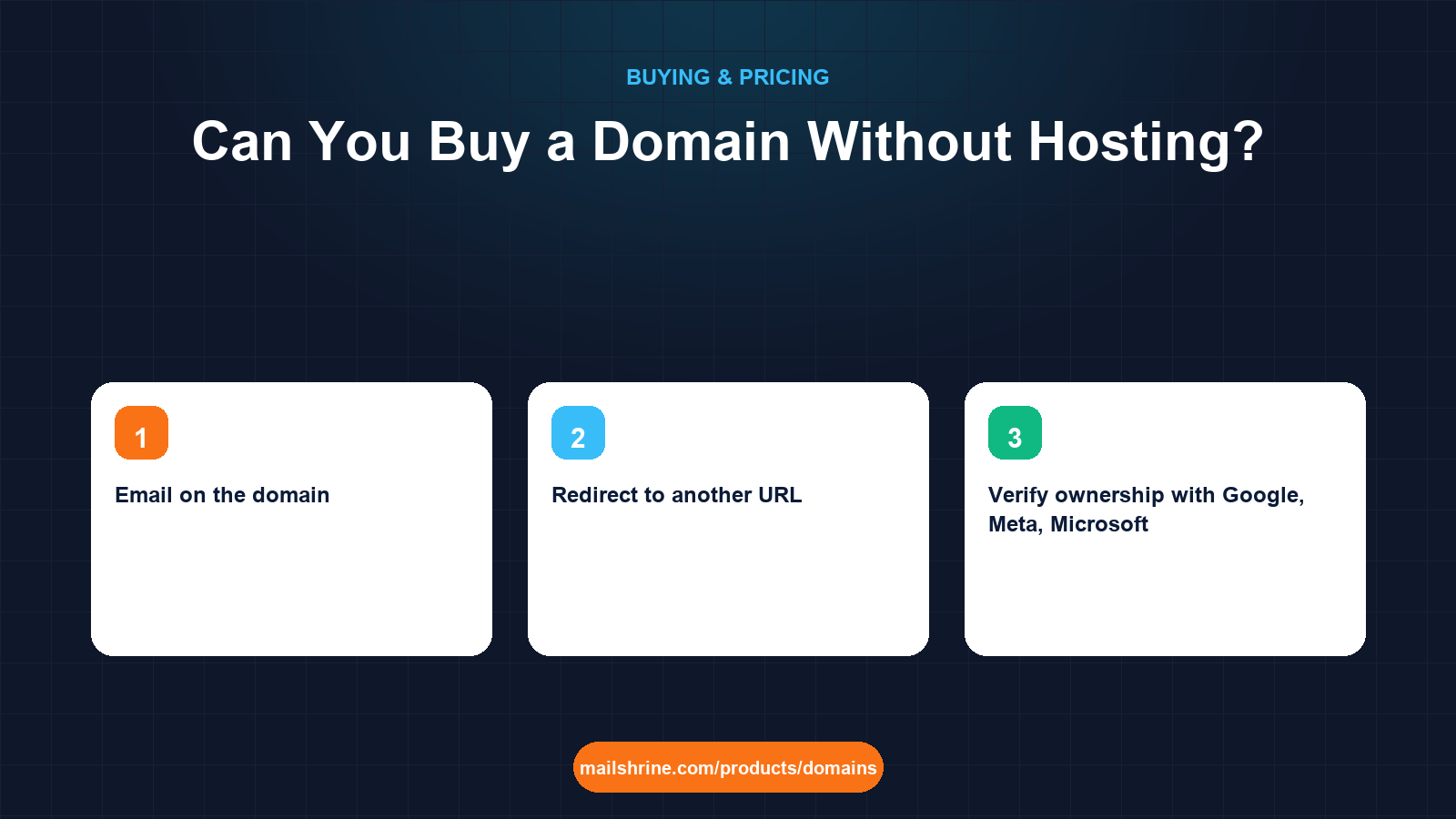
Yes, you can buy a domain without hosting, and most domains are bought exactly that way. A domain is an entry in a registry database plus a set of DNS records; hosting is a computer somewhere that serves web pages. The two are sold together so often that people assume they are one product, but the registry does not know or care whether a web server exists. A domain with no hosting still does three useful things: it receives email, it redirects visitors somewhere, and it waits, fully yours, until you are ready to point it at a site.
The reverse is also true. Hosting companies that bundle a "free domain" are selling hosting with a domain attached, and the attachment is often the part that causes trouble when you leave.
MailShrine Domains is a registrar, not a host. You get the name, Anycast DNS with a full record editor, WHOIS privacy and transfer lock included, and two Business Email mailboxes with the MX, SPF, DKIM and DMARC records written at registration. When you later choose a host, a builder or a static-site platform, you point the domain at it with one or two DNS records.
Real-life example: Hannah's consultancy
Hannah Weber is a freelance UX consultant in Berlin. She has no website and does not want one yet; her work comes through referrals and LinkedIn. What she wants is hannah@weberux.de on her proposals and a domain that will be ready when she eventually builds a portfolio. Every registrar she has tried pushes a hosting plan at checkout, and she wants to know whether she can decline all of it.
Hannah's goals this week:
- Own
weberux.deandweberux.comwith nothing else attached. - Send and receive email on the name from day one.
- Have the
.comforward to her LinkedIn profile until a real site exists.
What a domain does with no hosting at all
| Capability | Needs hosting? | How it works on a bare domain |
|---|---|---|
| Email on the domain | No | MX records point mail to a mail provider; MailShrine includes 2 mailboxes |
| Redirect to another URL | No | A forwarding rule or a tiny redirect service; the registrar's DNS points at it |
| Verify ownership with Google, Meta, Microsoft | No | A TXT record in the DNS editor |
| Reserve the name for a future brand | No | The registry holds the entry for the paid term, up to 10 years |
| Serve a web page | Yes | Any host, builder or static platform, connected by an A or CNAME record |
| Run an app or API on a subdomain | Yes, somewhere | CNAME app.weberux.com to the platform's hostname |
Only the last two rows need a server, and both are added later with records you control. Nothing you do on day one locks you into a host.
Why registrars push hosting, and why hosts push domains
A .com renews at $12.99 and earns the registrar a couple of dollars. A hosting plan renews at $100 to $300 a year. That is the whole explanation for the upsell. Hosts do the reverse: a "free domain for the first year" costs them about $10.44 and locks you into a hosting contract worth ten times that.
The trap is in the details. With bundled deals the host is sometimes listed as the registrant, the renewal reverts to the host's own domain price, and the auth code you need to leave is behind a support ticket. Buying the domain separately, at a registrar, in your own name, keeps the two decisions independent. If you later dislike the host, you change one DNS record and the host never touches the name.
What you need before you start
| You need | Why |
|---|---|
| A name and extension | .de is governed by DENIC and has no first-year promos; the .com pairs with it for international clients |
| Registrant details that are yours | Not the host's, not a developer's |
| A decision about email | Use the included mailboxes, or plan to point MX at another provider |
| A URL to forward to, optionally | A LinkedIn page, a booking link, a one-page profile elsewhere |
Step 1: Buy the domain alone
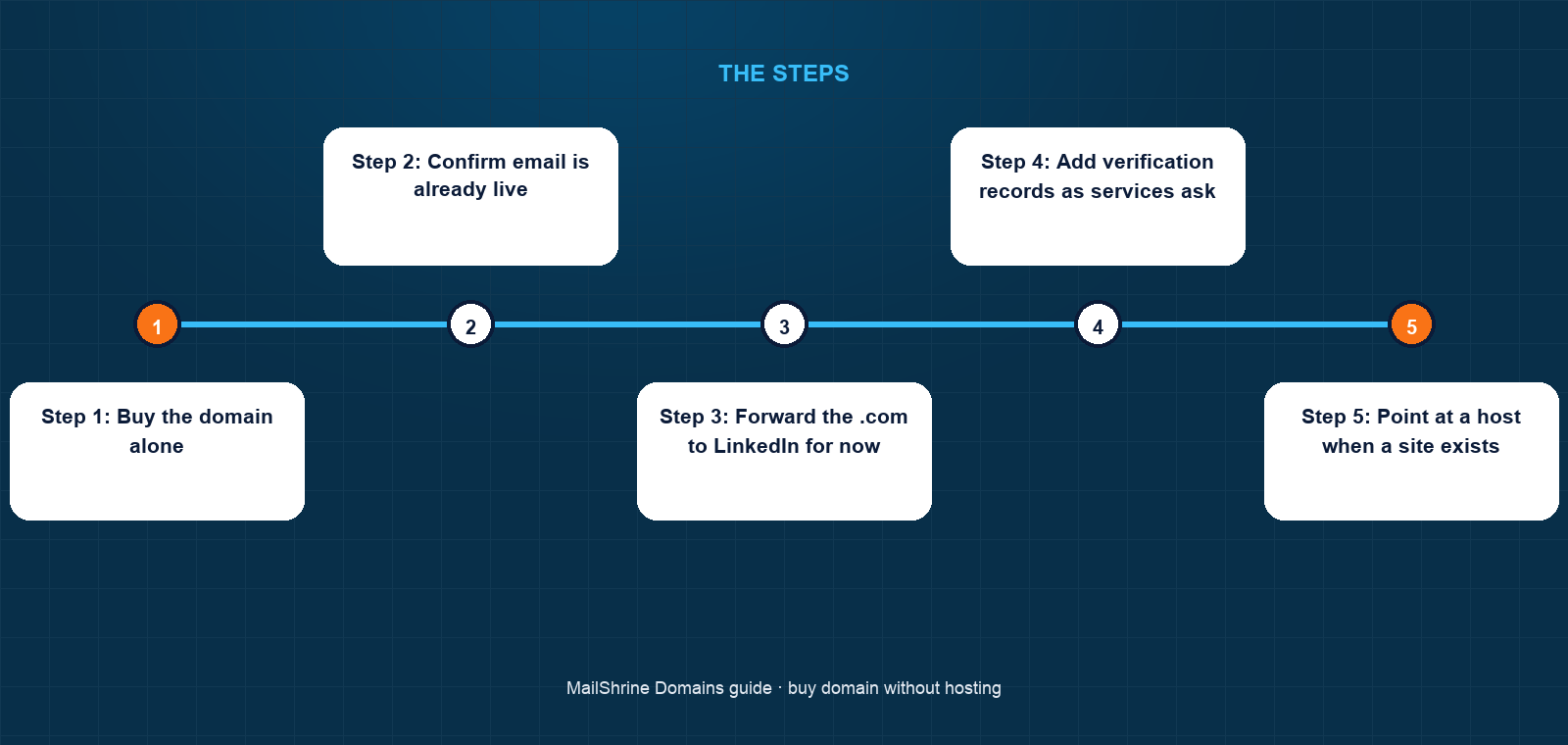
Search on the availability checker, add weberux.de and weberux.com to the basket, and decline any hosting or builder offer. On MailShrine there is nothing to decline; the checkout sells the name, the DNS and the mailboxes.
Step 2: Confirm email is already live
MailShrine writes the mail records at registration. Within minutes of Active, Hannah renames the default mailbox to hannah@weberux.de and sends a test to a Gmail address. The MX record routes inbound mail, SPF and DKIM authenticate outbound mail, and DMARC tells receivers what to do with forgeries.
Step 3: Forward the .com to LinkedIn for now
In the DNS editor, Hannah sets weberux.com to redirect to her LinkedIn URL. A redirect is an HTTP response, so it is served by a small redirect endpoint rather than a web host; the registrar's DNS points the apex and www at it. Visitors who type the name land on her profile.
Step 4: Add verification records as services ask
Google Search Console, Microsoft 365 and Meta Business all verify ownership with a TXT record. Hannah adds them in the DNS editor as needed. None requires hosting.
Step 5: Point at a host when a site exists
When Hannah builds a portfolio on a static platform, she adds a CNAME for www pointing at the platform's hostname and an A record at the apex, or uses the platform's instructions. Set the TTL low, around 300 seconds, before the change so it takes effect quickly, then raise it afterwards. Email keeps working because MX records are untouched.
Step 6: Keep the domain renewing
Hosting is cancelled by stopping payment; a domain lapses the same way, which is the one risk of a "parked" name you rarely look at. Hannah leaves auto-renew on and keeps the card current. Reminders arrive at 30, 7 and 1 day regardless.
Hannah's checklist
- Bought
weberux.deandweberux.comwith no hosting attachedCompleted - Confirmed she is the registrant on bothCompleted
- Renamed the default mailbox to
hannah@weberux.deand sent a testCompleted - Set the
.comto redirect to LinkedInCompleted - Add the Google Search Console TXT record when the portfolio goes liveNot completed
- Point
wwwat the static platform with a CNAME, keeping MX untouchedNot completed
Common mistakes
Accepting the free domain with a hosting plan. Check who the registrant is and what the domain renews at after year one. Often it is the host and a price above the market.
Thinking a domain without hosting is "doing nothing". Email alone is the reason most small businesses need a domain. A name that handles hello@ is working.
Deleting the MX records when pointing at a host. Some host instructions say "replace all records". Replace the A and CNAME records; leave MX, SPF, DKIM and DMARC, or email stops.
Forgetting the apex versus www difference. weberux.com and www.weberux.com are two names. Point both, or redirect one to the other.
Letting a parked domain expire. You do not visit it, so you do not notice. Auto-renew and a current card prevent the only real failure mode of an unhosted domain.
Check your work
Run three checks. Send an email to hannah@weberux.de from another account and confirm it arrives. Type weberux.com into a browser and confirm the redirect lands on LinkedIn. Look up the domain's MX record with any public DNS lookup tool and confirm it points at the mail provider. All three work with no hosting plan anywhere in the picture.
FAQ
Do I need hosting to have email on my domain?
No. Email is routed by MX records to a mail provider, which is a separate service from web hosting. MailShrine includes two mailboxes with every domain and writes the records for you.
Can I buy a domain now and build the website in a year?
Yes. Register for the term you want, up to 10 years, and point it at a host whenever the site is ready. The registry holds the name for you; nothing requires a website to exist.
What shows up if someone visits a domain with no hosting?
Either a browser error, a registrar parking page, or wherever you redirect it. Setting a redirect to a profile or booking page is the simplest way to make a bare domain useful to visitors.
Will I be charged extra for DNS without hosting?
Not on MailShrine; Anycast DNS and the record editor are part of the domain. Some registrars charge for "premium DNS" or push hosting to get DNS. Check before you buy.
If I buy hosting later, do I move the domain to the host?
No. Keep the domain at the registrar and point DNS at the host with an A or CNAME record. Transferring the domain to the host is rarely necessary and ties two unrelated services together.
Next steps
- Can You Get a Free Domain? What Free Really Means — the bundled-domain trap in detail.
- How to Buy a Domain Name: Step by Step — the purchase from search to Active.
- How Many Years Should You Register a Domain For? — reserving a name for a future project.
Citations & References
- Reference: RFC 5321: Simple Mail Transfer Protocol (MX routing)
- Reference: Cloudflare Learning: What is DNS?
- Reference: DENIC: .de domain guidelines
- Reference: Google Search Central: Verify your site ownership
Written by Marcus T., DNS and deliverability editor. Marcus writes about the records that make a domain actually work, and how to change them without breaking email.