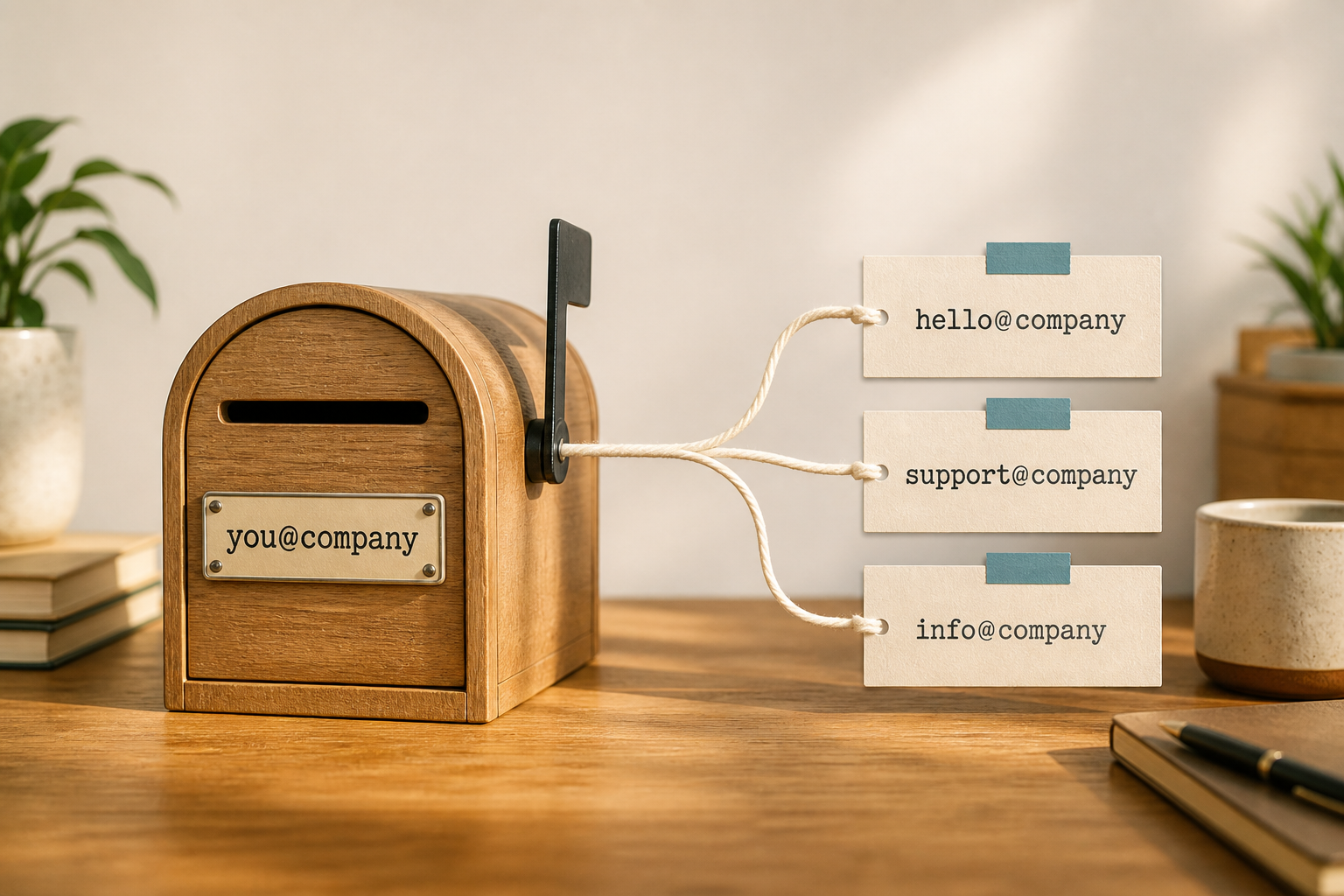
An email alias is an extra address that lands in an existing inbox. A mailbox is a real seat — its own login, password, storage, and send identity. On MailShrine Free you get 2 mailboxes and 2 aliases, which is enough for most solo brands to look multi-address — and a second teammate can have their own mailbox.
Mixing the two up is the #1 reason founders try to create hello@ as a second Free mailbox and get blocked. Aliases solve the public-facing address problem; mailboxes solve the “second human needs private mail” problem.
Real-life example: Kite Laundry
Tunde runs a pickup laundry in Lagos Island. Customers should write hello@kitelaundry.ng, vendors should write billing@kitelaundry.ng, but only Tunde answers everything on his phone between routes. He keeps one mailbox (tunde@) plus two aliases — and upgrades only when he hires a front-desk partner who needs a private inbox.
Alias vs mailbox at a glance
| Trait | Mailbox | Alias |
|---|---|---|
| Own login / password | Yes | No — uses the parent mailbox |
| Own storage quota | Yes | Shares the mailbox storage |
| Counts as a Free seat | Yes (2 on Free) | No — uses alias quota (2 on Free) |
| Appears on your domain | Yes (you@) | Yes (hello@, support@, …) |
| Best for | People | Roles, marketing, forms |
| Second teammate | Required | Wrong tool |
When an alias is the right tool
Use an alias when:
- One person will read and reply to that address.
- You want a public brand address without publishing your personal local-part.
- Forms, Instagram bios, or invoices need a stable role address.
- You are still on MailShrine Free and must stay within 2 aliases.
Deep dive for Free setups: Create free hello@ / info@ · Free plan limits.
When you need a mailbox instead
Create another mailbox when:
- A second person needs private HR, payroll, or founder mail.
- You need separate sent-item ownership or device logins.
- Storage or audit requirements demand a dedicated seat.
- Sharing one password to “fake” a team inbox has become the process (don’t — see shared access).
How MailShrine Free maps
| Address pattern | Free-friendly? |
|---|---|
you@ mailbox + hello@ + info@ aliases | Yes — classic Free stack |
you@ + five role aliases | No — upgrade for more aliases |
you@ + coworker mailbox | Needs paid mailbox pack |
| Catch-all for every typo | Usually a bad idea — catch-all guide |
Step 1: Create the mailbox first
Aliases attach to a mailbox. Set up you@ with DNS verified (setup).
Step 2: Add role aliases for public surfaces
Pick two high-traffic roles on Free — typically hello@ and support@ or info@. Walkthrough: hello@ and support@.
Step 3: Publish aliases, keep personal private
Bios, website footers, and marketplaces get the alias. Keep you@ for banks, App Store, and Google Workspace sign-ins if those need a stable owner identity.
Step 4: Know your upgrade signal
Second teammate, >2 role addresses, or storage pressure → leave Free. Planning how many seats: How many business emails do you need?.
Checklist
- Know mailbox = seat, alias = nicknameCompleted
- Free = 2 mailboxes + 2 aliasesCompleted
- Public roles use aliases firstCompleted
- Second human → new mailbox, not shared passwordCompleted
- Upgrade path noted on pricingNot completed
Common mistakes
- Treating
hello@like a second Free mailbox. - Putting the founder address on Instagram when an alias would do.
- Enabling catch-all so “every address works” — spam and abuse follow.
- Expecting aliases to give separate Send As permissions for multiple people without a real team plan.
Next steps
Citations & References
- Reference: Microsoft: Add or remove email aliases
- Reference: Google Workspace: Email aliases
- Reference: Google: Email sender guidelines
Written by Daniel K., Business Email Specialist. Daniel helps founders stop paying for mailboxes when an alias would do — and upgrade the moment a second human needs privacy.