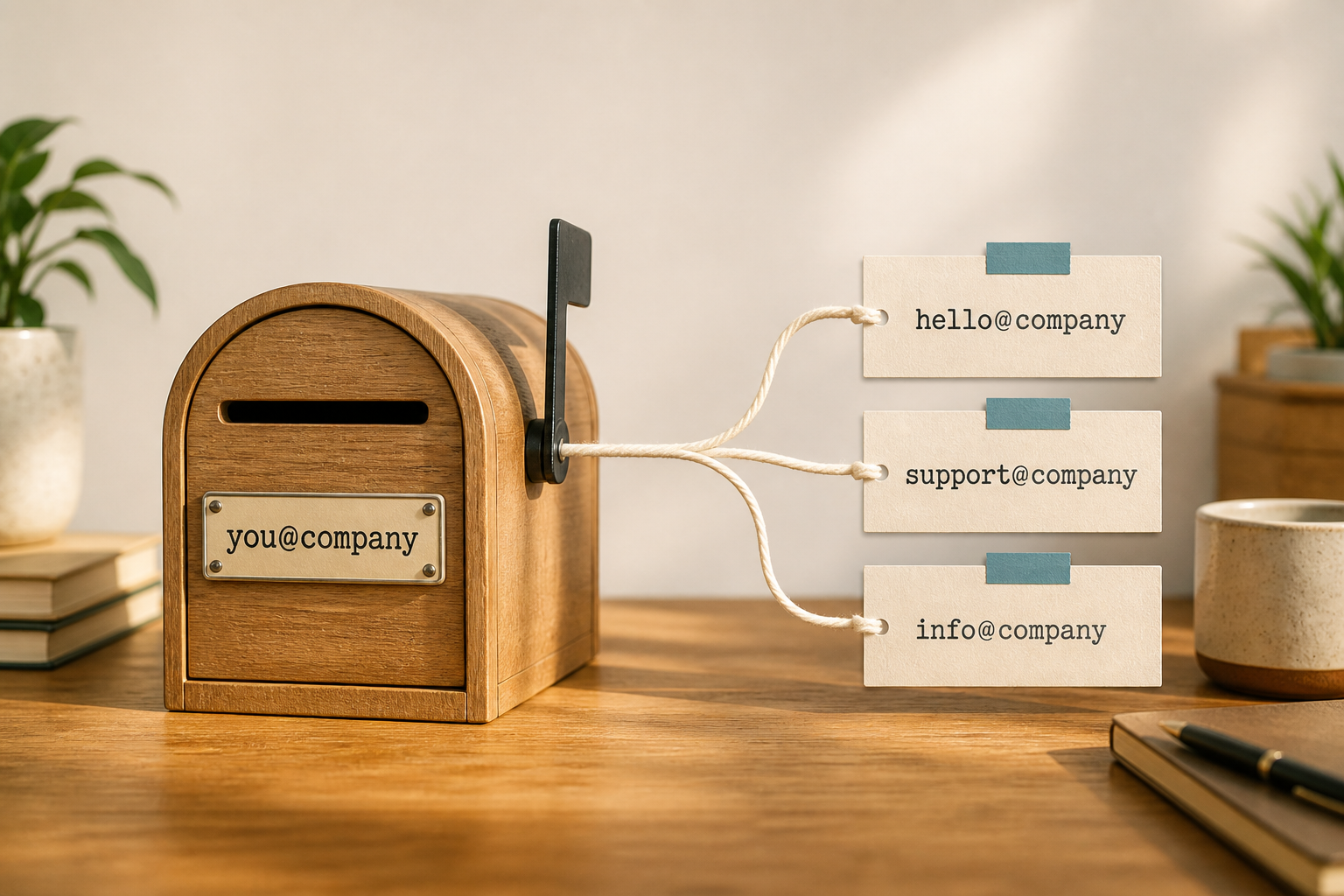

A catch-all (or “catch-all / accept-all”) address accepts mail for any local-part at your domain — typo@, randomstring@, old employees, anything — and dumps it into a mailbox you choose. It sounds convenient. For most small businesses on MailShrine, it is a spam magnet and an ops trap.
Prefer intentional addresses. On Free you already get 2 mailboxes + 2 aliases; create the roles you publish, and ignore the rest.
Real-life example: Northline Fabrics
Ada enabled catch-all “so customers who mistype still reach us.” Within a week support@northlinefabrics.com’s parent inbox was buried under dictionary attacks, partnering scams, and bounce backscatter. Turning catch-all off and publishing only hello@ + orders@ cut the noise overnight.
Pros and cons
| Upside people want | What usually happens |
|---|---|
| Mistyped addresses still arrive | True — and so does forged spam |
| Never create new aliases | You lose visibility into which addresses are “real” |
| Legacy cards keep working | Better: migrate senders to one published alias |
| Feels “enterprise” | Enterprises use acceptance policies + filtering, not silent accept-all forever |
When catch-all is occasionally justified
- Short, monitored migration window while you teach partners the new
hello@. - Domains used only for receiving (not primary brand sending) with aggressive filters.
- Specialist setups (some marketplace verification flows) with a plan to disable later.
Even then: time-box it. Do not leave catch-all on as normal Free/Solo operations.
Better alternatives on MailShrine
| Need | Do this instead |
|---|---|
| Public brand address | Alias hello@ (setup) |
| Second role | Second Free alias — Free = 2 aliases |
| Third+ roles | Upgrade aliases / mailboxes (how many) |
| Team coverage | Shared access pattern — not catch-all (shared mailbox) |
| “Did they type the address?” | Publish one bold address everywhere; validate forms |
Catch-all risks to take seriously
- Spam volume — bots spray random local-parts; catch-all accepts them.
- Directory guessing — attackers confirm the domain accepts anything.
- Compliance blur — personal data may land in a shared dump without clear ownership (relevant under NDPR-minded ops).
- Misdelivery —
hr@andceo@spam folds into the same pile as real customers. - Reputation pressure — noisy inboxes encourage sloppy handling and accidental clicks.
Step 1: Inventory addresses you actually publish
List every domain address on the website, printed invoices, marketplaces, and socials. Those deserve real aliases or mailboxes.
Step 2: Create only those addresses
On Free: pick two. Extra roles wait for upgrade — see Free plan limits.
Step 3: Disable catch-all if it is on
Confirm in domain / mail routing settings that unknown local-parts bounce or reject, rather than accepting.
Step 4: Fix sender education once
Reply templates: “Please use hello@yourdomain going forward.” Update PDFs and footer mailto links.
Checklist
- Understand catch-all = accept any@domainCompleted
- Pros weighed against spam / abuseCompleted
- Intentional aliases createdCompleted
- Catch-all left off for day-to-day brand mailCompleted
- Forms validated so typos never leave the siteNot completed
Common mistakes
- Enabling catch-all instead of learning alias vs mailbox (guide).
- Assuming Free’s 2 aliases means you need catch-all for everything else.
- Leaving catch-all on after a one-week migration.
- Using catch-all as a substitute for a shared support process.
Next steps
Citations & References
- Reference: M3AAWG: Best Common Practices
- Reference: Google: Email sender guidelines
- Reference: NIST SP 800-177 Rev. 1: Trustworthy Email
Written by Isabelle R., Business Email Specialist. Isabelle steers SMEs away from catch-all defaults toward clean, intentional addressing.