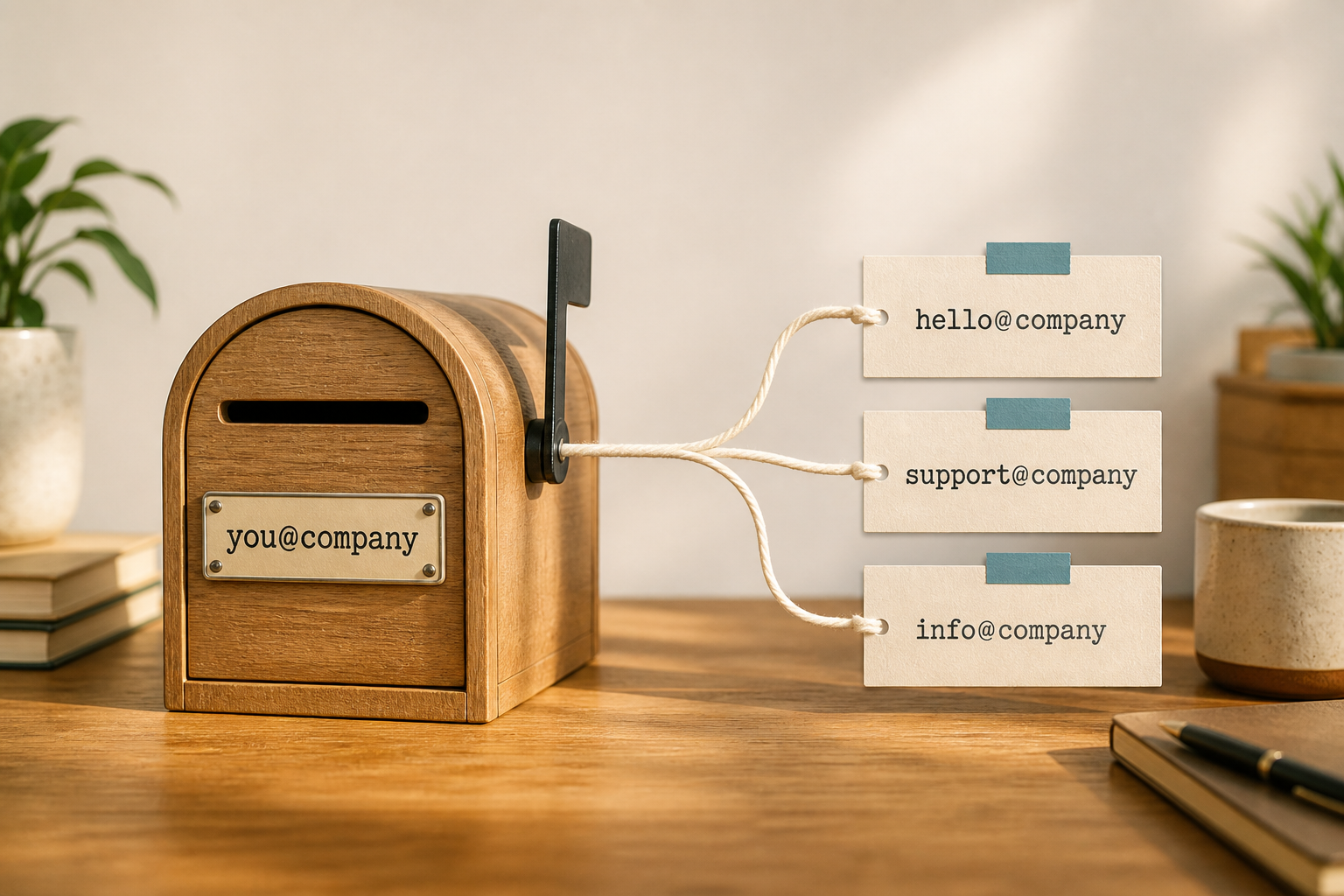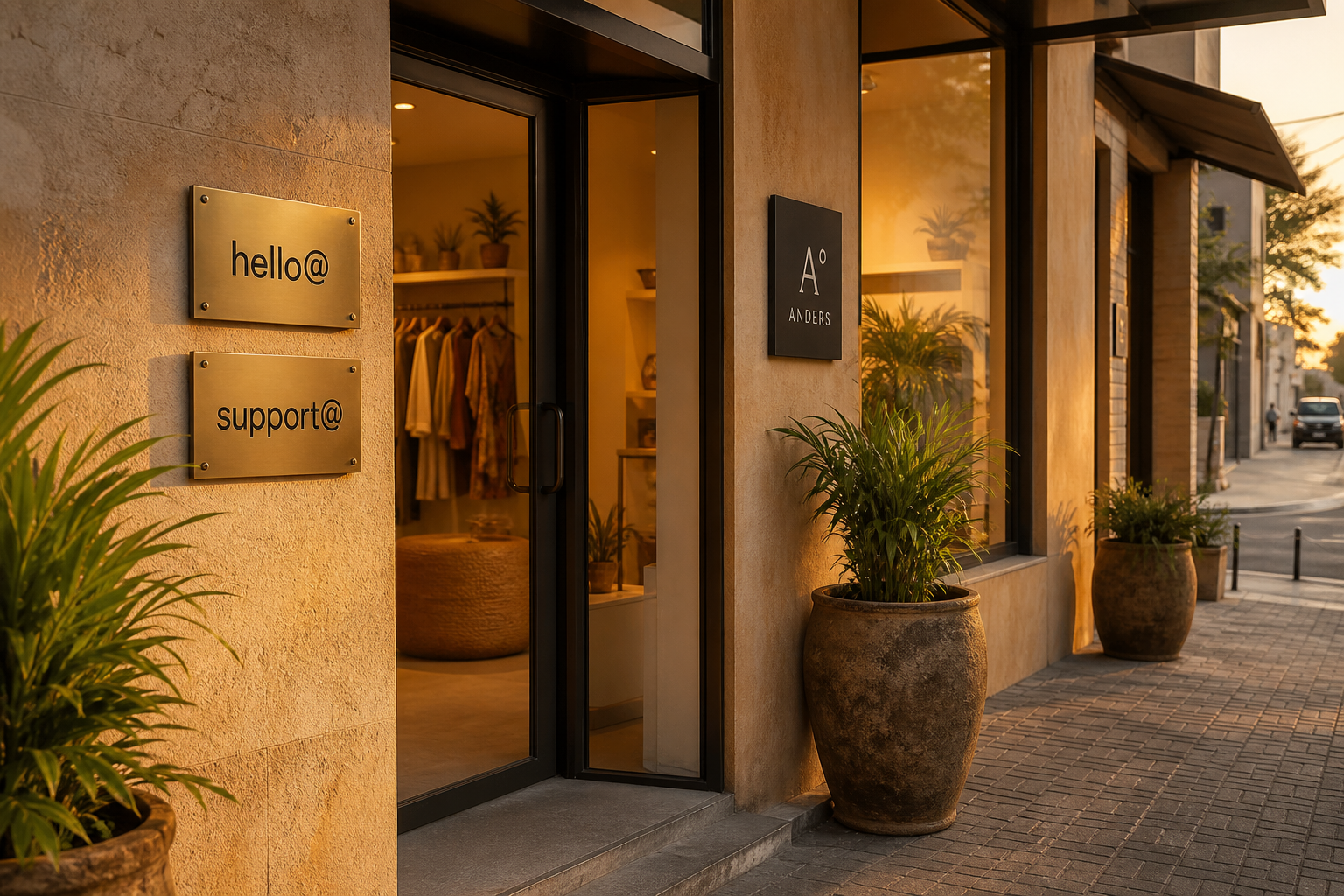
Most early businesses overbuy seats. Count people who need private mail first, then add a short list of role addresses as aliases. On MailShrine Free that map is explicit: 2 mailboxes + 2 aliases — perfect for a founder plus one teammate, with hello@ and support@ (or info@) as aliases.
This page is a sizing checklist, not a pitch for maximum seats.
Real-life example: Salt & Cedar Catering
Bola thought she needed six emails on day one: founder, hello, catering, billing, chefs, and events. She started on Free with bola@ + hello@ + orders@. When a second planner joined full-time, she added one mailbox. When a kitchen lead needed private schedule mail, mailbox #3 arrived. She never paid for vanity seats she did not staff.
Rule of thumb
| Count this | As |
|---|---|
| Each human who must keep mail private | 1 mailbox |
| Each public/role address one human can cover | 1 alias (until volume needs a shared mailbox) |
| Vanity addresses nobody monitors | 0 — do not create them |
Catch-all is not a substitute for planning (why).
Starter maps by stage
Solo founder (MailShrine Free)
| Address | Type |
|---|---|
you@ | Mailbox |
hello@ | Alias |
support@ or info@ / orders@ | Alias |
Within Free’s 2 mailboxes + 2 aliases limit. See Free plan and hello@ setup.
Founder + 1 operator
| Address | Type |
|---|---|
| Two people @ | 2 mailboxes |
hello@, support@, maybe billing@ | Aliases onto the person who owns that queue |
Small team (3–8)
| Address | Type |
|---|---|
| Each staff member | Mailbox |
High-volume support@ / sales@ | Dedicated or shared role mailbox (shared access) |
| Low-volume roles | Aliases |
If you need Docs/Drive/Meet as much as email, Google Workspace may beat an email-only host — be honest with the stack.
Addresses worth creating vs skipping
| Create | Skip early |
|---|---|
| Owner / founder | media@ with no PR plan |
hello@ | Ten city-based aliases |
support@ or orders@ | Unused department names |
| Finance when invoices are frequent | Duplicate info@ + contact@ + hello@ all doing the same job |
Step 1: List humans, then roles
Write names who need private inboxes. Only after that, list role strings customers already use.
Step 2: Collapse duplicate roles
If hello@, info@, and contact@ would all go to you, pick one public alias on Free.
Step 3: Map to Free or upgrade
| Fit | Plan signal |
|---|---|
| 1 human + ≤2 roles | Stay Free |
| 2+ humans | Paid mailboxes |
| Many aliases, still few humans | Paid alias headroom |
Pricing context: Business Email pricing.
Step 4: Revisit quarterly
Hire, fire, and new channels change the map. Disable abandoned aliases so scavenged addresses do not look active forever.
Checklist
- People counted as mailboxesCompleted
- Roles capped to what Free/paid allowsCompleted
- No catch-all “safety net”Completed
- Duplicate public aliases collapsedCompleted
- Next hire triggers a seat reviewNot completed
Common mistakes
- Buying a mailbox per vanity address.
- Publishing five mailto links while still on Free’s 2 aliases.
- Confusing alias with mailbox (difference).
- Forgetting that storage and 2FA scale with real seats, not nicknames.
Next steps
Citations & References
- Reference: Google Workspace: Choose a Google Workspace edition
- Reference: Microsoft 365: Compare Microsoft 365 business plans
- Reference: Google: Email sender guidelines
Written by Marcus T., Business Email Specialist. Marcus sizes mailbox packs for freelancers and SMEs so they pay for people, not unused addresses.