
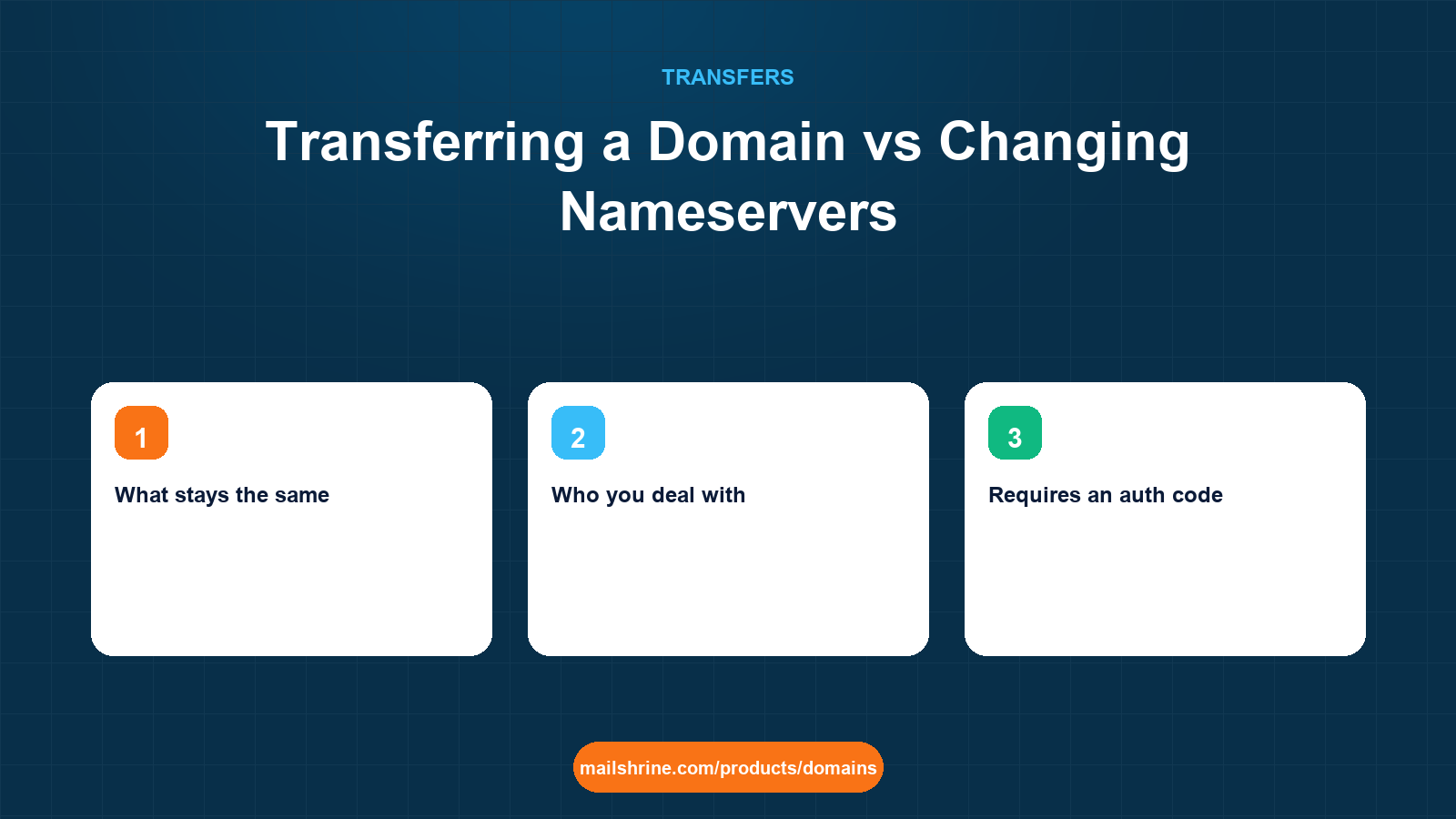
Transferring a domain and changing its nameservers are two different operations that people constantly confuse, because both are described as "moving the domain". A transfer changes the registrar: the company you pay for the name, that can renew it, lock it and release it. A nameserver change changes the DNS host: the servers that answer when someone asks where your website or mail lives. You can do either without the other, and most of the time when someone says they need to transfer a domain to their new web host, what they actually need is the nameserver change.
The confusion is expensive in both directions. People pay a transfer fee and wait five days when a two-minute nameserver edit would have connected their site. Others change nameservers thinking they have "moved" the domain and are surprised a year later when the renewal invoice still comes from the old registrar.
MailShrine Domains does both. A transfer-in costs one year of renewal, adds that year to your expiry and comes with free WHOIS privacy and transfer lock. A nameserver change to MailShrine's Anycast DNS is free, takes effect at the registry in minutes, and gives you the full record editor whether or not the domain is registered here. Knowing which one you need is the whole point of this guide.
Real-life example: Fatou's catering company
Fatou Diallo runs Teranga Catering in Dakar, serving corporate lunches and weddings with a team of nine. Her domain terangacatering.com was registered by a cousin at a large registrar. She has just signed up with a new web designer who built the site on a different host, and she wants her staff on proper mailboxes instead of a shared Gmail. The designer told her to "transfer the domain to the host". Her cousin told her to "just change the nameservers". She wants to know who is right.
Fatou's goals:
- Get the new website live this week without waiting on a registrar process.
- Put her nine staff on mailboxes at her own domain.
- Decide separately, and without pressure, whether to move the registration away from the cousin's registrar.
Side by side
| Domain transfer | Nameserver change | |
|---|---|---|
| What changes | The registrar of record in the registry database | The NS records the registry publishes for your domain |
| What stays the same | Nameservers, DNS records, website, email | Registrar, expiry date, renewal invoice, lock and privacy settings |
| Who you deal with | Both the old and new registrar | Only the current registrar's dashboard |
| Requires an auth code | Yes | No |
| Requires unlocking | Yes | No |
| Subject to the 60-day rule | Yes | No |
| Cost | One year of renewal at the new registrar | Free |
| Time | Minutes to 5 days | Minutes at the registry; up to 48 hours for caches |
| Reversible | Only by transferring back after 60 days | Yes, immediately |
| Changes who gets the renewal bill | Yes | No |
Both of Fatou's advisers were half right. The designer's goal, a live website, needs a nameserver change or just a record change. The cousin's instinct, that nothing about the registration needs to move this week, is correct. Whether to transfer is a separate decision about who should hold the account.
Which one do you actually need?
| You want to | You need |
|---|---|
| Connect a new website host | A nameserver change, or just an A or CNAME record change if you keep your current DNS |
| Use a new email provider | MX record changes, not a transfer |
| Stop paying the current registrar and pay another | A transfer |
| Get WHOIS privacy or a lock your registrar charges for | A transfer to one that includes them |
| Use a better DNS editor or Anycast DNS | A nameserver change to that DNS host |
| Take control from a relative or ex-contractor who holds the account | A change of registrant, possibly plus a transfer |
| Consolidate several names in one dashboard | A transfer of each |
| Fix slow DNS propagation or missing record types | A nameserver change |
A useful test: if the thing you want to fix shows up in a DNS lookup, it is a nameserver or record change. If it shows up in an RDAP lookup or on an invoice, it is a transfer.
What you need before you start
| You need | For a nameserver change | For a transfer |
|---|---|---|
| Login to the current registrar | Yes | Yes |
| New nameserver hostnames | Yes | Not unless you also move DNS |
| The full zone rebuilt at the new DNS host | Yes, before switching | Only if DNS is hosted at the losing registrar |
| Auth code | No | Yes |
| Domain older than 60 days | No | Yes |
| Access to the registrant email | No | Yes, for the approval |
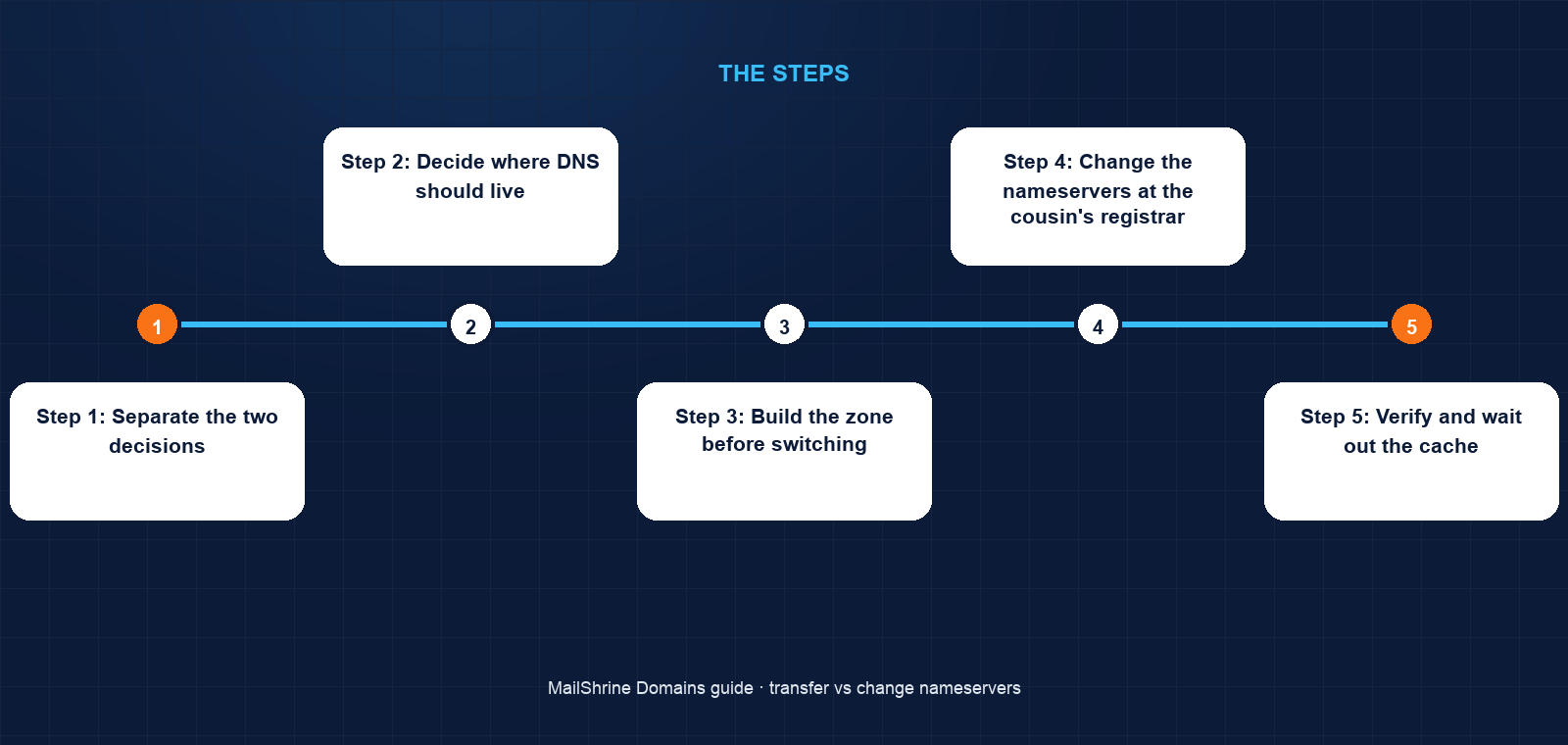
Step 1: Separate the two decisions
Fatou writes down the two things she wants: a live website and staff mailboxes. Neither requires the registrar to change. She parks the transfer question.
Step 2: Decide where DNS should live
She chooses MailShrine's Anycast DNS as the DNS host, because her mailboxes will be there and the email records will already be present. The website is on the designer's host, which only needs an A record and a www CNAME in whichever zone is authoritative.
Step 3: Build the zone before switching
In MailShrine, she creates her two free mailboxes in Business Email and adds seven more on the Team plan. The MX, SPF, DKIM and DMARC records are provided. She adds the designer's A record and the CNAME. The zone is complete before any nameserver has been touched.
Step 4: Change the nameservers at the cousin's registrar
The cousin logs into the current registrar and replaces the nameservers with MailShrine's. No unlock, no code, no fee. The registry publishes the new NS records within minutes.
Step 5: Verify and wait out the cache
She queries the website A record and the MX records from a public resolver. Within an hour they return the new values. The site is live and fatou@terangacatering.com receives mail. Caches on some networks hold the old nameservers for up to two days, but the old zone had no mail records and the same website address, so nobody notices.
Step 6: Decide about the transfer on your own schedule
A month later, Fatou decides she does want the registration in her own account rather than her cousin's. Because DNS already lives at MailShrine, the transfer is paperwork only: unlock, code, approve. The website and mailboxes do not change at all during it.
Fatou's checklist
- Wrote down the goals: live site and mailboxes, not a registrar changeCompleted
- Chose MailShrine Anycast DNS as the DNS hostCompleted
- Created nine mailboxes and added the website recordsCompleted
- Had the cousin change nameservers, with no unlock or auth codeCompleted
- Verified A and MX records from a public resolverCompleted
- Launched the site with the designer this weekNot completed
- Reviewed the transfer question next month, with DNS already in placeNot completed
Common mistakes
Paying for a transfer to connect a website. A host does not need to be your registrar. It needs an A record or CNAME pointing at it. Most hosts' "transfer your domain to us" messaging is a sales pitch, not a requirement.
Thinking a nameserver change moves the registration. It does not. The renewal invoice, lock settings and expiry stay with the registrar you had. Check RDAP if in doubt; the registrar field has not changed.
Changing nameservers to a host with an empty zone. The new nameservers answer for your domain immediately. If the zone there has no MX records, mail bounces. Build first, switch second.
Transferring to "fix" DNS. If your complaint is the DNS editor, slow propagation or missing record types, you need a different DNS host, which is a nameserver change. A transfer moves the registrar and leaves DNS where it was.
Check your work
After a nameserver change, a DNS lookup for the domain's NS records should return the new hostnames, and lookups for A and MX records should return the values in the new zone. RDAP should show the same registrar as before. After a transfer, the reverse: RDAP shows a new registrar and a later expiry, while NS, A and MX lookups return exactly what they returned yesterday. If both changed when you intended only one, something extra happened and the diagnosis starts there.
FAQ
Do I have to transfer my domain to use a new web host?
No. Point an A record or CNAME at the host, or change nameservers to the host's DNS. The registrar does not need to change. Hosts that insist otherwise are selling registrations, not stating a technical requirement.
Can I change nameservers during a pending transfer?
Generally no; most registrars freeze nameserver edits while a transfer is pending, and the losing registrar may refuse changes. Change nameservers before you submit or after it completes.
Will changing nameservers affect my email?
Only if the new zone lacks the MX, SPF and DKIM records the old one had. Copy them first and mail continues without interruption.
Which is safer for a business that cannot afford downtime?
A nameserver change with the zone fully built in advance carries no downtime. A transfer carries none either, as long as DNS is not hosted at the losing registrar. The risk in both cases is an incomplete zone, not the operation itself.
If I change nameservers to MailShrine, do I still have to renew at my old registrar?
Yes. Nameservers do not change who holds the registration. Renewal invoices and expiry stay with the current registrar until you transfer.
Next steps
- How to Transfer a Domain to Another Registrar — when the answer is a transfer after all.
- Will My Email and Website Go Down During a Transfer? — the DNS hosting question in full.
- The 60-Day Transfer Lock Rule Explained — why nameserver changes are the way to launch when a transfer must wait.
Citations & References
- Reference: RFC 1034: Domain Names, Concepts and Facilities (delegation and NS records)
- Reference: ICANN: Transfer Policy
- Reference: Cloudflare Learning: What is a domain name registrar?
- Reference: IANA: Root zone database
Written by Isabelle R., domains editor. Isabelle explains how names, DNS and registrars fit together so first-time buyers know exactly what they are changing.