
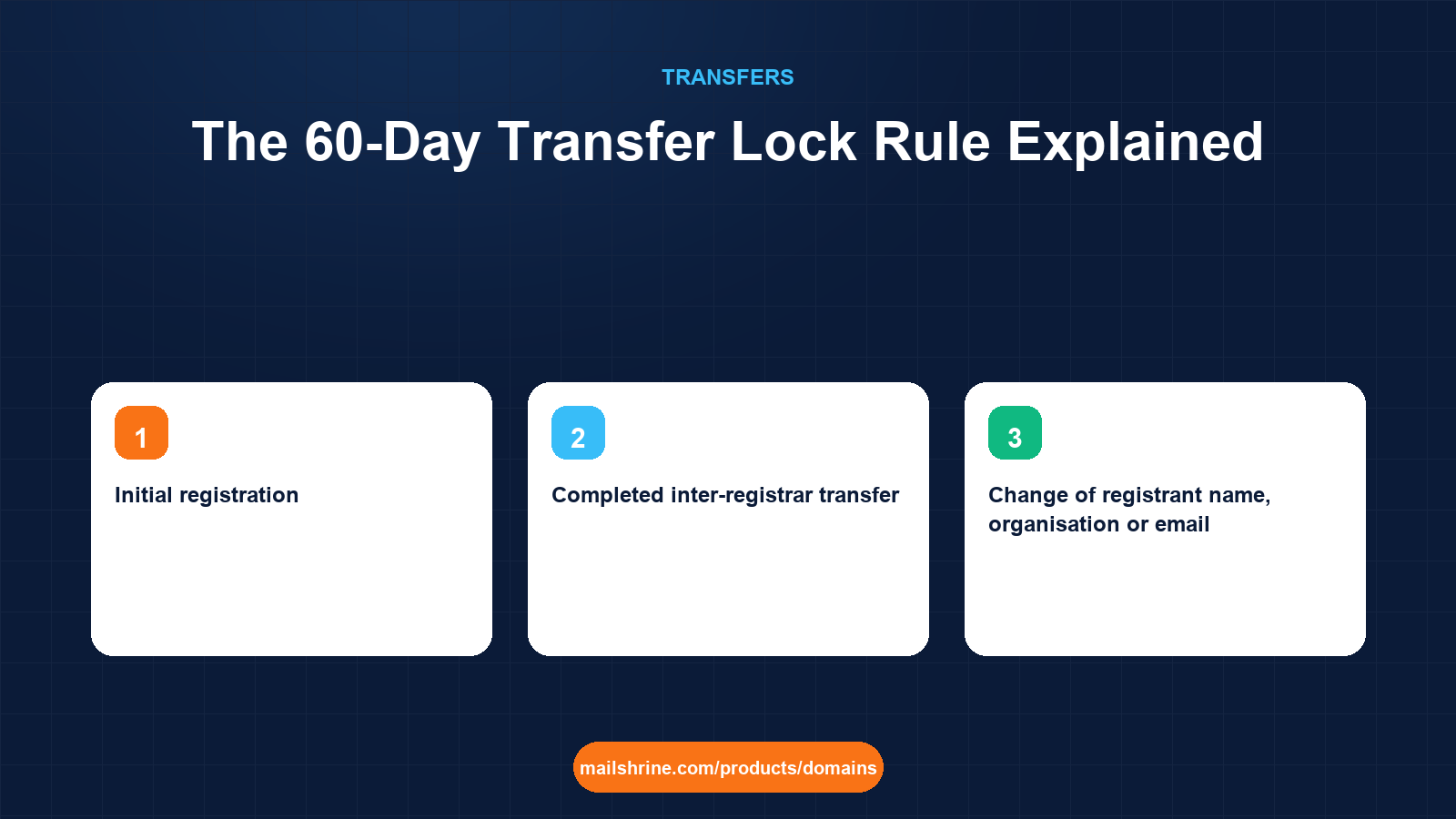
The 60-day transfer lock is an ICANN rule that stops a domain from moving to a different registrar for sixty days after certain events. It is not a registrar upsell and it is not the same thing as the transfer lock you toggle in your dashboard. The dashboard lock is yours to switch off at any time. The 60-day lock is set by policy, enforced by the registry, and cannot be lifted by you, the registrar, or anyone else until the sixty days have passed.
Two events always trigger it: the initial registration of a domain and a completed transfer from one registrar to another. A third, a change to the registrant's name, organisation or email, triggered it under ICANN's 2016 Transfer Policy unless the registrant opted out at the moment of the change, and many registrars still apply it even though the revised policy no longer requires it. The purpose in every case is the same: give the real owner time to notice and reverse a move they did not make.
MailShrine Domains shows the lock-until date on every domain it holds, so you never discover it by having a transfer bounce. Names registered on MailShrine carry the standard 60-day period before they can move out, and names transferred in carry it before they can move again. Changing nameservers, editing DNS and renewing are never blocked by it.
Real-life example: Divine's coffee roastery
Divine Uwase runs Uwase Coffee Roasters in Kigali, selling single-origin beans to cafés across Rwanda and online to Europe. A consultant registered uwasecoffee.com for her six weeks ago at a registrar in Germany, in his own name. The consultancy has ended on bad terms, and Divine wants the domain with her own registrar, in her own name, before the website launch in a month.
Divine's goals:
- Understand which locks apply to the domain right now and exactly when each expires.
- Get the registrant changed to herself without accidentally adding another sixty days.
- Launch the website and mailboxes on schedule even if the registrar move has to wait.
The three triggers and what they block
| Trigger | Who sets it | How long | What is blocked | What is still allowed |
|---|---|---|---|---|
| Initial registration | Registry, by ICANN policy | 60 days from creation | Transfer to another registrar | Nameserver changes, DNS edits, renewals, contact edits |
| Completed inter-registrar transfer | Registry, by ICANN policy | 60 days from completion | Another transfer to a different registrar | Everything else, including moving to another account at the same registrar |
| Change of registrant name, organisation or email | Registrar, under the 2016 policy or its own rules | 60 days from the change | Transfer to another registrar | Everything else; some registrars let you opt out before saving |
Changes that do not count as a registrant change under the 2016 policy: updating the phone number, postal address, admin or tech contacts, or correcting a typo in a way the registrar deems not material. Changing the email, even to a new address at the same company, does count.
Divine's domain, dated
| Event | Date | Lock ends | Can she transfer registrars? |
|---|---|---|---|
| Domain registered by consultant | 6 weeks ago (day 0) | Day 60 | Not until two weeks from now |
| Registrant changed to Divine (if done today) | Day 42 | Day 102 at a registrar that applies the post-change lock | Not for another 60 days |
| Registrant changed to Divine with opt-out, or at a registrar that does not apply it | Day 42 | Day 60 (registration lock only) | Two weeks from now |
The difference between the second and third rows is six weeks of waiting. It comes down to a single checkbox or to the registrar's policy, which is why the order of operations matters so much.
What you need before you start
| You need | Why |
|---|---|
| The exact creation date from RDAP | Day 60 is counted from this, not from when you paid |
| The last transfer date, if any | A domain that moved recently carries a fresh lock |
| Knowledge of your registrar's registrant-change policy | Decides whether updating the owner costs you another 60 days |
| Cooperation of the current registrant | For Divine, the consultant must authorise the change of owner |
| A plan for DNS in the meantime | Nameserver changes are allowed, so the launch does not have to wait |
Step 1: Read the dates from RDAP
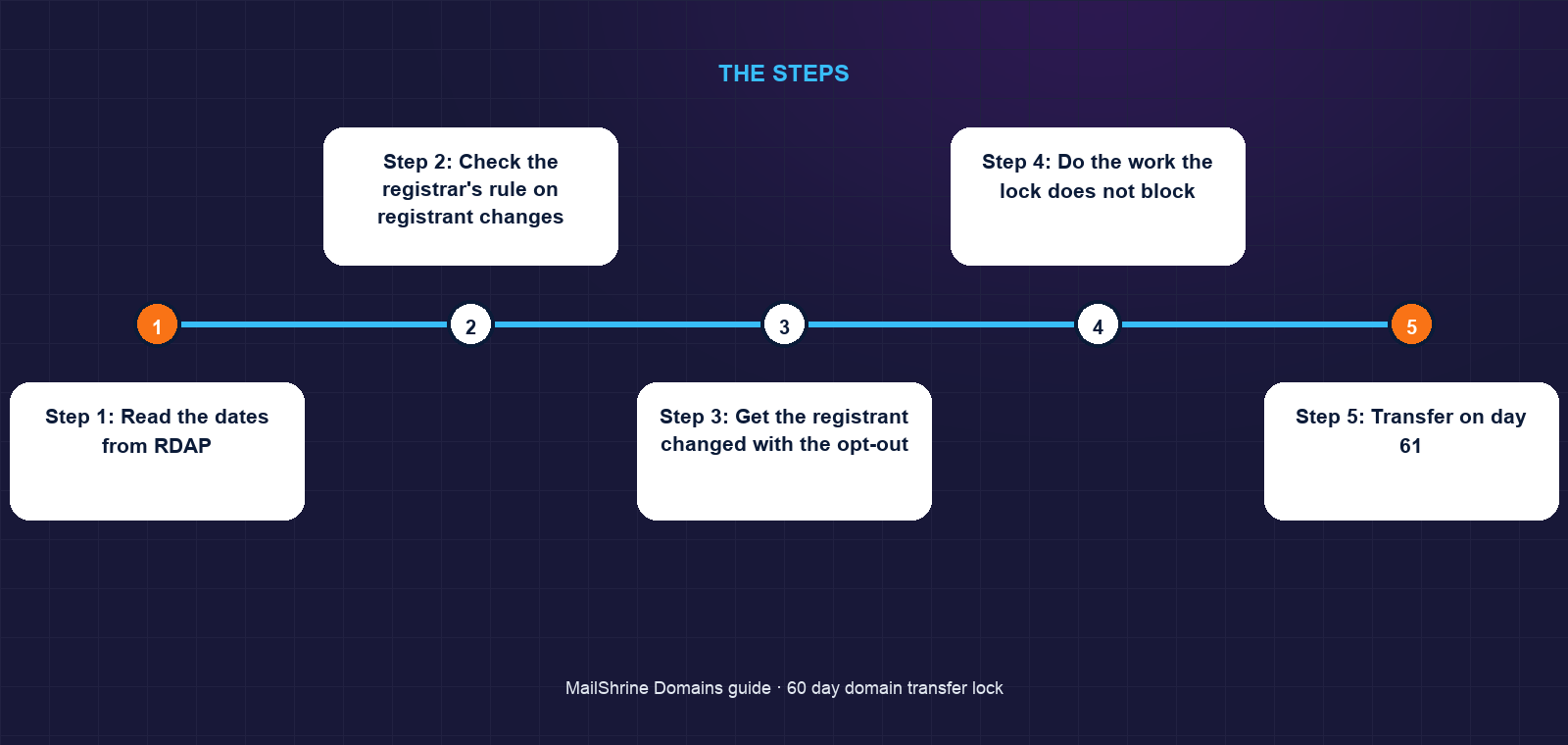
Look up uwasecoffee.com at an RDAP service. The record shows a creation date 42 days ago and no transfer events. The registration lock ends in 18 days. Nothing Divine does can shorten that.
Step 2: Check the registrar's rule on registrant changes
Divine reads the German registrar's help page. It applies the post-change lock by default and offers an opt-out checkbox during the change. She notes that the checkbox must be ticked before saving, because it cannot be applied afterwards.
Step 3: Get the registrant changed with the opt-out
The consultant logs in, changes the registrant to Divine and her company, ticks the opt-out, and both parties confirm by email. The registrant is now Divine. The only lock remaining is the one from registration, ending on day 60.
Step 4: Do the work the lock does not block
While waiting, Divine points the nameservers at MailShrine's Anycast DNS, builds the zone there, and creates her mailboxes. The website and email go live on the launch date with the domain still at the German registrar. A transfer later changes only the registrar of record; the DNS keeps working untouched.
Step 5: Transfer on day 61
The morning after the lock expires, Divine unlocks the domain, requests the auth code and submits the transfer to MailShrine. The consultant is no longer involved because the approval email now goes to her. The transfer completes that afternoon, and a new 60-day lock begins, which does not matter because she has no plans to move again.
Divine's checklist
- Pulled the creation date from RDAP and calculated day 60Completed
- Confirmed the registrar offers an opt-out on the post-change lockCompleted
- Had the consultant change the registrant to her with the opt-out tickedCompleted
- Pointed nameservers at MailShrine and built the zone during the waitCompleted
- Launched the site and mailboxes on the original dateNot completed
- Transferred the domain on day 61Not completed
- Verified the new registrar and a fresh lock-until date in the dashboardNot completed
Common mistakes
Confusing the two locks. The dashboard transfer lock is clientTransferProhibited and you can switch it off. The 60-day lock is a policy restriction tied to dates. Turning the first off does nothing about the second.
Changing the owner first, then trying to transfer. At a registrar that applies the post-change lock, this costs sixty days. Either tick the opt-out, or transfer first and change the registrant afterwards at the new registrar.
Waiting to launch because the transfer must wait. Nameservers can be changed on day one. Build the DNS and mailboxes where you want them, launch, and move the registrar record when the lock lifts.
Updating the registrant email to a new company address. This counts as a material change and can trigger the lock. If the old address still works, keep it until after the transfer.
Check your work
Open the domain's RDAP record and compare the creation date, any transfer date and any registrant-change date against today. If all are more than sixty days old and the status list shows only a client-set lock, the domain can move the moment you unlock it. In the MailShrine dashboard, the lock-until field shows the same date, so there is no arithmetic to redo.
FAQ
Can the registrar remove the 60-day lock if I ask nicely?
No. The locks after registration and after a transfer are enforced at the registry under ICANN policy, and no registrar can override them. The post-change lock is a registrar implementation, but once applied it also runs its full term.
Does the 60-day lock stop me from changing nameservers or DNS?
No. It blocks only an inter-registrar transfer. Nameservers, DNS records, renewals and even moving the domain to another account at the same registrar are all allowed.
Does renewing a domain start a new 60-day lock?
No. Only registration, a completed transfer and, at some registrars, a material registrant change start one. Renewing has no effect on transfer eligibility.
I transferred a domain last month and want to move it again. What are my options?
Wait until day 61 after the transfer completed. In the meantime you can change nameservers to the DNS host of your choice so the move itself becomes a formality.
Does the lock apply to country-code domains?
Not under ICANN rules, which cover generic extensions only. Many country registries have their own waiting periods, often shorter, and some have none. Check the registry's policy for the specific extension.
Next steps
- How to Transfer a Domain to Another Registrar — what to do on day 61.
- How to Transfer a Domain to Someone Else (Change of Owner) — the registrant change and its opt-out in detail.
- Transferring a Domain vs Changing Nameservers — how to launch while the lock runs.
Citations & References
- Reference: ICANN: Transfer Policy
- Reference: ICANN: Registrant FAQs on transfers and the 60-day lock
- Reference: ICANN: Transfer Policy Review PDP
- Reference: ICANN: EPP status codes
Written by Daniel O., security editor. Daniel covers the rules that stop domains from being stolen and explains how to work with them rather than around them.