
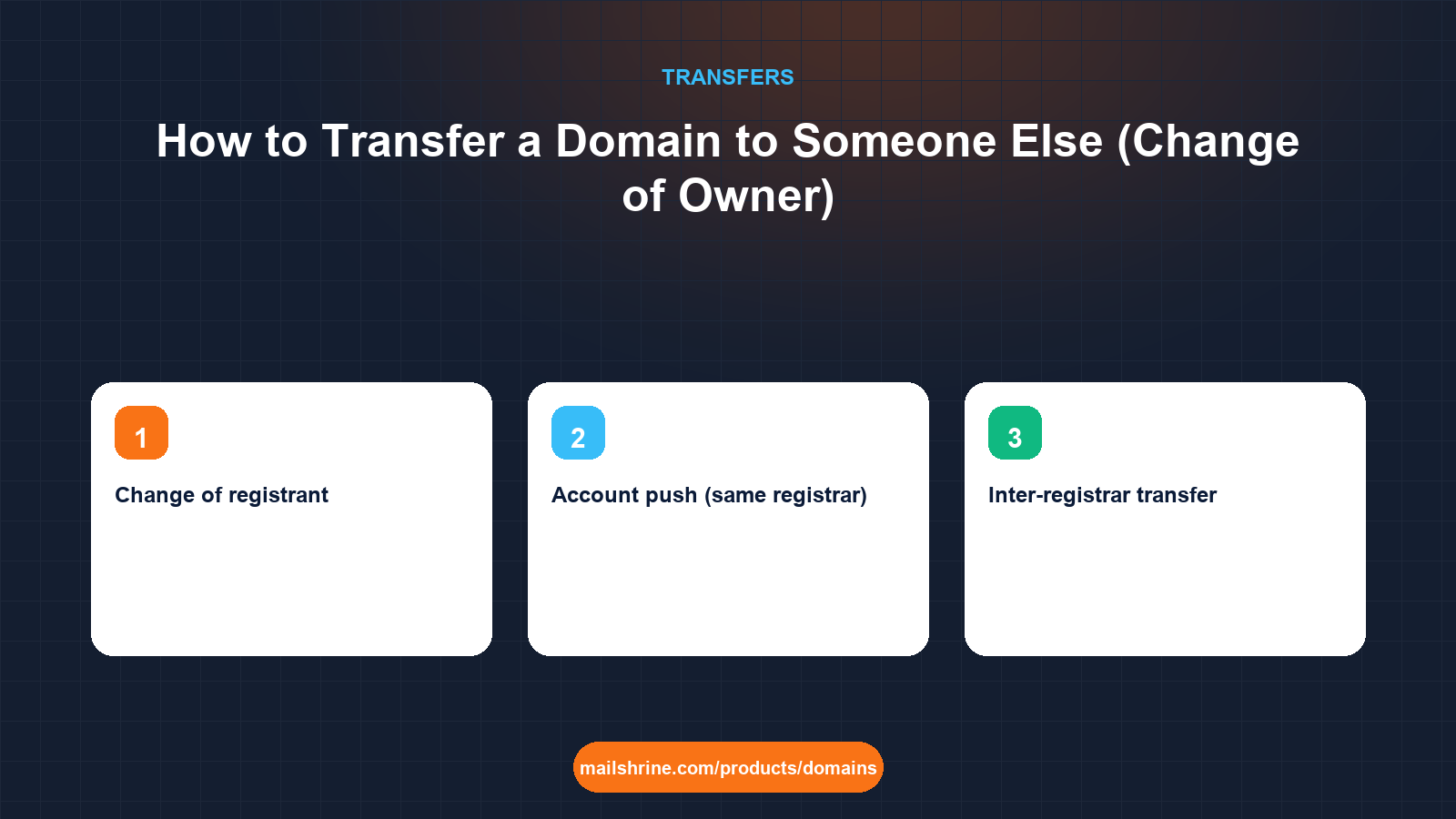
Transferring a domain to another person is a change of registrant, not a registrar transfer. The registrar can stay exactly the same; what changes is the name, organisation and email in the registrant contact, which is the legal record of who holds the right to the domain. ICANN calls this a Change of Registrant and gives it its own rules: both the old and new registrant must confirm, the registrar must send a notice to each, and under the 2016 Transfer Policy a 60-day inter-registrar transfer lock follows unless the old registrant opts out.
There are three common shapes. A sale, where money changes hands and the buyer wants the domain in their own account. A handover inside a business, where a founder, employee or contractor registered the name personally and the company needs to hold it. And a gift or inheritance, where a family member or estate takes over. The mechanics are identical; what differs is how much proof and escrow you want around them.
MailShrine Domains supports changing the registrant and moving a domain between MailShrine accounts, with WHOIS privacy keeping the new owner's details out of public lookups from the moment they are saved. If the new owner prefers a different registrar, a transfer-in to MailShrine costs one year of renewal, adds that year to the expiry, and is refunded if rejected.
Real-life example: Thandi's clinic buys its own name
Thandi Mokoena is the practice manager at Mokoena Family Clinic in Cape Town. The clinic's domain mokoenaclinic.co.za and its .com were registered seven years ago by the founder's son, who used his personal email and has since emigrated. The clinic is incorporating as a company and the auditors want every asset, including the domains, in the company's name. The son is cooperative but hard to reach.
Thandi's goals:
- Move both names into the company's legal name with her as the contact.
- Avoid a 60-day lock that would delay a planned move to a new registrar.
- Document the handover well enough to satisfy the auditors.
Change of registrant vs registrar transfer vs account push
| Operation | What changes | Who approves | 60-day lock after? | Typical use |
|---|---|---|---|---|
| Change of registrant | Registrant name, organisation or email | Old and new registrant, by email | Yes under the 2016 policy unless opted out; registrar-dependent now | Sale, handover, inheritance |
| Account push (same registrar) | Which login the domain sits under | The current account holder | Not by itself, unless the registrant also changes | Handing a domain to a colleague or client at the same registrar |
| Inter-registrar transfer | The registrar of record | Registrant, via losing registrar's email | Yes, always | Moving to a new registrar |
Most real ownership changes combine two of these. Thandi needs a change of registrant for both names, then an account push or a registrar transfer so the clinic controls the login as well as the record.
The ICANN Change of Registrant rules
| Rule | What it means in practice |
|---|---|
| A material change is to the registrant name, organisation or email | Phone and address edits are not a change of registrant |
| Both prior and new registrant must confirm | Each gets an email from the registrar with a confirmation link |
| The registrar must notify both within one day | Notices go to the old and new email addresses |
| A 60-day inter-registrar lock applies after the change under the 2016 policy | Unless the prior registrant opts out before the change; the revised policy no longer mandates it, but many registrars keep it |
| The lock blocks only inter-registrar transfers | Nameservers, DNS, renewals and account pushes continue to work |
Country-code registries have their own procedures. ZACR, which runs .co.za, handles registrant changes through the registrar with its own confirmation flow and no ICANN lock. Thandi's two names follow two rulebooks.
What you need before you start
| You need | Why |
|---|---|
| The current registrant's cooperation and working email | They must click the confirmation |
| The new registrant's exact legal name and a monitored email | Typos here mean doing it twice, and a second change can trigger a second lock |
| A written agreement or board minute | For audit, and in a sale, for the record of what was sold |
| A decision on the 60-day opt-out | Tick it if a registrar transfer is planned within two months |
| Escrow, for a paid sale between strangers | Payment and domain are released together |
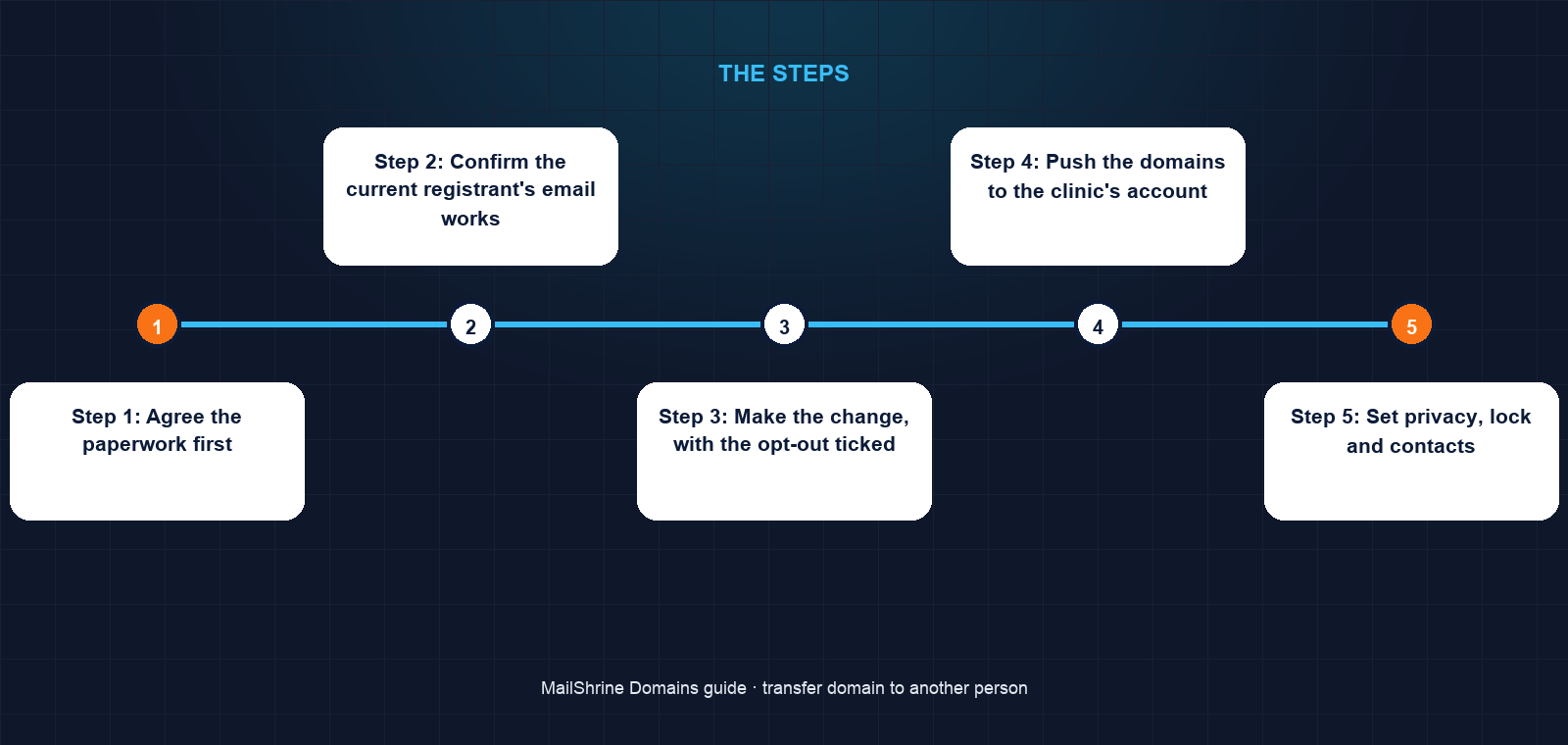
Step 1: Agree the paperwork first
Thandi drafts a one-page assignment letter: the son assigns all rights in both domains to the company, effective on a date, for nominal consideration. The board minutes it. For a commercial sale, this is where the price, payment method and escrow agent would be written down.
Step 2: Confirm the current registrant's email works
The son's registrant email is an old university address. He confirms he can still read it. If he could not, the registrar would have to update it first, which at some registrars triggers a 60-day lock on its own, so this check saves weeks.
Step 3: Make the change, with the opt-out ticked
The son logs into the registrar, edits the registrant on the .com to the company's name, Thandi's email and the clinic's address, and ticks the box declining the 60-day lock. The registrar emails both of them. Both click confirm within the hour. The .co.za follows the registrar's ZACR flow, which also completes the same day.
Step 4: Push the domains to the clinic's account
Still at the same registrar, the son uses the account-push function to move both domains into an account Thandi created in the company's name. No code, no fee, no lock. The son no longer has any access.
Step 5: Set privacy, lock and contacts
Thandi turns on WHOIS privacy and the transfer lock, and adds a second recovery email and 2FA. The public RDAP record now shows a privacy proxy instead of the company's address, while the registrar holds the real details.
Step 6: Transfer registrars if you want to
Because the opt-out was ticked, the .com can move to another registrar immediately. Thandi transfers it to MailShrine the following week, so the domain, mailboxes and DNS live in one place. The approval email comes to her because she is now the registrant.
Thandi's checklist
- Board-minuted assignment letter signed by the sonCompleted
- Confirmed the son's registrant email still worksCompleted
- Changed registrant on both names with the 60-day opt-out tickedCompleted
- Pushed both domains into a company account at the same registrarCompleted
- Enabled privacy, lock, 2FA and a recovery emailCompleted
- Transferred the .com to MailShrine the following weekNot completed
- Filed the RDAP printouts before and after with the audit packNot completed
Common mistakes
Changing the email first "to make it easier". An email change is itself a change of registrant and can trigger the 60-day lock. Make all the changes in one edit with the opt-out ticked.
Sending the auth code instead of changing the registrant. Handing a buyer the auth code moves the registrar but leaves the seller as registrant. The buyer then has a domain whose legal holder is someone else. Always change the registrant.
Skipping escrow in a sale. Whoever moves first loses leverage. A reputable escrow service holds the payment, confirms the registrant change and account push, then releases funds.
Leaving the old owner's account with access. A change of registrant does not remove the old login. Push the domain to a new account or change the credentials, or the old owner can still edit DNS.
Check your work
Run an RDAP lookup. With privacy on, the registrant fields show a proxy, but the registrar's dashboard shows the new legal name and email. Log in as the new owner and confirm you can see and edit the domain; log in as the old owner, if possible, and confirm you cannot. Check the lock-until field: if the opt-out worked, it shows only any pre-existing registration or transfer lock. Save screenshots of the before and after records for the file.
FAQ
Is changing the owner the same as transferring the domain?
No. A change of registrant updates who holds the domain. A transfer moves it to a different registrar. You can do one, the other or both, and a complete sale usually involves a registrant change plus either an account push or a registrar transfer.
Does the new owner need an account at the same registrar?
For an account push, yes. For a registrar transfer, they need an account at the gaining registrar instead. The registrant change itself does not need either; it is an edit to the existing record.
Can I avoid the 60-day lock after a change of owner?
At registrars that apply it, only by having the prior registrant opt out before the change is saved. Some registrars no longer apply the lock at all. If it has already been applied, it runs its full term.
How do I sell a domain safely to a stranger?
Use an escrow service that specialises in domains. The buyer pays escrow, you change the registrant and push or release the domain, escrow verifies, then releases payment. Never hand over an auth code or push a domain before funds are secured.
What if the registered owner has died?
The executor of the estate can request the change with a death certificate and proof of authority. Registrars have a documented process for this; expect to send scanned documents and allow a week or two.
Next steps
- The 60-Day Transfer Lock Rule Explained — the lock a registrant change can trigger and how to avoid it.
- How to Transfer a Domain to Another Registrar — the next step once the new owner wants a new registrar.
- Transfer a Domain From Whogohost, Qservers or Other Nigerian Registrars — a handover where the host or a relative holds the name.
Citations & References
- Reference: ICANN: Transfer Policy, Section II Change of Registrant
- Reference: ICANN: Registrant FAQs on change of registrant
- Reference: ICANN: Registrant rights and responsibilities
- Reference: ZACR: .za Central Registry
Written by Samira K., small-business editor. Samira helps owners get company assets out of personal accounts before the auditors, or the ex-contractor, make it urgent.