
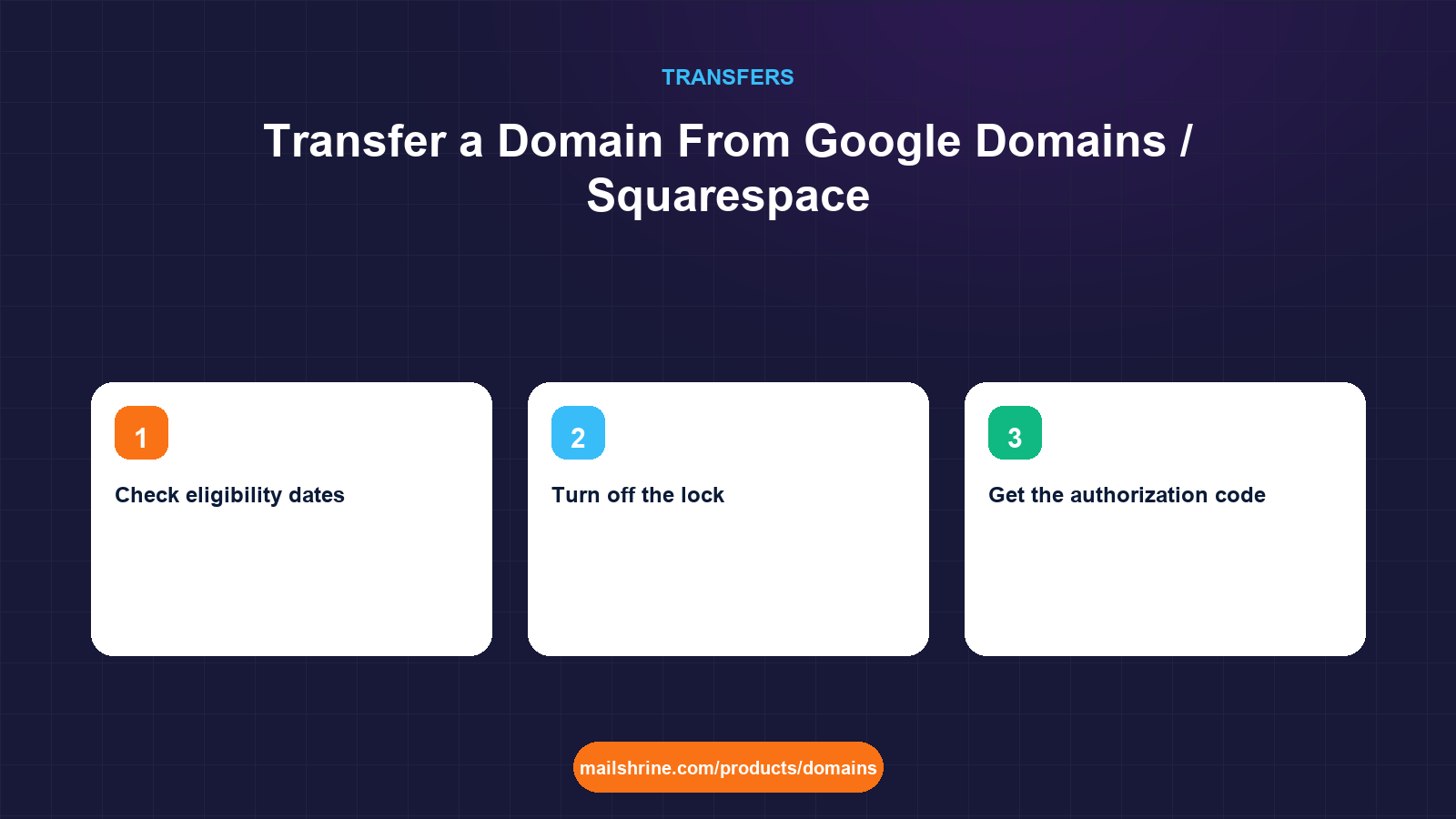
Google Domains no longer exists as a registrar. Google sold the business to Squarespace in 2023 and the last domains were migrated during 2024. If you bought a name through Google Domains, it is now a Squarespace domain, managed in the Squarespace Domains dashboard, billed by Squarespace, and transferred out through Squarespace's process. The nameservers may still say googledomains.com, which confuses people into thinking the old panel is coming back. It is not.
That change is the main reason for this guide. People who liked Google's flat pricing and clean DNS editor are now paying Squarespace renewal prices and working in an interface built around Squarespace websites. The transfer itself is ordinary: ICANN's Transfer Policy applies, so you need the domain unlocked, a valid authorization code, and a name that is more than 60 days past registration, last transfer or last registrant change.
MailShrine Domains accepts transfers from Squarespace for 150+ extensions. The one-year transfer fee is shown before you pay and is added to your existing expiry, and a rejected transfer is refunded in full. WHOIS privacy and transfer lock are free and switched on when the name arrives, and Anycast DNS with a full record editor is ready before the move so the zone can be rebuilt first.
Real-life example: Jordan's bookkeeping practice
Jordan Alvarez runs Alvarez Tax & Bookkeeping in Austin, a two-accountant firm with a seasonal assistant. Jordan bought alvarezbooks.com on Google Domains in 2021 because the price was flat and Google Workspace was one click away. The domain is now in Squarespace, the renewal has gone up, and the Workspace billing moved with it. Jordan wants the domain with a registrar that is not also trying to sell a website.
Jordan's goals:
- Move the domain without any interruption to the three Google Workspace mailboxes the firm uses during tax season.
- Keep the firm's website, hosted on Netlify, online throughout.
- Decide calmly, after the move, whether to stay on Workspace or switch mail providers.
Where each setting lives in Squarespace Domains
| What you need to do | Where it is in Squarespace | Notes |
|---|---|---|
| Check eligibility dates | Domains dashboard, domain, overview | Shows registration and renewal dates |
| Turn off the lock | Domain, Transfer section, "Unlock domain" | Squarespace calls it domain lock |
| Get the authorization code | Same Transfer section, "Get authorization code" | Shown on screen; may also be emailed |
| Approve the transfer out | Email to the registrant address | Confirming skips the 5-day wait |
| View DNS records | Domain, DNS settings | Records migrated from Google Domains appear here |
| Workspace billing | Squarespace billing area | Separate from the domain; survives the transfer |
Domains migrated from Google were left with their original nameservers, typically four ns-cloud-xx.googledomains.com servers. Squarespace continues to answer DNS on them, but the zone is managed inside Squarespace. If the domain leaves, the zone goes with it.
The Google Workspace question
This is the part that worries most people leaving Squarespace, and the answer is simple once you separate the pieces.
| Piece | Where it lives | Affected by a domain transfer? |
|---|---|---|
| Workspace mailboxes and data | Google's servers | No |
| Workspace subscription and billing | Squarespace (for migrated accounts) or Google directly | No, but you may later move billing to Google |
| MX records that route mail to Google | The DNS zone (currently Squarespace) | Yes, if the zone is deleted after transfer |
| Domain verification TXT for Workspace | The DNS zone | Yes, same reason |
So mail does not stop because of the transfer. It stops only if the MX records disappear and are not recreated. Jordan copies the five Google MX records, the SPF record and the DKIM record into MailShrine's DNS editor before the transfer, then flips nameservers after. Workspace never notices.
What you need before you start
| You need | Why |
|---|---|
| Squarespace login with the account that owns the domain | Migrated Google accounts were linked to a Google sign-in; use the same one |
| Access to the registrant email | The approval email goes there |
| A domain older than 60 days with no registrant change in 60 days | ICANN rule enforced by the registry and by Squarespace |
| A full list of DNS records | Squarespace has no zone export; copy them from DNS settings |
| At least 10 days before renewal | A domain that expires mid-transfer has its request cancelled |
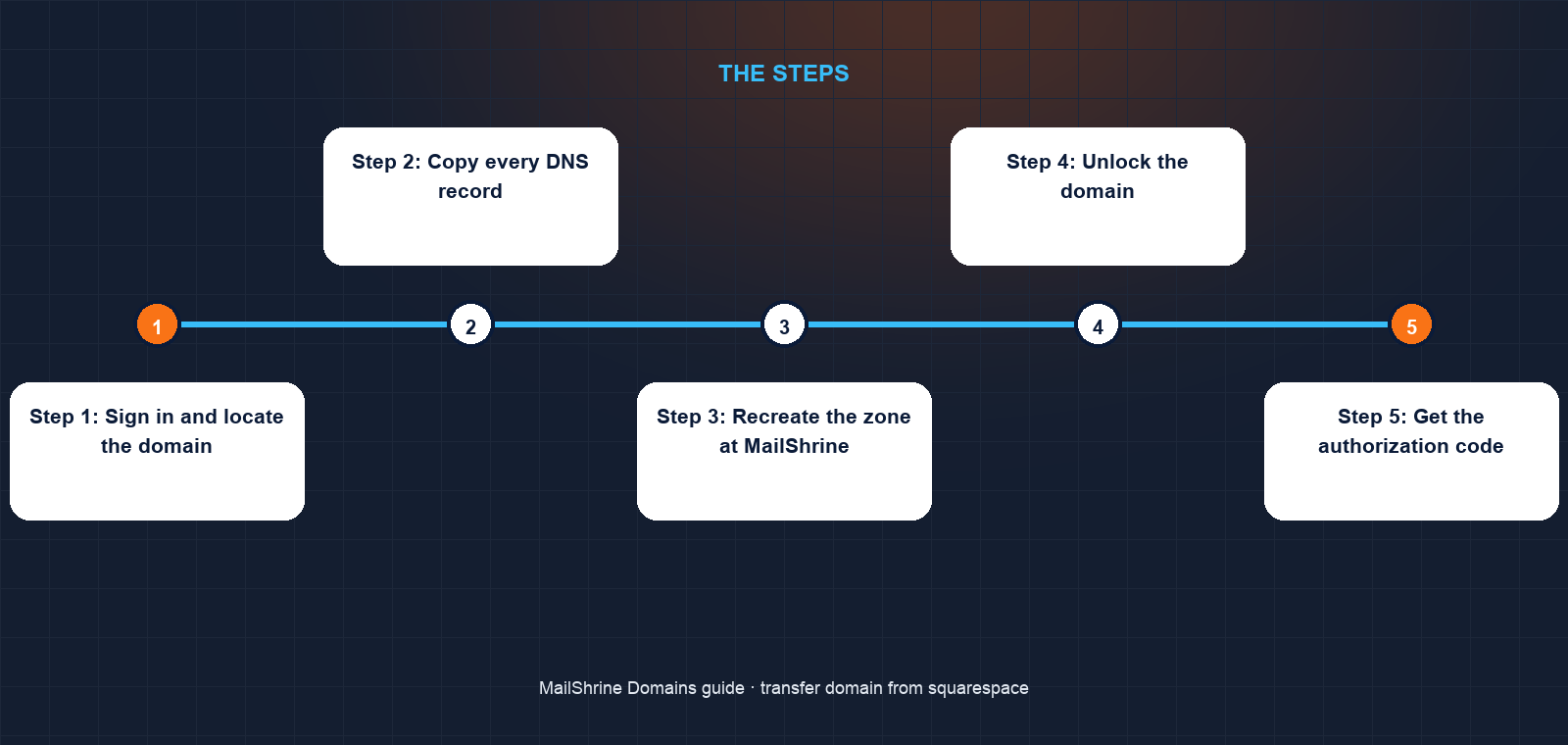
Step 1: Sign in and locate the domain
Go to the Squarespace Domains dashboard. If you only ever used Google Domains, sign in with the Google account you used there; Squarespace linked those during the migration. Confirm the domain is listed and not inside a Squarespace website trial you did not intend to keep.
Step 2: Copy every DNS record
Open DNS settings and write down each record. Jordan's zone has a Netlify A record and www CNAME, five Google MX records with priorities 1, 5, 5, 10 and 10, an SPF TXT with include:_spf.google.com, a DKIM TXT on google._domainkey, a DMARC TXT and a Google site verification TXT. Ten records in total.
Step 3: Recreate the zone at MailShrine
In the DNS editor on the pending transfer at MailShrine, add the Netlify records and the Google mail records exactly as copied. Because Jordan is staying on Workspace for now, the Google MX records go in rather than MailShrine's. Set the TTL on each to 300 seconds so a correction propagates in minutes.
Step 4: Unlock the domain
In the domain's Transfer section, switch Unlock domain on. Squarespace may ask you to confirm by email or two-factor code. A few minutes later an RDAP lookup will no longer show clientTransferProhibited.
Step 5: Get the authorization code
On the same page, request the code. Squarespace displays it. Copy it directly; codes often include symbols that are easy to mistype. Leave the domain unlocked until the transfer completes, because relocking invalidates the code.
Step 6: Submit the transfer
In the MailShrine transfer tool, enter alvarezbooks.com, paste the code and pay the one-year fee. The code is verified against the registry on the spot.
Step 7: Approve the transfer out
Squarespace emails the registrant address with a link to confirm. Click it and the registry completes the transfer within minutes. Ignore it and it completes automatically after five calendar days.
Step 8: Switch nameservers and verify mail
Once the domain appears in MailShrine, change the nameservers from googledomains.com to MailShrine's. Within an hour, run a DNS lookup for the MX records at a public resolver and confirm they still point to Google. Send a test message from an outside address and watch it arrive in Workspace.
Jordan's checklist
- Signed into Squarespace with the old Google account and found the domainCompleted
- Copied all ten DNS records including the five Google MX entriesCompleted
- Rebuilt the zone in MailShrine with Netlify and Workspace recordsCompleted
- Unlocked the domain and copied the authorization codeCompleted
- Submitted the transfer and paid the one-year feeNot completed
- Clicked Confirm in the Squarespace emailNot completed
- Switched nameservers and tested a Workspace mailbox from outsideNot completed
Common mistakes
Waiting for Google Domains to come back. It will not. Any guide that tells you to open domains.google.com is out of date; that address redirects to Squarespace.
Transferring without rebuilding the Workspace MX records. The transfer does not break Workspace. Losing the zone does. Copy the mail records first, every time.
Changing the registrant contact before transferring. If you update the contact to a non-Google address first, the 60-day post-change lock can apply. Use the existing registrant email for the approval and change contacts afterwards.
Cancelling the Squarespace account too early. Cancelling the account can remove the DNS zone before the transfer completes. Keep the account open until the domain shows at the new registrar and the nameservers are switched.
Check your work
An RDAP lookup should show the new registrar, an expiry one year later than before, and clientTransferProhibited set by the new lock. Query the MX records from a public resolver and confirm they match what you copied. Load the website. If all three pass, the only thing that changed is who you pay.
FAQ
Is a Google Domains domain the same as a Squarespace domain now?
Yes. Every Google Domains registration was moved to Squarespace by 2024. The registrar of record in RDAP shows Squarespace, and all management is in the Squarespace Domains dashboard.
Will transferring break my Google Workspace email?
No, provided the MX, SPF, DKIM and verification records are recreated at the new DNS host before the zone at Squarespace is removed. Workspace mail runs on Google's servers, not the registrar's.
Can I move Workspace billing away from Squarespace?
Yes. Google and Squarespace both document a process to move a migrated Workspace subscription to direct billing with Google. It is independent of the domain transfer and can be done before or after.
How long does a Squarespace transfer out take?
Minutes if you confirm the email, up to five calendar days if you do not. The authorization code is shown immediately.
Does Squarespace charge to transfer out?
No. ICANN bars losing registrars from charging a transfer-out fee for generic extensions. You pay only the gaining registrar's one-year transfer fee.
Next steps
- How to Transfer a Domain to Another Registrar — the full registrar-neutral process.
- Will My Email and Website Go Down During a Transfer? — the DNS hosting question in depth.
- How Long Does a Domain Transfer Take? — what controls the clock.
Citations & References
- Reference: Google: Google Domains has moved to Squarespace
- Reference: Squarespace Help: Transferring a domain away from Squarespace
- Reference: Google Workspace Admin Help: Set up MX records
- Reference: ICANN: Transfer Policy
Written by Marcus T., DNS and deliverability editor. Marcus has moved dozens of former Google Domains zones and checks the MX records before anything else.