
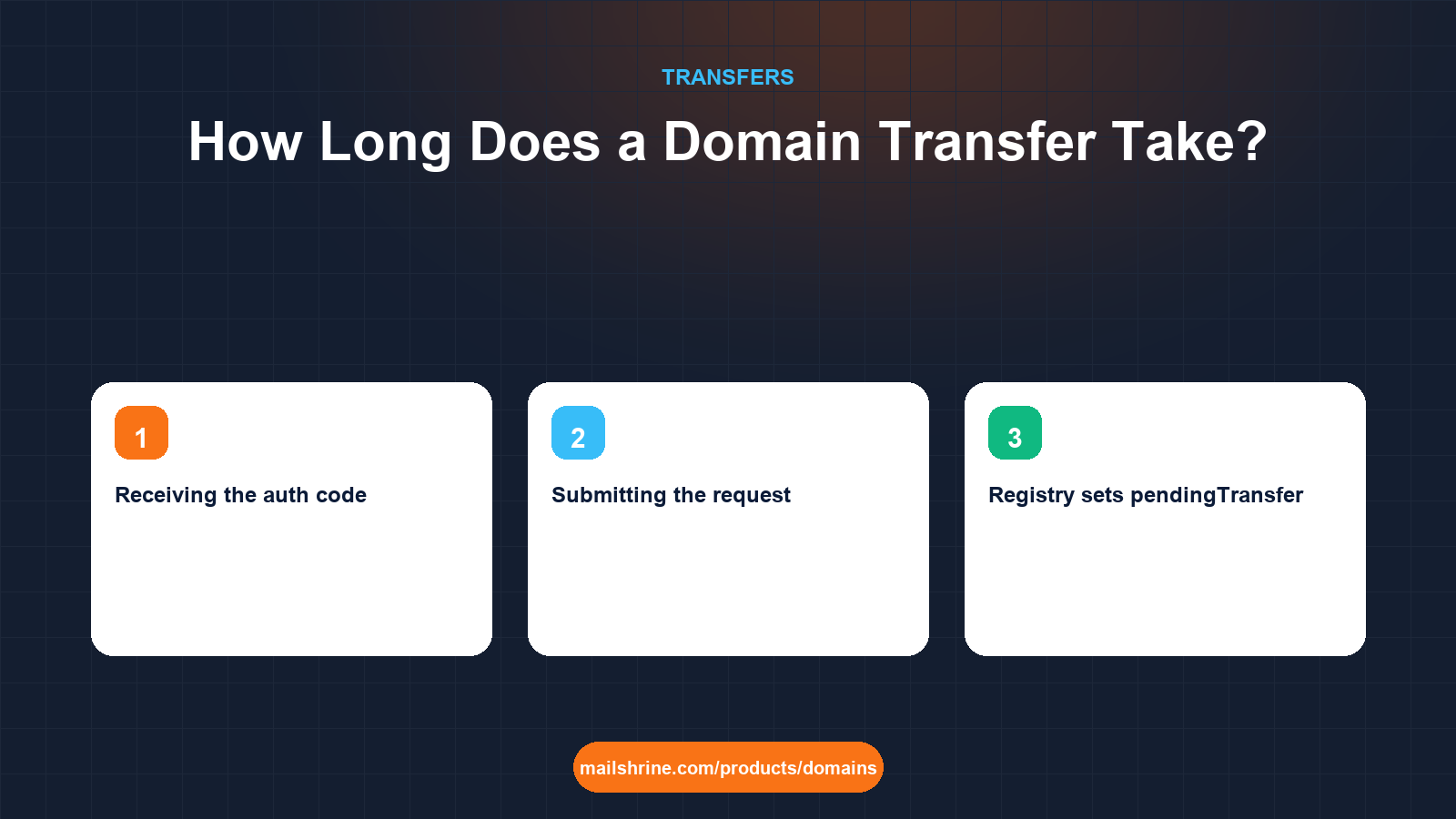
A domain transfer between registrars takes anywhere from twenty minutes to five days for a .com, .net, .org or other generic extension. The spread is not random. ICANN's Transfer Policy gives the losing registrar up to five calendar days to confirm or deny a request, and if it does neither the registry approves automatically when the window closes. Every transfer that "took a week" spent most of that week waiting for someone to click a link that would have finished it in minutes.
The registry side is fast. When the gaining registrar submits a transfer command over EPP, Verisign or the relevant registry validates the authorization code and sets the domain to pendingTransfer in under a second. From there the clock belongs to people: the registrant who has to find the approval email, the losing registrar that has to release it, and whoever manages DNS at the other end.
MailShrine Domains validates the auth code against the registry at the moment you submit, so a bad code fails in seconds instead of surfacing days later. Once the transfer completes, the domain appears with lock and privacy already on, and the one-year transfer fee has already been added to the expiry. Transfers rejected by the losing registrar are refunded in full.
Real-life example: Kofi's print shop
Kofi Asante runs Asante Print Works, a commercial printer in Accra that prints wedding stationery and corporate reports. He is moving asanteprint.com from the registrar his first web developer chose and has two deadlines: a trade fair in nine days where the website address is on every banner, and a quote to a bank due in three days from his kofi@asanteprint.com mailbox. He needs to know exactly how long each stage will take before he unlocks anything.
Kofi's goals:
- Know the worst-case duration so he can decide whether to start now or after the fair.
- Identify which steps he controls and which he has to wait on.
- Keep mail flowing to
kofi@throughout, because the bank will reply to it.
Where the time goes, stage by stage
| Stage | Who controls it | Typical time | Worst case |
|---|---|---|---|
| Unlocking the domain | You, at the losing registrar | 1 to 10 minutes to reach the registry | Up to an hour at some registrars |
| Receiving the auth code | Losing registrar | Instant on screen, or an email within minutes | ICANN allows up to 5 calendar days |
| Submitting the request | You, at the gaining registrar | Seconds | Minutes if payment is retried |
| Registry sets pendingTransfer | Registry | Under a second | None |
| Losing registrar confirmation | You, via the approval email | Minutes if you click | 5 calendar days if ignored |
| Registry completes the transfer | Registry | Seconds after approval or at the 5-day mark | None |
| Nameserver change (optional) | You, at the new registrar | Registry publishes in minutes | Resolvers cache up to the parent TTL, often 24 to 48 hours |
Add the typical column and a transfer you actively drive finishes in about half an hour. Add the worst-case column and you reach ten days, almost all of it waiting on emails. Kofi can comfortably finish before the fair if he starts today and clicks every link the day it arrives.
Different extensions, different clocks
ICANN's five-day rule applies to generic extensions. Country-code registries write their own.
| Extension | Mechanism | Usual duration |
|---|---|---|
| .com, .net, .org, .info, .io, .co | Auth code, 5-day losing-registrar window | Minutes to 5 days |
| .uk and .co.uk | Losing registrar changes the IPS tag; no auth code | Immediate once the tag is changed |
| .de | AuthInfo code, no losing-registrar wait | Minutes to hours |
| .ca | Auth code plus CIRA approval email to the registrant | Hours to a few days |
| .ng and .com.ng | Auth code through NiRA-accredited registrars | A few days |
| .au | Auth code, registrant confirmation required | 1 to 5 days |
| .eu | Auth code; completes without a losing-registrar window | Usually same day |
If you have a mixed portfolio, start the slowest one first. Kofi's .com is the only name involved, which keeps the plan simple.
What you need before you start
| You need | Why it affects the time |
|---|---|
| Access to the registrant email today | The approval link goes there; no access means waiting out the full 5 days |
| The auth code in hand before submitting | Submitting with an old or wrong code restarts the process |
| A domain older than 60 days | If it is younger, no amount of waiting helps until day 61 |
| DNS records recreated at the new host | So the nameserver switch can happen the same hour the transfer completes |
| More than 10 days before expiry | A domain that expires during the pending window has its transfer cancelled |
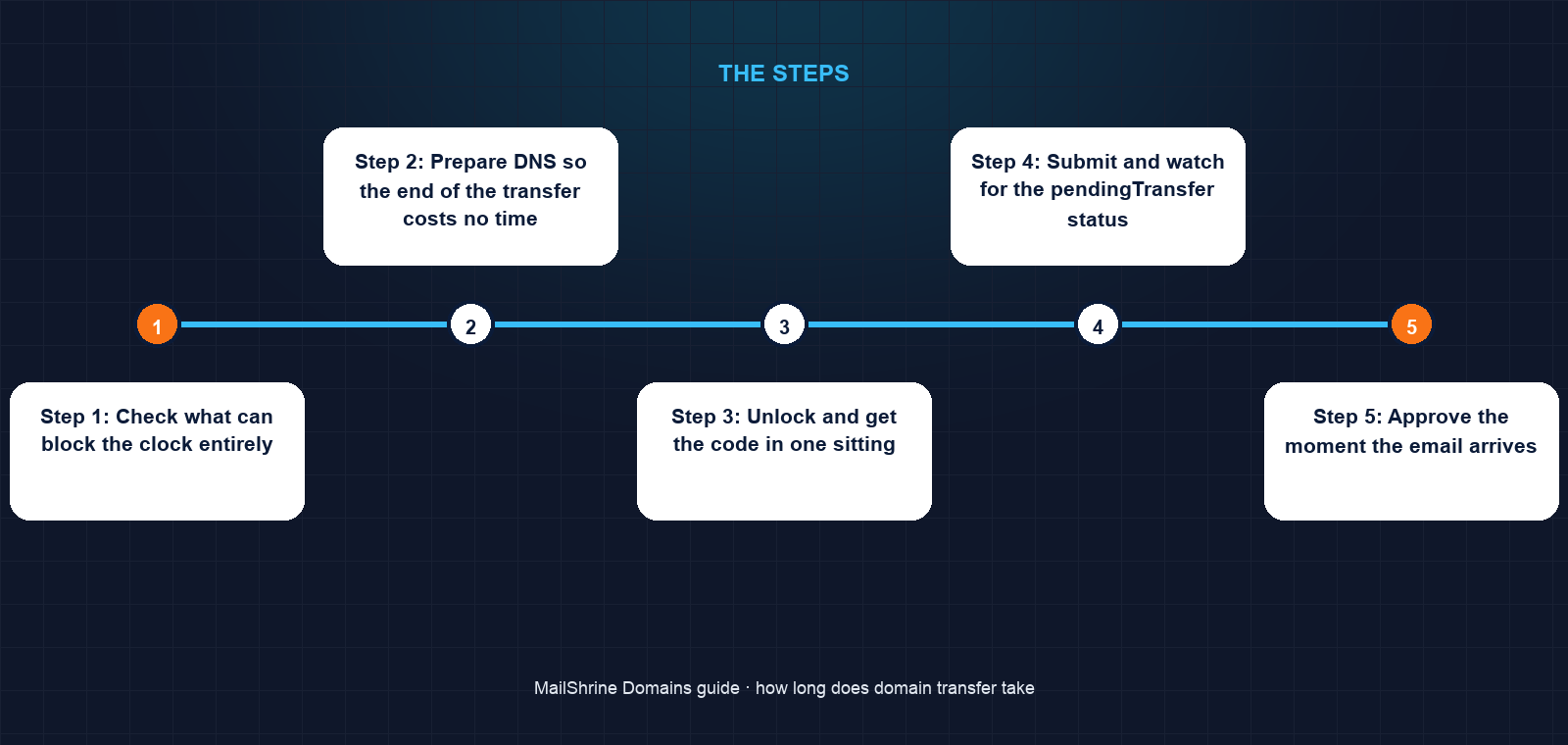
Step 1: Check what can block the clock entirely
Before timing anything, run an RDAP lookup. Three things stop a transfer from starting at all: a creation or last-transfer date within 60 days, a serverTransferProhibited status, and a domain already in pendingTransfer. Kofi's domain is four years old with only the normal client lock. Good.
Step 2: Prepare DNS so the end of the transfer costs no time
Copy every record from the old DNS panel into MailShrine's DNS editor on the pending transfer, including the MX records for kofi@. This is the one stage where preparation removes hours from the end of the process; the nameserver switch later becomes a thirty-second task.
Step 3: Unlock and get the code in one sitting
Unlock the domain and request the auth code immediately afterwards. If the code is emailed, check the spam folder after ten minutes. Under ICANN's revised policy the code must be unique and expire within 14 days, so do not request it a month ahead.
Step 4: Submit and watch for the pendingTransfer status
Paste the code into the MailShrine transfer tool and pay. Run the RDAP lookup again a minute later. The status list should now include pendingTransfer. If it does not within ten minutes, the code was wrong or the lock is still on.
Step 5: Approve the moment the email arrives
The losing registrar sends an approval email to the registrant address, typically within an hour. Click Approve. The registry completes the transfer within seconds and MailShrine's dashboard updates within a few minutes. Kofi does this at lunchtime and has the domain by 1pm.
Step 6: Switch nameservers and allow for caching
If DNS is moving, change the nameservers now. The registry publishes the change in minutes, but recursive resolvers cache the old NS records for up to the parent zone's TTL, which is 48 hours for .com. Because Kofi's new zone contains identical records, nobody notices which nameservers answer during that overlap.
Kofi's checklist
- Ran RDAP: domain is 4 years old, status only clientTransferProhibited, expiry 7 months outCompleted
- Recreated all records, including MX, in MailShrine's DNS editorCompleted
- Unlocked and received the auth code within 15 minutesCompleted
- Submitted the transfer and confirmed pendingTransfer in RDAPCompleted
- Approved the losing registrar's email the same hourNot completed
- Switched nameservers after confirming the new zone resolvesNot completed
- Sent the bank quote from
kofi@asanteprint.comon day three as plannedNot completed
Common mistakes
Treating five days as the normal duration. Five days is the ceiling for a transfer nobody approves. Approve the email and the same transfer takes minutes.
Starting with the registrant email you cannot read. If the approval email goes to an ex-employee or a dead inbox, you are waiting out the full window. Fix the contact first, and watch for the 60-day post-change lock if you do.
Counting DNS propagation as transfer time. The transfer and the nameserver change are separate events. A transfer can be complete while old nameservers are still cached. If the zone is identical at both ends, the cache is harmless.
Submitting before the unlock reaches the registry. Some registrars take up to an hour to push the unlock. Submitting too early gets a rejection for clientTransferProhibited. Confirm with RDAP first.
Check your work
Run an RDAP lookup once the dashboard shows the domain as active. The registrar field should name the new registrar, pendingTransfer should be gone, and the expiry should be one year later than before. Query the domain's MX records from a public resolver and confirm they match the ones you recreated. Then send a test message from an outside account. If it arrives, the transfer did not cost you a single email.
FAQ
Can a domain transfer be sped up?
Yes. Approving the losing registrar's confirmation email is the only step that shortens the five-day window, and it does so completely. Some losing registrars also offer an Approve button in the dashboard.
Why does my transfer say pending for days?
Nobody has approved it and the five-day window has not closed. Find the approval email at the registrant address, including spam, and click it. If the window has passed and the status is still pending, the gaining registrar can query the registry.
Does the transfer time include DNS propagation?
No. Propagation only matters if you change nameservers, and it depends on resolver caches rather than the registry. If both old and new zones hold the same records, there is no visible gap.
How long after registering can I transfer?
Sixty days. ICANN forbids inter-registrar transfers within 60 days of initial registration, of a previous transfer, and at many registrars of a change to the registrant contact.
Is a transfer slower near expiry?
Not slower, but riskier. If the domain expires while the transfer is pending, the request is cancelled. Renew first if you are within ten days of expiry, then transfer; the renewal year is kept and the transfer year is added.
Next steps
- How to Transfer a Domain to Another Registrar — the full process, step by step.
- The 60-Day Transfer Lock Rule Explained — the one wait that cannot be shortened.
- Why Your Domain Transfer Failed and How to Fix It — when pending turns into rejected.
Citations & References
- Reference: ICANN: Transfer Policy
- Reference: ICANN: EPP status codes
- Reference: RFC 5731: EPP Domain Name Mapping (transfer command and pendingTransfer)
- Reference: Nominet: Transferring a domain between registrars
Written by Elena V., migrations editor. Elena schedules transfers around the approval email, not the five-day window, and has yet to miss a launch date because of one.