
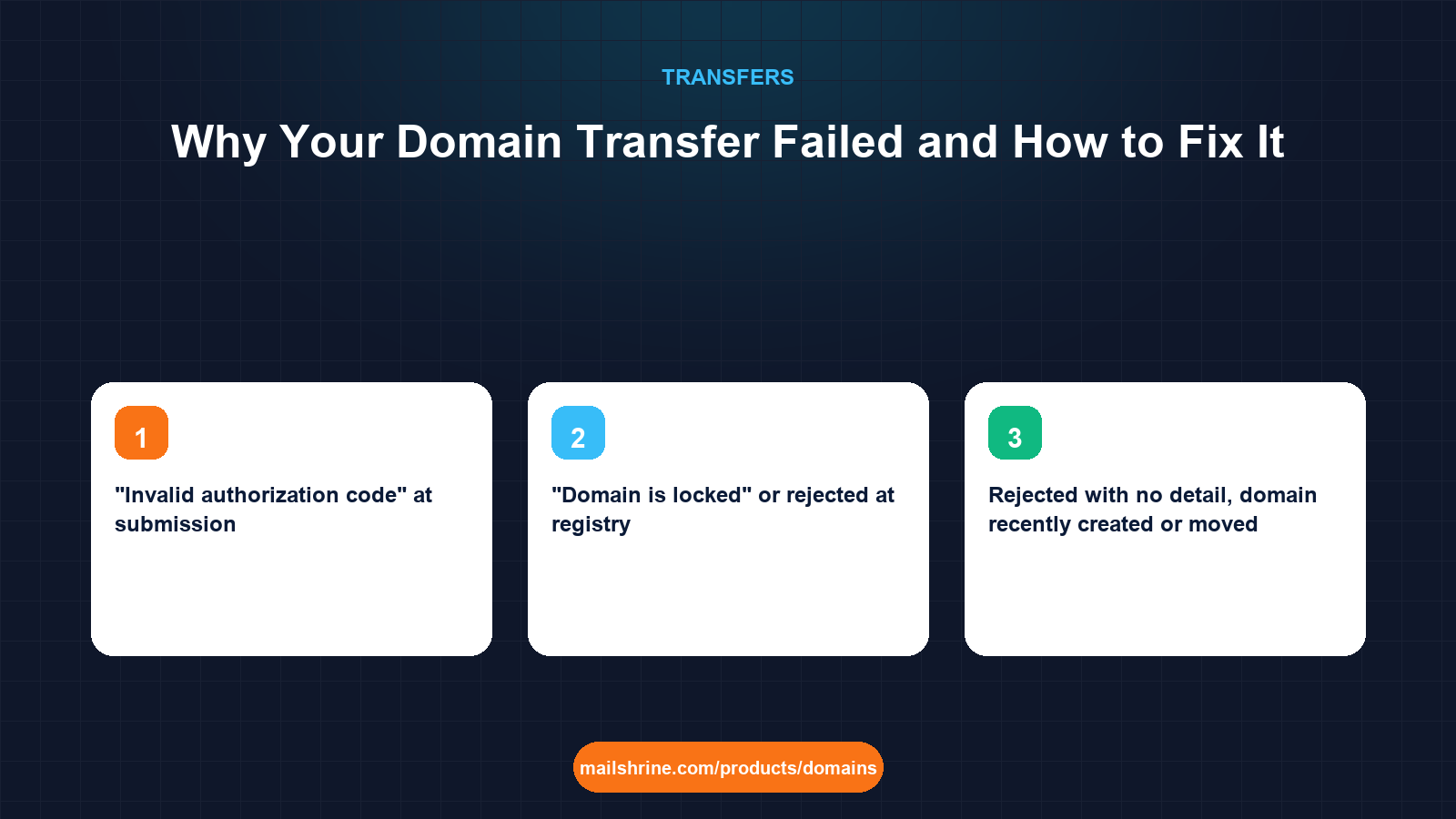
A failed domain transfer is almost never a mystery once you know where to look. Registries reject transfer requests for a short list of reasons, each of which maps to a specific status code or date in the domain's public record, and losing registrars deny them for an even shorter list that ICANN's Transfer Policy spells out. The error message you see in a dashboard is usually a paraphrase of one of those. Match the message to the cause and the fix is mechanical.
The causes fall into three groups. Registry rejections happen at submission: wrong authorization code, a lock status still in place, a domain under 60 days old, or a domain already pending transfer. Losing registrar denials happen during the five-day window: the registrant clicked Deny, the registrar found evidence of fraud, or the domain is in a dispute. Cancellations happen when something changes mid-process: the domain expires, the code is regenerated, or the lock is switched back on.
MailShrine Domains checks the authorization code against the registry at the moment you submit, so the most common failure shows up in seconds with a clear reason rather than days later. If a transfer into MailShrine is rejected or denied, the one-year fee is refunded in full, and you can resubmit as soon as the cause is fixed.
Real-life example: Lena's architecture studio
Lena Hoffmann runs Hoffmann Studio, a four-architect practice in Berlin. She tried to move hoffmann-studio.com from the registrar bundled with her old hosting plan to a new one, and the request bounced twice: first with "transfer rejected by registry", then, after she fixed that, with "transfer denied by losing registrar". The hosting plan expires in three weeks and takes the DNS with it, so she needs this resolved.
Lena's goals:
- Work out, from the domain's public record, which of the two failures she is actually dealing with.
- Fix the cause rather than resubmit and hope.
- Get the transfer done before the hosting plan, and its DNS zone, disappears.
Every failure reason and its fix
| What you saw | Real cause | How to confirm | Fix |
|---|---|---|---|
| "Invalid authorization code" at submission | Code mistyped, expired, or regenerated after you copied it | RDAP shows no pendingTransfer | Unlock, request a fresh code, paste rather than type |
| "Domain is locked" or rejected at registry | clientTransferProhibited still set | RDAP status list | Unlock at the losing registrar, wait 10 to 60 minutes, resubmit |
| Rejected with no detail, domain recently created or moved | Within 60 days of registration or last transfer | RDAP creation and transfer dates | Wait until day 61; nothing else works |
| Rejected, domain recently had owner change | Registrar-applied 60-day post-change lock | Losing registrar's dashboard shows lock-until date | Wait, or ask whether the registrar will release a lock it applied itself |
| "Transfer already pending" | A previous request is still open | RDAP shows pendingTransfer | Approve or cancel the first request before submitting another |
Rejected, status shows serverTransferProhibited | Registry-level hold: dispute, court order, or compliance action | RDAP status list | Contact the losing registrar; only they can ask the registry to lift it |
Rejected, status shows redemptionPeriod or pendingDelete | Domain expired past the grace window | RDAP status and expiry date | Restore the domain at the losing registrar (redemption fee), then transfer |
| Denied during the 5-day window | Registrant or admin clicked Deny, or registrar suspected fraud | Email from losing registrar | Resubmit and approve the email; call the losing registrar if nobody clicked Deny |
| Cancelled mid-process | Domain expired, code regenerated, or lock re-enabled while pending | Expiry date and status in RDAP | Renew if expired, keep unlocked, request new code, resubmit |
| Transfer completes but a year is missing | Losing registrar reversed a renewal made in the last 45 days | Compare expiry before and after | Query the losing registrar; ask for the renewal fee refund if they clawed it back |
Lena's first bounce was a code problem: she had typed an l for a 1. Her second was more interesting. Nobody had clicked Deny, which points to the registrar itself.
When a losing registrar may legitimately deny a transfer
ICANN lists the only grounds a losing registrar may use. Anything outside this list is a compliance matter.
| Allowed reason to deny | Not an allowed reason |
|---|---|
| Evidence of fraud | Outstanding balance on an unrelated service |
| A UDRP or URS proceeding is active | The registrant has not responded to a marketing email |
| A court order | The domain is in a hosting bundle |
| The registrant or admin contact explicitly objects | The registrar wants to retain the customer |
| The domain is within 60 days of registration or a previous transfer | A "security hold" with no stated basis |
| Non-payment for the current or a previous registration period | Non-payment for hosting or email add-ons |
Lena's registrar cites "outstanding balance". Her domain fee is paid; the balance is for the hosting plan she cancelled. That is not a permitted reason.
What you need before you start
| You need | Why |
|---|---|
| An RDAP lookup of the domain | Status codes and dates diagnose nine out of ten failures |
| The exact error text from both registrars | Each maps to a row in the table above |
| Access to the registrant email | Approval and denial messages go there |
| Payment confirmation for the current registration term | Non-payment of the domain itself is a valid denial ground |
| Dates of any recent renewal, owner change or transfer | 45-day and 60-day rules depend on them |
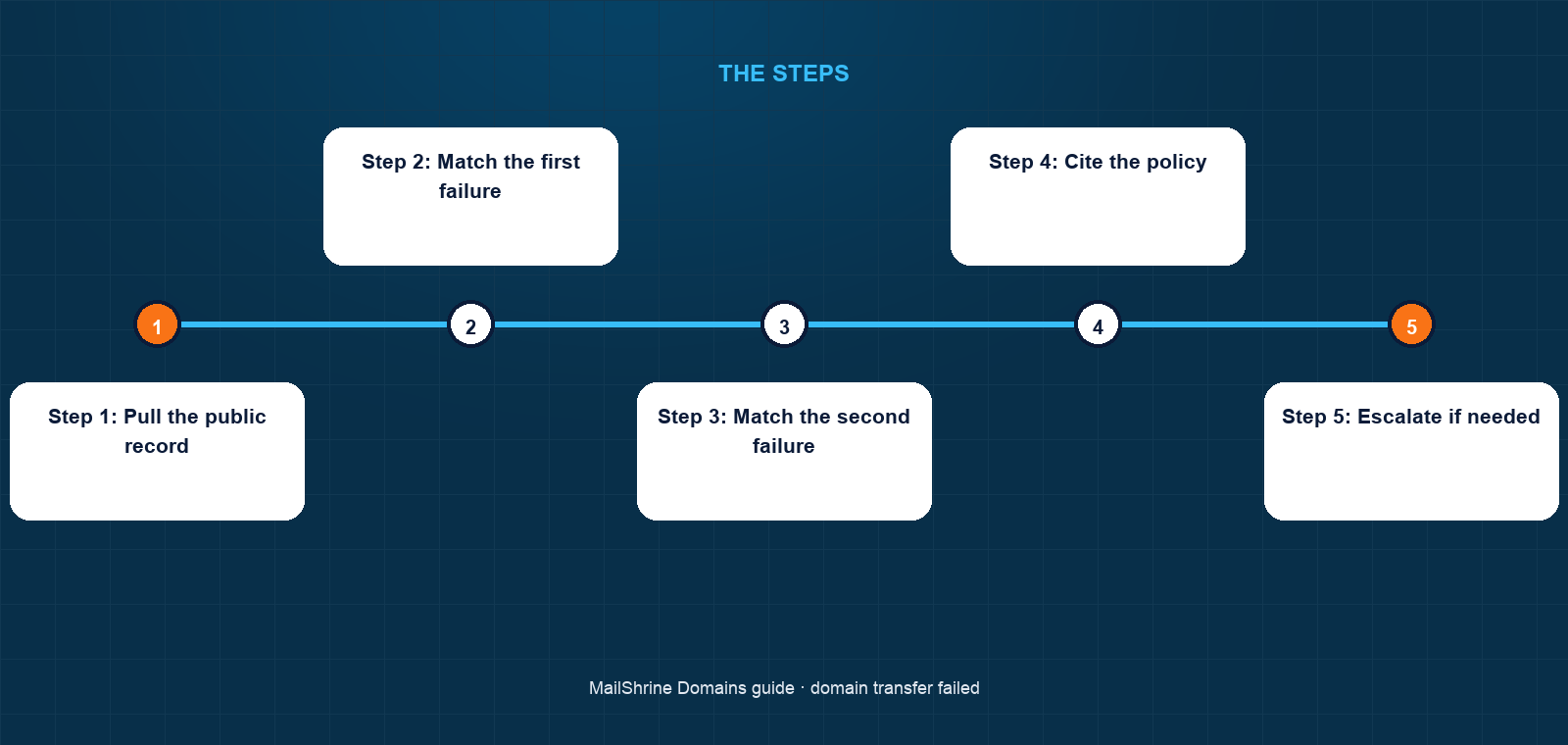
Step 1: Pull the public record
Run RDAP on the domain and note the full status list, creation date, last-changed date, expiry and registrar. For Lena: created 2019, one status clientTransferProhibited (she relocked after the first bounce), expiry 8 months out, no pending transfer.
Step 2: Match the first failure
"Invalid authorization code" with no pendingTransfer in RDAP means the registry never accepted the request. Lena unlocks the domain again, requests a fresh code and copies it directly from the registrar's page into MailShrine's transfer tool. The code validates and RDAP shows pendingTransfer a minute later.
Step 3: Match the second failure
A denial during the window with no Deny click by the registrant means the losing registrar acted. Lena asks them in writing to state the ICANN-permitted ground for the denial. The reply cites the hosting balance.
Step 4: Cite the policy
Lena replies quoting the Transfer Policy's list of permitted denial reasons and notes that the domain registration itself is paid. She gives the registrar 48 hours to release the domain. Most registrars back down at this point; a compliance complaint costs them more than a lost customer.
Step 5: Escalate if needed
If the registrar still refuses, file a transfer complaint with ICANN Contractual Compliance, attaching the RDAP record, the denial email and the registrar's stated reason. Alternatively the gaining registrar can file under the Transfer Dispute Resolution Policy. Lena does not need to; the registrar releases the domain the next day.
Step 6: Resubmit and approve immediately
With the domain unlocked and a current code in hand, Lena resubmits. The approval email arrives within the hour and she clicks Approve. The transfer completes before lunch, two weeks ahead of the hosting cutoff.
Lena's checklist
- Ran RDAP and recorded status, dates and registrarCompleted
- Identified bounce one as a mistyped code and bounce two as a registrar denialCompleted
- Requested a fresh code and copied it, not typed itCompleted
- Asked the losing registrar for its ICANN-permitted denial ground in writingCompleted
- Quoted the Transfer Policy and set a 48-hour deadlineCompleted
- Resubmitted, approved the email, and confirmed completion in RDAPNot completed
- Recreated DNS at MailShrine and switched nameservers before hosting endsNot completed
Common mistakes
Resubmitting without changing anything. If the cause was the lock, the date rule or a server hold, the second request fails exactly like the first. Diagnose from RDAP before paying again.
Relocking the domain while a transfer is pending. This cancels the request and invalidates the code. Leave the lock off until the domain shows at the new registrar.
Accepting "security hold" as an answer. A losing registrar must name a permitted reason. Ask for it in writing. Vague holds usually dissolve when you do.
Letting the domain expire during the argument. If the dispute runs close to expiry, renew at the losing registrar first. The renewal year carries over and the transfer year is still added.
Check your work
After the resubmission, RDAP should show pendingTransfer within minutes. After approval, the registrar field should change, pendingTransfer should disappear, and the expiry should be one year later. If the expiry gained only the transfer year but lost a recent renewal, raise it with the losing registrar the same day; the 45-day clawback window is theirs to explain.
FAQ
Do I lose my money when a transfer fails?
Not at MailShrine. A rejected or denied transfer is refunded in full. Other gaining registrars usually either refund or hold the fee as credit for a resubmission; check their terms.
How many times can I retry a transfer?
As often as you like, but each attempt needs a fresh, valid code if the earlier one was consumed, and the underlying cause must be fixed. The registry does not penalise repeated requests.
The losing registrar says I owe them money. Can they block the transfer?
Only for non-payment of the domain's own registration or renewal fee. Unpaid hosting, email or other add-ons are not permitted grounds under ICANN policy.
My transfer was denied and I never saw an email. What happened?
The losing registrar denied it on its own initiative. Ask them for the specific permitted reason. If none is given, ICANN Contractual Compliance handles transfer complaints from registrants.
Can a transfer fail after it completes?
A completed transfer can be reversed only through the Transfer Dispute Resolution Policy, which the losing registrar must file within set deadlines and win. It is rare and requires evidence the transfer was unauthorised.
Next steps
- How to Transfer a Domain to Another Registrar — the process done right the first time.
- The 60-Day Transfer Lock Rule Explained — the one cause with no fix but waiting.
- How Long Does a Domain Transfer Take? — telling slow apart from failed.
Citations & References
- Reference: ICANN: Transfer Policy, including permitted denial reasons
- Reference: ICANN: Transfer Dispute Resolution Policy
- Reference: ICANN: EPP status codes
- Reference: ICANN Contractual Compliance: Complaints
Written by Daniel O., security editor. Daniel reads RDAP records before dashboards and has unblocked transfers that three support tickets could not.