
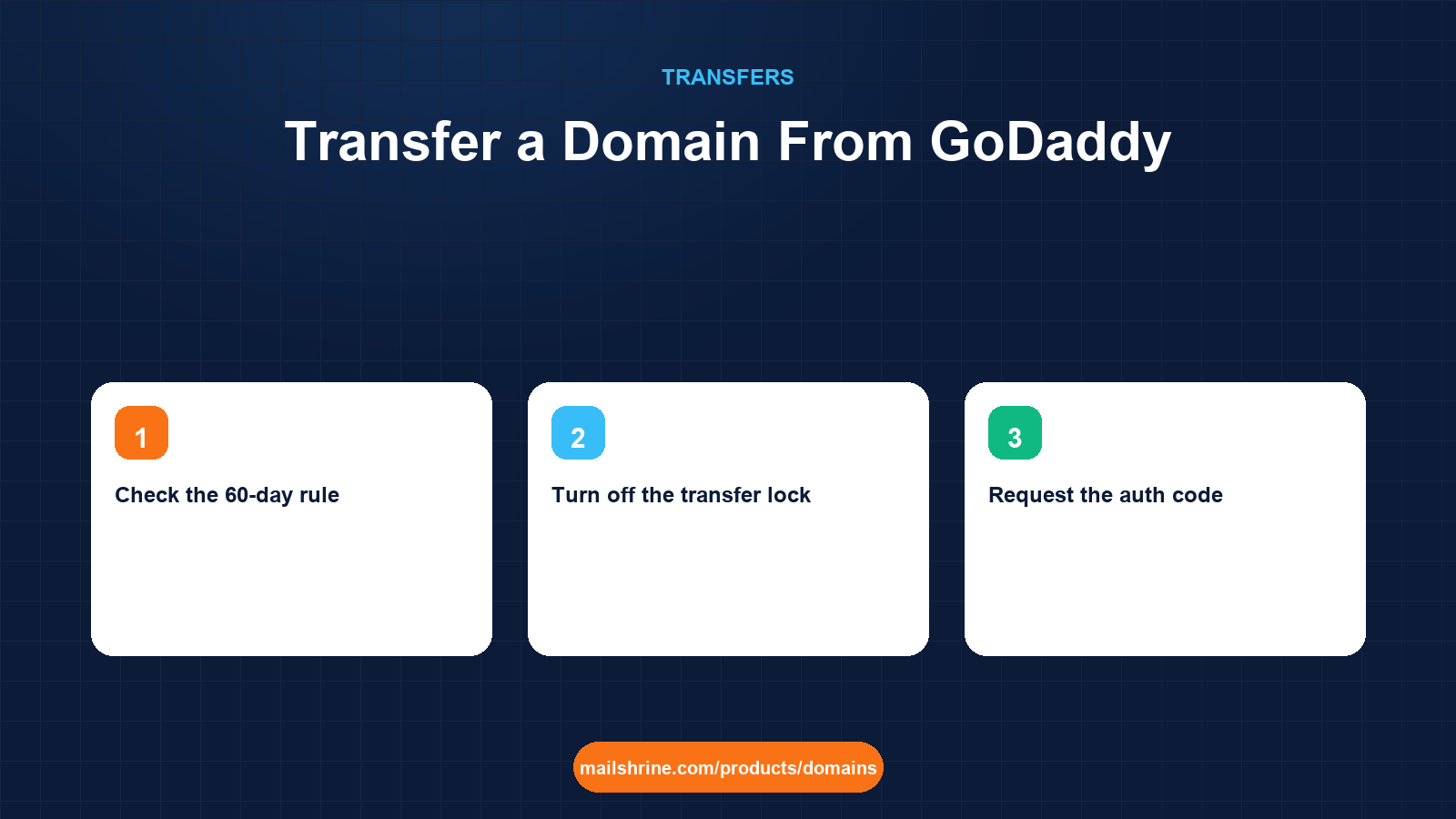
Transferring a domain away from GoDaddy follows the same ICANN Transfer Policy as any other registrar, but GoDaddy's dashboard adds a few of its own steps: a lock that lives under "Domain Settings" rather than a transfer menu, an auth code that is emailed rather than displayed, and a transfer-out confirmation page that is easy to miss. Knowing where each of those sits turns a two-week back-and-forth into an afternoon.
The reasons people leave are usually the same three: the renewal invoice is far higher than the first-year price they signed up at, privacy or forwarding has become an add-on, or they want their email and DNS managed in one place instead of across GoDaddy, a mail host and a DNS panel. None of that matters to the registry. It only checks that the domain is unlocked, that the code matches and that the 60-day rule is satisfied.
MailShrine Domains accepts transfers from GoDaddy for 150+ extensions. The transfer fee is one year of renewal at the price shown before you pay, and the year is added to your current expiry. If GoDaddy rejects the transfer, you are refunded in full. WHOIS privacy and transfer lock are included and on by default once the name arrives.
Real-life example: Marcus's bike shop
Marcus Reid owns Pedal & Pint, a bike repair shop with a small café in Manchester. He registered pedalandpint.co.uk and pedalandpint.com on GoDaddy during a 99p promotion three years ago. This year's renewal email quotes the .com at $21.99 plus $9.99 for privacy, and the email forwarding he set up for hello@ has started bouncing.
Marcus's goals:
- Move the .com to a registrar where privacy is included and the renewal price is the one shown up front.
- Replace the broken forwarding with proper mailboxes for himself and the café manager.
- Keep the website, hosted on a separate provider, online throughout.
Where each setting lives in GoDaddy
| What you need to do | Where it is in GoDaddy | Notes |
|---|---|---|
| Check the 60-day rule | Domain Portfolio, domain row, "Created" date | Also check the last transfer date and last registrant change |
| Turn off the transfer lock | Domain Settings, "Domain lock", toggle Off | Called "Domain lock" rather than "transfer lock" |
| Request the auth code | Domain Settings, "Transfer domain away from GoDaddy", "Get authorization code" | Emailed to the registrant address, not shown on screen |
| Confirm or cancel a transfer | Domain Portfolio, "Transfers", "Transfers Out" | Approving here finishes in minutes instead of 5 days |
| Export DNS records | DNS, "Manage DNS", then "Export zone file" at the bottom | Only matters if GoDaddy hosts your DNS |
GoDaddy also offers a "Transfer out" flow that bundles the unlock and the code request into one page. It works, but it does not warn you about the DNS question, which is where most transfers from GoDaddy go wrong.
The DNS question specific to GoDaddy
Most GoDaddy domains use GoDaddy's own nameservers (ns01.domaincontrol.com and ns02.domaincontrol.com). If yours do, every DNS record you have, including the MX records for any email, lives in GoDaddy's zone, not in the registry. When the transfer completes, GoDaddy keeps serving that zone for a while as a courtesy, but it is not guaranteed and it stops when the domain leaves their system. Marcus's website is on a separate host, but its A record is in GoDaddy's zone, so he still has to rebuild it.
| Scenario | What happens to DNS after transfer | What to do before you start |
|---|---|---|
Nameservers are domaincontrol.com | Zone stays at GoDaddy only until they remove it | Recreate every record at the new registrar, then switch nameservers |
| Nameservers point to Cloudflare, a host or a mail provider | Nothing changes | Leave nameservers alone |
| Using GoDaddy email forwarding | Forwarding stops when the domain leaves | Set up real mailboxes at the new registrar first |
What you need before you start
| You need | Why |
|---|---|
| GoDaddy login with two-step verification working | GoDaddy requires a verification code to change lock status |
| Access to the registrant email | The auth code and approval link are sent there |
| A domain older than 60 days with no registrant change in the last 60 days | ICANN rule; GoDaddy enforces the post-change lock |
| Exported zone file | So nothing in DNS is lost |
| A renewal date more than 10 days away | GoDaddy blocks transfer-out in the final days before expiry |
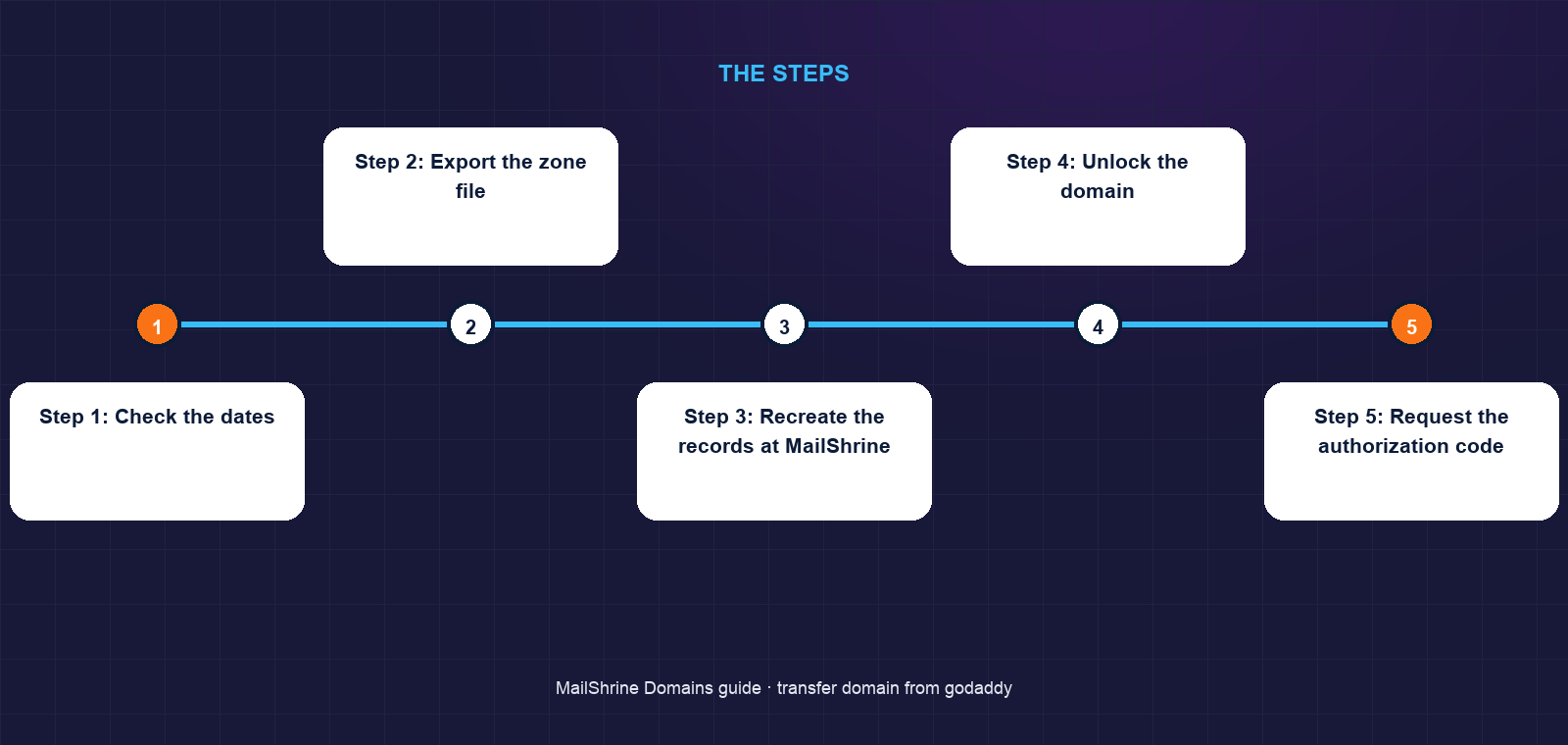
Step 1: Check the dates
In the Domain Portfolio, open the domain and look at the creation date and any recent "registrant updated" notice. If you changed the name, organisation or email on the contact in the last 60 days, GoDaddy will have applied a 60-day lock unless you opted out at the time. There is no way around it except waiting.
Step 2: Export the zone file
Go to DNS, Manage DNS, scroll to the bottom and choose Export. GoDaddy produces a BIND-format text file. Marcus's file has eight records: one A record for the website, a CNAME for www, four MX records from a forwarding service, one SPF TXT and one Google site verification TXT.
Step 3: Recreate the records at MailShrine
Open the DNS editor on the pending transfer in MailShrine and add each record. Marcus drops GoDaddy's forwarding MX records and lets MailShrine's email records take over, since he wants real mailboxes. He keeps the A record, the CNAME and the verification TXT. He sets the TTLs to 300 seconds so any correction later propagates quickly.
Step 4: Unlock the domain
Domain Settings, Domain lock, switch to Off. GoDaddy asks for a two-step code sent to your phone or authenticator. The status change reaches the registry within a few minutes; an RDAP lookup will stop showing clientTransferProhibited.
Step 5: Request the authorization code
On the same page, choose "Transfer domain away from GoDaddy" and then "Get authorization code". GoDaddy emails it to the registrant address. The email can take up to a couple of hours and sometimes lands in spam. The code is case-sensitive and often contains symbols, so copy and paste it rather than retyping.
Step 6: Submit the transfer
In MailShrine's transfer tool, enter pedalandpint.com, paste the code and pay the one-year fee. The code is validated against the registry immediately. If it fails, request a fresh one from GoDaddy; codes are invalidated when the domain is relocked or when the registrar regenerates them.
Step 7: Approve the transfer out
GoDaddy sends a "transfer out requested" email with a link, and the same request appears under Transfers Out in the portfolio. Click Accept there and the registry completes the transfer within minutes. If you do nothing, it completes automatically after five calendar days.
Step 8: Switch nameservers and set up mail
Once the domain shows in the MailShrine dashboard, change the nameservers to MailShrine's. Marcus creates marcus@ and cafe@ as his two free business mailboxes in Business Email, and the MX, SPF, DKIM and DMARC records are already in the zone.
Marcus's checklist
- Confirmed the .com was created 3 years ago with no contact changes this yearCompleted
- Exported the zone file and saved it alongside the shop's other recordsCompleted
- Recreated the A, CNAME and verification TXT in MailShrineCompleted
- Turned Domain lock off with the two-step codeCompleted
- Received the auth code email and pasted it into the transfer toolNot completed
- Accepted the transfer under Transfers Out instead of waiting 5 daysNot completed
- Switched nameservers and tested
hello@pedalandpint.comNot completed
Common mistakes
Letting the approval email sit. GoDaddy's confirmation email is easy to mistake for marketing. Ignoring it does not stop the transfer, but it adds five days during which you cannot change anything on the domain.
Changing the registrant email first. Updating the contact to a new address right before transfer triggers the 60-day lock at GoDaddy unless you tick the opt-out. If the old email still works, use it for the transfer and change the contact afterwards.
Trusting forwarding to survive. GoDaddy's free forwarding is tied to the domain being at GoDaddy. It ends when the transfer completes. Set up mailboxes and MX records at the new registrar before you approve.
Transferring right after an auto-renewal. If GoDaddy auto-renewed within the last 45 days, Verisign lets GoDaddy claw back that renewal year when the domain leaves. You keep the transfer year but may lose the renewal year, and GoDaddy's refund policy for that renewal has conditions. Check the expiry afterwards and query any gap.
Check your work
Run an RDAP lookup. The registrar field should no longer read GoDaddy, the expiry should be a year later than before, and the status should show clientTransferProhibited again from the new registrar's lock. Visit the website, send a message to the new mailbox from an outside address, and reply to it. If all three work, nothing was lost in the move.
FAQ
How long does a GoDaddy transfer out take?
Minutes if you accept the request under Transfers Out, up to five calendar days if you ignore the email. Add up to two hours for the auth code email to arrive.
Does GoDaddy charge to transfer a domain away?
No. ICANN prohibits losing registrars from charging a transfer-out fee for generic extensions. You pay the gaining registrar one year of renewal.
Will I lose the time left on my GoDaddy registration?
No. The remaining term carries over and the transfer adds one year to it. The exception is a renewal made in the 45 days before the transfer, which the registry may reverse.
Can I transfer a .co.uk away from GoDaddy the same way?
No. Nominet uses a push system: you set an IPS tag at GoDaddy to the new registrar's tag instead of using an auth code, and the move is immediate. Marcus moves his .co.uk this way after the .com is done.
What if GoDaddy shows "transfer not eligible"?
The domain is either under 60 days old, had a registrant change in the last 60 days, is within a few days of expiry, or is already in a pending transfer. The portfolio page usually states which. Wait out the lock or renew, then retry.
Next steps
- How to Transfer a Domain to Another Registrar — the registrar-neutral process and what a transfer changes.
- Transfer a Domain From Namecheap — the same move from the other big registrar.
- Why Your Domain Transfer Failed and How to Fix It — every rejection reason and its fix.
Citations & References
- Reference: GoDaddy Help: Transfer my domain away from GoDaddy
- Reference: ICANN: Transfer Policy
- Reference: Nominet: Transferring a domain to another registrar (IPS tags)
- Reference: ICANN: EPP status codes
Written by Elena V., migrations editor. Elena has walked hundreds of small businesses out of GoDaddy without a single lost mailbox and keeps the DNS export as step one for a reason.