
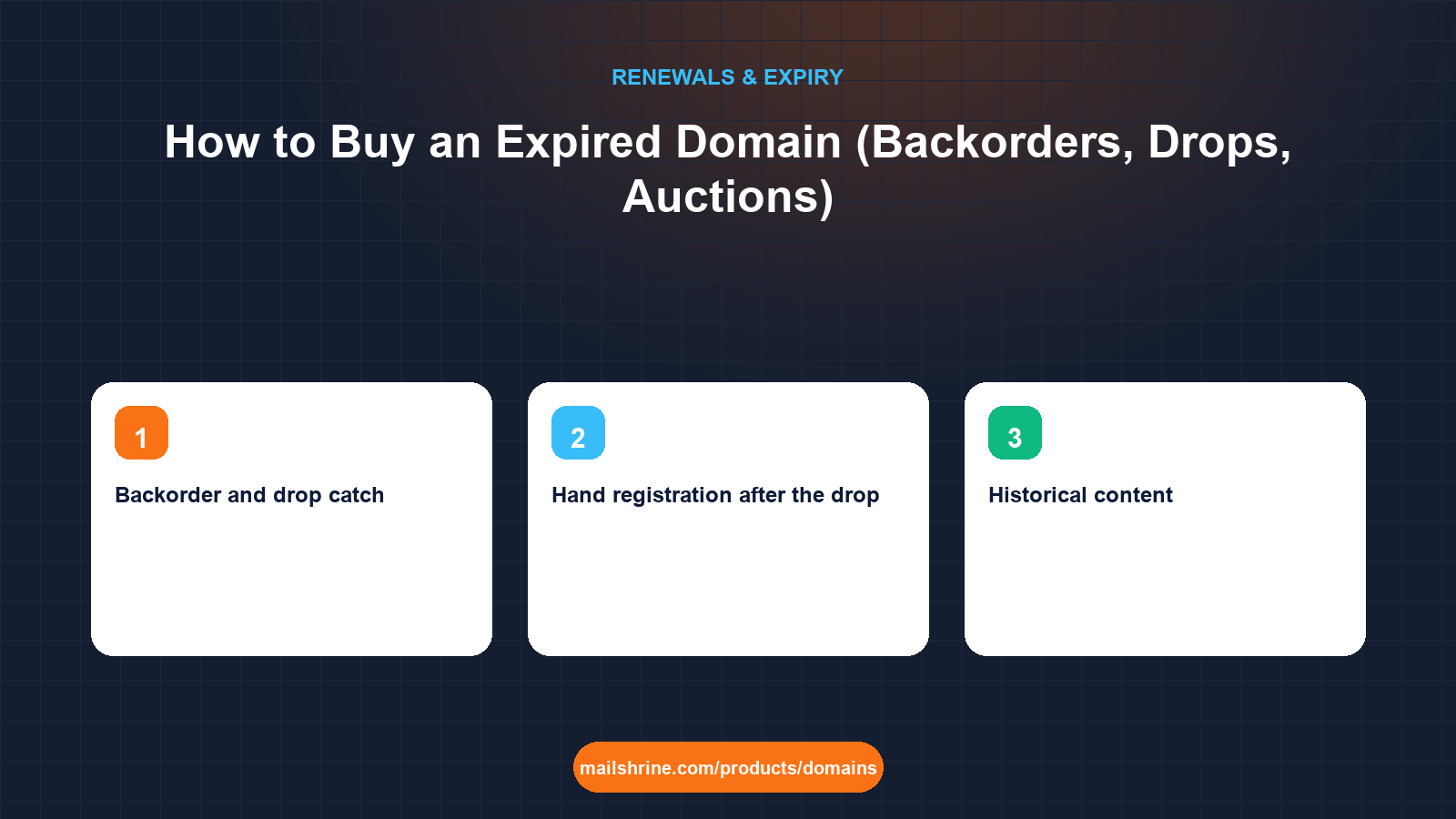
Buying an expired domain means acquiring a name that a previous registrant stopped paying for, either by winning it at the registrar's expiry auction, by catching it the instant the registry deletes it, or by registering it by hand once it has dropped and nobody else wanted it. Each route has a different price, a different timing and a different level of competition. The common thread is that the name comes with a history: pages that were indexed, links that still point at it, email addresses that people still have in their contacts, and sometimes a record of spam or malware that will follow you.
That history is the whole reason people buy expired names rather than registering fresh ones. An aged domain with clean links can shortcut months of building trust with search engines and mail providers. The same domain with a blacklisting from 2019 can make every email you send land in spam. The buying mechanics take an hour to learn; the due diligence is where the money is made or lost.
MailShrine Domains is where you register a dropped name once it clears, with WHOIS privacy and transfer lock on by default and email DNS written at registration. Our search also shows aftermarket names listed for sale with a Buy Now price up to a cap, which is often a cheaper route than a contested drop. Once the name is yours, two free Business Email mailboxes let you set up the catch-all address that tells you who still writes to the old owner.
Real-life example: Tunde's SaaS side project
Tunde Bakare is a backend developer in Lagos building a bookkeeping tool for market traders. He found ledgerly.com through an old product listing: the startup behind it shut down in 2021, the site has been a parking page since, and RDAP shows the domain expired 40 days ago at a large US registrar that runs expiry auctions. He also found ledgerlyapp.com, which dropped last month and sits in a drop-catcher's inventory. Tunde has a budget of about $300 and wants to know which name to chase and how to avoid buying someone else's spam reputation.
Tunde's goals this week:
- Understand the three routes to an expired name and which one applies to each domain.
- Run a history check thorough enough to walk away from a poisoned name.
- Set a maximum price for each route and not exceed it in the heat of an auction.
The three routes compared
| Route | When it is available | Typical cost | Competition | Who processes it |
|---|---|---|---|---|
| Registrar expiry auction | During the grace period, roughly day 25 to 45 after expiry | Opening bid around $10 to $20; popular names reach hundreds or thousands | Public bidding at the registrar's auction partner | The current registrar renews and transfers to the winner; no drop occurs |
| Backorder and drop catch | At the deletion batch after 5 days of pending delete | Service fee of roughly $59 to $79, refunded if they miss; private auction if several customers want it | Services fire thousands of create commands per second | The catching service registers the name, then you take it over |
| Hand registration after the drop | Any time after deletion, if nobody caught it | Standard registration price, $12.99 for a .com | None, because nobody else wanted it | Any registrar, including MailShrine |
Most names that reach pending delete with any measurable traffic or backlinks are caught at the drop. Hand registration works for names whose value is personal to you rather than visible in metrics.
Due diligence: the checks that separate an asset from a liability
| Check | Tool | What a bad result looks like |
|---|---|---|
| Historical content | Wayback Machine at web.archive.org | Casino, pharmacy or counterfeit pages at any point; sudden switch from a real business to unrelated content |
| Backlink profile | Any SEO backlink tool | Thousands of links from unrelated or foreign-language spam sites; anchor text about pills or gambling |
| Email reputation | Spamhaus DBL lookup and other blocklists | The domain listed on a domain blocklist; this will hit your deliverability from the first message |
| Browsing safety | Google Safe Browsing site status | A current or recent malware or phishing flag |
| Search presence | A site: search for the domain | Zero indexed pages after years of existence can mean a manual penalty or de-indexing |
| Trademark exposure | A search on the relevant trademark registry | The name matches a live registered mark in your sector |
Tunde's Wayback check on ledgerly.com shows a genuine startup site until 2021, then a parking page. Clean. His check on ledgerlyapp.com shows nine months in 2023 as a Vietnamese-language loan site. He drops it from consideration regardless of price.
What you need before you start
| You need | Why it matters |
|---|---|
| The RDAP record for each target | Stage and registrar determine which route applies |
| A hard maximum price per name | Auctions are designed to make you exceed it |
| Accounts at the registrar's auction partner or a drop-catch service | Setting these up during the final hour costs you the name |
| A clean-history check completed | Buying first and checking later is how people pay $400 for a blocklisted domain |
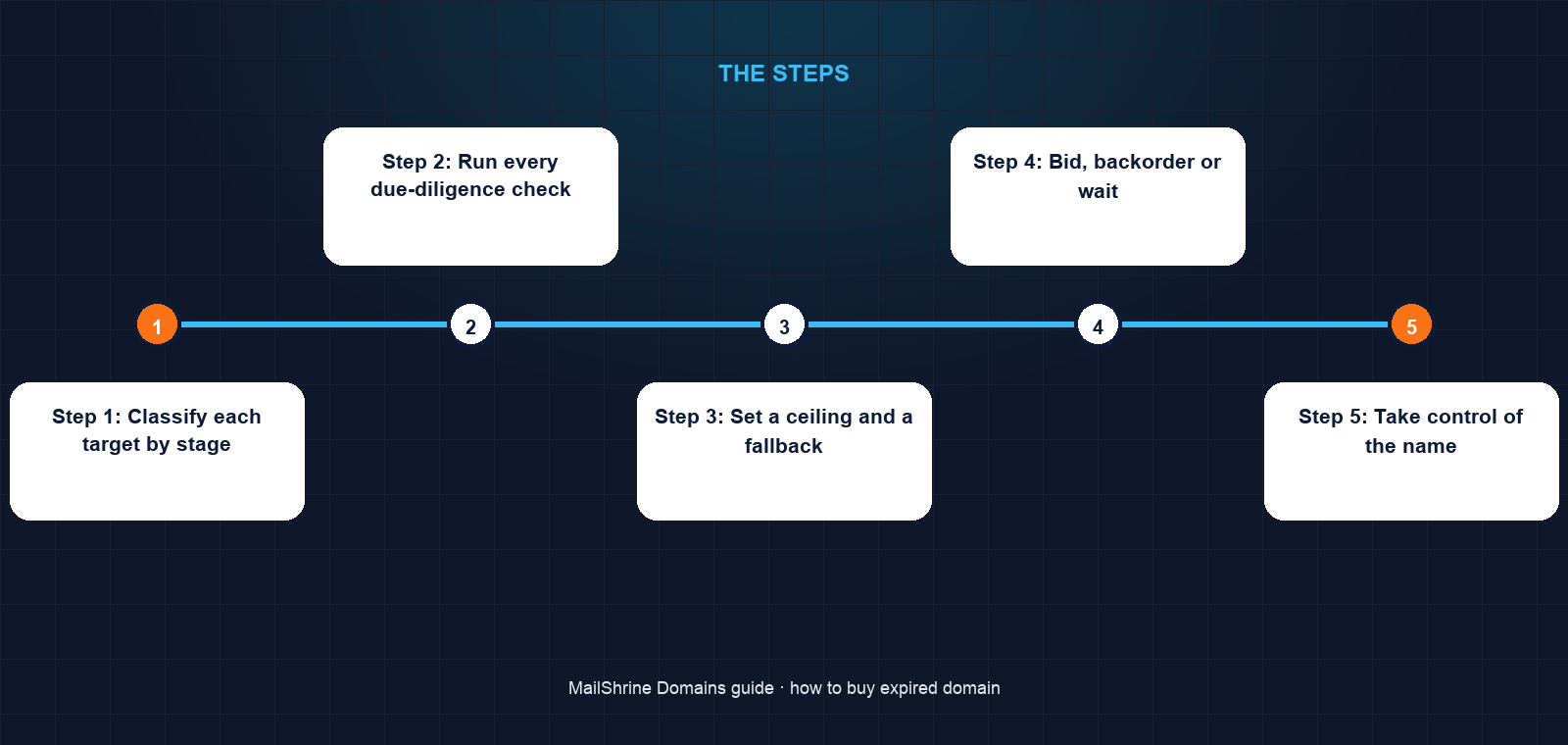
Step 1: Classify each target by stage
From RDAP, note expiry date and status. clientHold or autoRenewPeriod at an auctioning registrar means watch the auction listing. redemptionPeriod means wait and prepare a backorder. pendingDelete means the drop is within five days. No record at all means search it on MailShrine now.
Step 2: Run every due-diligence check
Do the Wayback, backlink, blocklist, Safe Browsing and trademark checks for every name still on your list. Write the results down. A name that fails any of the first four checks is out unless the price is trivial and you never intend to send email from it.
Step 3: Set a ceiling and a fallback
Decide the most each name is worth to your project, and pick a fresh alternative you can register for $12.99 if every expired route fails. Tunde sets $250 for the auction and searches getledgerly.com as a fallback.
Step 4: Bid, backorder or wait
For an auction, place a proxy bid at your ceiling and do not log in during the final minutes. For a backorder, place it with one service before the name reaches pending delete. For a hand registration, check the RDAP record daily until it returns nothing.
Step 5: Take control of the name
An auction win or drop catch usually lands the domain in an account at the service that acquired it. Change the registrant contact to yourself, turn on transfer lock, and set a calendar note for 60 days, after which you can transfer it to MailShrine with a full refund if the transfer is rejected.
Step 6: Set up DNS and a catch-all mailbox
Point the name at your project and create a catch-all address so mail to the old owner's addresses reaches you. Within a week you will know whether anyone still writes to it, and whether that mail is customers, suppliers or spam.
Tunde's checklist
ledgerly.com: in grace at an auctioning registrar, listed for auction from day 26Completedledgerlyapp.com: dropped from the list after the Wayback checkCompleted- Spamhaus DBL and Safe Browsing both clear for
ledgerly.comCompleted - Proxy bid of $250 placed, fallback
getledgerly.comconfirmed availableCompleted - On winning, update registrant contact and set the 60-day transfer reminderNot completed
- Create a catch-all mailbox and review a week of inbound mailNot completed
Common mistakes
Buying on metrics without reading the history. A strong backlink count means nothing if the links point at a loan site that lived there for a year. Read the Wayback snapshots, not just the numbers.
Bidding live in the final minute. Auction endings extend with each late bid, and the adrenaline costs you money. A proxy bid at your ceiling does the job without you watching.
Spreading backorders across several services. They compete with each other at the drop. You mostly pay more for roughly the same odds; pick one with a strong record for the extension.
Skipping the trademark search. An expired name that matches a live trademark can be taken from you through a UDRP complaint after you have built on it, with no refund.
Forgetting the transfer lock after a transfer-in. A name that just changed hands is a target. Lock it and keep the registrant email on a mailbox you read.
Check your work
Before paying for any expired name you should have written answers to five questions: which stage it is in, which route you are using, what your ceiling is, what the Wayback and blocklist checks showed, and what fresh alternative you will register if you lose. After acquiring the name, RDAP should show you as the registrant with privacy applied, status clientTransferProhibited, and an expiry date at least a year ahead.
FAQ
How much does it cost to buy an expired domain?
Hand registration after a drop costs the standard fee, around $12.99 for a .com. Backorder services charge roughly $59 to $79, refunded if they fail. Registrar auctions start around $10 to $20 and can rise to thousands for names with traffic or strong links.
What is a domain backorder?
A paid, standing request for a drop-catching service to attempt registration of a name the instant the registry deletes it. If several customers backorder the same name and the service catches it, they usually settle it with a private auction among those customers.
Are expired domains good for SEO?
Sometimes. A domain with relevant, legitimate backlinks and no penalty history can carry authority. One with spam links, a manual action or a history of unrelated content can carry a penalty instead. The due-diligence checks decide which you are getting.
Can I use an expired domain for email straight away?
Technically yes, but check domain blocklists first. A listing on the Spamhaus DBL or similar will put your mail in spam from the first send. Also expect a stream of mail addressed to the previous owner.
Can the previous owner take the domain back?
Once the registry has deleted the name and you have registered it, no, unless they hold a trademark and win a dispute. During the auction route the name never dropped, so ownership passes cleanly through the registrar.
Next steps
- Domain Expired: When Can Someone Else Buy It? — the stage-by-stage timing that tells you when each route opens.
- What Happens When a Domain Expires? Timeline Explained — what the previous owner can still do while you wait.
- Letting a Domain Expire Safely: Checklist Before You Drop It — the other side of the trade, and what responsible owners do before a name reaches you.
Citations & References
- Reference: Internet Archive: Wayback Machine
- Reference: Spamhaus: blocklist lookup
- Reference: Google Safe Browsing: site status
- Reference: ICANN: Life cycle of a typical gTLD domain name
Written by Daniel O., security editor. Daniel covers the parts of domain ownership that attackers and spammers care about, so you can buy, hold and send from a name without inheriting someone else's problems.