
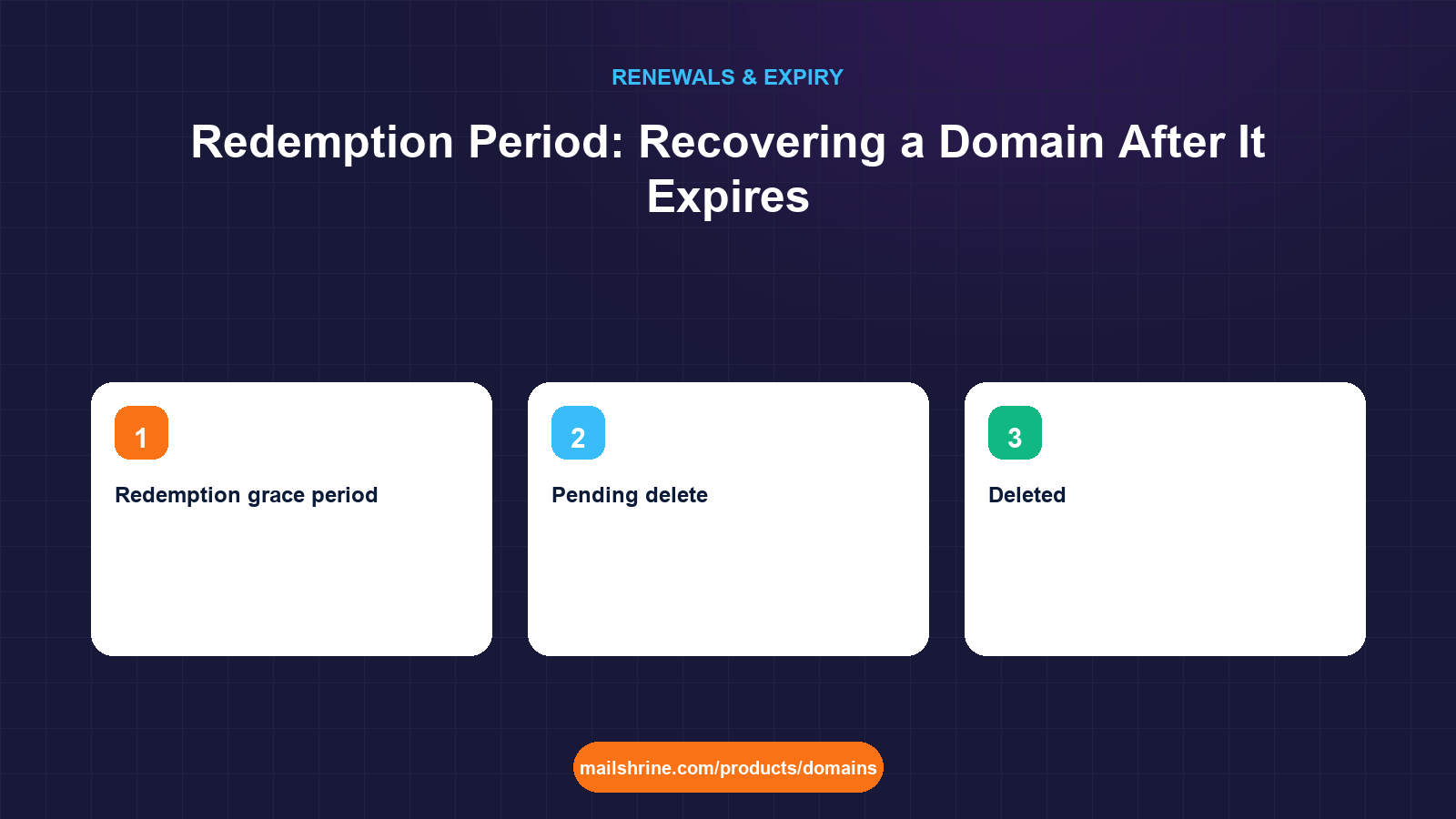
The redemption period, formally the Redemption Grace Period or RGP, is the 30-day stage after a domain's ordinary grace period ends and before the registry deletes it for good. During redemption the name is removed from the DNS, marked with the status redemptionPeriod, and held for one person only: the registrant who let it lapse. Nobody else can register it, transfer it or bid on it. You can still get it back, but the registry charges the registrar a restore fee that is many times the annual renewal, and the registrar passes it on to you with the renewal on top.
The redemption period exists because of a problem from the early 2000s. Domains were being deleted and instantly re-registered by speculators before the original holders noticed. ICANN and the registries introduced RGP in 2002, and the EPP commands that implement it were standardised in RFC 3915. The mechanism has not changed much since: a restore request, a report explaining why the domain lapsed, and a fee designed to make restores rare without making them impossible.
MailShrine Domains lets you renew a domain at the standard price for as long as the registry grace period lasts, and the reminders at 30, 7 and 1 day and at expiry are there to stop you ever reaching redemption. If you do, the restore fee is a registry cost rather than a MailShrine invention, which is why we show it rather than hide it. Your Business Email on the domain is unavailable throughout redemption, so speed matters more than at any other stage.
Real-life example: Oliver's accountancy practice
Oliver Hughes runs a four-partner accountancy practice in Manchester. The firm's domain, hughesandpartners.co.uk, and its .com twin were registered by an IT contractor whose company closed last year. The .com expired 52 days ago. Oliver only found out when a client forwarded a bounce message, because the firm uses the .co.uk for email and the .com only redirected the website. An RDAP lookup shows status redemptionPeriod. He has about three weeks.
Oliver's goals this week:
- Confirm the domain is genuinely still recoverable and by whom.
- Pay whatever the restore costs before the window closes, and understand what the fee is for.
- Make sure the restored domain ends up in the firm's own account, not a defunct contractor's.
Where redemption sits in the expiry timeline
| Stage | Length on .com and .net | Status shown in RDAP | Can it be renewed? | Cost |
|---|---|---|---|---|
| Auto-renew grace | Up to 45 days (registrar-dependent) | autoRenewPeriod, often with clientHold | Yes, by the registrant | Normal renewal price |
| Redemption grace period | 30 days | redemptionPeriod | Yes, by the registrant via a restore | Restore fee plus renewal |
| Pending delete | 5 days | pendingDelete | No | Not applicable |
| Deleted | Instant | Name absent from RDAP | Anyone may register | New registration price |
Redemption is the last stage where the original holder has any rights. The moment the registry moves the name to pendingDelete, no restore command is accepted from anyone, and five days later the name drops to the open market.
Why the restore fee is so high
| Cost component | Who sets it | Typical range for a .com |
|---|---|---|
| Registry restore fee | The registry operator (Verisign for .com) | Charged to the registrar, roughly $40 to $50 wholesale |
| Registrar handling | Each registrar | Varies widely; total restore fees of $80 to $200 are common |
| Mandatory renewal | Registry and registrar | At least one year at the normal renewal price |
| Restore report | Registrar files it with the registry | No separate charge, but the registrar must state why the domain lapsed and that the registrant requested the restore |
The fee is deliberate. ICANN designed RGP so that registrants who really want a name can always get it back, while registrars cannot use redemption as a free extension of the grace period or a way to warehouse names. The restore report filed under RFC 3915 has to include the pre-deletion and post-restore WHOIS data and a statement that the registrar has not restored the domain to assume ownership of it.
What you need before you start
| You need | Why it matters |
|---|---|
| The exact status from an RDAP lookup | Only redemptionPeriod can be restored; pendingDelete cannot |
| Access to the registrar account or proof you are the registrant | The restore request must come from the sponsoring registrar on behalf of the registrant |
| The published restore fee | ICANN requires registrars to publish it; find the figure before you call so nobody quotes a surprise |
| Funds available today | Restores are processed when paid; the registry clock does not pause for an invoice to clear |
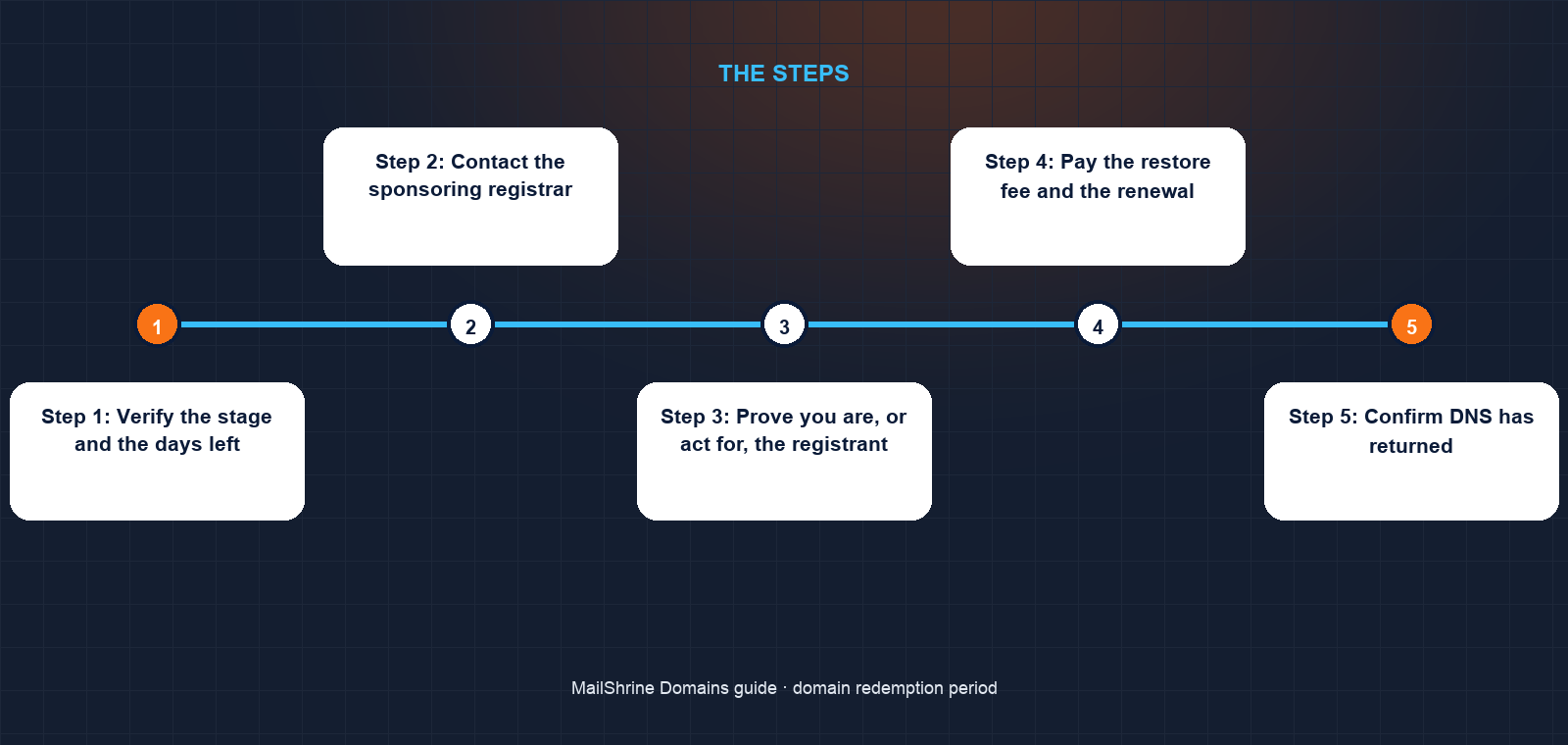
Step 1: Verify the stage and the days left
Run an RDAP lookup and note the status and the last-updated date. The registry typically moves a domain to redemption at the end of the auto-renew grace period, so count 30 days from that update to estimate when pending delete begins. Oliver's record was updated 22 days ago, which means roughly eight days remain.
Step 2: Contact the sponsoring registrar
Only the registrar named in RDAP can submit the restore. A new registrar, including MailShrine, cannot restore a domain it does not sponsor, and no transfer is possible during redemption. Open a ticket or call, quote the domain and ask for the restore fee and the payment method.
Step 3: Prove you are, or act for, the registrant
If the account is under a closed company's name, as Oliver's is, expect to provide company registration documents, proof of the trading relationship, and ID. Registrars take this seriously because a fraudulent restore moves a domain to the wrong person. Start gathering documents while you wait for the first reply.
Step 4: Pay the restore fee and the renewal
The registrar sends a restore request command to the registry, then a restore report. Once the registry accepts the report, the domain returns to active status with at least one year added. Most registrars complete this within a day of payment, but some take longer, which is why you should not leave this to the final 48 hours.
Step 5: Confirm DNS has returned
A restored domain comes back with the nameservers it had before expiry. DNS resolvers may have cached negative answers for the domain for up to the zone's TTL. Test from an outside network and give it a few hours.
Step 6: Move the domain to an account you control
Once the domain is active and at least 60 days have passed since the restore, transfer it to the firm's own registrar account. MailShrine's transfer-in adds a year and refunds the fee in full if the losing registrar rejects it. Set auto-renew on and the registrant email to a mailbox the partners read.
Oliver's checklist
- RDAP shows
redemptionPeriod, last updated 22 days agoCompleted - Found the published restore fee on the registrar's pricing pageCompleted
- Submitted company documents to the registrar's verification teamCompleted
- Pay the restore fee and one-year renewal the moment verification clearsNot completed
- Confirm the
.comredirect to the.co.uksite works againNot completed - Transfer both domains into the firm's MailShrine account after the 60-day lockNot completed
Common mistakes
Waiting to see if the fee drops. It does not. The registry fee is fixed and the registrar's handling fee is published. Every day spent waiting is a day closer to pending delete.
Trying to buy the name through a different registrar. During redemption the name shows as taken to everyone, and no registrar other than the sponsor can act on it. A backorder placed now only pays off if you fail to restore.
Assuming the ccTLD works the same way. Many country-code registries, including Nominet for .uk, run different suspension and deletion timelines and some have no redemption at all. Check the specific registry's policy rather than applying .com rules.
Restoring into the wrong account. A restore returns the domain to the registrant who held it, which may be a former employee or a closed company. Get verification and ownership sorted as part of the restore, not after.
Letting a second domain in the portfolio reach the same stage. The lapse that caused one redemption usually affects every name registered the same way. Audit the rest the same week.
Check your work
The RDAP record should show the status ok or clientTransferProhibited rather than redemptionPeriod, a new expiry date at least one year ahead, and a recent last-updated timestamp. The registrar dashboard should show the domain as active with your payment recorded. Visit the website from a phone on mobile data and send an email to any address on the domain. If RDAP still shows redemptionPeriod 24 hours after you paid, the restore report may not have been filed; ask the registrar for the registry's response.
FAQ
How long is the redemption period?
30 days for .com, .net and most generic extensions, starting when the registrar's auto-renew grace period ends. Country-code extensions set their own, and some have none.
How much does it cost to restore a domain in redemption?
The registry charges the registrar a restore fee, roughly $40 to $50 for a .com, and the registrar adds handling. Total restore fees of $80 to $200 plus a year's renewal are common. ICANN requires the figure to be published on the registrar's website.
Can someone else buy my domain during redemption?
No. The name is held exclusively for the original registrant. Only after redemption ends and the five-day pending-delete stage passes does it become available to others.
Can I transfer a domain to a new registrar instead of paying the restore fee?
No. Transfers are blocked during redemption. The restore must go through the sponsoring registrar, after which you can transfer once the domain is active and any 60-day lock has passed.
What is the difference between the grace period and the redemption period?
In the grace period the domain can be renewed at the normal price and often still resolves. In redemption it is removed from DNS and can only be recovered by a restore request at a much higher cost.
Next steps
- What Happens When a Domain Expires? Timeline Explained — the full sequence from expiry day to the drop.
- Domain Expired: When Can Someone Else Buy It? — what happens once redemption ends without a restore.
- Auto-Renew for Domains: Pros, Cons and How It Works — the setting that keeps you out of redemption in the first place.
Citations & References
- Reference: IETF RFC 3915: Domain Registry Grace Period Mapping for EPP
- Reference: ICANN: Expired Registration Recovery Policy
- Reference: ICANN: Life cycle of a typical gTLD domain name
- Reference: ICANN: EPP status codes
Written by Elena V., migrations editor. Elena covers the moments when a domain changes hands, registrars or status, and how to come out the other side with everything still working.