
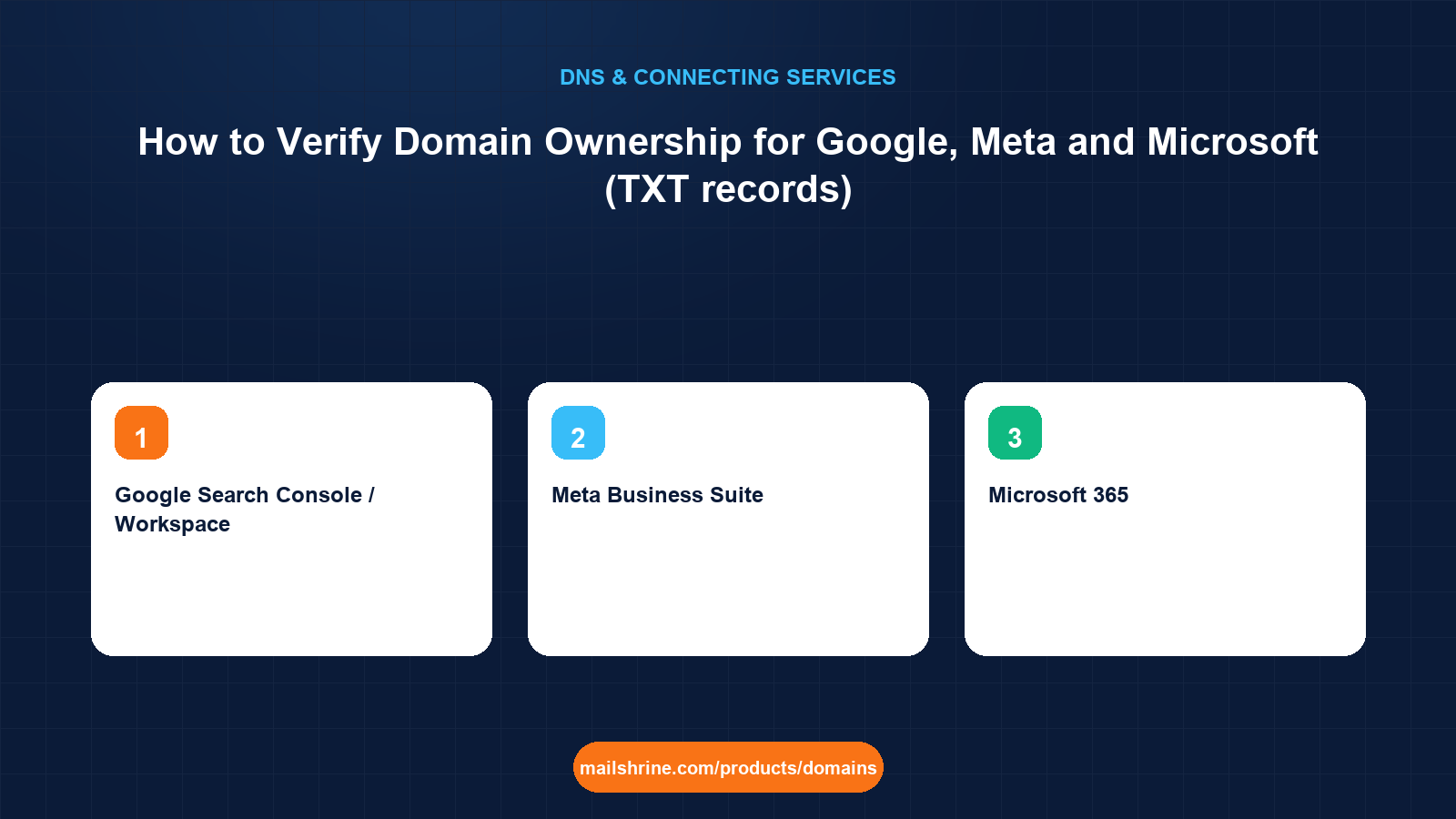
Domain ownership verification is how a platform confirms that the person connecting a domain actually controls it. Because only the domain's DNS administrator can publish records in its zone, the platform hands you a unique string and asks you to add it as a TXT record. It then queries DNS, finds the string, and marks the domain as verified. Google Search Console, Google Workspace, Meta Business Suite and Microsoft 365 all use this method, and their strings look different only in prefix.
Verification is not a configuration change. The TXT record does nothing to your website or email. It is a proof of control that most platforms want left in place permanently so they can re-check it, and that costs you nothing to keep.
MailShrine Domains lets you add any number of TXT records next to the SPF, DKIM and DMARC entries already written for Business Email. Several verification strings on the same name do not conflict with each other or with the email records.
Real-life example: Aisha's boutique
Aisha Bello runs a fashion boutique in Lagos with an online shop and an Instagram following she advertises to. In one week she has been asked to "verify your domain" three times: by Google Search Console so she can see search data, by Meta Business Manager so her ads can link to her site without warnings, and by Microsoft 365 because a supplier wants her on their Teams tenant. Each gave her a TXT record. Her domain aishabello.ng is on MailShrine. She wants to add all three without breaking the email that already works.
Aisha's goals:
- Add three TXT records correctly on the first try.
- Know what each platform is checking and how long it waits.
- Understand which records must stay and which could be removed later.
What each platform asks for
| Platform | TXT value format | Record name | Also accepts |
|---|---|---|---|
| Google Search Console / Workspace | google-site-verification=abc123... | @ | HTML file, meta tag, Google Analytics tag (Search Console only) |
| Meta Business Suite | facebook-domain-verification=abc123... | @ | Meta tag on the home page, HTML file upload |
| Microsoft 365 | MS=ms12345678 | @ | MX record with a verification hostname (older method) |
| Apple Business / Developer | apple-domain-verification=... | @ | None |
| Many others | <vendor>-verification=... or a bare token | @ or a given subdomain | Varies |
All of these go on the apex (@) unless the platform's instructions specify a host. A domain can hold dozens of TXT records on @; each platform looks only for its own prefix and ignores the rest.
Why DNS TXT is the preferred method
The alternatives, an HTML file or a meta tag, prove you control the website. A TXT record proves you control the domain, which is a stronger claim and survives a site redesign or a change of host. Google specifically recommends DNS verification because it verifies the domain property, covering every subdomain and protocol at once, rather than a single URL prefix.
For Microsoft 365, the TXT method replaced an older approach of adding a special MX record. If an old tenant setup guide tells you to add MS=msXXXX as an MX record, use the TXT version instead; the MX form can interfere with real mail routing.
What you need before you start
| You need | Why |
|---|---|
| The exact verification string from each platform | Copy it from the platform's screen. Tokens are unique to your account and expire if unused for long. |
| The MailShrine DNS editor | Where the TXT records go. |
| Knowledge of which name the platform wants | Almost always @. Some SaaS tools ask for a subdomain such as _vendor. |
| Ten minutes per platform | DNS is fast; the platforms' recheck intervals vary. |
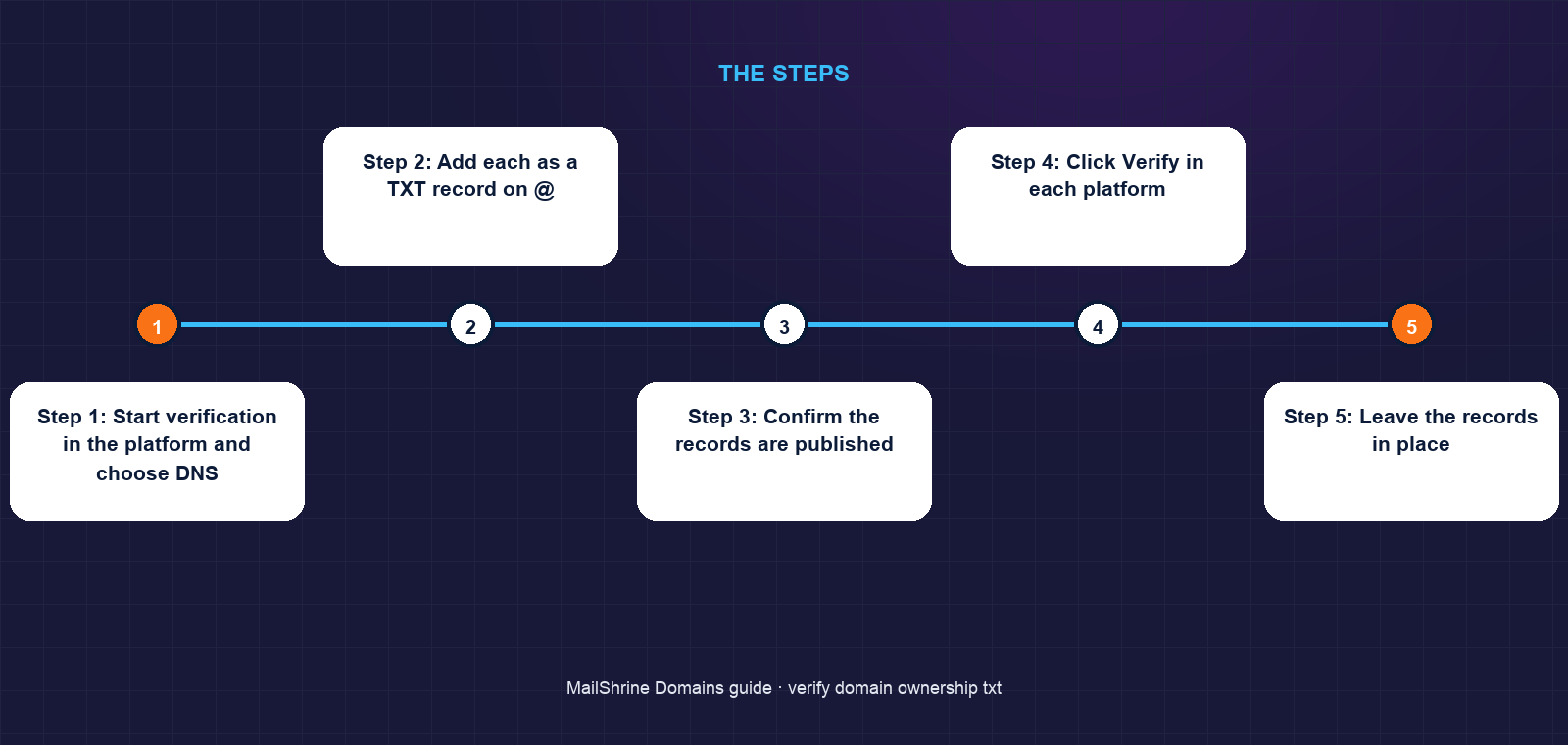
Step 1: Start verification in the platform and choose DNS
Google Search Console: Add property → Domain → enter aishabello.ng → copy the google-site-verification= string. Meta Business Suite: Settings → Brand Safety → Domains → Add → choose "Update the DNS TXT record" → copy the facebook-domain-verification= string. Microsoft 365: Admin center → Settings → Domains → Add domain → choose "Add a TXT record" → copy the MS= value.
Step 2: Add each as a TXT record on @
In the MailShrine DNS editor, create a TXT record with name @ and the full string as the value. Repeat for each platform. Do not merge them into one record and do not edit the existing SPF record to include them; each gets its own entry.
Step 3: Confirm the records are published
Run dig TXT aishabello.ng +short. You should see your SPF string and all three verification strings, each in its own quoted line.
Step 4: Click Verify in each platform
Google usually confirms within a minute. Meta can take up to 72 hours but is normally quick; refresh the Domains page. Microsoft rechecks when you click Verify and may ask you to wait a few minutes if its resolver has not caught up.
Step 5: Leave the records in place
Google and Meta periodically re-verify and will revoke access if the record disappears. Microsoft only checks at setup, but there is no cost to keeping it.
Aisha's checklist
- Copied the exact string from each of Google, Meta and MicrosoftCompleted
- Added three separate TXT records on
@at MailShrineCompleted - Confirmed all three appear in
dig TXTalongside SPFCompleted - Clicked Verify in each platform and saw the green statusNot completed
- Wrote down which record belongs to which platformNot completed
- Left all three records permanently in the zoneNot completed
Common mistakes
Pasting the token into the existing SPF record. The SPF record is for mail authentication only. Adding anything else breaks SPF parsing and the verification fails too. Create a new record.
Typing the domain in the name field. aishabello.ng in an editor that appends the domain produces aishabello.ng.aishabello.ng. Use @.
Adding quotes around the value. The editor adds them. Pasting your own produces a value with doubled quotes that the platform cannot match.
Deleting the record after verification. Google and Meta re-check and will revoke access. Keep the records.
Using Microsoft's old MX verification method. It can disrupt mail delivery. Use the TXT option offered in the admin center.
Check your work
Run dig TXT aishabello.ng +short and count the strings: SPF plus one per platform. Each verification string should match the platform's screen character for character. In each platform the domain should show as verified, and your SPF record should still begin with v=spf1 exactly as before. If a platform says it cannot find the record while dig shows it, wait a few minutes; the platform's resolver is caching an earlier empty answer.
FAQ
Does a verification TXT record affect my email or website?
No. It is text that only the issuing platform reads. It does not change routing, authentication or the site. It sits harmlessly beside SPF and DMARC.
Can I have multiple TXT records on the same domain?
Yes. DNS allows many TXT records on one name. Platforms look for their own prefix and ignore the rest.
How long does domain verification take?
DNS publishes in seconds. Google verifies within minutes, Microsoft within minutes of clicking Verify, Meta usually within an hour though it quotes up to 72.
Should I delete the TXT record after verification?
No. Google and Meta re-verify periodically and will remove your access if the record is gone. Leaving it costs nothing.
Why does the platform say the record is not found when I can see it?
The platform's resolver cached a previous empty answer or your record is on the wrong name. Confirm with dig TXT against your authoritative server, then wait for the negative cache to expire and retry.
Next steps
- DNS Records Explained: A, AAAA, CNAME, MX, TXT, SRV, NS — what else TXT records carry.
- What Is DNS Propagation and How Long Does It Take? — why a platform may not see a record you can see.
- Connect a Domain to Shopify — another flow that may include a verification record.
Citations & References
- Reference: Google Search Console Help: Verify your site ownership
- Reference: Meta Business Help Center: Verify your domain
- Reference: Microsoft Learn: Add DNS records to connect your domain
- Reference: RFC 1464: Using the Domain Name System To Store Arbitrary String Attributes
Written by Daniel O., security editor. Daniel treats every verification record as a proof of control and keeps a register of which platform holds which one.