
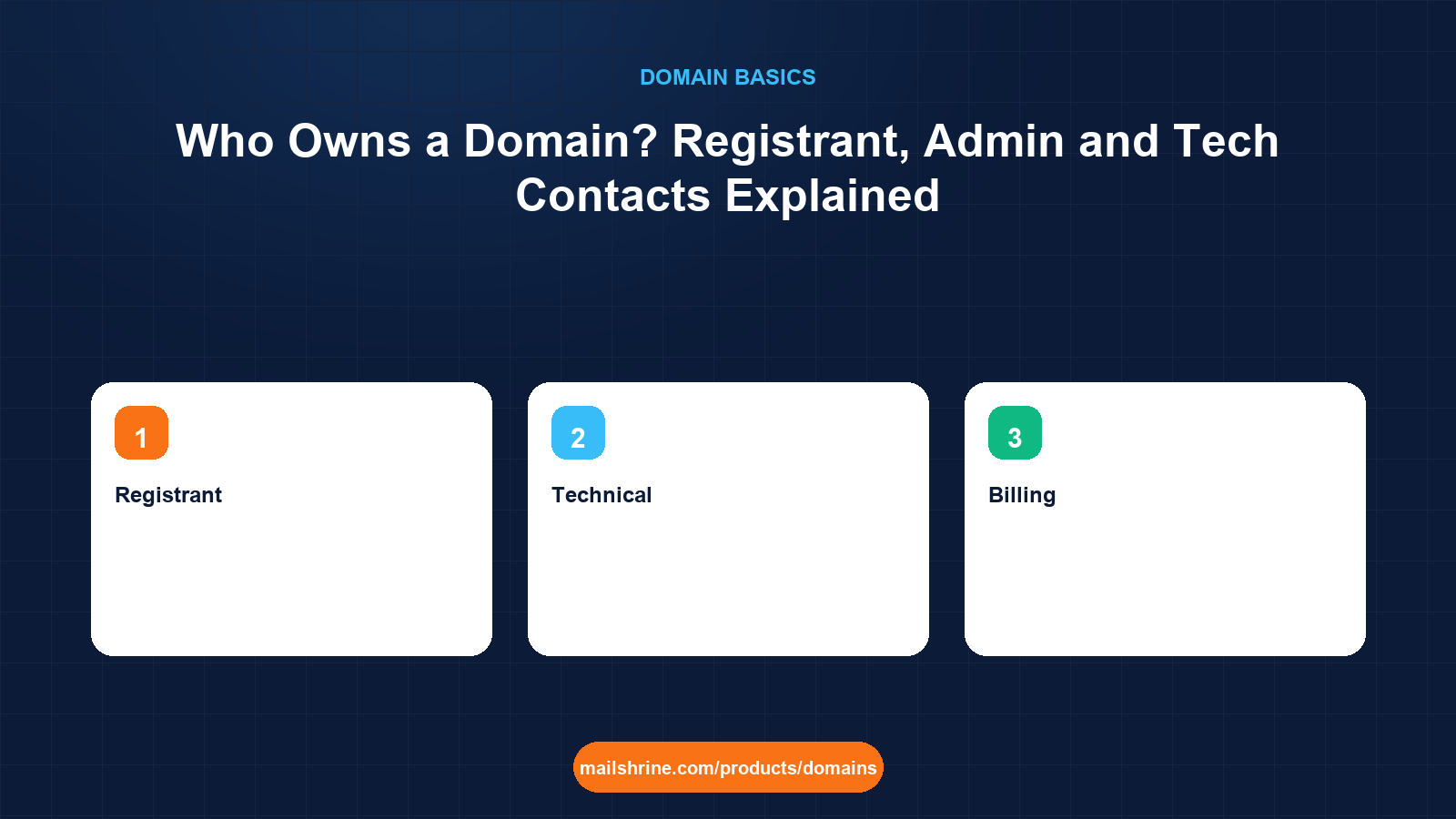
The registrant owns a domain. Not the person who paid, not the agency that set it up, not the registrar, not whoever holds the login. Every registration carries a set of contacts, and the one labelled registrant is the legal holder of the right to use the name. Everything else, the admin, technical and billing contacts, exists to say who the registrar may talk to about the domain. When two parties fall out over a name, ICANN's dispute procedures and every court that has looked at the question start with the same record: who is the registrant.
This matters because the registrant field is filled in at checkout in about four seconds, usually by whoever happens to be sitting at the keyboard. A web designer registering a client's domain under the agency's name, a founder using their own name "for now", or a staff member using a personal email address all create the same problem: the domain legally belongs to someone other than the business that depends on it.
MailShrine Domains asks for registrant details once, applies WHOIS privacy so they are not published, and lets you edit any contact from the dashboard. Multiple people can be given access to manage the domain without any of them becoming the registrant, which is how a business keeps control while delegating the work.
Real-life example: Wanjiru's logistics company
Wanjiru Kamau is operations director at a freight company in Nairobi. The firm's domain, swiftcargo.co.ke, was registered six years ago by a freelance developer who has since moved abroad. Email works, the website works, but a lookup shows the registrant as the developer's old company and the contact email as an address nobody can reach. Wanjiru has just received a renewal notice forwarded by a former colleague and realised nobody at the company can log in.
Wanjiru's goals:
- Understand which contact actually owns the domain and what the others are for.
- Get the registrant changed to Swift Cargo Ltd before the renewal date.
- Set up contacts so this can never happen again.
The four contacts and what each one means
| Contact | Who it should be | What it controls | Legal weight |
|---|---|---|---|
| Registrant | The business or person who owns the domain | The right to use, renew, transfer and sell the name | This is the owner |
| Admin | Someone authorised to make decisions for the registrant | Approves transfers and contact changes at many registrars | Acts on behalf of the registrant |
| Technical | Whoever manages DNS and hosting | Gets technical notices; may edit records | None over ownership |
| Billing | Whoever pays | Gets invoices and renewal notices | None over ownership |
Many registrars now collapse admin, tech and billing into one or let them default to the registrant. That is fine. What is not fine is a registrant who is not the business.
Registrant versus account holder
A second layer confuses people. The registrar account is the login at MailShrine or any registrar. The registrant is a field inside the domain record. They are usually the same person, but not always.
| Scenario | Account holder | Registrant | Who owns the domain |
|---|---|---|---|
| Founder registers her own domain | Founder | Founder | Founder |
| Agency registers in the client's name on the agency account | Agency | Client | Client, but the agency controls day-to-day |
| Agency registers in its own name | Agency | Agency | Agency. The client has no legal claim |
| Employee registers on a personal account with the company as registrant | Employee | Company | Company, but the company cannot log in |
Wanjiru's case is the third row. The developer's company is the registrant. Swift Cargo has used the domain for six years, which helps in a dispute, but on paper it is not theirs.
WHOIS, RDAP and what is public
Historically every registrant's name, address, phone and email were published in WHOIS. Since 2018, under ICANN's Temporary Specification adopted in response to GDPR, registrars redact personal data by default, and the WHOIS protocol itself is being retired in favour of RDAP, which returns the same data in a structured form with access controls. Today a public lookup typically shows the registrar, the nameservers, the creation and expiry dates and the status codes, with the registrant shown as "REDACTED FOR PRIVACY" or a privacy service.
This does not change ownership. The registrar still holds the full record and will disclose it to law enforcement, to a court, or through a UDRP panel. Privacy hides the owner from spammers and scrapers, not from the law.
How ownership changes hands
| Change | How it is done | ICANN rule that applies |
|---|---|---|
| Correcting a typo in the registrant | Edit in the dashboard | None; registrars may still verify the email |
| Changing registrant to a new person or company | Change of registrant in the dashboard; both old and new confirm | Transfer Policy: 60-day inter-registrar transfer lock may follow unless opted out |
| Moving to another registrar, same owner | Auth code and transfer request | 60-day lock after creation or previous transfer; 5-day transfer window |
| Selling the domain | Change of registrant, often via escrow | Same as change of registrant |
| Recovering from a registrant who will not cooperate | Registrar dispute process, UDRP or court | UDRP needs trademark rights and bad faith |
What you need before you start
| You need | Why |
|---|---|
| A current RDAP or WHOIS lookup of the domain | Shows registrar, expiry and whether the registrant is redacted |
| Proof the business uses the name | Invoices, email headers, website archives, in case the current registrant disputes |
| Contact with the current registrant, if possible | A cooperative change takes a day; a contested one takes months |
| The company's legal name, address and a role email | For the new registrant record |
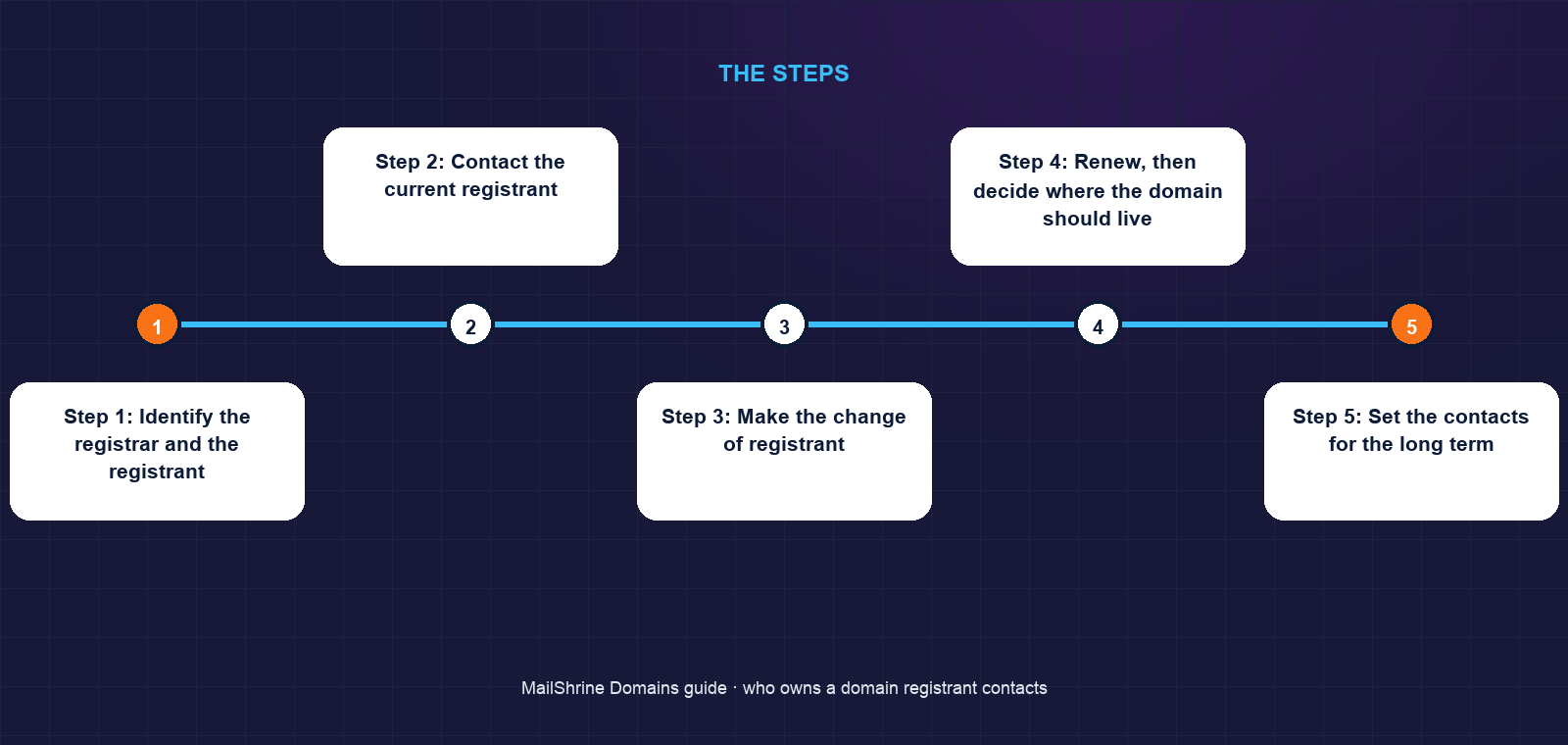
Step 1: Identify the registrar and the registrant
Wanjiru runs an RDAP lookup. The registrar is a Kenyan reseller, the expiry is in 41 days, and the registrant is the developer's defunct company. Because .co.ke is a country code, KeNIC's rules apply rather than ICANN's generic-TLD rules, so she checks the registry's policy on registrant changes.
Step 2: Contact the current registrant
She emails and messages the developer. He is cooperative and still has the login. He agrees to change the registrant to Swift Cargo Ltd and to add Wanjiru as a user on the account.
Step 3: Make the change of registrant
In the registrar dashboard the developer updates the registrant to the company's legal name, registered address and domains@swiftcargo.co.ke. Both old and new registrant emails receive a confirmation link. For a generic TLD this would be followed by an optional 60-day transfer lock; KeNIC's process differs, but the principle is the same: the registry's record now names the company.
Step 4: Renew, then decide where the domain should live
With 41 days left, Wanjiru renews for three years first. Ownership questions are easier to settle on a domain that is not about to expire. Later she initiates a transfer to MailShrine from the transfer section so the account itself is the company's, with a full refund if the transfer is rejected.
Step 5: Set the contacts for the long term
Registrant: Swift Cargo Ltd. Admin: Wanjiru with the role email. Tech: the new IT contractor, added as a user, not as registrant. Billing: finance, with the company card. Privacy on, transfer lock on, 2FA for every user.
Wanjiru's checklist
- Confirmed through RDAP who the registrant actually wasCompleted
- Reached the former developer before the expiry dateCompleted
- Changed the registrant to Swift Cargo Ltd with a role emailCompleted
- Renewed for three years so the next question is not urgentCompleted
- Transfer the domain into a company-owned MailShrine accountNot completed
- Write a one-page ownership note for the finance and IT filesNot completed
Common mistakes
Letting the agency be the registrant. The agency owns your domain. If the relationship ends badly, you negotiate for your own name. Insist on being the registrant and give the agency user access instead.
Using a personal email on the registrant record. Transfer approvals, change-of-registrant confirmations and expiry notices go to that address. When the person leaves, the domain is adrift.
Confusing privacy with anonymity. WHOIS privacy hides your details from the public. The registrar still knows exactly who you are, and so will a court.
Ignoring the record because "everything works". Email and websites keep working for years on a domain nobody at the company controls, right up until the renewal fails.
Check your work
Run an RDAP lookup on your domain. The registrant organisation, if shown, should be your company; if redacted, open the registrar dashboard and confirm the registrant name, address and email are the company's and the email is a role address that two people read. Confirm at least two named users can log in and both have 2FA. If the registrant is a person or an outside firm, that is the problem to fix before anything else.
FAQ
If I paid for the domain, do I own it?
Not automatically. Ownership follows the registrant field, not the payment. If you paid and someone else is listed as registrant, ask them to change it, and keep the payment records in case you need to show your interest.
Can I find out who owns a domain?
Often only partially. RDAP and WHOIS show the registrar, dates and status, but personal registrant data has been redacted by default since 2018. Legitimate requests can go through the registrar's disclosure process or a UDRP filing.
What is the difference between the admin contact and the registrant?
The registrant owns the domain. The admin contact is someone the registrant authorises to make decisions, such as approving a transfer. At many registrars they are the same person by default.
What happens if the registrant is a company that no longer exists?
The domain is in limbo. If you can reach a former director with login access, a cooperative change of registrant is fastest. Otherwise the registrar's dispute process, evidence of use and, for trademarked names, UDRP are the routes.
Does changing the registrant trigger a transfer lock?
For generic TLDs, ICANN's Transfer Policy lets registrars apply a 60-day lock on transfers to another registrar after a material change of registrant, unless the registrant opts out beforehand. It does not stop renewals or DNS changes.
Next steps
- What Is an EPP / Auth Code and Why You Need It — the code a registrant uses to move a domain between registrars.
- Can You Buy a Domain Name Permanently? Why Domains Are Rented — why the registrant must keep renewing.
- How Does Domain Registration Work? Registrar vs Registry vs ICANN — where the registrant record lives.
Citations & References
- Reference: ICANN: Transfer Policy, including change of registrant
- Reference: ICANN: Temporary Specification for gTLD Registration Data
- Reference: ICANN: Uniform Domain-Name Dispute-Resolution Policy
- Reference: RFC 9083: JSON responses for RDAP
Written by Daniel O., security editor. Daniel covers ownership records, account hardening and the ways businesses lose control of names they depend on.