
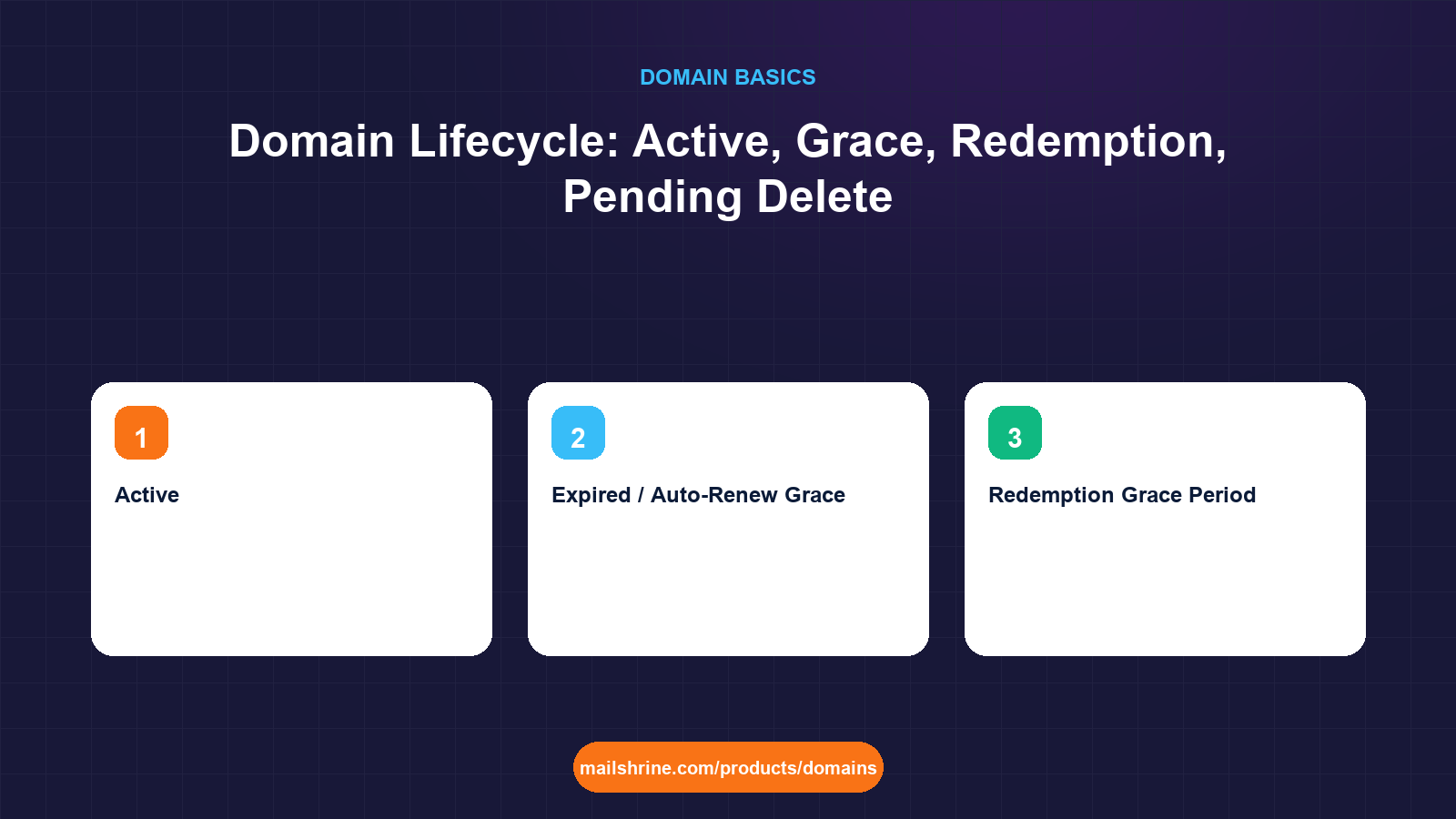
The domain lifecycle is the fixed sequence of states a name passes through from the moment it is registered to the moment it is deleted and becomes available again. For a generic extension such as .com the sequence is: Available, Add Grace Period (5 days), Active (the paid term), Expired / Auto-Renew Grace Period (up to 45 days), Redemption Grace Period (30 days), Pending Delete (5 days), then Available again. From the day a domain expires to the day a stranger can register it is therefore up to 80 days, and at every stage before Pending Delete the original holder can still get it back.
Knowing the stages turns a panicked "my domain expired" into a calm calculation: which stage is it in, how many days are left, and what does recovery cost right now. It also explains why a lapsed domain's website and email stop before the name is actually lost, and why the price to recover it jumps sharply on a specific day.
MailShrine Domains sends reminders at 30, 7 and 1 day before expiry and again at expiry, renews automatically unless you switch auto-renew off, and lets you renew an expired domain yourself during the registry grace period at the normal price. If a name reaches redemption, support can restore it for the registry's fee. The stages below are the generic-TLD defaults; country codes set their own.
Real-life example: Amadou's travel agency
Amadou Diallo runs a travel agency in Dakar on sahelvoyages.com. His bookkeeper changed the company card in August and nobody updated the registrar. The auto-renewal failed on 2 September, three reminder emails went to an inbox that the former office manager used to read, and on 20 October a customer calls to say the website is down and emails are bouncing. Amadou logs in and sees the word "Expired".
Amadou's goals:
- Work out which stage the domain is in and how many days remain before someone else can take it.
- Recover it at the lowest possible cost without losing email history or the website.
- Fix the process so a card change can never do this again.
The stages, with days and costs
| Stage | Trigger | Length (gTLD default) | Website and email | Can the holder recover it? | Typical cost |
|---|---|---|---|---|---|
| Add Grace Period | Registration | 5 days | Working | Registrar can delete for a refund | Normal registration |
| Active | Payment | 1 to 10 years | Working | Renew any time | Normal renewal |
| Expired / Auto-Renew Grace | Expiry date passes | 0 to 45 days, set by registrar | Usually suspended by the registrar within days | Yes, renew in the dashboard | Normal renewal |
| Redemption Grace Period | Registrar deletes the name | 30 days | Down | Yes, via the registrar | Registry restore fee, often $80 to $150 plus renewal |
| Pending Delete | Redemption ends | 5 days | Down | No | Not possible |
| Available | Deletion | Until registered | None | Anyone can register | Normal registration or drop-catch auction |
The Auto-Renew Grace Period is the one that varies. The registry allows up to 45 days, but each registrar chooses how much of it to pass on. Some delete on day 30, some on day 40, a few much sooner.
What happens to email and the website
The lifecycle explains a sequence that otherwise feels random.
| Day after expiry | What usually happens | Why |
|---|---|---|
| Day 0 | Nothing visible | The registry has flagged it; the registrar has not acted yet |
| Day 1 to 10 | Website replaced by a parking page; email bounces | Many registrars change nameservers to a holding page during grace, so DNS no longer points at your services |
| Day 10 to 45 | Still recoverable at normal price | The name is in Auto-Renew Grace; your registrar holds it |
| Day 30 to 45 | Registrar deletes; name enters Redemption | Status becomes redemptionPeriod in RDAP |
| Up to 30 days later | Still recoverable at the restore fee | Registry holds it specifically so the holder can come back |
| Final 5 days | pendingDelete | Nothing anyone can do; drop-catchers queue up |
| Drop | Available | First registrar to send a create command wins |
Amadou's domain expired on 2 September. It is 20 October, day 48. His registrar's grace period was 40 days, so the name went into redemption on 12 October. He has about 22 days left to restore it, and it will cost the restore fee plus a year's renewal.
The status codes you will see
RDAP and WHOIS show EPP status codes that tell you the stage directly.
| Status | Meaning |
|---|---|
ok | Active, no restrictions |
clientTransferProhibited | Transfer lock on, normal for an active domain |
autoRenewPeriod | Expired; registry auto-renewed and the registrar can still cancel for a refund |
clientHold or serverHold | Suspended; DNS removed from the zone, site and email down |
redemptionPeriod | Deleted by registrar; 30-day window to restore |
pendingRestore | Restore requested; registrar must confirm within 7 days |
pendingDelete | Final 5 days; cannot be restored |
What you need before you start
| You need | Why |
|---|---|
| An RDAP or WHOIS lookup of the domain | Shows the current status and the expiry date |
| Access to the registrar account | Recovery happens there; reset the password if the old email is gone |
| A working payment method | Restore and renewal are paid immediately |
| A copy of your DNS records | Some registrars reset the zone during grace; you may need to re-add records |
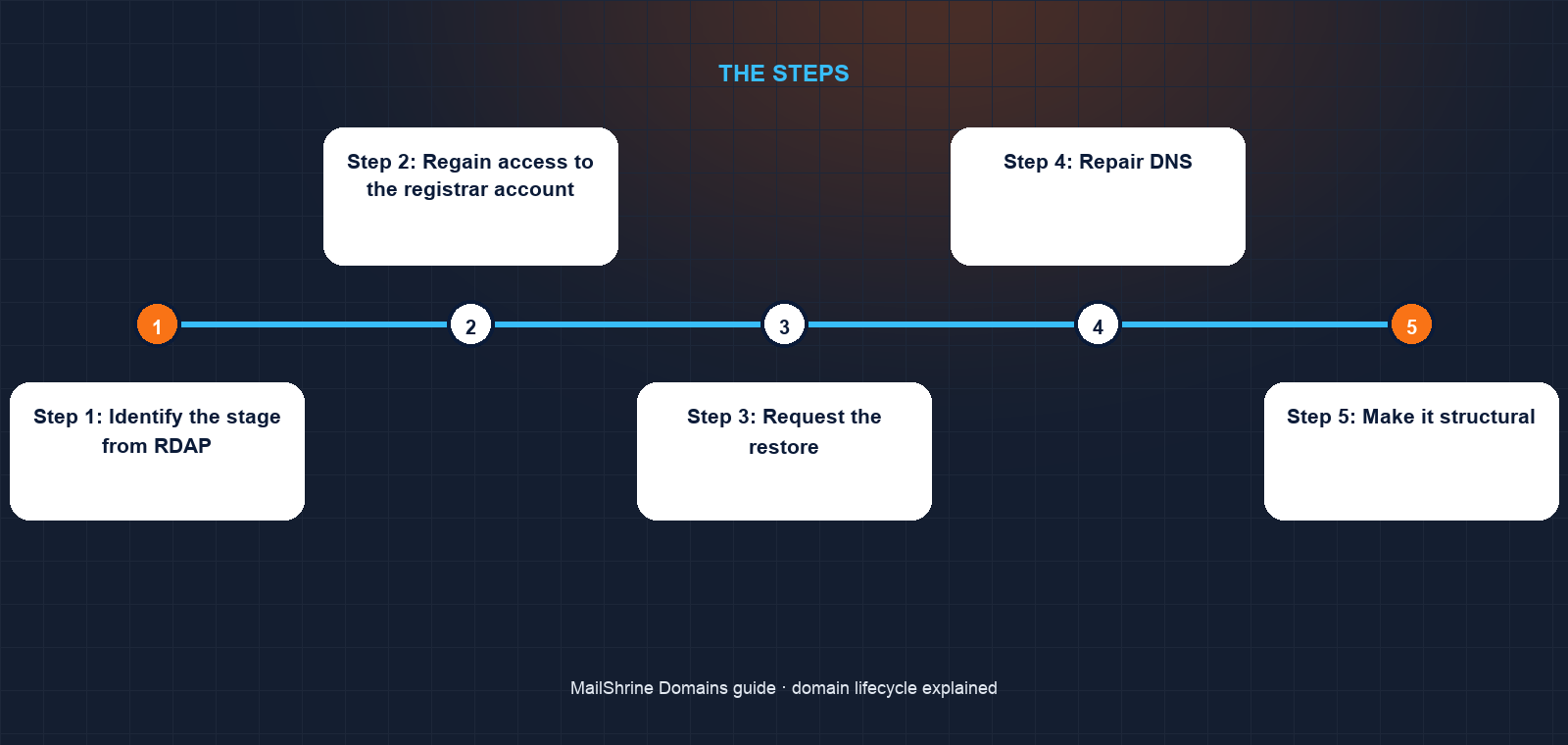
Step 1: Identify the stage from RDAP
Amadou looks up sahelvoyages.com. Status: redemptionPeriod. Expiry: 2 September. Updated: 12 October. He is in redemption with roughly 22 days left.
Step 2: Regain access to the registrar account
The account email is the former office manager's. He uses the registrar's account recovery with the company's registered details. This takes a day; he does not have many to spare, so he starts it immediately.
Step 3: Request the restore
In the dashboard he clicks "Restore". The registrar sends an RGP restore request to Verisign, pays the registry restore fee, and bills Amadou the fee plus one year. Status moves to pendingRestore, then back to ok within hours once the registrar submits the restore report.
Step 4: Repair DNS
The registrar had replaced his nameservers with a parking page during grace. He sets them back and re-enters the A, MX, SPF, DKIM and DMARC records from his backup. Mail that bounced during the outage is gone, but new mail flows within the hour.
Step 5: Make it structural
He renews for five more years, updates the card, points the registrant and reminder emails to admin@sahelvoyages.com and his own address, and sets a calendar event each August to check the card on file. He also transfers the domain to MailShrine from the transfer section so that reminders at 30, 7 and 1 day and at expiry go to two people.
Amadou's checklist
- Read the
redemptionPeriodstatus and counted the days leftCompleted - Recovered account access using company detailsCompleted
- Paid the restore fee plus a year and watched the status return to
okCompleted - Restored nameservers and every DNS record from the backupCompleted
- Renew for five years so the next expiry is a long way offNot completed
- Send a short notice to customers explaining the two-week bounceNot completed
Common mistakes
Assuming expiry means instant loss. Nothing is lost on expiry day. The grace and redemption periods exist for the holder. The mistake is waiting until Pending Delete, when it is genuinely over.
Trying to register the expired name afresh instead of restoring. During redemption the name is not available for registration by anyone, including you. The only route back is the restore through your registrar.
Relying on a single reminder inbox. Reminders went to an address nobody read. Put two people on the registrant and billing contacts.
Treating country codes like .com. ccTLDs set their own rules. Some have no redemption period at all and delete within days of expiry. Check your registry's policy before assuming you have 80 days.
Check your work
After a restore or renewal, look the domain up again. Status should read ok or clientTransferProhibited, the expiry should be at least a year ahead, and the nameservers should be yours, not a parking service. Then test both services: load the website, and send an email to the domain from an outside account and reply. If RDAP looks right but mail still bounces, the DNS zone was reset and the MX records need re-adding.
FAQ
How long after expiry can I still renew my domain?
For generic TLDs, up to 45 days in the Auto-Renew Grace Period at the normal price, depending on your registrar, then 30 more days in Redemption at a higher restore fee. After that, 5 days of Pending Delete during which nothing can be done.
What is the redemption grace period?
A 30-day window after a registrar deletes an expired domain, during which only the original registrant can restore it through that registrar. ICANN introduced it so holders who missed every reminder still have a last chance.
How much does it cost to restore a domain in redemption?
The registry charges the registrar a restore fee, commonly in the $80 to $150 range for .com, which is passed on plus a year's renewal. It is far cheaper to renew during the grace period.
When can someone else register my expired domain?
Only after Pending Delete ends and the name drops, up to about 80 days after expiry for a gTLD. Drop-catching services compete to register valuable names in the first seconds.
Does the lifecycle apply to `.ng`, `.ke` or `.co.uk`?
Not identically. Country-code registries set their own grace and redemption rules; some mirror ICANN's, some are shorter, and some have no redemption at all. Check your registry's expiry policy.
Next steps
- Can You Buy a Domain Name Permanently? Why Domains Are Rented — the ten-year cap and how to use it so expiry never comes close.
- What Is an EPP / Auth Code and Why You Need It — why transfers should not be started near expiry.
- How Does Domain Registration Work? Registrar vs Registry vs ICANN — who deletes the name and who restores it.
Citations & References
- Reference: ICANN: Life cycle of a typical gTLD domain name
- Reference: ICANN: Expired Registration Recovery Policy
- Reference: ICANN: EPP status codes explained
- Reference: RFC 3915: Domain Registry Grace Period Mapping for EPP
Written by Daniel O., security editor. Daniel covers ownership records, account hardening and the ways businesses lose control of names they depend on.