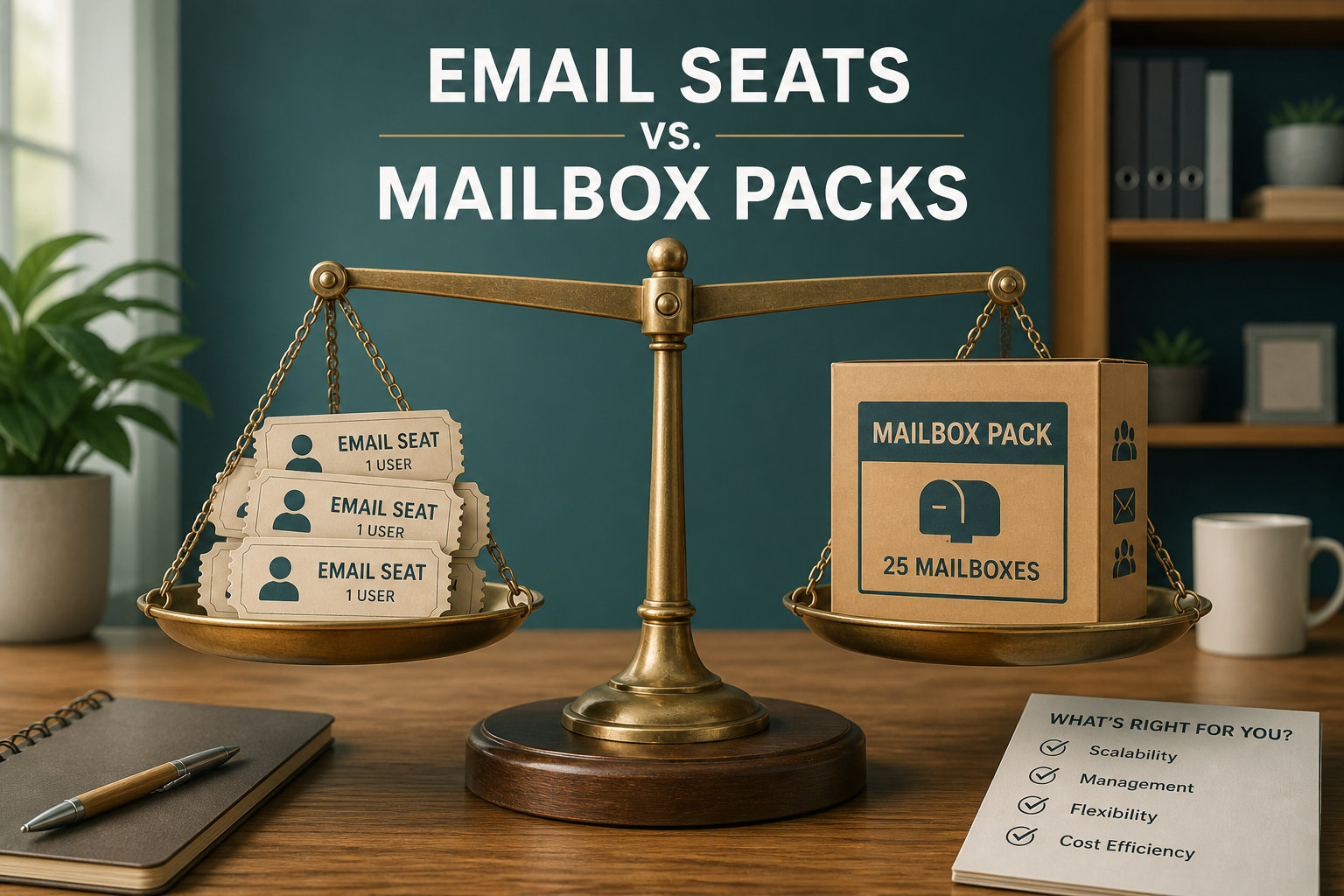
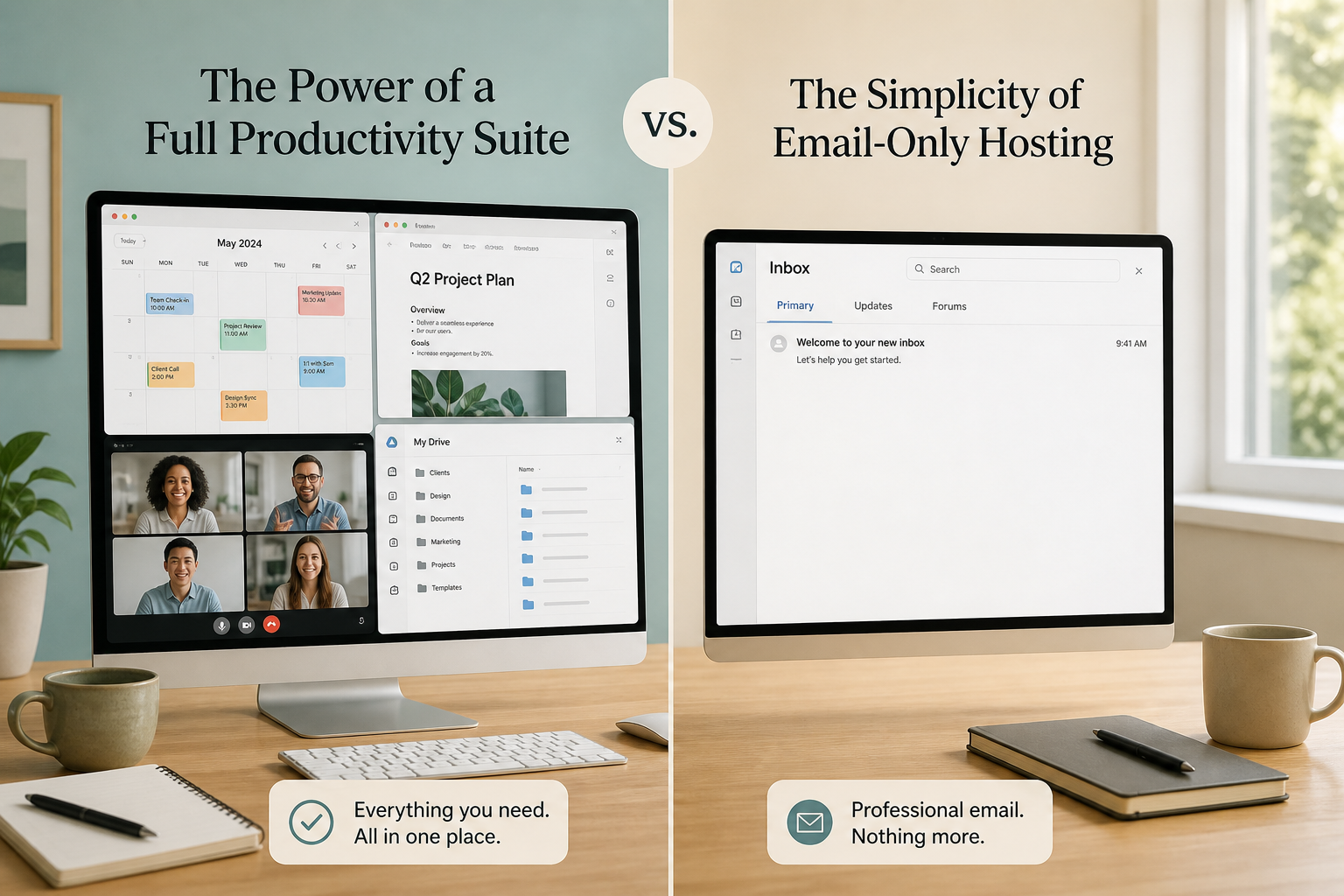
Google Workspace email cost is not “email price” — it is a per-user suite fee that bundles Gmail with Drive, Meet, Docs, and admin controls. Email-only hosts charge for mailboxes (or mailbox packs) without forcing the rest of the suite.
Use Workspace when collaboration apps are the daily OS. Use email-only when the job is you@yourbrand.com with solid delivery and webmail.
Real-life example: Line & Loop Agency
Priya runs a three-person branding studio. Her freelancers already live in Figma and Notion. She was paying Workspace Business Starter for three seats (~$7/user) mostly so proposals left @lineloop.co.
She kept Google Drive on personal / shared links for files, moved mail to MailShrine Solo (up to 5 mailboxes on one pack price), and stopped paying suite seats for email that never used Meet rooms.
When a fourth hire needed shared Docs workflows all day, she put that person (or the whole company) back on Workspace — mail alone was never the reason.
Side-by-side cost shape
| Factor | Google Workspace | Email-only (e.g. MailShrine) |
|---|---|---|
| Billing | Per user / month | Pack bands or per mailbox |
| Includes | Gmail + Drive/Meet/Docs | Mail + webmail (+ light suite tools by pack) |
| Storage | Large pooled Drive-style quotas on many plans | GB per mailbox on pack card |
| Best when | Team collab is non-negotiable | Brand email is the main need |
| Trap | Paying seats for vanity aliases | Expecting full Docs/Meet replacement |
Live MailShrine cards: pricing. Context: Do you need Workspace for email?.
Rough math (educational list prices)
| Team size | Workspace Starter (~$7/user) | MailShrine pack (fallback) |
|---|---|---|
| 1 mailbox | ~$7 | Free ($0 · 2 mailboxes + 2 aliases) |
| 5 mailboxes | ~$35 | Solo $2 |
| 15 mailboxes | ~$105 | Team $5 |
| 50 mailboxes | ~$350 | Business $12 |
Workspace wins on integrated Drive/Meet. MailShrine wins when email is the product need — admit that honestly.
When Workspace is the better buy
- Your company runs Docs, Sheets, Meet, and shared Drive every hour.
- You need Google’s admin + device controls as policy.
- Clients already invite you into Workspace Shared Drives.
Buying “email” and getting a second OS you will use is rational — not overspend.
When email-only is the better buy
- Website + design tools already cover collaboration.
- You need aliases more than seats (aliases guide).
- Seat count would multiply faster than actual collaborators.
- You want Free to validate brand mail (Free plan).
Step 1: Separate “needs Gmail UI” from “needs Google Suite”
Many people search for Gmail-like webmail and accidentally buy Drive seats.
Step 2: Price true seats only
Count humans with private inboxes. sales@ as an alias is not a Workspace license.
Step 3: Compare pack vs seat totals
Use how much business email costs and per-user vs packs.
Step 4: Pilot email-only for 30 days if collab tools already exist
Migrate MX carefully (setup). Keep Drive where it already works.
Line & Loop checklist
- Listed which apps the team actually opens dailyCompleted
- Counted private seats vs aliasesCompleted
- Compared seat total vs Solo/Team packCompleted
- Chose Workspace only where suite apps pay rentCompleted
- Bookmarked pricing for auditsCompleted
Common mistakes
- Treating Workspace Starter as “cheap email” at scale.
- Assuming email-only cannot send professionally (DNS auth matters more).
- Moving mail without a cutover plan.
- Ignoring Nigeria FX / Naira checkout differences (₦ guide).
Next steps
Citations & References
- Reference: Google Workspace pricing
- Reference: Google Workspace vs free Gmail (admin help)
- Reference: Microsoft 365 Business plans
Written by Elena M., Business Email Specialist. Elena helps teams decide when a full suite is justified — and when mail packs are enough.