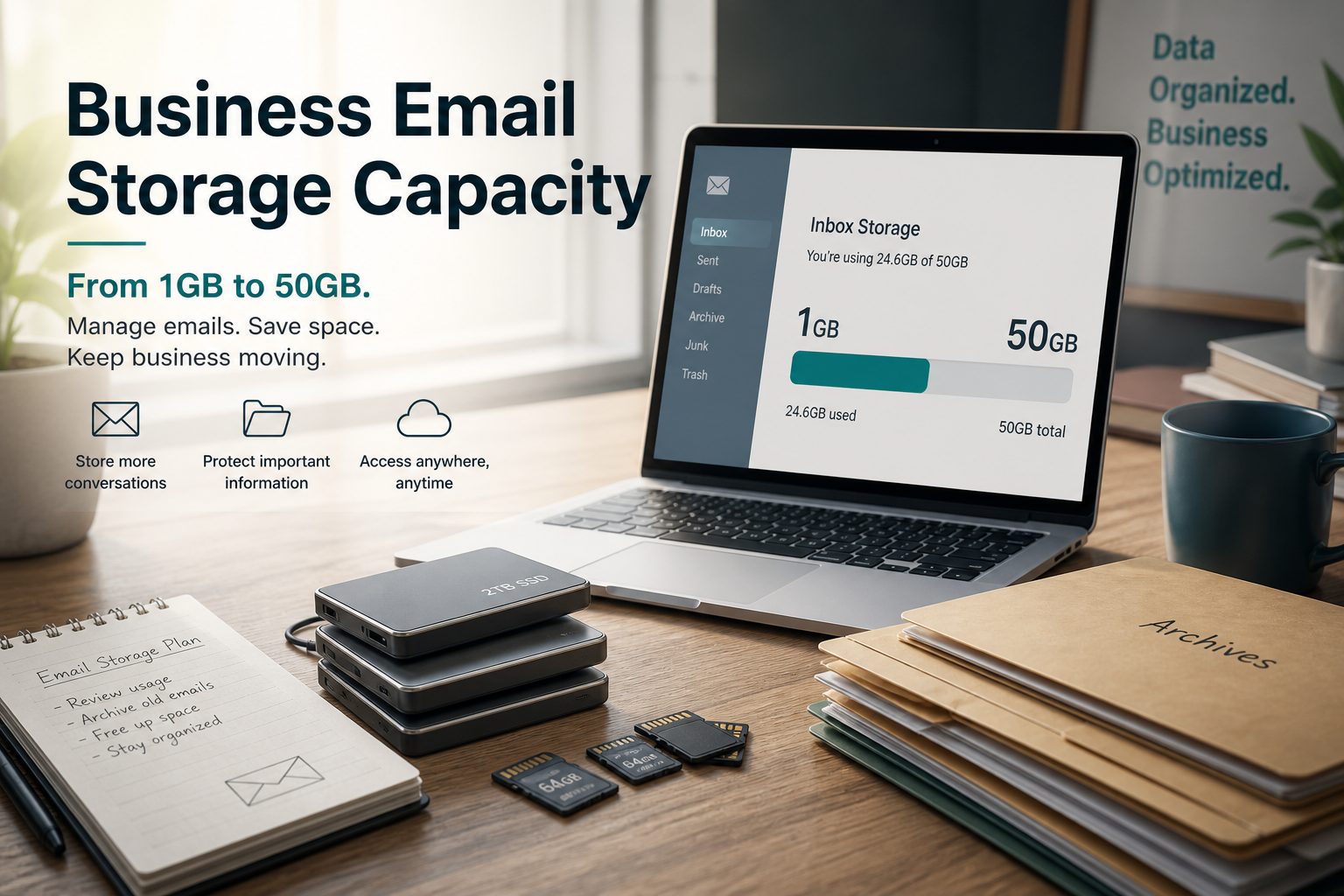
How much email storage do I need? For most small businesses the answer is between 5 GB and 30 GB per mailbox. Creative shops with huge attachments drift toward 100 GB. Video teams should archive outside the inbox.
Storage is priced inside your mail plan — not magic. MailShrine packs (marketing fallback) include:
| Pack | Storage / mailbox |
|---|---|
| Free | 2 GB |
| Solo | 15 GB |
| Team | 30 GB |
| Business | 100 GB |
Confirm live numbers on pricing. Free still means 2 mailboxes + 2 aliases sharing that 2 GB mailbox quota.
Real-life example: Blue Loom Textiles
Ngozi shipped fabric samples and PDFs to wholesalers. Her Free mailbox filled after a year of packing-list photos. She did not need Workspace Drive — she needed Solo’s 15 GB and a habit of moving completed season folders to cloud object storage.
A friend in video production needed 100 GB Business mailboxes because client EDL notes arrived by email (imperfect, but real). Different niches, different GB.
Quick sizing table
| Work pattern | Suggested GB / mailbox |
|---|---|
| Light founder mail, mostly text | 5 GB |
| Sales with PDF proposals + contracts | 15 GB |
| Finance with monthly statements | 15–30 GB |
| Design / photo attachments staying in-box | 30–100 GB |
| Heavy media as attachment culture | Prefer external Drive + 30–100 GB mail |
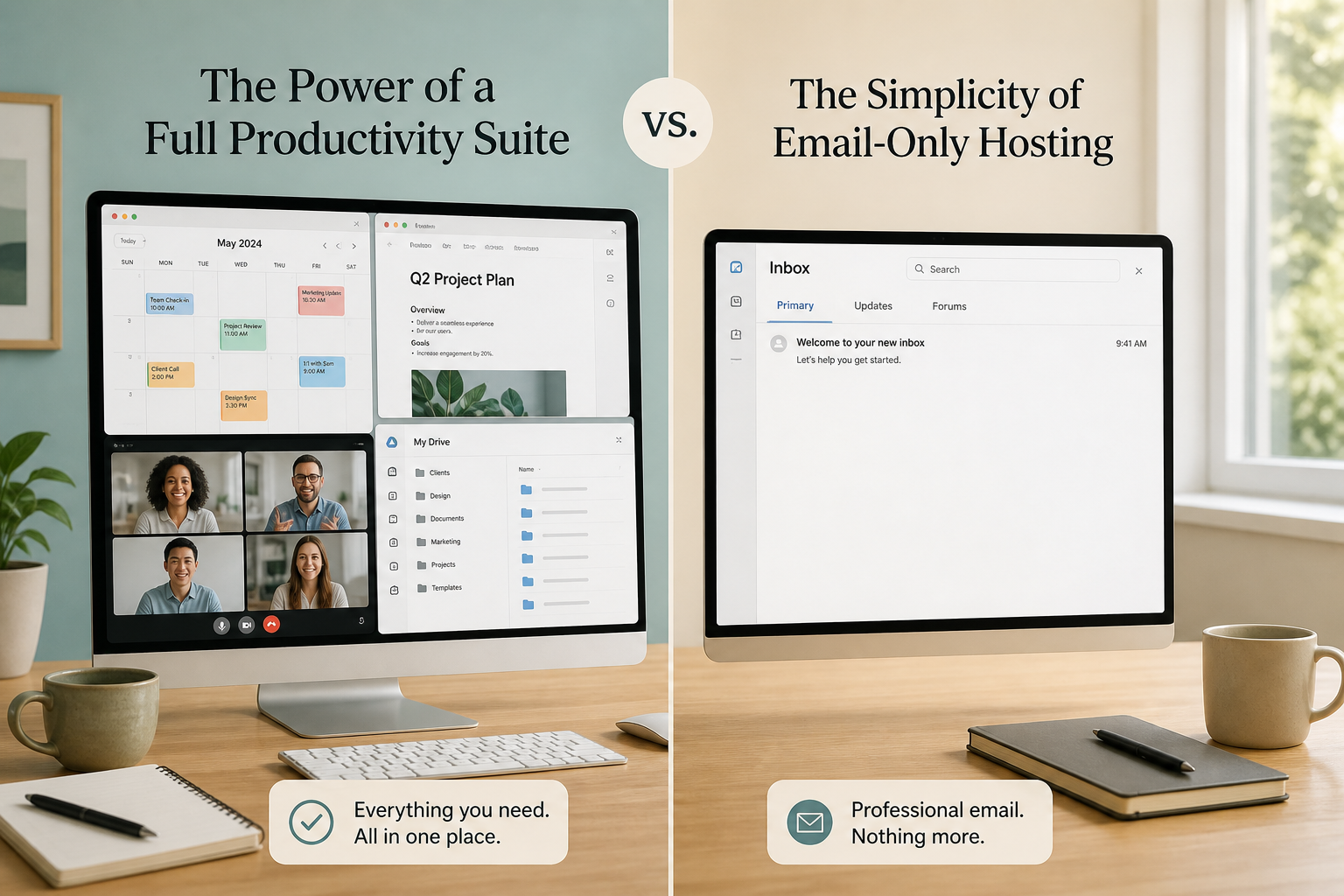
Suite providers often advertise large pooled storage across Drive + Gmail. Email-only packs quote per mailbox. Compare carefully: Workspace vs email-only.
What eats GB fastest
- Image / CAD / ZIP attachments left in Sent.
- Newsletter subscriptions with HTML bloat.
- Never emptying Trash / Spam.
- Duplicate threads kept “for the record” instead of a CRM.
Step 1: Measure current usage
Export or note usage from your current host. If you are still on personal Gmail, check Google storage — much of that may be Photos/Drive, not mail.
Step 2: Estimate two years of growth
Assume volume grows 20–40% yearly for active sales teams. Pick the MailShrine pack whose GB covers year two, not only today (pack bands).
Step 3: Decide what never belongs in email
Large deliverables → shared Drive / Dropbox / WeTransfer. Keep mail for decisions and receipts.
Step 4: Upgrade pack when meters warn you
MailShrine Free (5 GB) → Solo (15 GB) is the usual first bump. Don’t wait for bounces.
Blue Loom checklist
- Measured current mailbox sizeCompleted
- Listed attachment types that stay in mailCompleted
- Chose Solo vs Team using GB, not vanityCompleted
- Externalised sample photo archivesCompleted
- Understood Free = 5 GB shared by mailbox + aliasesCompleted
Common mistakes
- Buying 100 GB “because Google has lots” without attachments.
- Ignoring that aliases do not create separate storage pools.
- Assuming deleting on phone frees cloud (sync settings matter).
- Confusing host file Drive with mailbox quotas.
Cost note
More storage often means stepping to the next pack, not a tiny à-la-carte GB slider. See how much business email costs and Nigeria ₦ guide.
Next steps
Citations & References
- Reference: Google Workspace storage and pricing overview
- Reference: Microsoft: Mailbox storage limits
- Reference: Google: Free up storage space
Written by Marcus T., Business Email Specialist. Marcus helps owners right-size mailbox GB so they stop guessing at upgrade tiers.