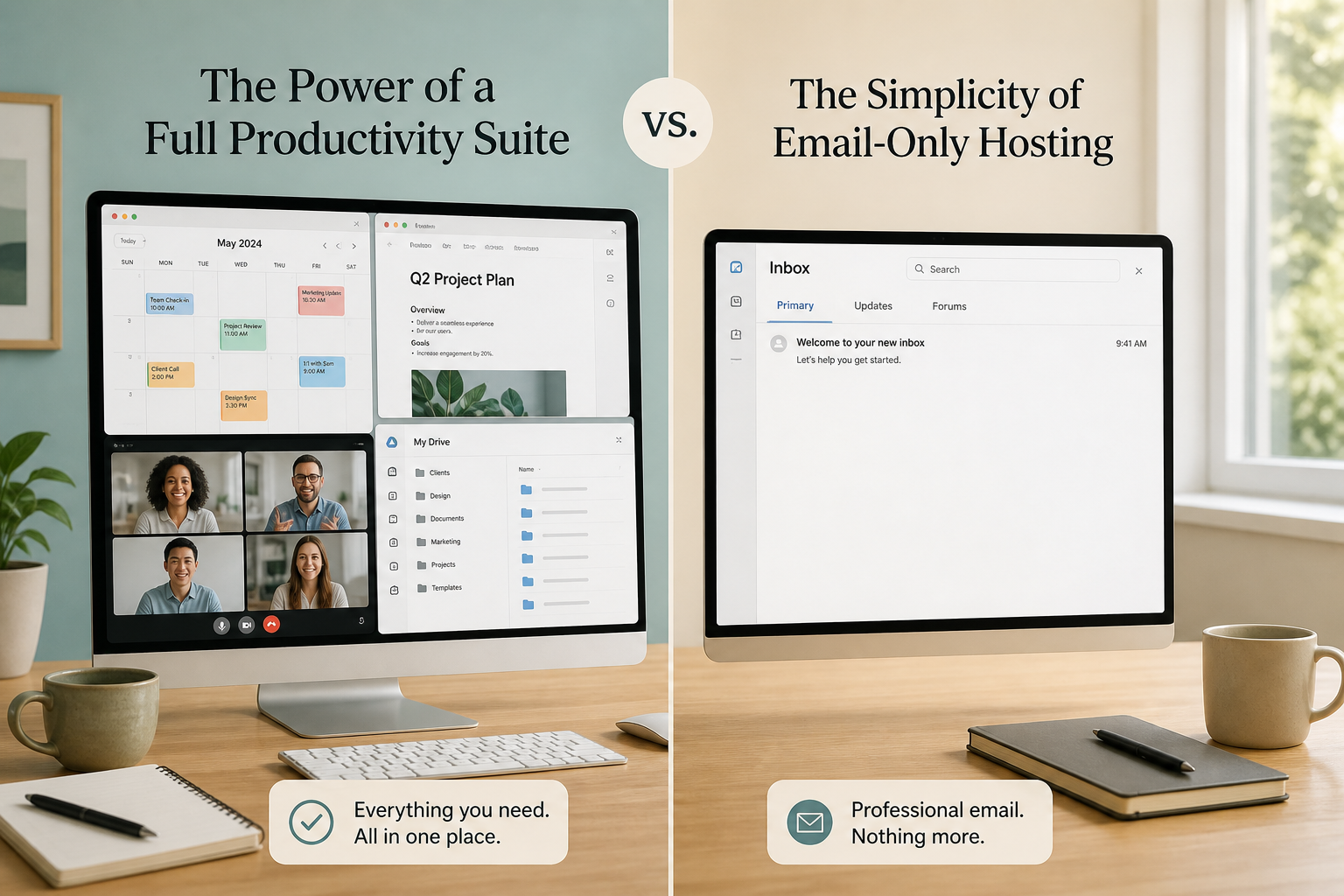
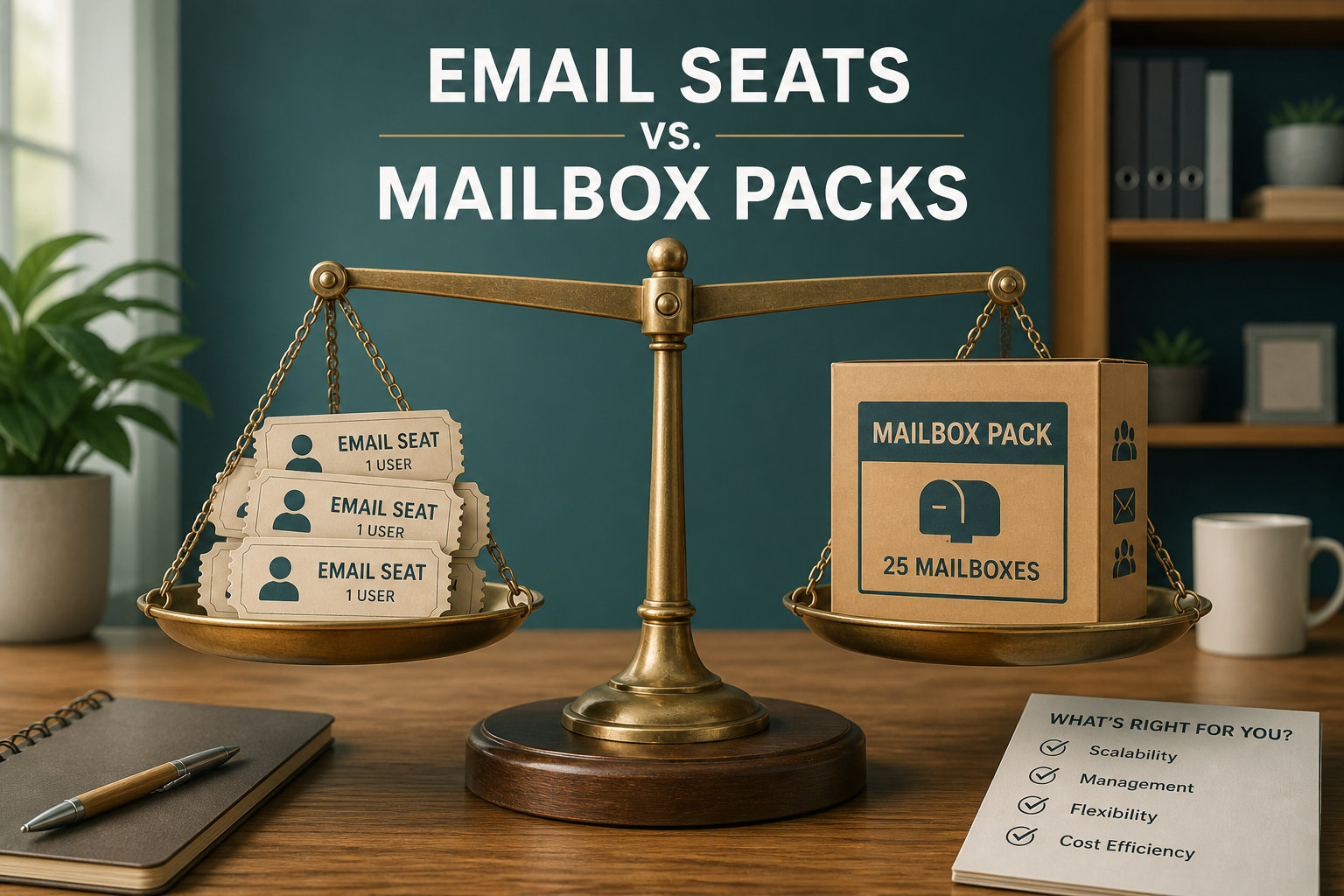
Per-user email pricing charges every human a seat (Google Workspace, Microsoft 365). Mailbox packs (MailShrine Solo / Team / Business) sell a band of mailboxes for one monthly price — you stop multiplying seats just to cover roles.
Pick seats when every person lives in the suite. Pick packs when email is the shared tool and aliases handle public addresses.
Real-life example: North Pier Tours
Jonah booked whale-watch trips with four guides. On a per-user suite he was quoted five seats: himself, three guides, plus a “sales” seat for bookings@.
On packs he bought Solo (up to 5 mailboxes): private inboxes for people who travel with phones, and bookings@ as an alias into the office mailbox. Same brand, fewer licences.
Model comparison
| Dimension | Per-user suite | Mailbox pack |
|---|---|---|
| Unit sold | 1 human licence | Band (e.g. 2–5, 6–15) |
| Public roles | Often another seat | Prefer aliases |
| Collaboration apps | Included | Optional / light by tier |
| Cost curve | Linear with headcount | Steps when you jump packs |
| Idle seats | You still pay | Unused slots inside the band are prepaid capacity |
MailShrine bands (fallback): Free 2 · Solo 2–5 · Team 6–15 · Business 16–50 · Custom 51+. Details: pricing.
When per-user wins
- Compliance insists on full Microsoft/Google admin stack.
- Every employee lives in Docs/Meet/Teams.
- HR already standardises on suite SKUs.
Honest admission: packs will not replace Exchange + SharePoint + Intune.
When packs win
- Founders + a few operators need mailboxes; marketing needs aliases.
- You regularly spin seasonal inboxes without wanting annual seat commitments.
- You started on MailShrine Free (2 mailboxes + 2 aliases) and upgraded once.
Related: Workspace cost vs email-only.
Worked example (5 people)
| Approach | Monthly ballpark |
|---|---|
| Workspace Starter × 5 (~$7) | ~$35 |
| MailShrine Solo pack | $2 |
| Free + 2 aliases only | $0 (if one human is enough) |
Naira view: pricing in Nigeria.
Step 1: Split private vs role addresses
Private = mailbox seat. Role = alias until two people must answer from separate credentials (alias guide).
Step 2: Map headcount to a pack band
| Mailboxes needed | MailShrine pack |
|---|---|
| 1 | Free |
| 2–5 | Solo |
| 6–15 | Team |
| 16–50 | Business |
| 51+ | Custom |
Step 3: Check storage per mailbox
Packs include different GB. Storage guide: how much email storage.
Step 4: Re-forecast quarterly
Packs jump at band edges. Suites jump every hire. Put a calendar reminder when you approach 5 / 15 / 50 mailboxes.
North Pier checklist
- Listed private seats onlyCompleted
- Converted vanity addresses to aliases where possibleCompleted
- Chose Solo vs Team using real headcountCompleted
- Confirmed suite apps weren’t required dailyCompleted
- Saved pricing link for financeCompleted
Common mistakes
- Buying a suite seat for
info@that nobody logs into. - Overbuying Business when Solo still has empty slots.
- Comparing pack price to one suite seat instead of N seats.
- Ignoring Free when a solo founder is still validating.
Next steps
Citations & References
- Reference: Google Workspace pricing
- Reference: Microsoft 365 Business plans
- Reference: Google: Email sender guidelines
Written by Isabelle R., Business Email Specialist. Isabelle models seat vs pack decisions for founders who grow unevenly.