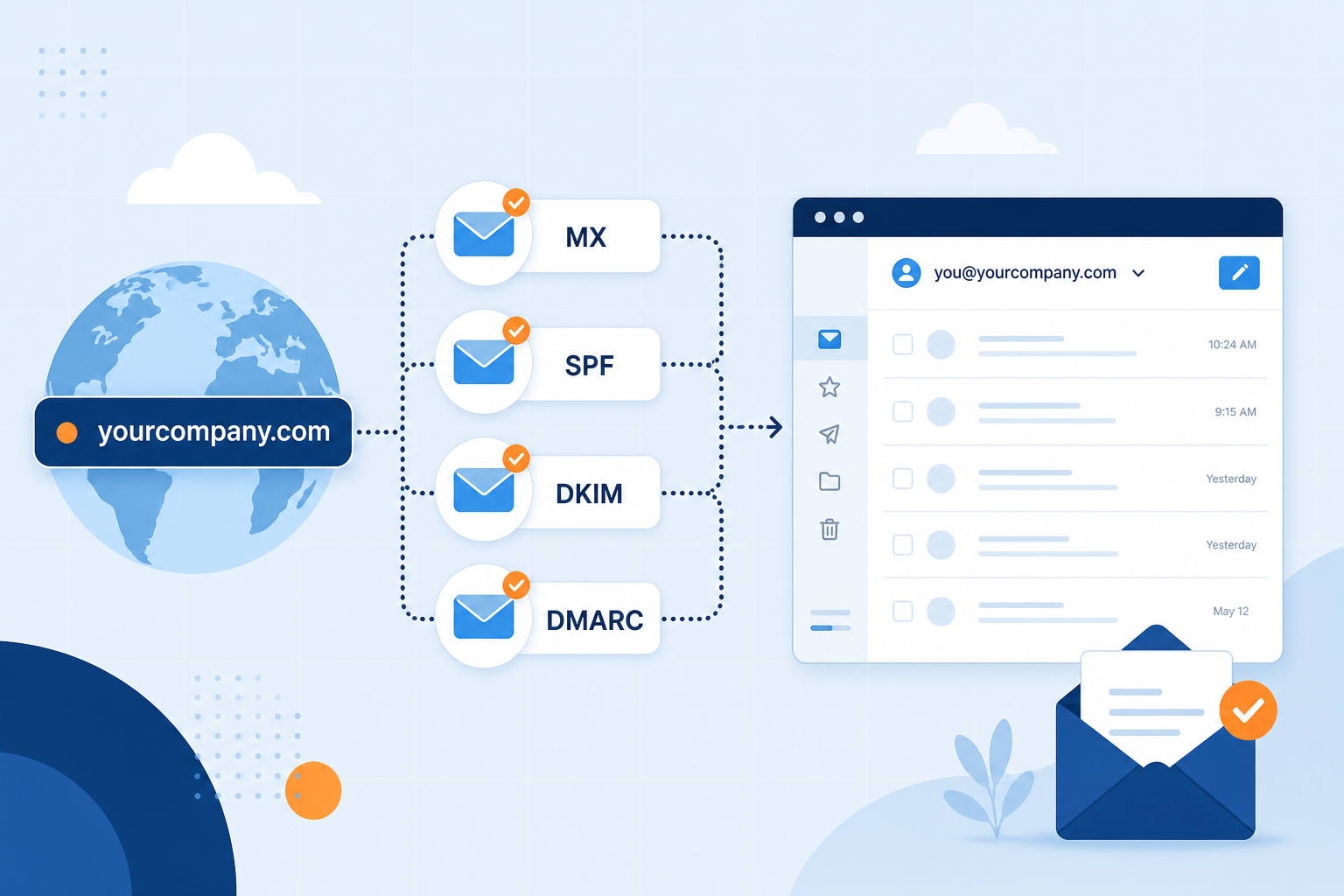
Free personal Gmail (you@gmail.com) is excellent for friends, banking alerts, and side experiments. Business email on your domain (you@yourcompany.com) is what customers expect when money, contracts, and brand trust are on the line.
This guide compares the two honestly, then shows how to move day-to-day work mail onto MailShrine while keeping personal Gmail for personal life.
Real-life example: Thread & Needle
Fatima runs Thread & Needle, a alterations shop. Bridal clients find her on Instagram, then email fatimasews88@gmail.com. Two brides admitted they almost booked someone else because the Gmail address felt “unofficial.”
Fatima’s goal:
- Keep
fatimasews88@gmail.comfor personal mail. - Use
fatima@threadandneedle.ngfor customers. - Put
hello@threadandneedle.ngon the contact form.
Side-by-side comparison
| Factor | Personal Gmail | Business email on your domain |
|---|---|---|
| Address look | name@gmail.com | name@yourbrand.com |
| Brand ownership | Google owns the domain | You own the domain |
| Switch providers later | Address is stuck on Gmail | Keep addresses; change host |
| Team access | Risky password sharing | Mailboxes, aliases, invites |
| Authentication (SPF/DKIM/DMARC) | Google’s domain, not yours | You publish records for your domain |
| Cost | Free | Domain + email plan (MailShrine Free can start) |
Important: “Gmail for business” usually means Google Workspace — paid Gmail on your domain. That is business email. Free @gmail.com is not the same product.What you need before you switch
| Item | Why |
|---|---|
| Domain | e.g. threadandneedle.ng |
| DNS access | Publish MX + auth records |
| MailShrine account | Host mailboxes without requiring Workspace |
| A short client notice | Tell regulars the new address once |
Step 1: Decide what stays on personal Gmail
Keep on personal Gmail: family, shopping accounts, personal newsletters.
Move to business email: invoices, quotes, suppliers, customer support, booking confirmations.
Mixing them forever creates messy search and risky forwards when someone helps in the shop.
Step 2: Create the branded addresses
- Add the domain in MailShrine Domains.
- Publish DNS and wait for Verified (timing guide).
- Create mailbox
fatima@threadandneedle.ng. - Add alias
hello@threadandneedle.ng.
Walkthroughs: Set Up Business Email and Custom Domain Email.
Step 3: Update public contact points
| Place | Action |
|---|---|
| Instagram / TikTok bio | Swap to hello@ |
| WhatsApp Business | Profile email field |
| Website / Linktree | Contact CTA |
| Invoice template | From / reply-to |
Send one friendly note from the new address so threads start clean.
Step 4: Run a week of parallel replies
For seven days, reply to customer threads from the new address (and BCC personal if you must). After the week, stop giving out the Gmail for work.
Step 5: Optional — connect IMAP on phone
Add the business mailbox in iOS Mail or Outlook using IMAP/SMTP from the product help. Leave personal Gmail as a separate account on the same phone.
Fatima’s finished switch (checklist)
- Listed personal vs work use for GmailCompleted
- Domain + MailShrine connectedCompleted
- Mailbox
fatima@+ aliashello@Completed - Bios and invoices updatedCompleted
- Round-trip test passedCompleted
- Phone IMAP this weekendNot completed
Common mistakes to avoid
- Replying from Gmail after publishing the new address — confuses clients.
- Forward-only “domain email” at the registrar — receiving without reliable send-as is incomplete (custom domain guide).
- Assuming free Gmail can host
@yourdomain— it cannot; you need Workspace or another host. - Sharing the Gmail password with staff — use aliases / team access instead.
Check your work
- Prospect-facing channels show the branded address.
- Work threads start from
@yourdomain. - Personal Gmail still works for personal life.
- DNS verified in MailShrine.
Next steps
- What Is Business Email? — definitions.
- Do You Need Google Workspace Just for Email? — suite vs mail host.
- Best Business Email for Small Business — pick a plan.
Citations & References
- Reference: Google: Email sender guidelines
- Reference: ICANN: What is DNS?
Written by Ben K., Business Email Specialist. Ben coaches SMEs on when free Gmail stops being enough for client work.