
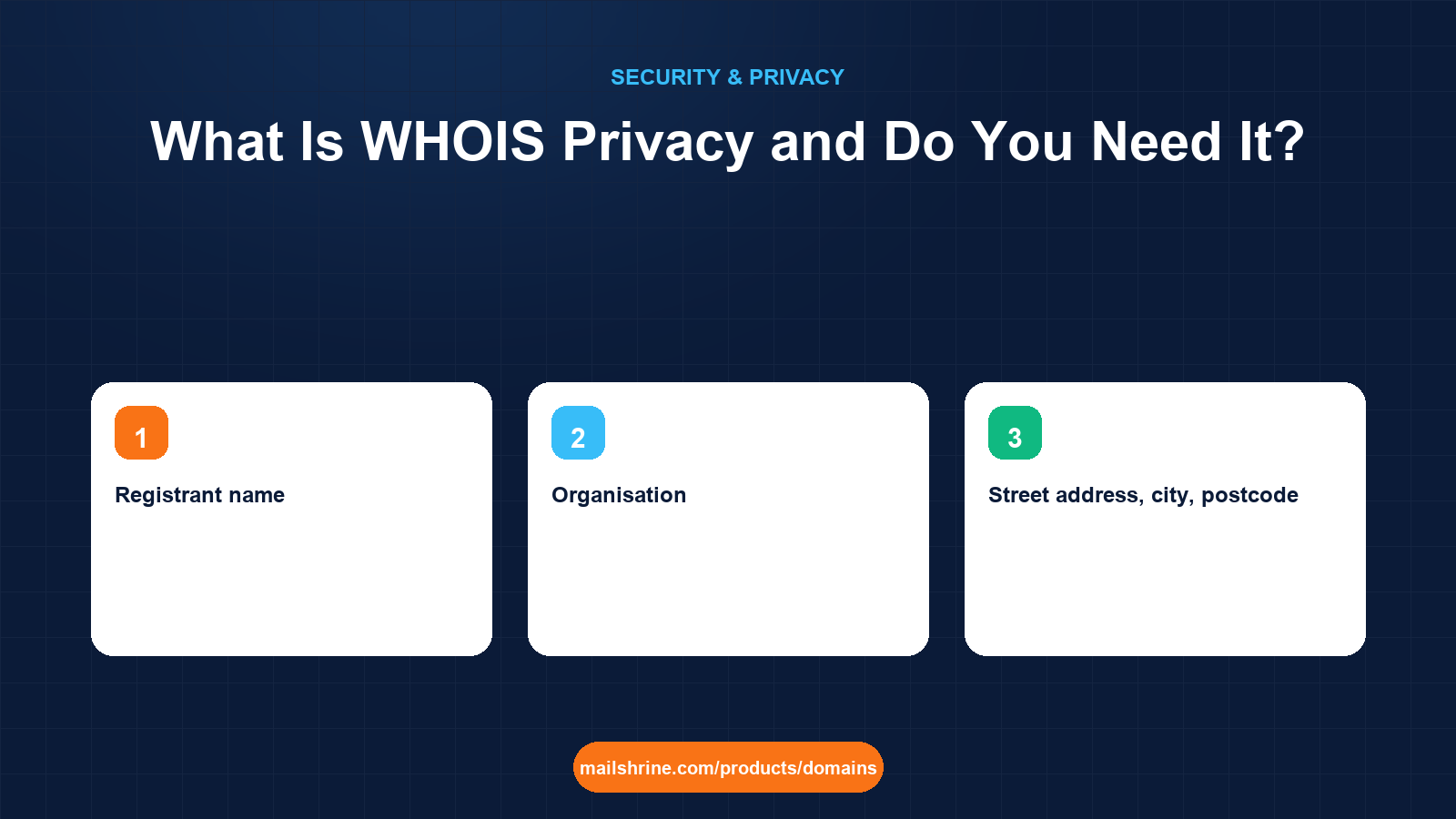
WHOIS privacy (also called domain privacy, privacy protection or a proxy service) replaces your personal name, postal address, phone number and email in the public domain record with the details of a privacy provider. The registry still knows who you are, your registrar still knows who you are, and you still hold every right to the name. The only thing that changes is what a stranger sees when they look your domain up.
Every domain registration must carry accurate contact data under ICANN's rules. Before 2018 that data was published in full, in a public directory called WHOIS, for anyone who typed in your domain. Spammers, cold-callers, scam-letter printers and the occasional stalker treated it as a free mailing list. Privacy services exist to keep your registration honest with the registry while keeping it closed to everyone else.
MailShrine Domains turns WHOIS privacy on for free, by default, on every extension that allows it. The same registration also gets a free transfer lock, your email DNS written automatically and two Business Email mailboxes, so the address a lookup does show is a forwarding address, never your personal one.
Real-life example: Kwame's accounting practice
Kwame Mensah runs a four-person accounting practice in Accra. He registered mensahledgers.com through a reseller years ago without privacy, and within a month he had letters from "Domain Registry Services" demanding $85, three calls a week from web agencies, and his home address sitting on a public page because he had used it as the business address.
Kwame's goals this week:
- Understand exactly what a lookup of his domain reveals today and what privacy would hide.
- Know whether hiding his details creates any problem with ownership, transfers or email.
- Fix the exposure without changing anything that works.
What a lookup shows with and without privacy
| Field in the record | Without privacy | With privacy on |
|---|---|---|
| Registrant name | Kwame Mensah | Privacy service or "REDACTED FOR PRIVACY" |
| Organisation | Mensah Ledgers | Privacy service name, or hidden |
| Street address, city, postcode | His home address in Accra | The privacy provider's address |
| Phone | His mobile number | The provider's number or hidden |
| kwame@gmail.com | A rotating forwarding address such as abc123@privacy.example | |
| Registrar, nameservers, dates, status | Always visible | Always visible |
Note the last row. Privacy never hides which registrar holds the domain, when it expires, which nameservers it uses or whether it is locked. Those fields are technical and public by design, and they are what you check when you buy a domain from someone or investigate a phishing site.
How the forwarding address works
The email field is the part people worry about. If a lookup shows abc123@privacy.example instead of Kwame's address, how do legitimate messages reach him?
The privacy provider runs a relay. Mail sent to the public address is forwarded to the real registrant email on file with the registrar. Most providers filter obvious bulk mail before forwarding and rotate the public address every few weeks so that a harvested copy goes stale. Transfer approvals, ICANN's annual contact-verification notices and messages from someone who genuinely wants to buy the name all still arrive. Postal mail to the provider's address is normally discarded, which for most owners is the whole point.
Where privacy is not available
| Extension | Privacy status | Why |
|---|---|---|
| .com, .net, .org, .io, .co and most generic TLDs | Available, free on MailShrine | Registry allows proxy registrations |
| .us | Not permitted | The .us registry contract bans private registration |
| .ca | Individuals hidden automatically by CIRA; businesses shown | Canadian registry policy |
| .uk | Individuals can opt out of address display; companies shown | Nominet policy |
| .de | Contact details largely withheld since 2018 | DENIC publishes only technical data |
| Some ccTLDs (for example .in, several African registries) | Varies by registry | Local rules may require published contacts |
If you register a country-code extension on MailShrine and the privacy switch is greyed out, the registry does not allow it. The record for that domain will still reflect whatever GDPR-style redaction the registry applies on its own.
What you need before you start
| You need | Why |
|---|---|
| Login to the registrar that holds your domain | Privacy is set per domain, in the registrar dashboard |
| Your real registrant details on file | Privacy hides data; it does not excuse inaccurate data. A domain with fake contacts can be suspended |
| A registrant email you check | The privacy relay forwards here, including transfer approvals |
| Five minutes | Changes to the public record propagate within a few minutes to an hour |
Step 1: Look your domain up
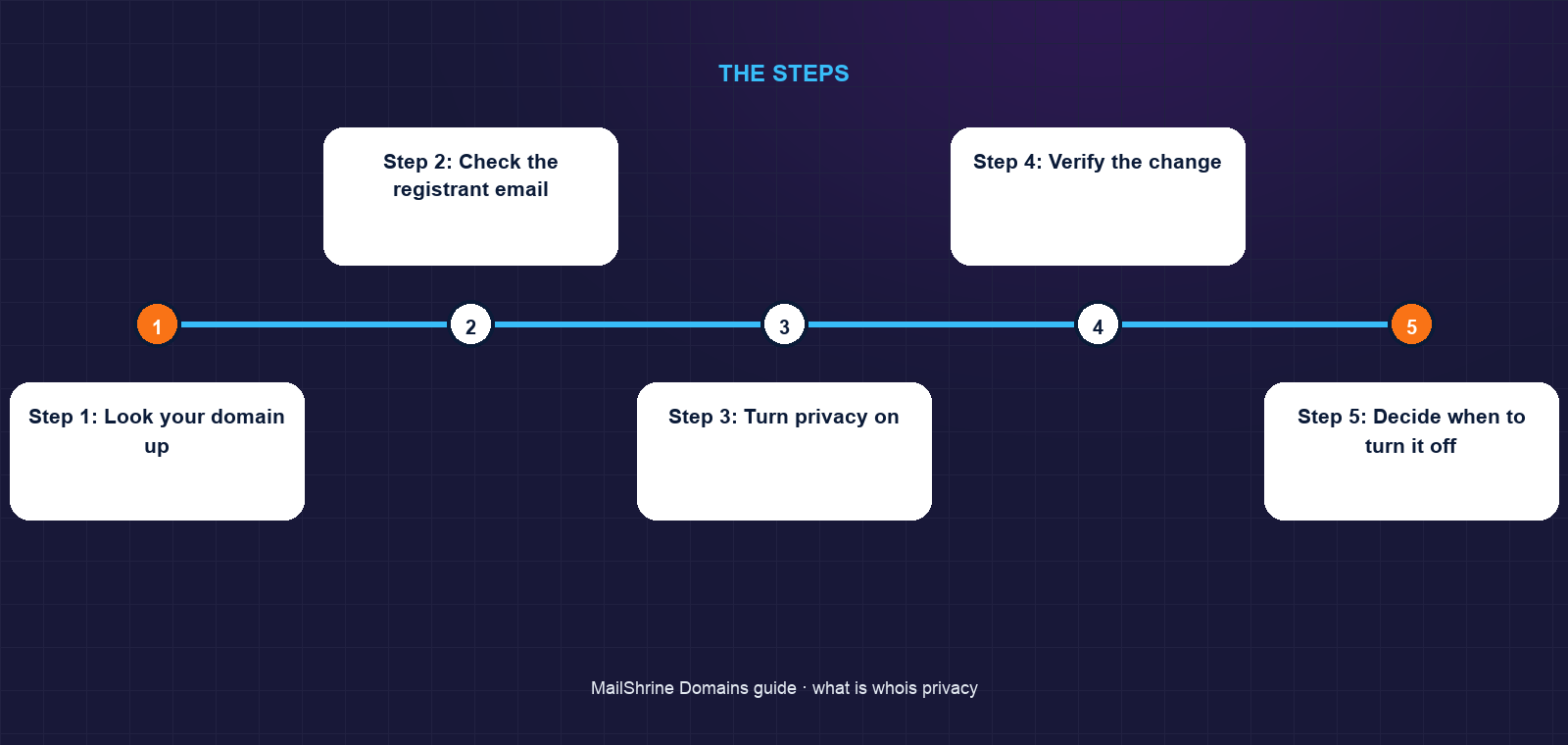
Go to lookup.icann.org and type your domain. This uses RDAP, the protocol that replaced the old WHOIS text output for generic extensions. Read the registrant block. If you see your own name and address, you are exposed. If you see "REDACTED FOR PRIVACY", your registrar is applying GDPR-style redaction, which hides the fields but may not provide a forwarding email. If you see a privacy company's name, a proxy service is already active.
Step 2: Check the registrant email
Even with the address redacted, some registrars still publish the email, and that is the field spammers want most. Confirm that the email shown is a relay or a web form link, not your real mailbox.
Step 3: Turn privacy on
On MailShrine, open the domain, find the Privacy toggle and confirm it shows On. It already will for any domain registered or transferred in, because we enable it at creation. On other registrars, look for "Domain privacy", "WhoisGuard", "ID Protect" or similar, and expect a yearly charge of $0 to $15 depending on the registrar.
Step 4: Verify the change
Run the lookup again after ten minutes. The registrant block should now show the privacy provider. Keep a screenshot; it is useful evidence if you ever dispute a transfer.
Step 5: Decide when to turn it off
There are two legitimate reasons: you are selling the domain and the buyer wants to see the seller's name, or a verification service insists on matching the public registrant to your business. Turn it off, do the task, and turn it back on. Never leave it off because a transfer "requires" it. Since the 2016 revision of ICANN's Transfer Policy, a transfer needs only the auth code and an unlocked domain, and the approval email flows through the relay.
Kwame's checklist
- Looked up
mensahledgers.comand found his home address exposedCompleted - Updated the registrant address to the office, not home, because privacy hides data but does not replace accuracyCompleted
- Turned privacy on and confirmed the public record changedCompleted
- Moved the registrant email from Gmail to
kwame@mensahledgers.comwith 2FA onNot completed - Added a calendar note to re-check the public record each year when the renewal reminder arrivesNot completed
Common mistakes
Using fake details instead of privacy. ICANN's Registrar Accreditation Agreement requires accurate registrant data. A complaint can trigger a 15-day verification; fail it and the domain is suspended. Privacy gives you the same protection legally.
Assuming privacy hides the domain from everyone. Your registrar, the registry, law enforcement with a valid request, and anyone who files a UDRP complaint can all reach the real registrant. Privacy stops casual harvesting, not accountability.
Putting a personal Gmail as the registrant email. The relay forwards to it. If you lose that account, you lose renewal reminders and transfer approvals, and the privacy layer makes recovery slower.
Turning privacy off during a transfer and forgetting it. Months later the exposed record is harvested. Set a reminder, or do not turn it off at all.
Expecting privacy on .us. It is not allowed. If you need a private registration for a US audience, .com is the usual answer.
Check your work
Run a lookup from a device that is not logged in to your registrar. The registrant name, address, phone and email should all show the privacy provider or a redaction notice. The registrar name, expiry date and nameservers should still be visible, and the status should include clientTransferProhibited, which confirms your transfer lock is also on. If every row matches, your public record is as closed as the registry allows.
FAQ
Does WHOIS privacy affect who owns the domain?
No. You remain the registrant with the registrar and the registry. The privacy provider is listed publicly as a proxy under a contract that passes every right back to you. Reputable providers, including those used by MailShrine's registrar partners, publish this in their terms.
Is WHOIS privacy still needed after GDPR?
Mostly yes. GDPR forced redaction for registrants in the European Economic Area, and many registrars redact globally, but redaction is a registrar choice and often leaves the email or organisation visible. A privacy service is explicit, applies everywhere the registry allows, and gives you a working relay address.
Can someone still contact me about buying my domain?
Yes. Mail to the public relay address is forwarded to you. Many registrars also expose a web form in RDAP results that reaches the registrant without revealing the address.
Will privacy stop renewal scam letters?
It removes the postal address the letters are sent to, which cuts most of them off. Scammers can still guess a business address from your website, so learn to recognise the letters anyway.
Does privacy hurt SEO or email deliverability?
No. Search engines do not read registrant data, and mail servers check SPF, DKIM and DMARC, not the domain record. Hundreds of millions of domains run privacy with no effect on either.
Next steps
- Domain Lock / Transfer Lock: What It Protects Against — the second free protection every domain should have on.
- GDPR, RDAP and the End of Public WHOIS — why lookups look different since 2018 and what RDAP changed.
- Domain Renewal Scam Letters and Emails: How to Spot Them — what to do with the letters an exposed record attracts.
Citations & References
- Reference: ICANN: Registration Data Lookup
- Reference: ICANN: Privacy and Proxy Services
- Reference: ICANN: Transfer Policy
- Reference: CIRA: WHOIS privacy for .ca domains
Written by Isabelle R., domains editor. Isabelle explains how names, DNS and registrars fit together so first-time buyers know exactly what they are paying for.