
DNSSEC (Domain Name System Security Extensions) adds digital signatures to your DNS records so that a resolver can prove the answer it received for your domain is the one you published, and not one forged on the way. Plain DNS has no such check. A resolver asks "where is weberconsult.de?", gets an IP address back, and believes it. DNSSEC lets the resolver verify a signature on that answer against a chain of keys that runs from your zone, up to the registry for your extension, up to the root of the DNS.
It does not encrypt anything. Your records remain public; what DNSSEC provides is integrity and authenticity. That makes it the answer to one specific class of attack, cache poisoning and forged responses, and no answer at all to others, such as someone logging into your registrar account and changing the records legitimately.
MailShrine Domains offers DNSSEC as a free switch for domains held at Openprovider using our Anycast DNS. Flip it on and the zone is signed, the keys rotated, and the DS record published at the registry for you, with no key files to manage. The email DNS we write at registration, MX, SPF, DKIM and DMARC, is covered by the same signatures.
Real-life example: Jonas's consultancy
Jonas Weber runs a twelve-person software consultancy in Berlin on weberconsult.de. A client's security questionnaire asks "Is DNSSEC enabled on your primary domain?" and he does not know what to answer. He has heard that turning it on can take a domain offline and that nobody validates it anyway.
Jonas's goals this week:
- Understand what DNSSEC protects and what it leaves alone, so he can answer the questionnaire honestly.
- Know the one failure mode that actually breaks domains, and how to avoid it.
- Turn it on without downtime for the website or the team's email.
What DNSSEC does and does not protect against
| Threat | Does DNSSEC help? | Why |
|---|---|---|
| Cache poisoning (a resolver tricked into storing a forged answer) | Yes | Forged answer lacks a valid signature; validating resolver discards it |
| Man-in-the-middle on the path between resolver and authoritative server | Yes | Same reason; signatures are checked end to end |
| Attacker changes records inside your registrar or DNS account | No | They publish signed records; signatures are valid |
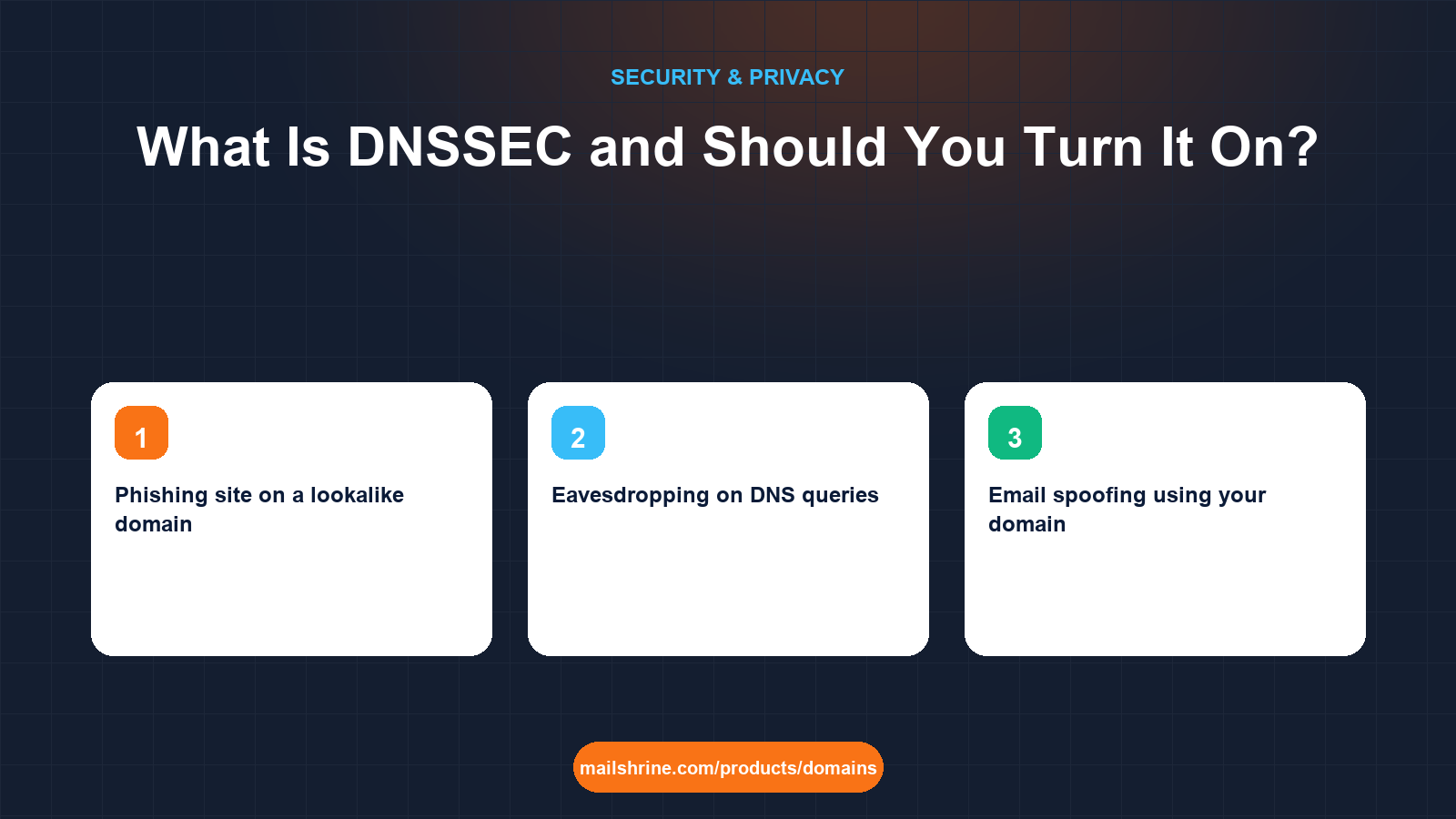
| Phishing site on a lookalike domain | No | The lookalike has its own valid DNS |
| Eavesdropping on DNS queries | No | DNSSEC signs, it does not encrypt; that is DNS over HTTPS or TLS |
| Email spoofing using your domain | Indirectly | SPF, DKIM and DMARC records are signed, so they cannot be forged in transit |
The honest questionnaire answer is: DNSSEC is on, and it protects the integrity of the published records; account security protects the records themselves.
How the chain of trust works
Every DNSSEC-signed zone has at least one key pair. The private half signs the records, producing RRSIG records that sit beside them. The public half is published as a DNSKEY record. A resolver fetches both and checks the signature. But how does it know the DNSKEY is genuine? Because a hash of it, the DS record, is published one level up, in the registry's zone for .de, and signed with the registry's key. The registry's own key is in turn hashed into the root zone, whose key every validating resolver ships with.
In practice:
- DNSKEY and RRSIG live in your zone, managed by your DNS provider.
- DS lives at the registry and is submitted through your registrar. This is the step that needs a registrar, which is why DNSSEC appears in domain dashboards.
- Validating resolvers such as Google Public DNS (8.8.8.8), Cloudflare (1.1.1.1), Quad9 and most ISP resolvers in Europe and North America check the chain on every lookup. If a signature fails, they return SERVFAIL rather than a possibly forged answer.
Most modern deployments use algorithm 13 (ECDSA P-256 with SHA-256), which keeps signatures small and is what MailShrine's DNS uses.
The one way DNSSEC breaks a domain
Because the DS record at the registry must match the DNSKEY in the zone, any mismatch makes validating resolvers reject the whole domain. That means website down, email bouncing, for roughly a third of the world's users, while the other two thirds see nothing wrong. The mismatch almost always comes from one action: changing nameservers to a provider that does not hold the same keys, without removing or updating the DS record first.
The rule is simple. Before moving DNS anywhere, turn DNSSEC off (which removes the DS), wait for the old DS TTL to expire, typically 24 hours for most registries, then move, then re-enable with the new provider's keys. Do it in that order and DNSSEC never causes an outage.
What you need before you start
| You need | Why |
|---|---|
| Your domain's DNS hosted where DNSSEC signing is supported | Signing happens at the DNS provider; the DS goes to the registry |
| A registrar that can submit DS records for your extension | Not every registrar supports every TLD's DNSSEC interface |
| A check that your extension supports DNSSEC | Nearly all gTLDs and most ccTLDs do; a few do not |
| A quiet day | Enabling is instant; you want time to verify before any other DNS change |
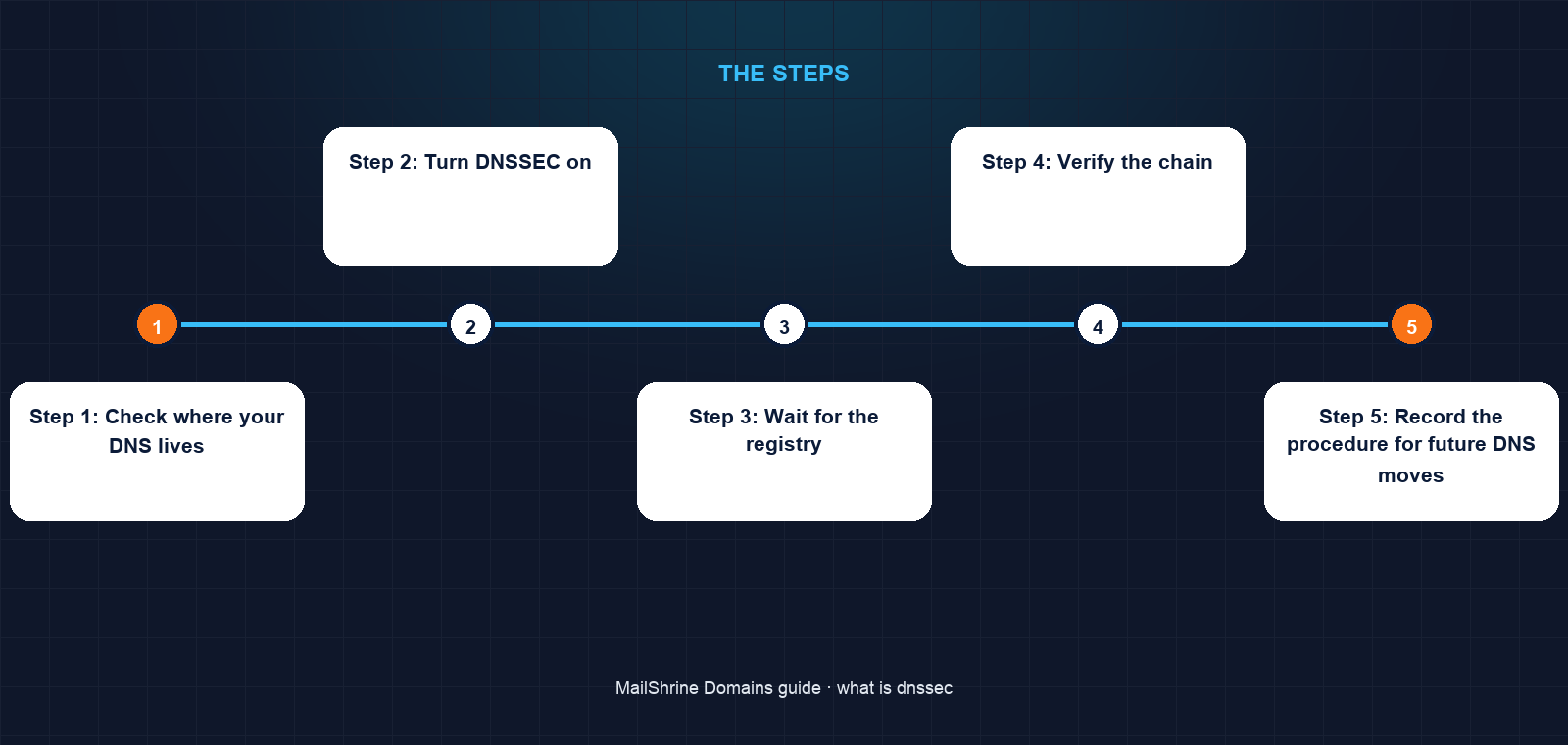
Step 1: Check where your DNS lives
If your nameservers are MailShrine's, you are on our Anycast DNS and signing is a single switch. If they point at another provider, that provider must sign the zone and give you a DS record to enter at the registrar.
Step 2: Turn DNSSEC on
On MailShrine, open the domain, find DNSSEC and set it to On. For Openprovider-held domains using our DNS the zone is signed and the DS record is sent to the registry automatically. There is nothing to copy.
Step 3: Wait for the registry
The DS record appears in the TLD zone within minutes to a few hours depending on the registry. Nothing is at risk during this window; until the DS is published, resolvers treat your zone as unsigned and keep working.
Step 4: Verify the chain
Use dnsviz.net or Verisign's DNSSEC Analyzer at dnssec-debugger.verisignlabs.com and enter your domain. You want every link green from the root to your records. A single red link means a mismatch and should be fixed before you leave.
Step 5: Record the procedure for future DNS moves
Write one line in your runbook: "Disable DNSSEC and wait 24 hours before changing nameservers." It is the only operational rule DNSSEC adds.
Jonas's checklist
- Confirmed
weberconsult.deuses MailShrine nameserversCompleted - Switched DNSSEC on and saw the DS record appear at DENIC within the hourCompleted
- Ran the analyzer and got an unbroken chain from the rootCompleted
- Answered the questionnaire: DNSSEC enabled, algorithm 13, validated via public resolversNot completed
- Added the "disable before moving nameservers" rule to the team runbookNot completed
Common mistakes
Changing nameservers with a live DS record. The classic outage. Disable, wait, move, re-enable.
Entering a DS record by hand with a typo. One wrong hex character fails validation for the whole domain. Use registrar flows that submit DS automatically where you can.
Assuming DNSSEC protects email content or logins. It protects the DNS answers only. TLS, DMARC and account security do the rest.
Turning it on for a domain whose DNS is split across providers. Every authoritative server must serve the same signed zone. If a second provider holds an unsigned copy, some lookups fail.
Thinking nobody validates. APNIC's measurements put validating resolver use at roughly a third of users globally and far higher in Germany, the Nordics and parts of Africa. An outage from a broken chain is very visible.
Check your work
Run dig +dnssec weberconsult.de A (or your domain) against 8.8.8.8 and look for the ad flag in the response header, which means "authenticated data". Then run a DNSSEC analyzer and confirm an unbroken chain. Finally, test the email path: send a message from a signed domain to a Gmail address and check it still arrives with SPF and DKIM passing. If all three hold, DNSSEC is live and harmless.
FAQ
Does DNSSEC make my website or email slower?
Negligibly. Signed responses are a few hundred bytes larger and validation adds a lookup the resolver usually has cached. Users will not notice.
Does DNSSEC replace SSL or HTTPS?
No. DNSSEC authenticates the DNS answer that says where your server is; TLS authenticates the server and encrypts the connection. They address different layers and both are worth having.
Which extensions do not support DNSSEC?
Almost all generic TLDs and the large ccTLDs (.de, .uk, .ca, .ng, .ke, .za, .in) do. A handful of smaller ccTLDs still do not sign their zones; if so, the switch will not appear for that domain.
Can I turn DNSSEC off later?
Yes. Disabling removes the DS record from the registry. Wait for the old DS to expire from caches before making other DNS changes, and the domain reverts to unsigned without interruption.
Is DNSSEC available for every MailShrine domain?
It is a free switch for domains held at Openprovider that use MailShrine's Anycast DNS. For other configurations, the DNSSEC option depends on the registrar route and the DNS provider; the dashboard shows whether it is available for a given domain.
Next steps
- How to Stop Domain Hijacking — the account-side attacks DNSSEC does not cover, and what does.
- Domain Lock / Transfer Lock: What It Protects Against — the registry flag that pairs with DNSSEC.
- Registrar Account Security: 2FA, Recovery and Access — because a signed zone is only as trustworthy as the account that edits it.
Citations & References
- Reference: RFC 4033: DNS Security Introduction and Requirements
- Reference: ICANN: DNSSEC – What Is It and Why Is It Important?
- Reference: Cloudflare Learning: How DNSSEC works
- Reference: APNIC Labs: DNSSEC validation statistics
Written by Marcus T., DNS and deliverability editor. Marcus explains the records behind every domain so that websites resolve and email lands where it should.