
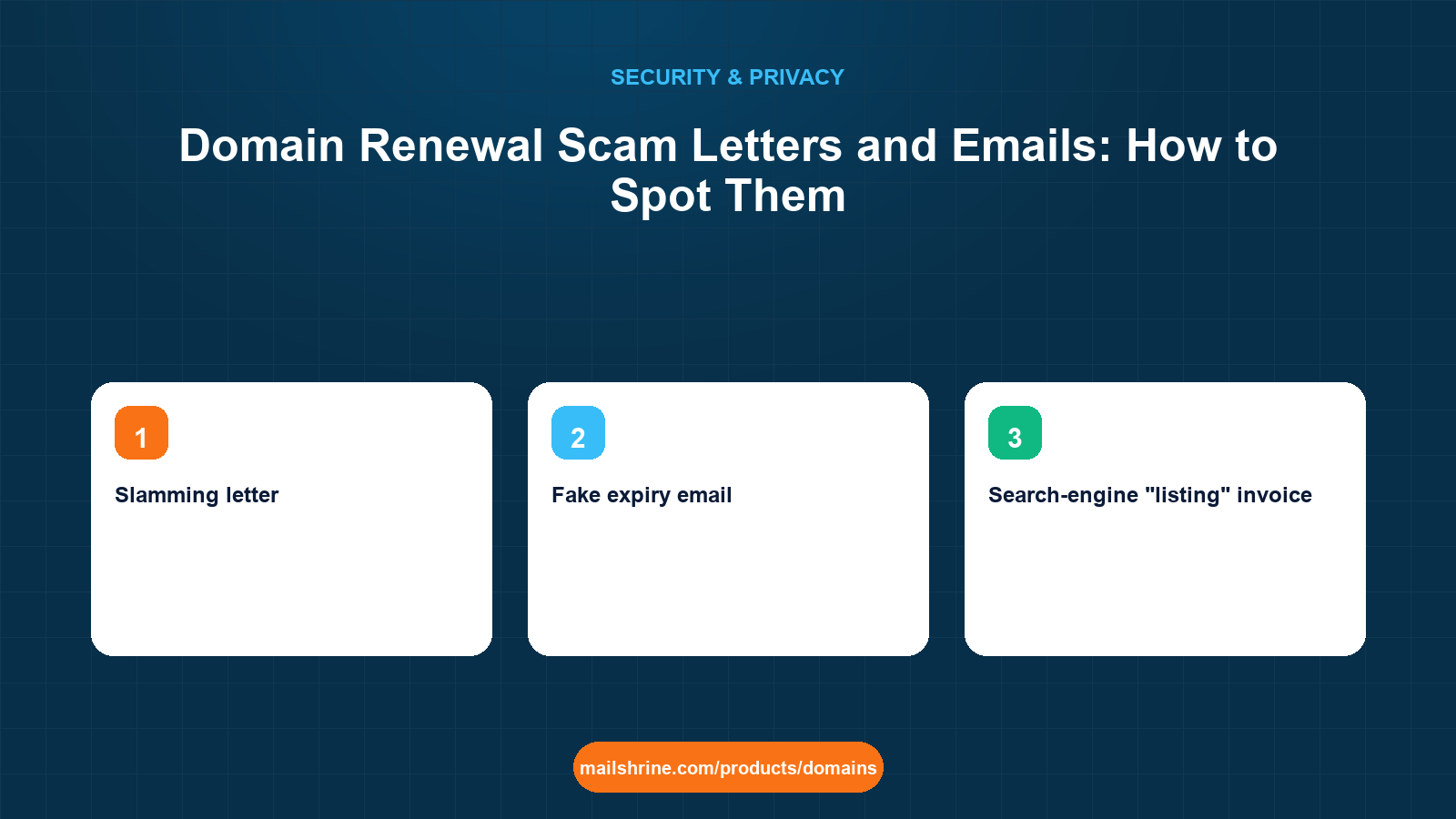
A domain renewal scam is an invoice, letter or email designed to look like a renewal notice for your domain, sent by a company that does not hold your domain and in most cases has never heard of you beyond a public lookup. Pay it and one of three things happens: you lose the money and nothing changes, you unknowingly authorise a transfer to an expensive registrar (a practice called "slamming"), or you hand your card details to a phishing site. The letters work because they are timed to arrive a few weeks before your real expiry date, which is public.
The genre is old. The US Federal Trade Commission took action against "Domain Registry of America" in 2003 for exactly these mailings, and near-identical letters still arrive from "Domain Registry of Canada", "Domain Renewal Group", "iDNS", "Domain Listings" and dozens of rotating names. The email versions add urgency ("Final notice: your domain will be deleted") and a payment link. None of them can renew your domain, because only the registrar that holds it can.
MailShrine Domains sends renewal reminders from one address at 30 days, 7 days and 1 day before expiry and again on the day, with the renewal price shown up front and a link to your own dashboard. If a notice does not match that pattern, it did not come from us. WHOIS privacy, on by default, also removes the postal address and phone number the paper versions depend on.
Real-life example: Grace's bakery
Grace Wanjiru runs a bakery and cake-order business in Nairobi on wanjirucakes.co.ke and wanjirucakes.com. In one week she received a letter marked "Domain Name Expiration Notice" asking for $89, an email titled "URGENT: wanjirucakes.com will be suspended" with a Pay Now button, and a message from a "Chinese registrar" saying another company was trying to register her brand in .cn and .asia. She nearly paid the first one.
Grace's goals this week:
- Learn to tell a real renewal notice from a fake one in under a minute.
- Confirm who actually holds her domains and when they really expire.
- Set things up so a scam letter can never make her panic again.
The four scam formats
| Format | What it looks like | What actually happens if you pay | Tell-tale sign |
|---|---|---|---|
| Slamming letter | Printed "invoice" from a registrar you have never used, $60 to $120, often with a return envelope | You authorise a transfer to them; renewal prices there are far higher and the real registrar never hears from you | Small print saying "this is not a bill" or "by paying you agree to transfer" |
| Fake expiry email | "Final notice" from a generic sender, countdown timer, Pay Now link | Card details go to a phishing page; the domain is unaffected | Sender domain is not your registrar's; link URL does not match |
| Search-engine "listing" invoice | "Domain SEO Service" or "Website Listing" bill for $75 to $200, wording mimics a renewal | You pay for a worthless or non-existent listing | Mentions "search engine submission" nowhere near domain renewal |
| Brand-protection bait | Email from an "Asian registration authority" saying a third party wants your name in .cn, .asia, .hk | You are pressured to register six to ten extensions at inflated prices | Asks you to confirm whether you "authorise" the other company |
How the scammers know your expiry date
They do not know you. They know your domain. The expiry date, registrar name and nameservers are public in every lookup and always will be, because the internet needs them. Scammers pull lists of domains expiring in the next 60 to 90 days and mail-merge the letters. Before privacy services were common, the registrant's name, address and phone were public too, which is why older letters are addressed by name to a home address.
Two consequences. First, privacy stops the letters addressed to you personally, but a business whose address is on its website will still get some. Second, the date on the scam letter is often correct, which is exactly what makes it convincing. The date being right proves nothing about who sent it.
What you need before you start
| You need | Why |
|---|---|
| The name of your actual registrar | The only company that can renew your domain |
| Your registrar's real notice address | So you can compare senders instead of trusting a logo |
A lookup tool such as lookup.icann.org | Shows the registrar of record and the true expiry date |
| Auto-renew on, with a working card | Removes the deadline the scams exploit |
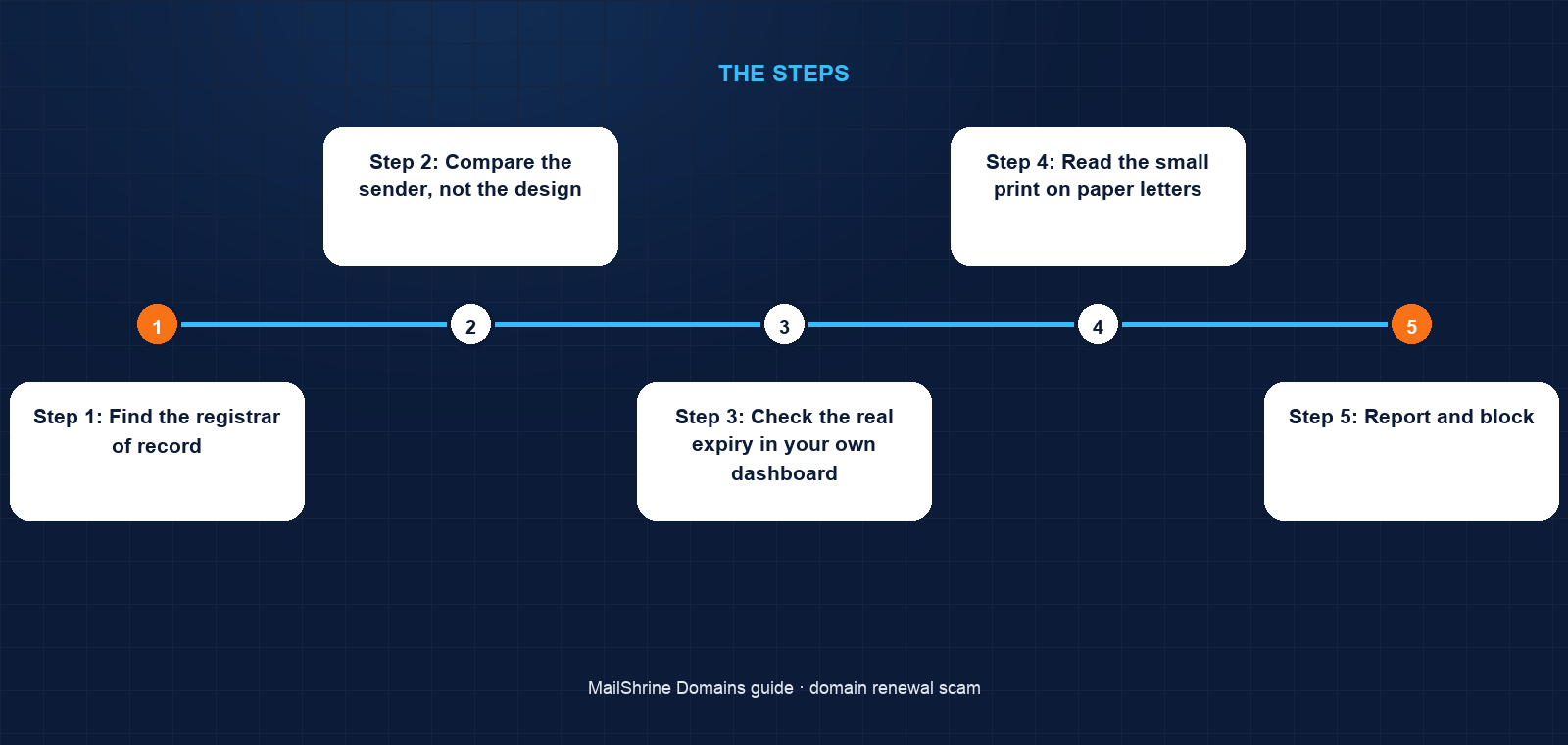
Step 1: Find the registrar of record
Look the domain up at lookup.icann.org. The Registrar field names the company that holds your domain. If the letter or email comes from anyone else, it cannot be a renewal notice, whatever it says. On MailShrine the registrar of record will show Openprovider or Dynadot, the accredited registrars we route registrations through, and the domain appears in your MailShrine dashboard.
Step 2: Compare the sender, not the design
Logos and colours are copied in seconds. The sending domain is not. Hover the sender and any link; the domain after the @ and in the link must be your registrar's. A link that reads mailshrine-renewals-secure.com is not MailShrine. A letter with a PO box return address and no account number is not from a company that holds your records.
Step 3: Check the real expiry in your own dashboard
Never use the link in the message. Open a new tab, type your registrar's address, log in and read the expiry date. If it is months away and the message says days, the message is a lie. If it is close, renew from the dashboard, not from the message.
Step 4: Read the small print on paper letters
Slamming letters are legal in many jurisdictions precisely because they say, in six-point type, that they are a solicitation to transfer. Find that sentence. Then shred the letter. Do not fill in the return form even to say no; it confirms a live address.
Step 5: Report and block
Forward email versions to your registrar's abuse address and to your national anti-fraud reporting body. Mark the sender as spam so your mail filter learns it. In the office, tell whoever opens the post that no domain invoice gets paid unless it comes from the dashboard.
Step 6: Remove the deadline
Switch auto-renew on, confirm the card on file, and register important domains for several years. A domain with four years left and auto-renew on cannot be made urgent by any letter.
Grace's checklist
- Looked up both domains and confirmed the registrar of recordCompleted
- Found "this is not a bill" in the small print of the $89 letter and shredded itCompleted
- Checked the real expiry: 14 months away, not 7 daysCompleted
- Turned on auto-renew and extended
wanjirucakes.comto a 3-year termNot completed - Told her sister, who handles the post, that only dashboard renewals get paidNot completed
- Forwarded the "Chinese registrar" email to the abuse address and deleted itNot completed
Common mistakes
Paying because the expiry date is right. The date is public. Correctness proves only that the sender ran a lookup.
Replying to decline. A reply confirms a monitored address and often triggers more mail. Silence and spam filters are the right response.
Buying the .cn and .asia names "to be safe". If you actually want them, buy them from your own registrar at normal prices. The urgency is manufactured; nobody is waiting to register your bakery in Hong Kong.
Letting a junior staff member pay domain invoices. The letters are designed for accounts-payable desks that pay anything with an invoice number. Route all domain spending through the dashboard.
Having two registrars and losing track. Scams work best when you are not sure who holds what. Consolidate, or at least keep a list with registrar, expiry and login for every domain.
Check your work
Take the next suspicious notice you receive and run it through three checks: does the sender's domain match your registrar, does the expiry date match your dashboard, and does the link point to a site you can also reach by typing its address yourself? If any answer is no, it is a scam. Then confirm auto-renew is on and the expiry is more than a year out; that is the state where no letter can hurt you.
FAQ
Can a scam letter actually transfer my domain?
Only if you sign and pay a slamming letter and your domain is unlocked. The payment form doubles as a transfer authorisation. With transfer lock on, as it is by default on MailShrine, even a signed form is rejected at the registry until you unlock the domain yourself.
Is "Domain Registry of America" a real registrar?
Companies under that and similar names have been ICANN-accredited at various times, which is what makes the letters legal rather than merely dishonest. Being accredited does not make them your registrar. Only the registrar of record can renew your domain.
How do I know which emails from MailShrine are genuine?
Our renewal reminders arrive at 30, 7 and 1 day before expiry and on the day, show the renewal price, and link to your dashboard. If in doubt, ignore the link, log in directly and check the expiry date there.
What about the emails saying someone wants to register my brand in China?
They are a sales tactic, not a legal notice. No registry asks a registrar to seek your permission before someone registers a name. If you want your brand in another extension, buy it from your own registrar at list price.
Should I pay for "search engine listing" or "SEO registration" invoices?
No. Search engines index sites for free. These invoices are unrelated to your domain and are written to be mistaken for a renewal.
Next steps
- What Is WHOIS Privacy and Do You Need It? — how privacy removes the address and phone these letters are sent to.
- Typosquatting and Lookalike Domains: Should You Buy Them? — the honest answer to "should I buy my brand in every extension".
- Registrar Account Security: 2FA, Recovery and Access — keeping the account the real renewals go through safe.
Citations & References
- Reference: FTC: Domain Registry of America settles charges of deceptive solicitations
- Reference: ICANN: Registration Data Lookup
- Reference: ICANN: Transfer Policy
- Reference: Better Business Bureau: Domain name renewal scams
Written by Samira K., small-business editor. Samira writes for owners who run the business and the IT at the same time, and need the answer that saves money and time.