
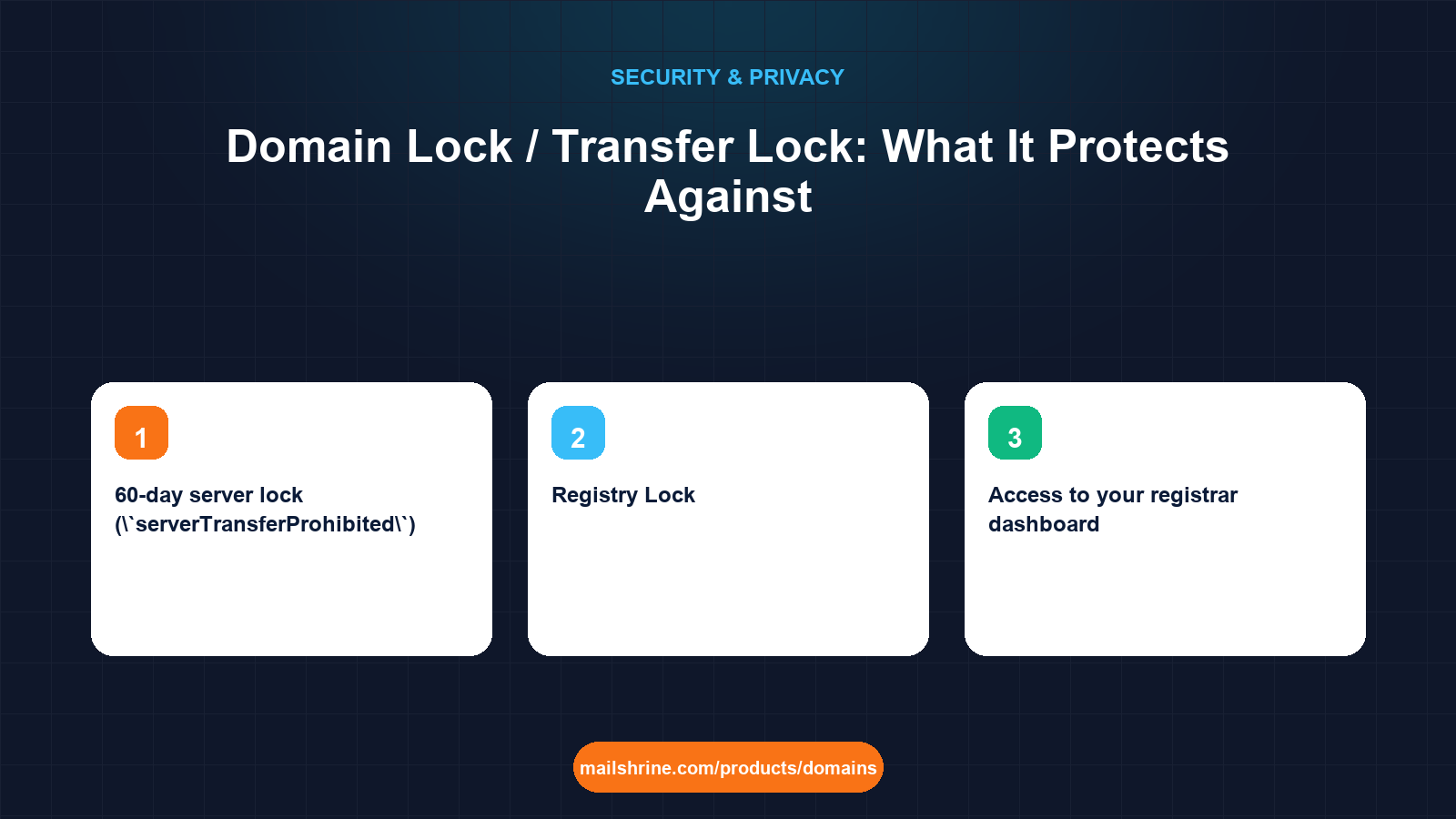
A domain lock (also called transfer lock, registrar lock or client lock) is a status flag your registrar sets on your domain at the registry. While it is on, the registry refuses any request to transfer the domain to another registrar, no matter who sends it or whether they hold the correct auth code. It is the single cheapest control in domain security, and it is on by default at every registrar that takes security seriously.
The flag has a technical name you will see in any lookup: clientTransferProhibited. Its siblings, clientUpdateProhibited and clientDeleteProhibited, block edits to the record and deletion respectively. Together they mean that a thief who gets your auth code, or who talks a registrar's support desk into releasing it, still cannot move the name until someone with access to your account turns the lock off first.
MailShrine Domains sets the transfer lock the moment a domain registers or transfers in, free, alongside WHOIS privacy. You switch it off only when you are ready to move a domain out, from the transfer section of the dashboard, and the auth code is generated at the same time so the two steps happen together on purpose.
Real-life example: Priya's clinic
Priya Raman runs a physiotherapy clinic in Mumbai with ramanphysio.com carrying the booking site and six staff mailboxes. A phishing email caught one of her receptionists, and the attacker now has the clinic's registrar password. Priya has changed it, but she wants to know what the attacker could have done in the hours before she noticed, and what would have stopped them.
Priya's goals this week:
- Understand exactly which attacks the transfer lock blocks and which it does not.
- Confirm the lock is on for every domain the clinic holds and learn how to read the status herself.
- Decide whether she needs the stronger registry-level lock some providers sell.
The three lock levels
| Lock | Who sets it | What it blocks | Typical cost |
|---|---|---|---|
Client transfer lock (clientTransferProhibited) | Your registrar, on your instruction | Inter-registrar transfer requests at the registry | Free at MailShrine, free or bundled elsewhere |
60-day server lock (serverTransferProhibited) | The registry, automatically | Transfers for 60 days after registration, an inbound transfer, or a change of registrant | Automatic under ICANN policy |
| Registry Lock | The registry, after manual identity checks with your registrar | Transfers, nameserver changes, contact changes and deletion, until a human at the registry unlocks | Typically $100 to $1,000+ per year through registrars that offer it |
The first row is what most people mean by "domain lock". The second is a policy rule rather than a feature. The third is for banks, exchanges and brands where a nameserver change for ten minutes would cost more than a year of fees.
What the lock stops, and what it does not
A transfer out of a registrar follows ICANN's Transfer Policy. The gaining registrar submits the request with your auth code. The registry checks the status flags before anything else. If clientTransferProhibited is present, the request is rejected on the spot and the losing registrar is never even asked to approve. That is the whole protection, and it is decisive against:
- A stolen or leaked auth code. Useless while the lock is on.
- A gaining-registrar request made with social engineering. Rejected by the registry regardless of the paperwork.
- An accidental transfer started by a staff member or an agency with an old code.
What the lock does not stop is anything done inside your registrar account. An attacker with your password can turn the lock off, change nameservers, edit DNS, change the registrant email and then transfer. In Priya's case, the lock bought time only because the attacker also needed to pass her registrar's second factor to change settings. That is why the lock and account security are two halves of one defence, not alternatives.
What you need before you start
| You need | Why |
|---|---|
| Access to your registrar dashboard | Lock status is shown and toggled per domain |
| A list of every domain your business holds | Old marketing domains are the ones people forget to check |
A lookup tool such as lookup.icann.org | Lets you read the status flags independently of the registrar's interface |
| Two-factor authentication on the account | Without it the lock can be switched off by anyone with the password |
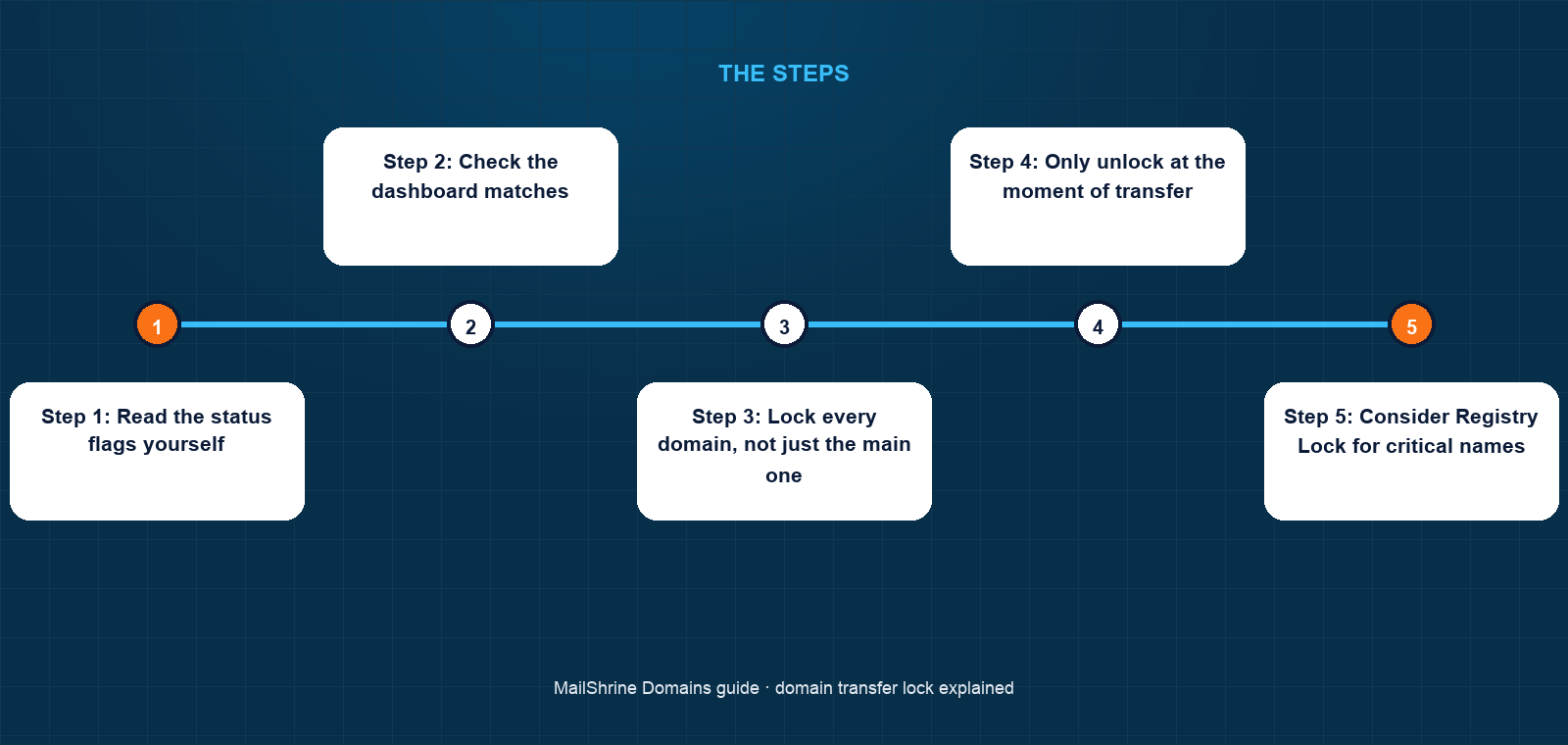
Step 1: Read the status flags yourself
Look the domain up at lookup.icann.org. Find the Status section. You want to see clientTransferProhibited. If the domain was registered or transferred in the last 60 days you will also see serverTransferProhibited. A domain showing only ok is unlocked and movable by anyone holding its auth code.
Step 2: Check the dashboard matches
Open the domain in MailShrine. The transfer lock toggle sits with privacy in the domain's settings and should show On. If the registry says locked but the dashboard says unlocked, or vice versa, the registrar's sync has failed; contact support before doing anything else, because the registry's view is the one that counts.
Step 3: Lock every domain, not just the main one
Attackers target forgotten domains because nobody is watching their renewal reminders or status. Go through the full list. On MailShrine every domain is locked at creation, but a domain transferred in from a registrar that had it unlocked will have been locked on arrival, so the check is a confirmation rather than a repair.
Step 4: Only unlock at the moment of transfer
When you genuinely move a domain, unlock it, request the auth code, hand the code to the gaining registrar and approve the transfer in the same sitting. On MailShrine the transfer-out flow at the transfer section does the unlock and code generation together. If a transfer stalls and you abandon it, re-lock the same day.
Step 5: Consider Registry Lock for critical names
If a domain carries payments, customer logins or a brand with real counterfeit risk, ask whether your registrar offers Registry Lock for that extension. Verisign offers it for .com and .net, and several other registries have equivalents. Expect to prove identity by phone each time you need a change. For a clinic booking site, the free client lock plus 2FA is proportionate; for a payment gateway it is not.
Priya's checklist
- Looked up all three clinic domains and found
clientTransferProhibitedon twoCompleted - Locked the third, an old campaign domain that had been left unlocked since a 2022 transferCompleted
- Turned on two-factor authentication for the registrar account and every staff mailboxCompleted
- Wrote a one-page procedure: who can unlock, and only on the day of a planned transferNot completed
- Set a quarterly reminder to re-read the status flagsNot completed
Common mistakes
Believing the lock protects the account. It protects the registry record from outside requests. Anyone inside the account can remove it. Password hygiene and 2FA are not optional.
Unlocking "in advance" of a transfer. Days of an unlocked domain are days a leaked auth code works. Unlock, transfer, done.
Confusing the 60-day lock with the client lock. The 60-day rule is automatic and temporary. When it expires nothing replaces it unless the client lock is on.
Assuming the lock stops nameserver changes. It does not. Only clientUpdateProhibited or Registry Lock block updates, and even then only from outside the account.
Leaving a domain unlocked after a failed transfer. A transfer rejected by the losing registrar or cancelled by the buyer leaves the domain in whatever state you put it in. Check and re-lock.
Check your work
For each domain, the public lookup should list clientTransferProhibited, and ideally clientUpdateProhibited and clientDeleteProhibited as well. The dashboard should agree. Your registrar account should require a second factor to log in and again to change the lock. If all three hold, a stolen auth code is worthless and an attacker must defeat your 2FA before touching the record.
FAQ
Does the transfer lock stop me from changing DNS or nameservers?
No. The transfer lock blocks inter-registrar transfers only. You can edit records and nameservers freely while it is on. The separate clientUpdateProhibited flag, if your registrar sets it, blocks updates made outside your account.
Why can I not transfer a domain I registered three weeks ago even after unlocking it?
ICANN's Transfer Policy imposes a 60-day hold after a new registration, an inbound transfer, or a change of registrant details. The registry enforces it as serverTransferProhibited, and no registrar can lift it early.
Does unlocking the domain reveal the auth code?
Not by itself. The auth code is a separate secret shown in the dashboard or sent to the registrant email. On MailShrine the two are requested in one step so that the domain is unlocked only when you are actually moving it.
Is a transfer lock the same as a Registry Lock?
No. A transfer lock is set by your registrar and can be removed from your account in seconds. Registry Lock is set at the registry after out-of-band identity checks and cannot be removed without a human process. The first is free; the second is a paid, high-assurance product.
Can my registrar refuse to unlock my domain?
ICANN requires registrars to remove the lock within five calendar days of a registrant's request, and to provide the auth code in the same window. A registrar that stalls beyond that is breaching policy and you can file a transfer complaint with ICANN.
Next steps
- How to Stop Domain Hijacking — the full list of attack routes and the control that answers each.
- Registrar Account Security: 2FA, Recovery and Access — the account controls that keep the lock from being switched off by a stranger.
- What Happens If Someone Steals Your Domain: Recovery Steps — what to do in the first 24 hours if the lock was off.
Citations & References
- Reference: ICANN: Transfer Policy
- Reference: ICANN: EPP status codes and what they mean
- Reference: Verisign: Registry Lock service
- Reference: RFC 5731: EPP Domain Name Mapping
Written by Daniel O., security editor. Daniel covers the locks, keys and recovery paths that keep a domain in the hands of the person who paid for it.