
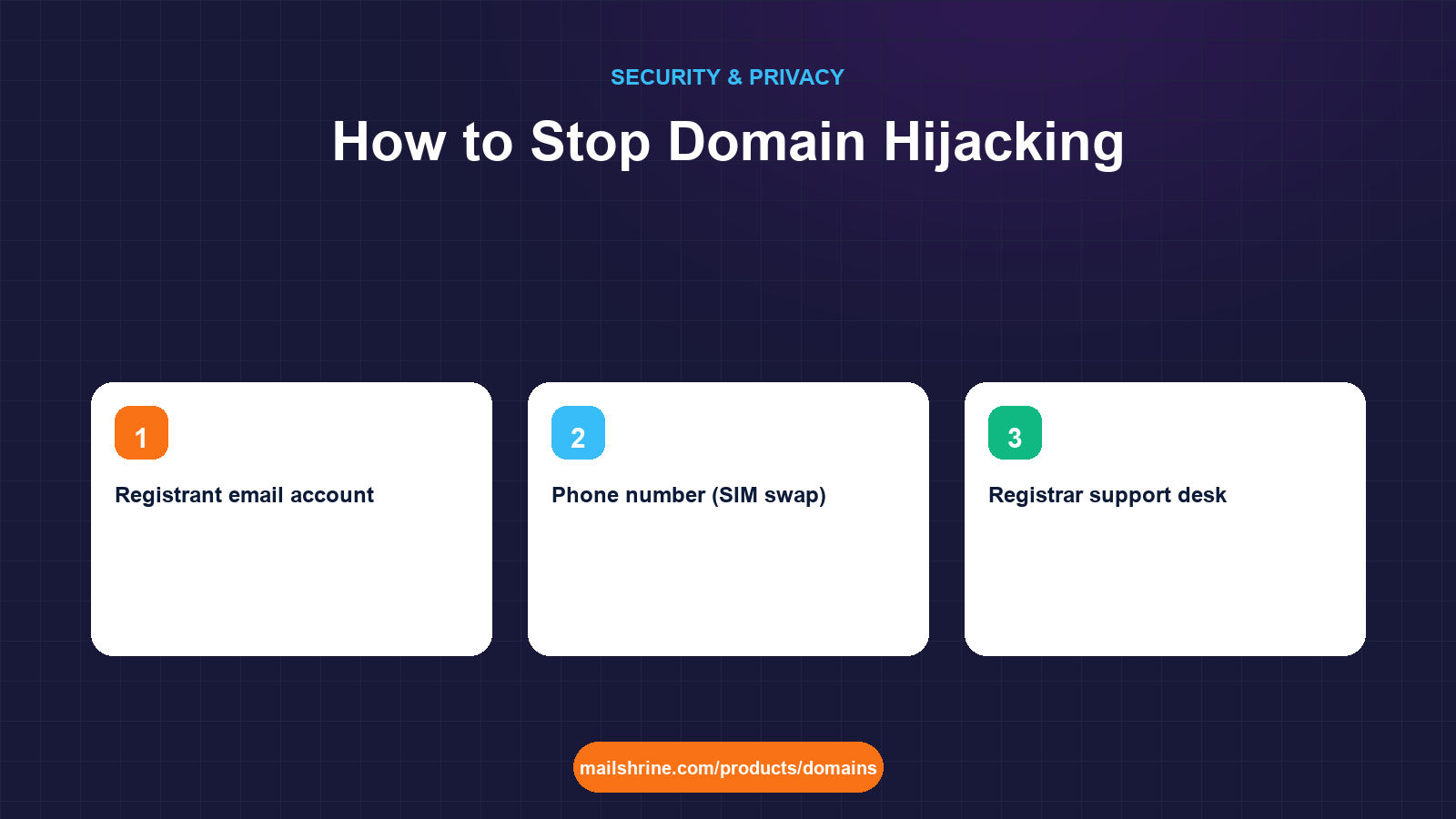
Domain hijacking is the takeover of a domain name by someone who is not its rightful registrant, either by moving it to another registrar, by changing the registrant details to themselves, or by changing its nameservers so that your website and email point wherever they choose. The name stays the same; what changes is who answers when the world asks for it. Email on the domain is the real prize, because whoever controls MX records can read password resets for every service you signed up to with that address.
Hijacks almost never involve breaking the registry. They involve a password, an email account, a phone number, or a support agent who was too helpful. The 2021 theft of perl.com, the 2019 Sea Turtle campaign that redirected government domains by editing registrar accounts, and the daily trickle of small-business domains sold on at auction all share that pattern. Which means the defences are mostly procedural, mostly free, and mostly take an afternoon.
MailShrine Domains ships every domain with transfer lock and WHOIS privacy on, DNSSEC available for free on Openprovider-held names, and two Business Email mailboxes with two-factor authentication, so the pieces below are a matter of switching them on rather than buying them.
Real-life example: Tunde's logistics company
Tunde Bakare runs a 30-driver logistics company in Lagos on swiftlane.ng and swiftlane.com. Invoices worth millions of naira go out from accounts@swiftlane.com every week. A competitor's domain was hijacked last month and its customers were sent new bank details from the real address. Tunde wants to know how it was done and how to make sure it cannot be done to him.
Tunde's goals this week:
- Map every route an attacker could take to his domains and close each one.
- Make sure a single compromised password cannot cost him the company's email.
- Know within an hour if something changes on his domain records.
The six routes into a domain
| Route | How it works | Control that closes it |
|---|---|---|
| Registrar account password | Phishing, password reuse, credential-stuffing from an old breach | Unique password plus app-based 2FA on the registrar login |
| Registrant email account | Attacker resets the registrar password via the email on file | 2FA on the mailbox; keep it on a domain or provider you control |
| Phone number (SIM swap) | SMS codes intercepted after a carrier is tricked into porting your number | Use an authenticator app or hardware key, never SMS, for 2FA |
| Registrar support desk | Attacker impersonates you with scraped details and asks for a reset or auth code | Privacy on, so the details are not public; registrars with strict identity checks |
| Unlocked domain plus leaked auth code | Code emailed to a compromised inbox, or copied from an old agency ticket | Transfer lock on at all times except during a planned transfer |
| Expiry | Domain lapses, is deleted, and re-registered by someone else | Auto-renew, a working card, and reminders to an inbox someone reads |
Every real-world hijack uses one or more of these. There is no seventh route that bypasses the registry; if the registry's records change, someone used an account or a process.
Why the registrant email is the master key
Think about the order of dependencies. The domain is controlled by the registrar account. The registrar account can be reset through the registrant email. The registrant email, if it is tunde@swiftlane.com, is served by MX records that are controlled by the domain. That loop is fine while you hold every link and fatal if an attacker gets any one of them, because they can walk the loop and lock you out of the rest.
Two ways to break the circle. Either put the registrant email on a separate, well-secured account that has nothing to do with the domain, or keep it on the domain but protect the mailbox with 2FA and make sure the registrar login itself needs a second factor that is not email. MailShrine mailboxes support 2FA, so Tunde can keep tunde@swiftlane.com as the contact as long as that mailbox and the registrar account both have it on.
What you need before you start
| You need | Why |
|---|---|
| A password manager | Unique passwords for registrar, registrant email and recovery email |
| An authenticator app or hardware key | SMS 2FA is defeated by SIM swap; app or key is not |
| A list of every domain and where it is registered | Forgotten domains at forgotten registrars are the easiest targets |
| An hour and the owner's attention | Most controls here need the account holder, not a staff member, to set them |
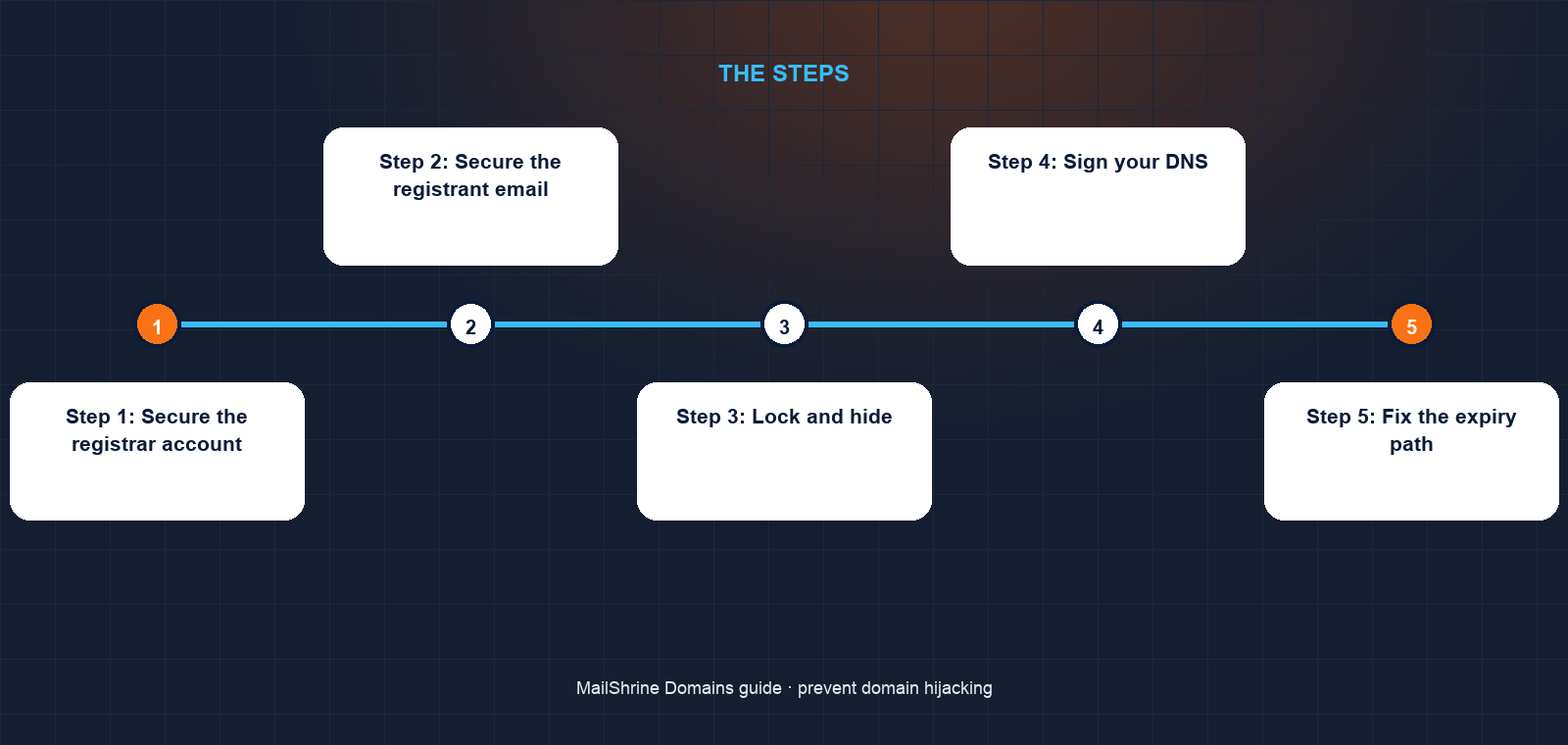
Step 1: Secure the registrar account
Set a long, unique password. Turn on two-factor authentication with an authenticator app. Remove any old shared logins; if an agency needs to manage DNS, give them a delegated role if your registrar offers one rather than the owner password. Check the recovery email and phone on the account are yours and current.
Step 2: Secure the registrant email
Open the mailbox that receives registrar notices. Turn on 2FA. Check its forwarding rules and connected apps for anything you did not add; attackers often leave a quiet forward in place. If the mailbox is a free personal account you set up years ago, consider moving the registrant contact to a business mailbox you actively monitor.
Step 3: Lock and hide
Confirm clientTransferProhibited on every domain at lookup.icann.org. Confirm WHOIS privacy is on so your real name, address and phone are not available to anyone building an impersonation script for the support desk. Both are free and default on MailShrine; at other registrars, switch them on.
Step 4: Sign your DNS
Turn on DNSSEC where the registry and your registrar support it. It does not stop account takeover, but it stops the other half of hijacking: forged DNS answers that send your visitors and email elsewhere without touching your records. On MailShrine it is a single switch for Openprovider-held domains using our Anycast DNS.
Step 5: Fix the expiry path
Set auto-renew on, keep the card current, and make sure the renewal reminders, which MailShrine sends at 30, 7 and 1 day before expiry and again at expiry, reach a mailbox a human reads. Register critical domains for several years at a time so a single missed card update cannot drop them.
Step 6: Watch for changes
Set a monthly reminder to run the lookup and compare nameservers, status flags and expiry to a saved copy. For higher-value names, use a DNS monitoring service that alerts on nameserver or MX changes. An hour's warning turns a disaster into an incident.
Tunde's checklist
- Replaced the shared registrar password with a unique one in a password managerCompleted
- Turned on authenticator-app 2FA for the registrar account and
tunde@swiftlane.comCompleted - Confirmed lock and privacy on both domains, and DNSSEC on
swiftlane.comCompleted - Revoked the former web agency's access and created a DNS-only role insteadNot completed
- Extended
swiftlane.comto a five-year term and set auto-renewNot completed - Saved a baseline copy of each domain's lookup result for monthly comparisonNot completed
Common mistakes
Using SMS for the second factor. SIM swaps are routine in many countries. An authenticator app costs nothing and cannot be ported.
Sharing the owner login with an agency. When the relationship ends, the password lives on in their files. Use delegation or change the password the day they leave.
Letting the registrant email die. Old university or ISP addresses expire. The attacker who re-registers that address can reset your registrar password at leisure.
Trusting the lock alone. It blocks outside transfer requests. It does nothing against someone inside the account. Lock plus 2FA is the minimum pair.
Ignoring secondary domains. A hijacked old campaign domain can still be used to send email that looks like yours or to host a phishing page for your customers.
Check your work
Log out and try the recovery flow for your registrar account as an attacker would: what does it take to reset the password? If the answer is "access to one email account with no 2FA", you are not done. Then run a lookup on each domain and confirm the lock flag, the privacy proxy, a DNSSEC DS record where enabled, and an expiry at least a year away. Finally, confirm that a DNS change on your main domain would be noticed within a day by someone in the business.
FAQ
Is domain hijacking the same as DNS hijacking?
They overlap. Domain hijacking takes over the registration itself, by transfer or by changing the registrant. DNS hijacking redirects the domain's traffic, either by changing nameservers in your registrar account or by poisoning resolvers. The first always involves your registrar; the second can be done in your account or outside it, which is what DNSSEC addresses.
Can a hijacker transfer my domain if the lock is on?
Not through the normal transfer process. The registry rejects the request. They would first need access to your account to remove the lock, which is why account security matters more than the lock itself.
How quickly can a stolen domain be moved out of reach?
Once unlocked and the auth code obtained, a transfer completes in up to five days, or instantly if the losing registrar approves. Attackers then often transfer again to a second registrar in another jurisdiction after the 60-day hold. Speed of detection matters.
Do I need Registry Lock?
For most businesses, no. Transfer lock, privacy, 2FA on the account and mailbox, and DNSSEC cover the routes that actually get used. Registry Lock is for domains where a few minutes of redirected traffic would cause serious financial loss.
What should I do if I think a hijack is in progress?
Change the registrar and email passwords immediately, contact your registrar's support with the domain and a description, and ask them to flag the domain. Then follow the recovery steps guide linked below.
Next steps
- Registrar Account Security: 2FA, Recovery and Access — the account controls in detail, including delegation for staff and agencies.
- What Is DNSSEC and Should You Turn It On? — the signature chain that stops forged DNS answers.
- What Happens If Someone Steals Your Domain: Recovery Steps — the hour-by-hour plan if prevention failed.
Citations & References
- Reference: ICANN SSAC: SAC007 Domain Name Hijacking report
- Reference: ICANN: Transfer Policy
- Reference: Cisco Talos: DNS Hijacking Abuses Trust In Core Internet Service (Sea Turtle)
- Reference: CISA: Emergency Directive 19-01, Mitigate DNS Infrastructure Tampering
Written by Daniel O., security editor. Daniel covers the locks, keys and recovery paths that keep a domain in the hands of the person who paid for it.