
WHOIS was the public directory of domain ownership for forty years: type a domain into a lookup and read the registrant's name, postal address, phone and email. In May 2018 the EU's GDPR made publishing that data unlawful without a legal basis, ICANN responded with an emergency rule that redacted personal fields worldwide, and the industry began replacing the WHOIS protocol itself with RDAP, the Registration Data Access Protocol, which returns structured, access-controlled data over HTTPS. The result is that a domain lookup today shows far less than it did, through a different protocol, and the old port-43 WHOIS service is no longer required for generic extensions.
If you own a domain, this changes what strangers can learn about you, what you need WHOIS privacy for, and how you check a domain you want to buy or investigate. If you are used to running whois example.com and reading an owner's name, that era is over for most of the world.
MailShrine Domains applies WHOIS privacy on every eligible domain regardless of where you live, so you get a working proxy contact rather than relying on registrar redaction, and the public RDAP record for your domain shows the technical fields the internet needs and nothing personal.
Real-life example: Sophie's bookshop
Sophie Tremblay owns an independent bookshop in Toronto and is about to buy tremblaybooks.com from its current owner through a broker. She wants to check who actually holds it before she pays, and she remembers that this used to be a thirty-second WHOIS lookup. Now the record says "REDACTED FOR PRIVACY" in every contact field and she cannot tell if the seller is the owner.
Sophie's goals this week:
- Understand what she can and cannot learn from a public lookup since 2018.
- Verify the seller controls the domain without seeing their name.
- Decide what the changes mean for her own domain's privacy once she owns it.
WHOIS then and now
| Field | Public WHOIS before May 2018 | RDAP record today (generic TLD) |
|---|---|---|
| Registrant name | Shown | "REDACTED FOR PRIVACY" or proxy name |
| Registrant organisation | Shown | Often shown if a company, redacted if a person |
| Postal address | Shown in full | Country and sometimes state/province only |
| Phone and fax | Shown | Redacted |
| Shown | Redacted; replaced by a web form or anonymised relay | |
| Registrar, dates, status, nameservers, DNSSEC | Shown | Shown |
| Protocol | WHOIS over port 43, plain text, no auth | RDAP over HTTPS, JSON, supports authenticated access |
The bottom row is the structural change. WHOIS returned free-form text in whatever format each registrar liked, with no way to grant different people different views. RDAP returns machine-readable JSON, redirects you automatically from the registry to the registrar's server, and can show a law-enforcement agency more than it shows the public.
The timeline
- 25 May 2018. GDPR takes effect. Eight days earlier ICANN adopts the Temporary Specification for gTLD Registration Data, requiring registrars to redact personal data in public WHOIS. Most apply it to every registrant, not only Europeans, because filtering by residency is harder than redacting everyone.
- 26 August 2019. ICANN requires all gTLD registries and registrars to run an RDAP service alongside WHOIS.
- November 2023. ICANN launches the Registration Data Request Service (RDRS), a web form through which parties with a legitimate interest, such as trademark holders or investigators, can ask registrars for redacted data.
- 28 January 2025. Under ICANN's Registration Data Policy, port-43 WHOIS is no longer a contractual requirement for gTLD registrars; RDAP becomes the required public service. Some registrars keep WHOIS running voluntarily.
- 21 August 2025. The Registration Data Policy is fully in force, replacing the Temporary Specification.
Country-code extensions are outside ICANN's contracts and set their own rules. Nominet (.uk) and DENIC (.de) redacted individuals before GDPR; CIRA (.ca) hides individuals' details by default and shows businesses; others still publish more.
What you need before you start
| You need | Why |
|---|---|
| An RDAP lookup tool | lookup.icann.org or rdap.org cover every gTLD and many ccTLDs |
| The domain's exact spelling | RDAP returns an error for a typo rather than a near match |
| Knowledge of what is still public | So you check the fields that can answer your question |
| For purchases: a verification method that does not rely on a name | A DNS TXT record or an escrow service |
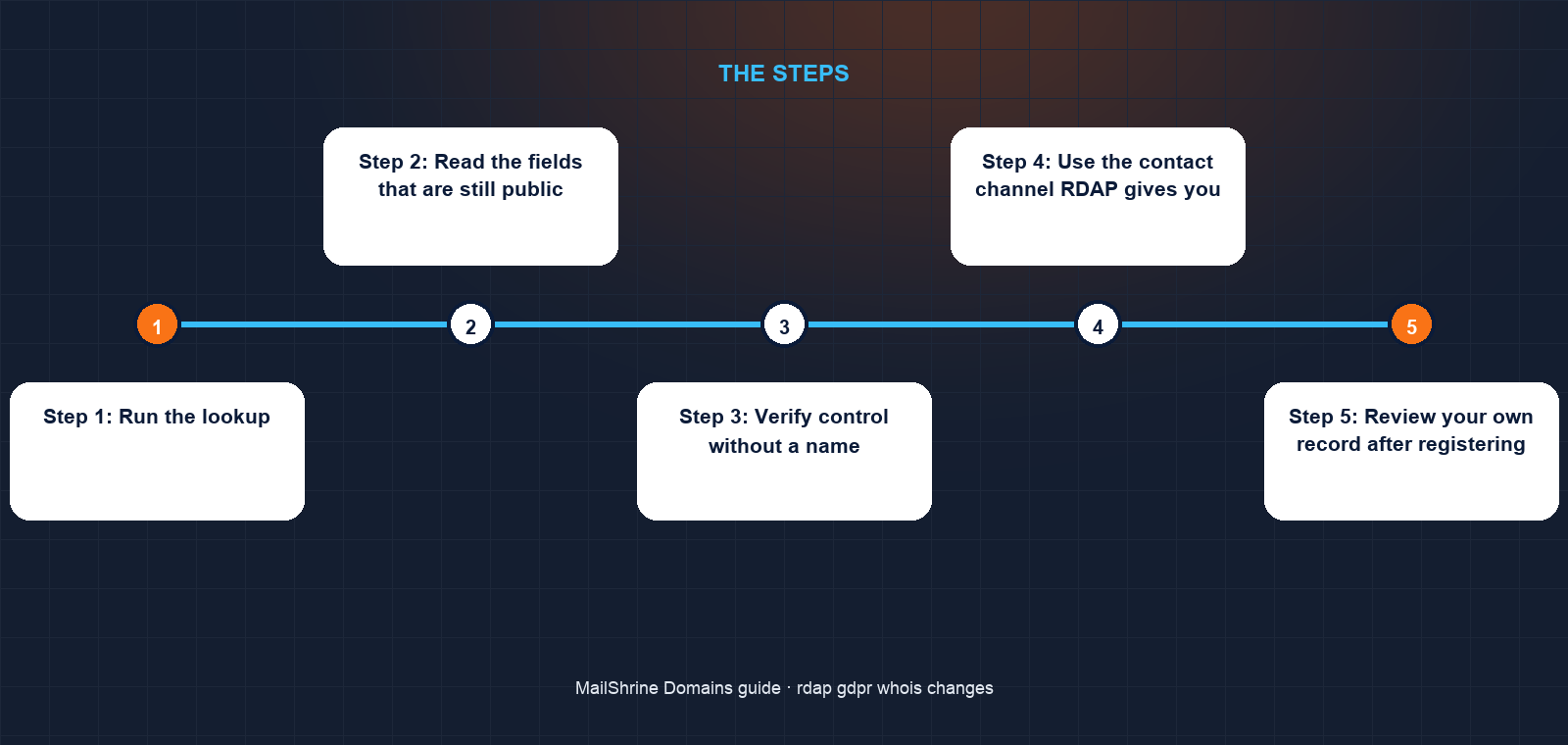
Step 1: Run the lookup
Go to lookup.icann.org, enter the domain, and read the result. For generic extensions this queries the registry's RDAP server, follows the referral to the registrar's server, and shows both. For ccTLDs it may hand you off to the registry's own lookup.
Step 2: Read the fields that are still public
Registrar name and IANA ID, creation and expiry dates, status flags (look for clientTransferProhibited), nameservers, DNSSEC status, and the registrar's abuse contact. For Sophie these tell her where the domain is held, that it expires in 2027, and that it is locked, which means the seller must actively unlock it to transfer.
Step 3: Verify control without a name
Ask the seller to add a DNS TXT record you specify, such as tremblay-verify=8f2a1c, at the domain. Only someone with access to the DNS can do it, and you can check it with any DNS tool within minutes. For a purchase of any size, use an escrow service that holds payment until the transfer completes; the escrow agent verifies control the same way.
Step 4: Use the contact channel RDAP gives you
Where the email is redacted, the record usually includes a link to the registrar's contact form or an anonymised relay address. Both deliver to the real registrant. If you need the underlying data for a legal reason, file a request through ICANN's RDRS or directly with the registrar's disclosure process.
Step 5: Review your own record after registering
Once the domain is yours, look it up again. On MailShrine the registrant block shows the privacy proxy; the technical fields show your nameservers and lock. Keep a copy of that result dated; it is useful evidence if you ever dispute a transfer.
Sophie's checklist
- Looked up
tremblaybooks.comand confirmed the registrar and a 2027 expiryCompleted - Noted
clientTransferProhibitedso she knows the seller must unlock before transferCompleted - Asked the seller to publish a TXT record and confirmed it appeared within ten minutesCompleted
- Agreed to pay through an escrow service rather than directlyNot completed
- Planned to transfer into MailShrine after purchase and check her own record shows the privacy proxyNot completed
Common mistakes
Assuming redaction means privacy is unnecessary. Redaction is a registrar's response to law and policy, and it does not always cover the email or organisation. A privacy service is explicit, gives you a relay address, and applies the same way on every eligible extension.
Trusting a seller's claimed name because WHOIS "used to show it". Historical WHOIS data is sold by several services and is often stale. Verify control today, with DNS.
Expecting whois on the command line to work forever. Many registrars have switched the port-43 service off since 2025. Use an RDAP client or the web lookup.
Treating ccTLDs like gTLDs. Each country registry sets its own disclosure rules. A .ca business registration shows the company; a .de shows almost nothing; some registries still show individuals.
Filing an RDRS request for a marketing purpose. Disclosure requires a legitimate interest such as a legal claim or an investigation. Requests without one are refused and the process is not fast.
Check your work
For a domain you are investigating, you should be able to state the registrar, expiry, lock status and nameservers from the RDAP result, and you should have verified control through a DNS change rather than a name. For your own domain, the registrant fields should show a privacy proxy or a redaction notice, the technical fields should be accurate, and the status should include the transfer lock. If both hold, you are reading the record the way it works now rather than the way it worked in 2015.
FAQ
Is WHOIS gone completely?
For generic extensions, the port-43 WHOIS service has not been required since 28 January 2025 and RDAP is the official public lookup. Some registrars and most country-code registries still run WHOIS voluntarily. The data model is what changed most: personal fields are redacted either way.
What is the difference between redaction and WHOIS privacy?
Redaction is the registrar hiding personal fields to comply with GDPR and ICANN policy; it may vary by registrar and may leave the email or organisation visible. WHOIS privacy is a proxy service that substitutes a provider's details and gives you a working relay address, on every eligible extension, by your choice.
How do I contact a domain owner now that the email is hidden?
Use the contact link or anonymised email in the RDAP result, which forwards to the registrant. If there is none, the registrar's abuse or general contact can relay a message about a sale or a dispute.
Can law enforcement or a trademark owner still see my details?
Yes, through the registrar's disclosure process or ICANN's RDRS, where they must show a legitimate interest. Privacy and redaction protect you from bulk harvesting, not from legal accountability.
Does RDAP change anything about transfers or renewals?
No. Those run on the EPP protocol between registrars and registries. RDAP only changes how the public reads the record.
Next steps
- What Is WHOIS Privacy and Do You Need It? — why a proxy service still matters when registrars already redact.
- Domain Lock / Transfer Lock: What It Protects Against — the status flag you can still read in every RDAP result.
- Domain Renewal Scam Letters and Emails: How to Spot Them — scams that still work from the fields RDAP leaves public.
Citations & References
- Reference: ICANN: Registration Data Lookup
- Reference: ICANN: Registration Data Policy
- Reference: ICANN: Temporary Specification for gTLD Registration Data
- Reference: RFC 9083: JSON Responses for the Registration Data Access Protocol (RDAP)
Written by Isabelle R., domains editor. Isabelle explains how names, DNS and registrars fit together so first-time buyers know exactly what they are paying for.